






 本文介绍如何在Eclipse中配置工程,并通过示例代码演示如何使用C++读取和写入YAML文件,解析其中的用户名、密码、年龄和金额数据,以及创建新的YAML文件。
关于eclipse工程配置,见下文链接。
https://blog.youkuaiyun.com/CAIYUNFREEDOM/article/details/89680681
代码托管
https://github.com/sofiathefirst/imagesCpp/blob/master/04yamlLearn/yamldemo.cpp
yaml文件内容
username: zym
password: 345zaA
age: 23
money: 4000.45
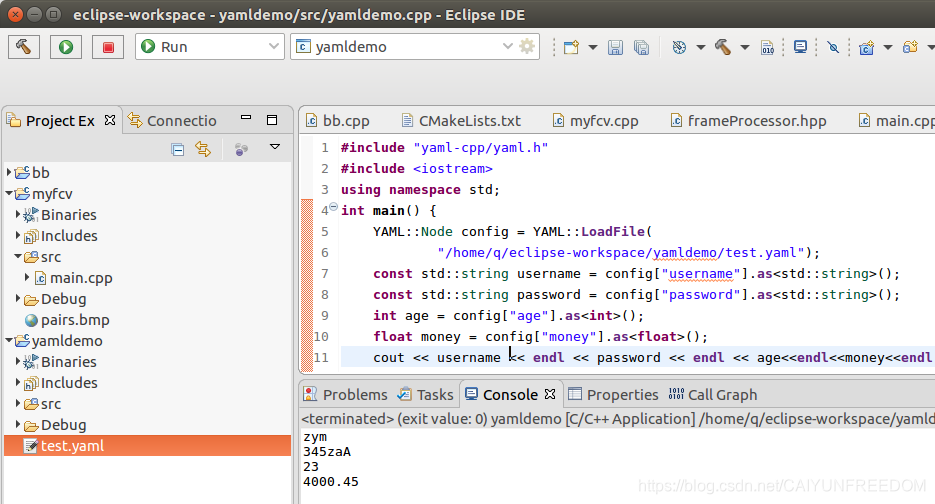
#include "yaml-cpp/yaml.h"
#include <iostream>
#include<fstream>
using namespace std;
int main() {
	YAML::Node config = YAML::LoadFile(
			"/home/q/eclipse-workspace/yamldemo/test.yaml");
	const std::string username = config["username"].as<std::string>();
	const std::string password = config["password"].as<std::string>();
	int age = config["age"].as<int>();
	float money = config["money"].as<float>();
	cout << username << endl << password << endl << age << endl << money
			<< endl;

	YAML::Emitter out;
	//out << YAML::BeginSeq;
	//out << YAML::Anchor("fred");
	out << YAML::BeginMap;
	out << YAML::Key << "name" << YAML::Value << "Fred";
	out << YAML::Key << "age" << YAML::Value << "42";
	out << YAML::EndMap;
	//out << YAML::Alias("fred");
	//out << YAML::EndSeq;

	std::ofstream fout("/home/q/eclipse-workspace/yamldemo/writer.yaml");
	fout << out.c_str();
	fout.close();

	return 0;
}
writer.yaml文件内容
name: Fred
age: 42
----------------------------
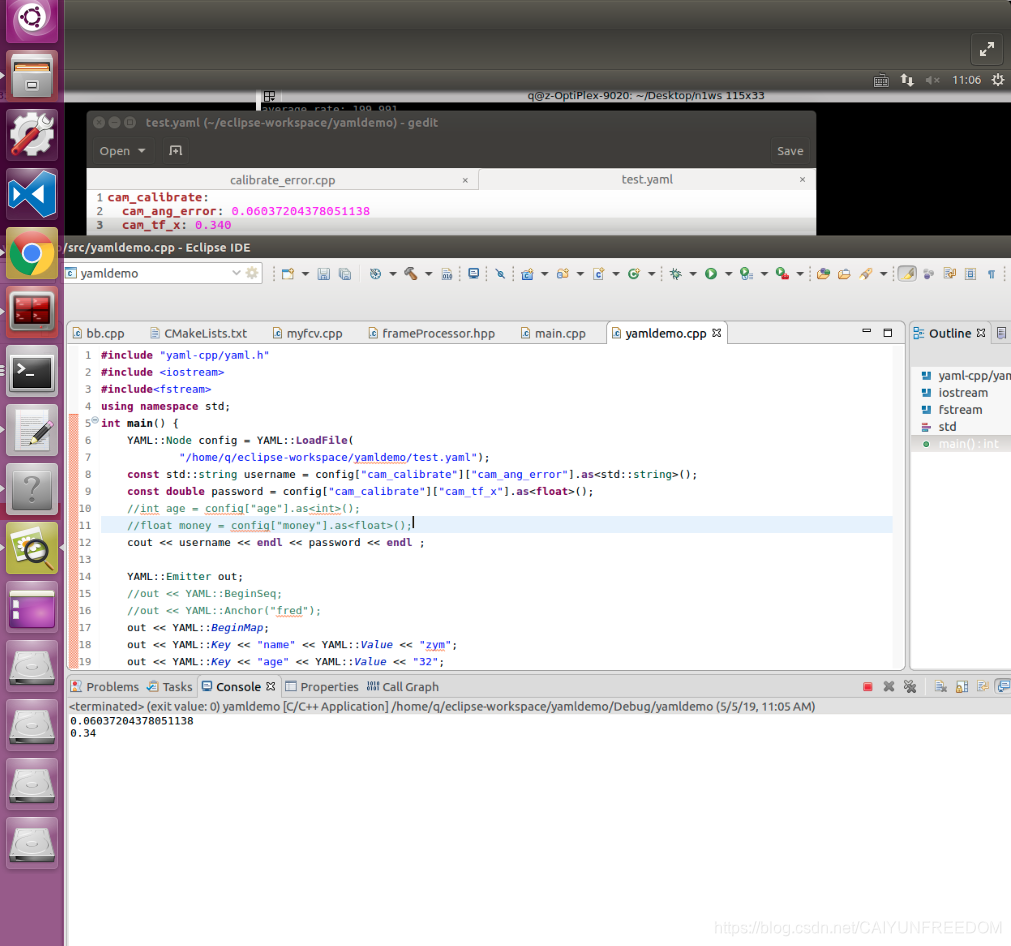
-----------------------------------
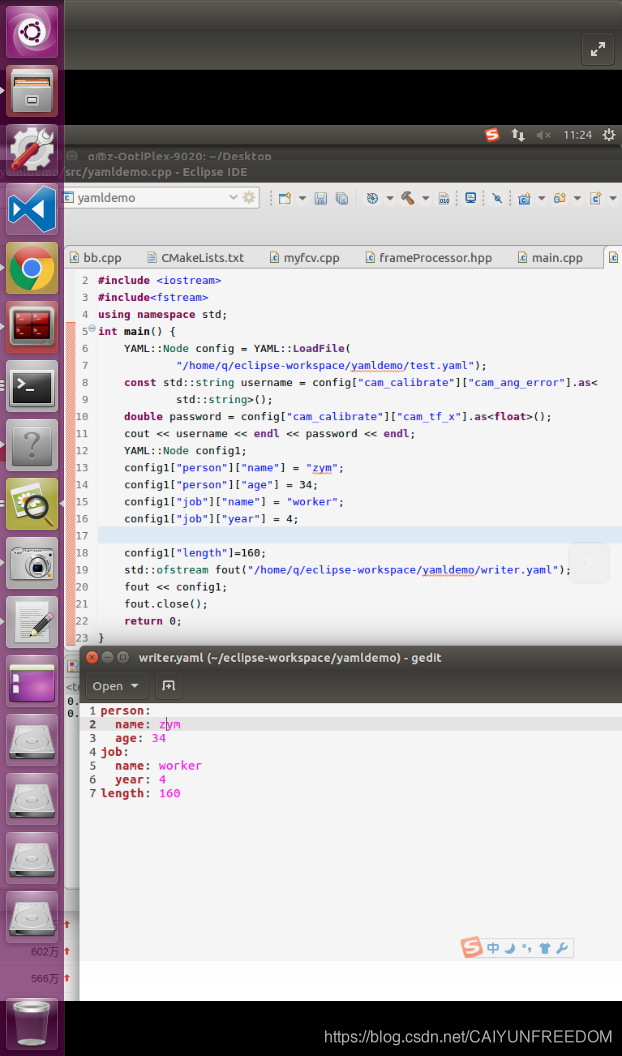





 扫一扫
扫一扫


 708
708

 被折叠的 条评论
为什么被折叠?
被折叠的 条评论
为什么被折叠?
 到【灌水乐园】发言





