
3.1.IO流-IO流的概述

一.概述:

1.实例:

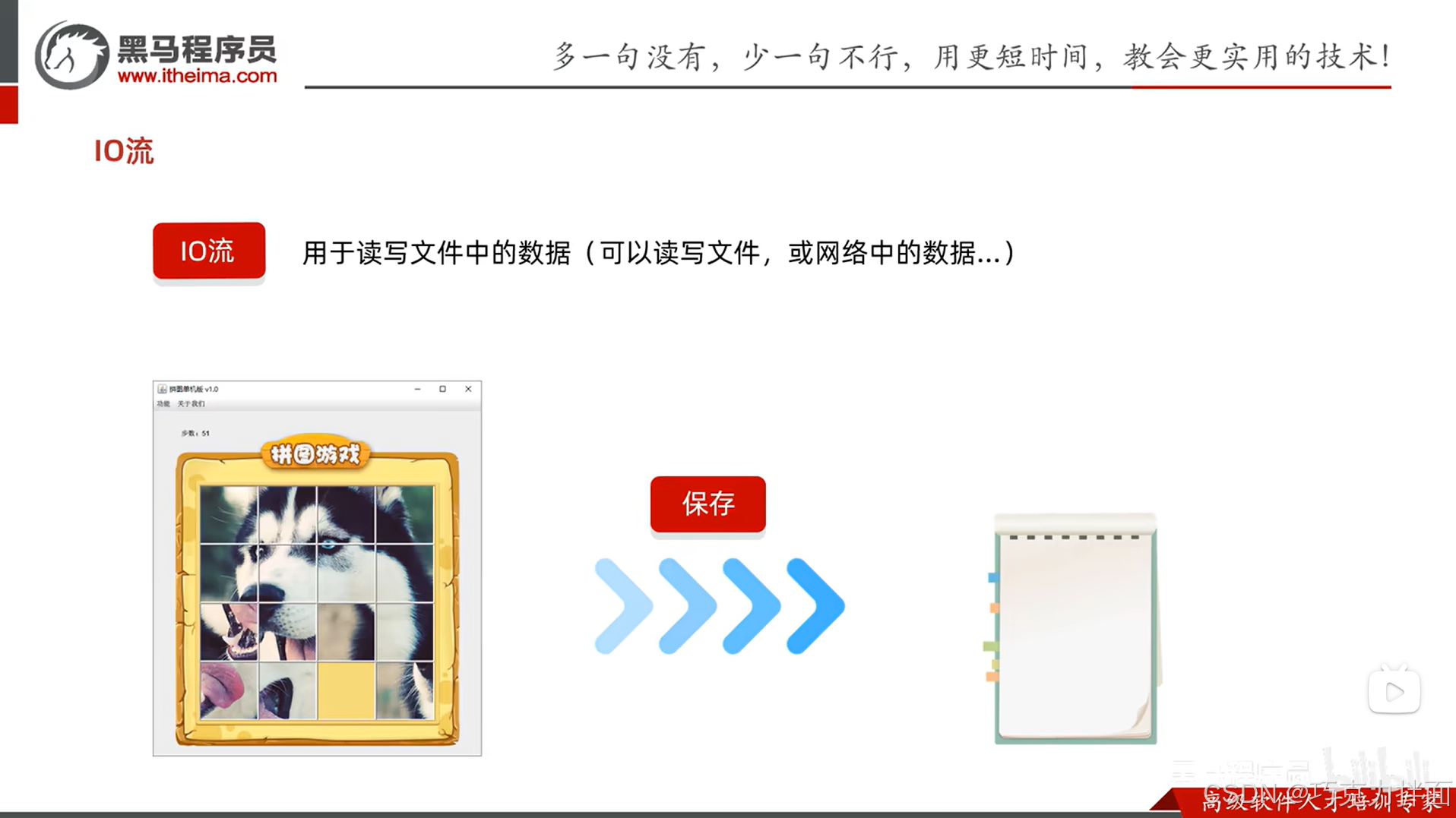
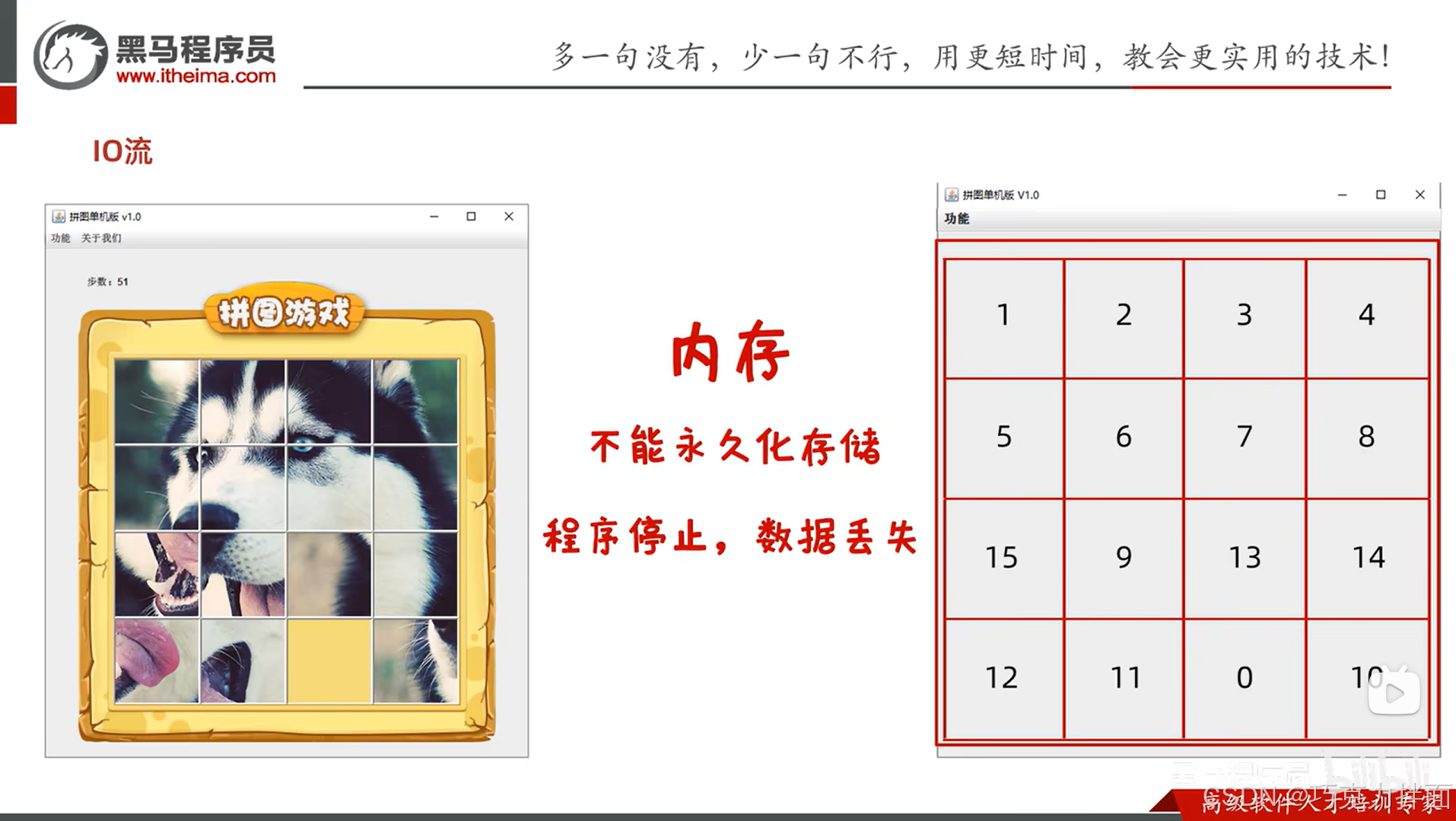
当玩拼图游戏时被打断,打断的过程中已经玩的游戏的进度不能丢失呀,这里可能会有疑问?游戏的进度为什么会丢失,因为游戏中的每一张图片是和序号一一对应的,这些数据在运行的过程当中都是保存在内存中的,内存中数据的特点就是不能永久化存储,程序停止,数据就会丢失:
因此可以添加一个存档功能解决数据丢失的问题,只需要把这些数据保存在硬盘的文件中,这样就可以永久化的存储数据了,在存储的时候其实就是把拼图的序号保存在硬盘中的文件中,下次再打开游戏的时候,就能从该文件中获取数据恢复游戏的进度,想要实现这个功能,就需要知道"文件的位置"、"如何传输"、"如何保存数据"和"如何读取数据":
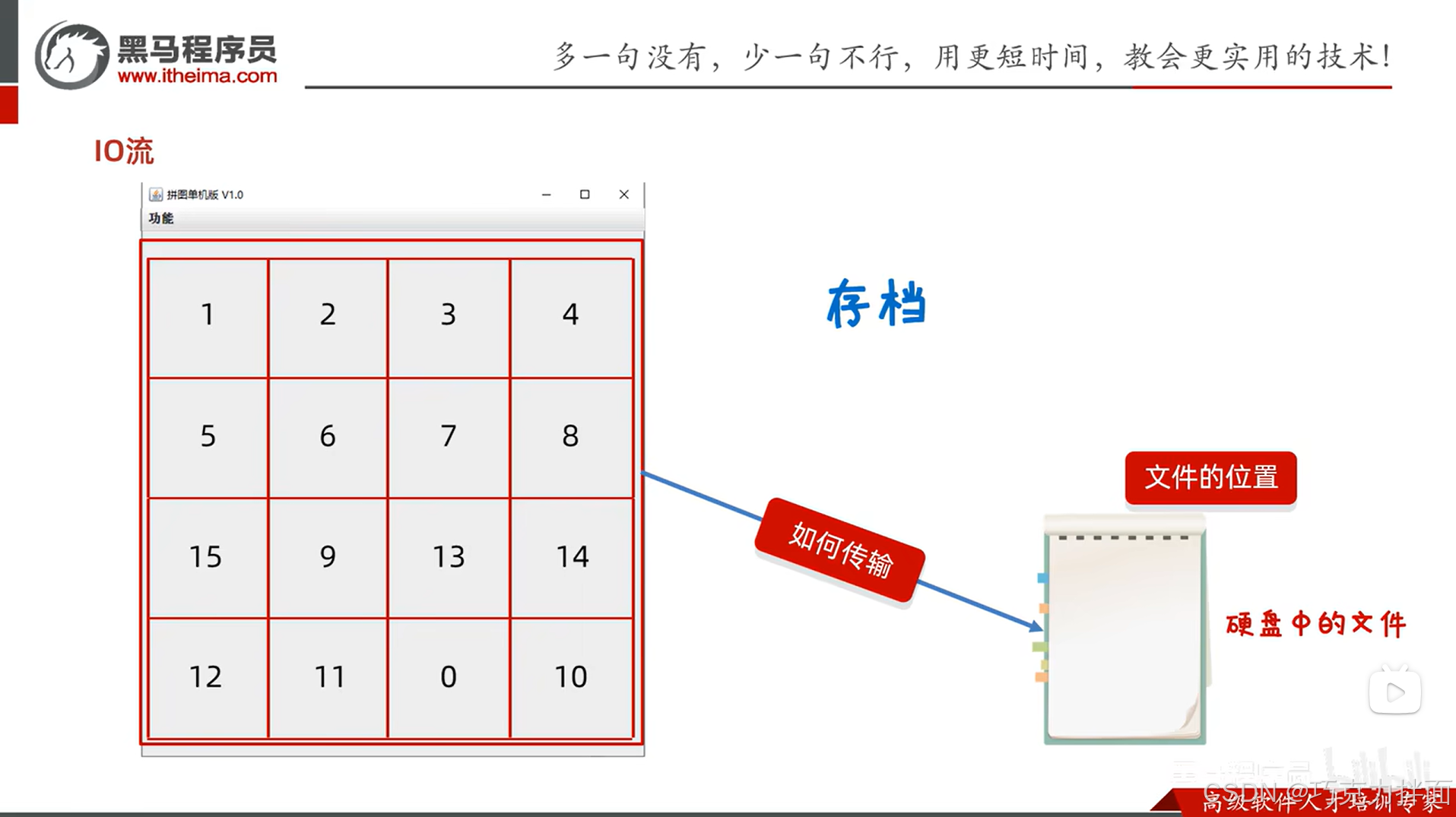
IO流就是存储和读取数据的解决方案:
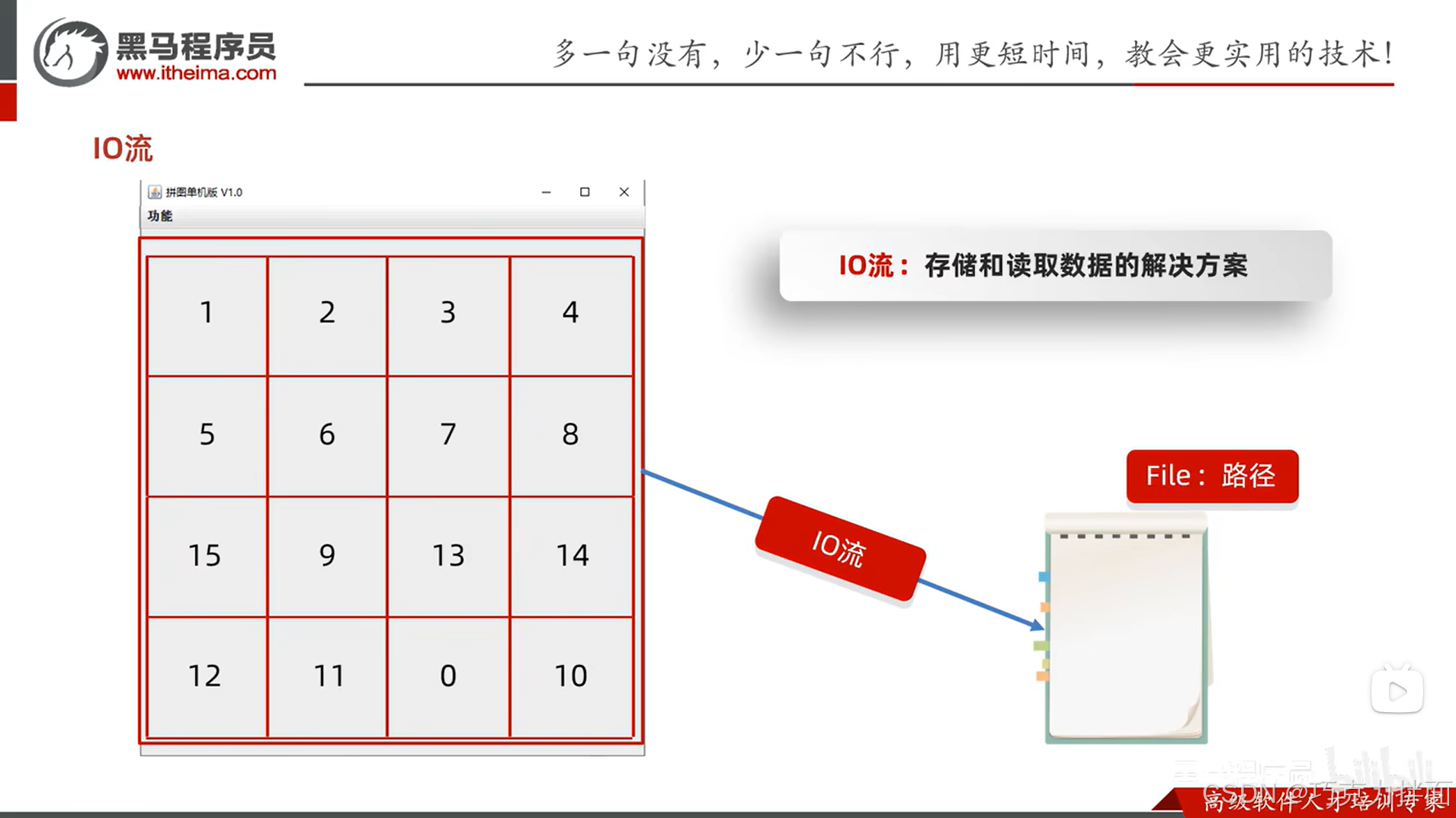
IO流和文件File息息相关:
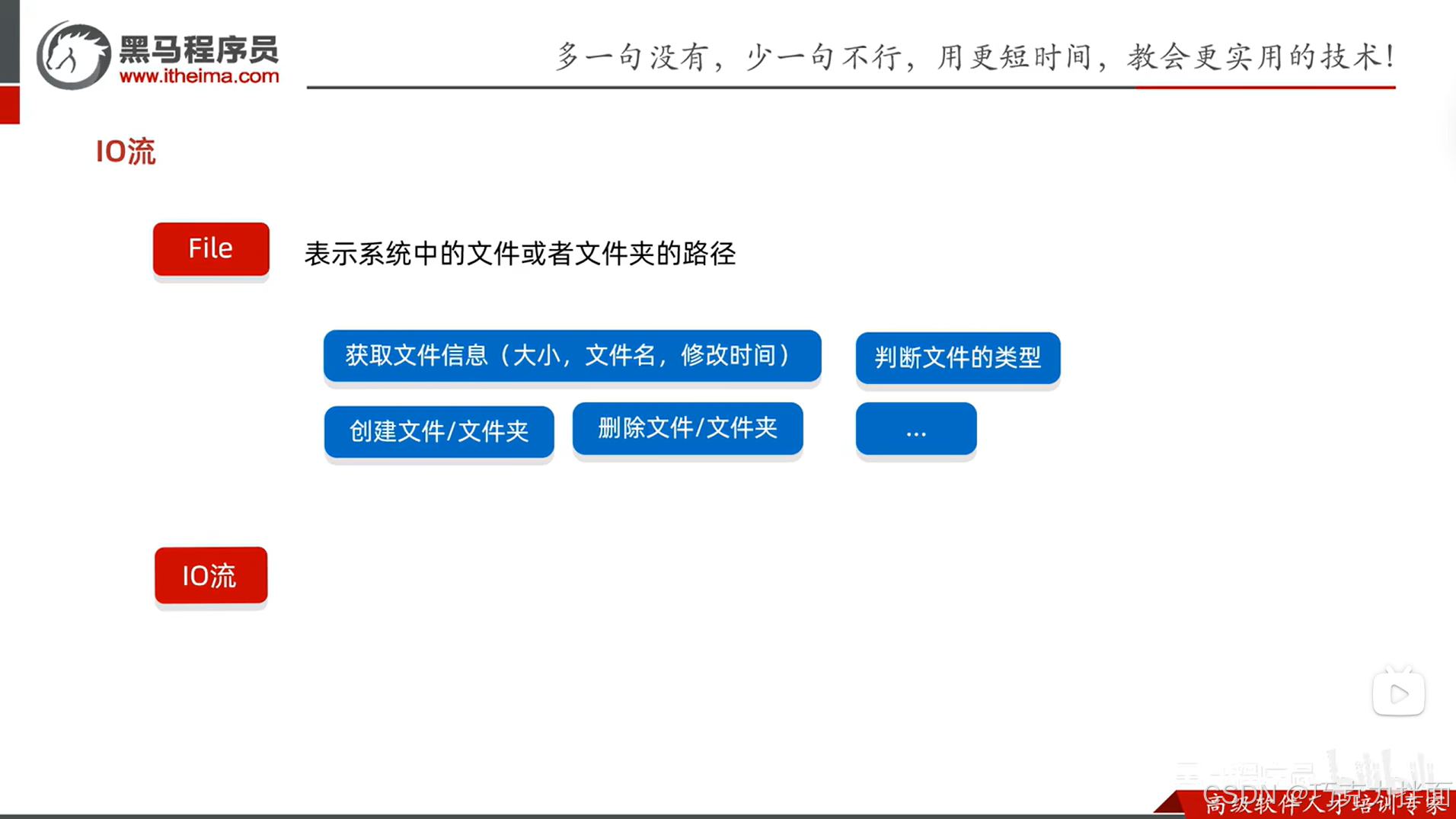
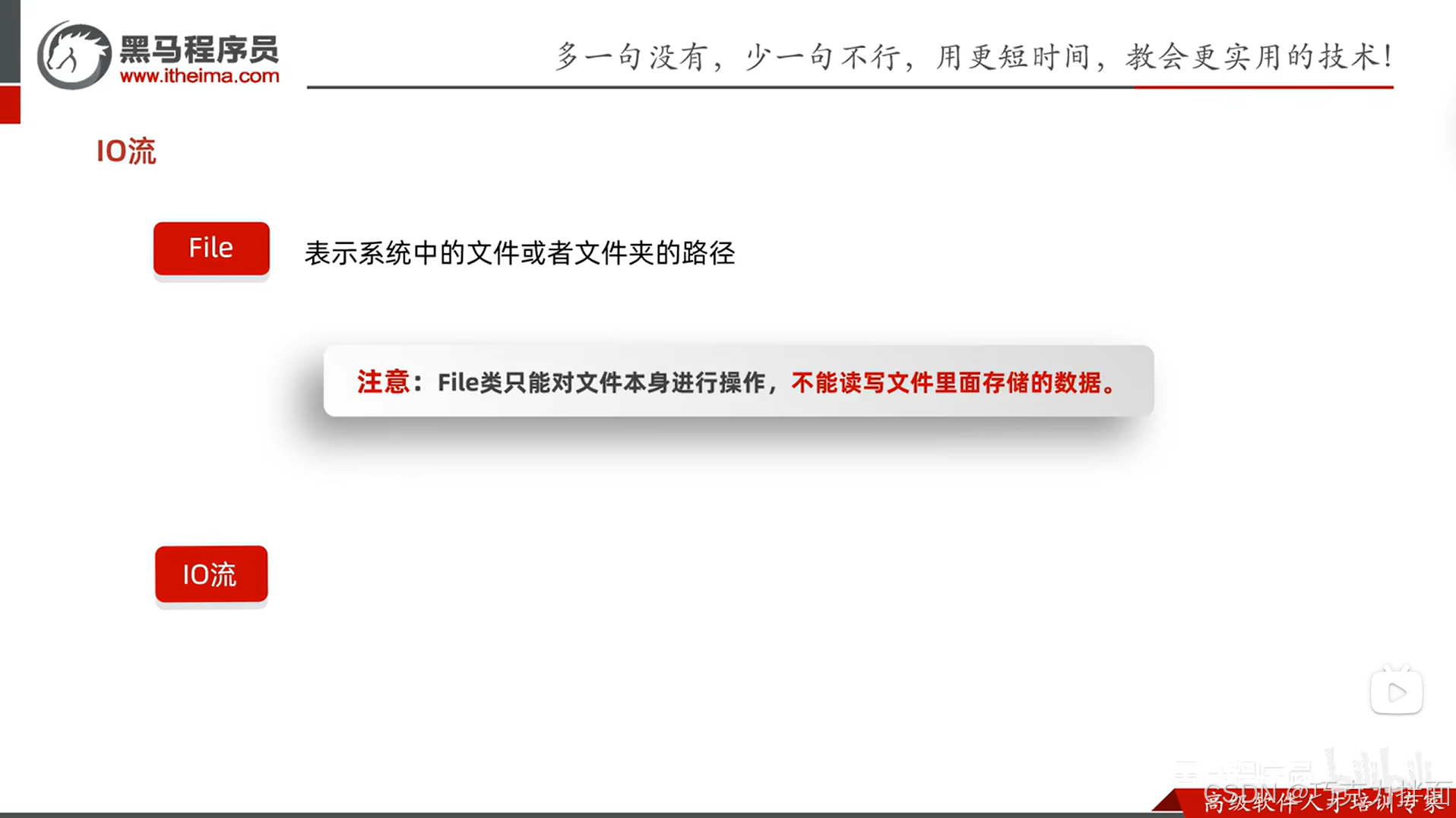
如果想要读写文件里面存储的数据,就需要用到IO流。

2.IO流的作用:

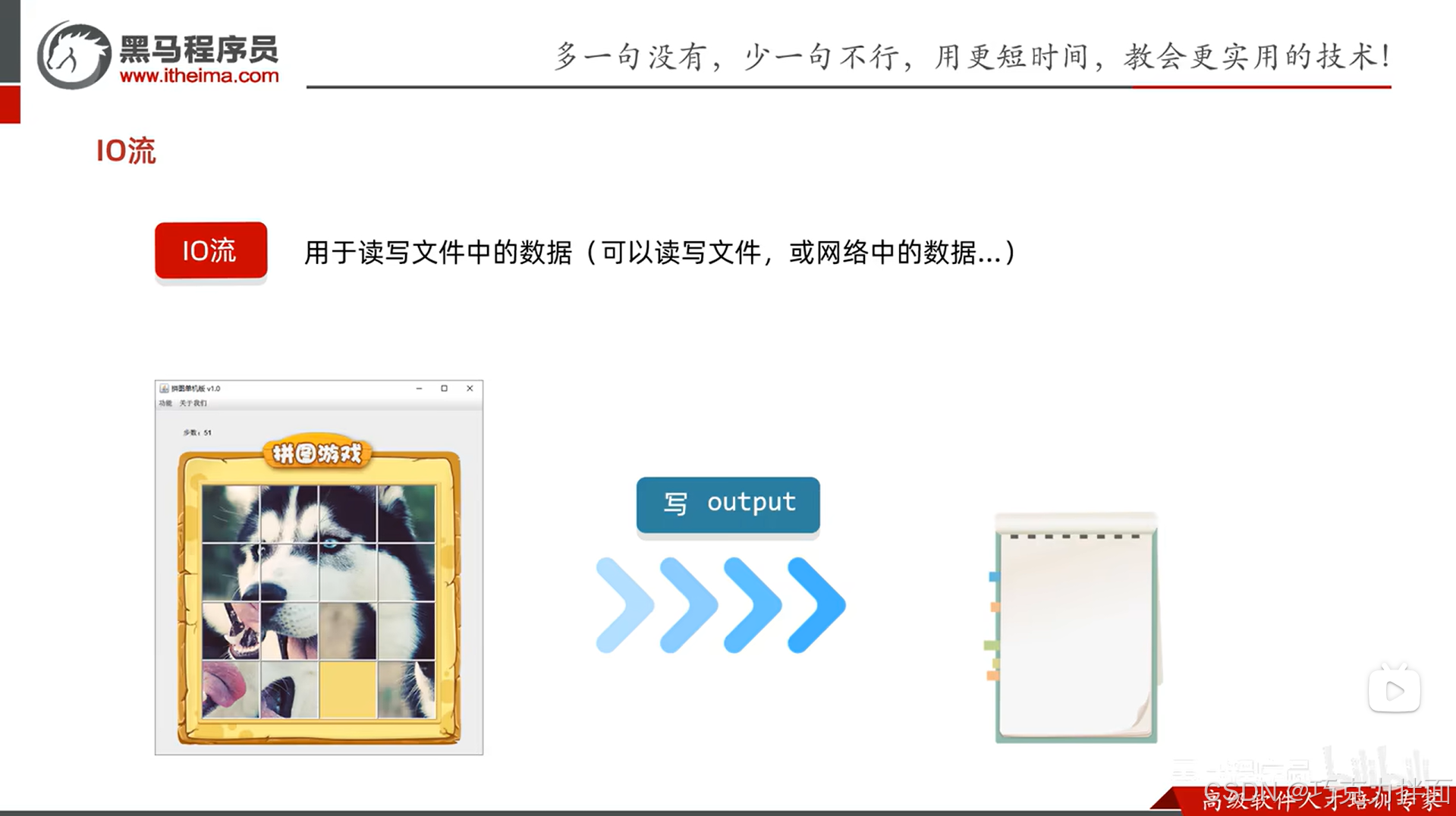
  • 把程序中的数据保存到本地文件中,这个动作也叫"写"出数据

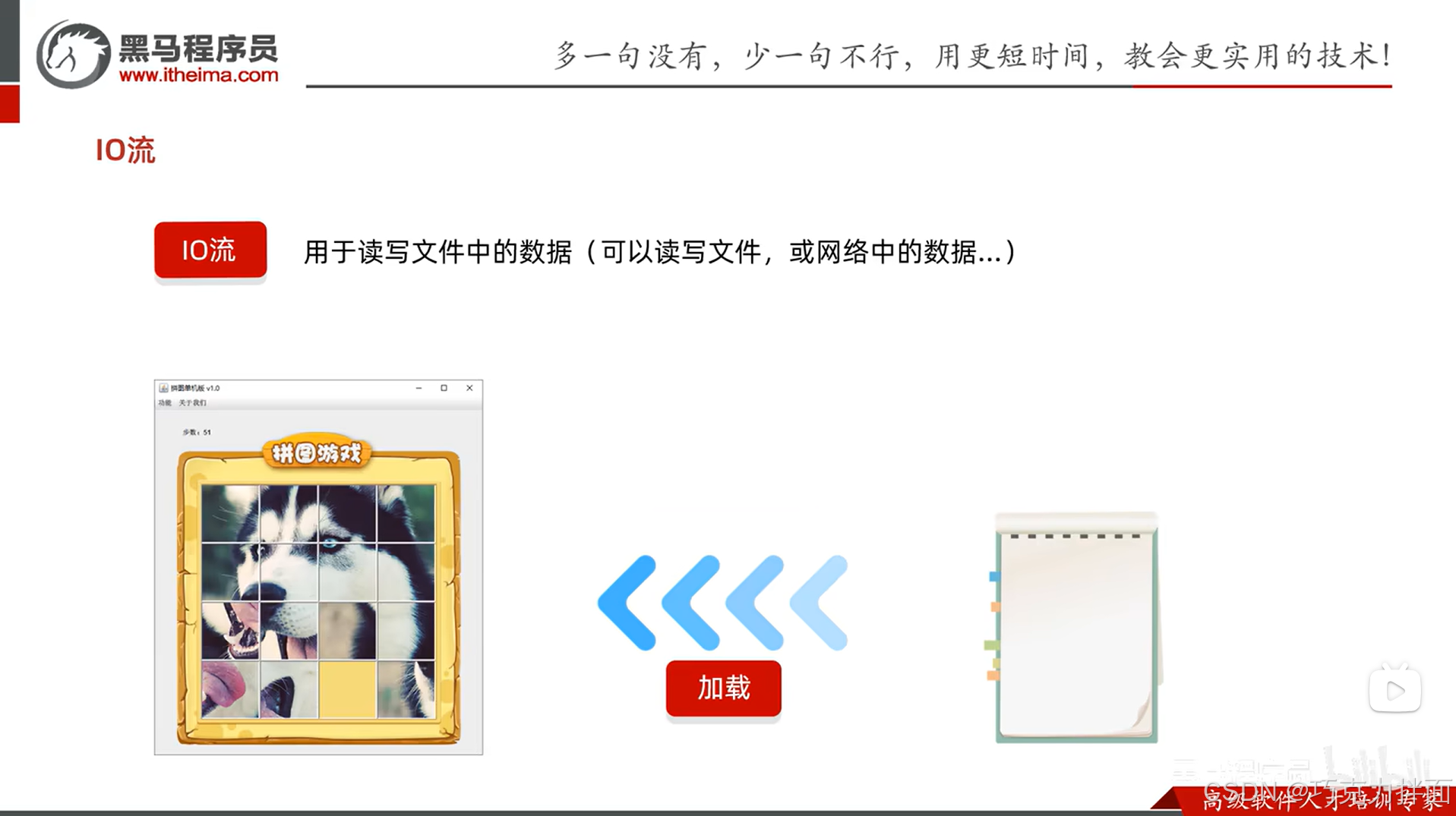
  • 把本地文件中的数据加载到程序当中,这个动作也叫"读取"数据

3.细节:IO流中,谁在读,谁在写?以谁为参照物看读写的方向呢?
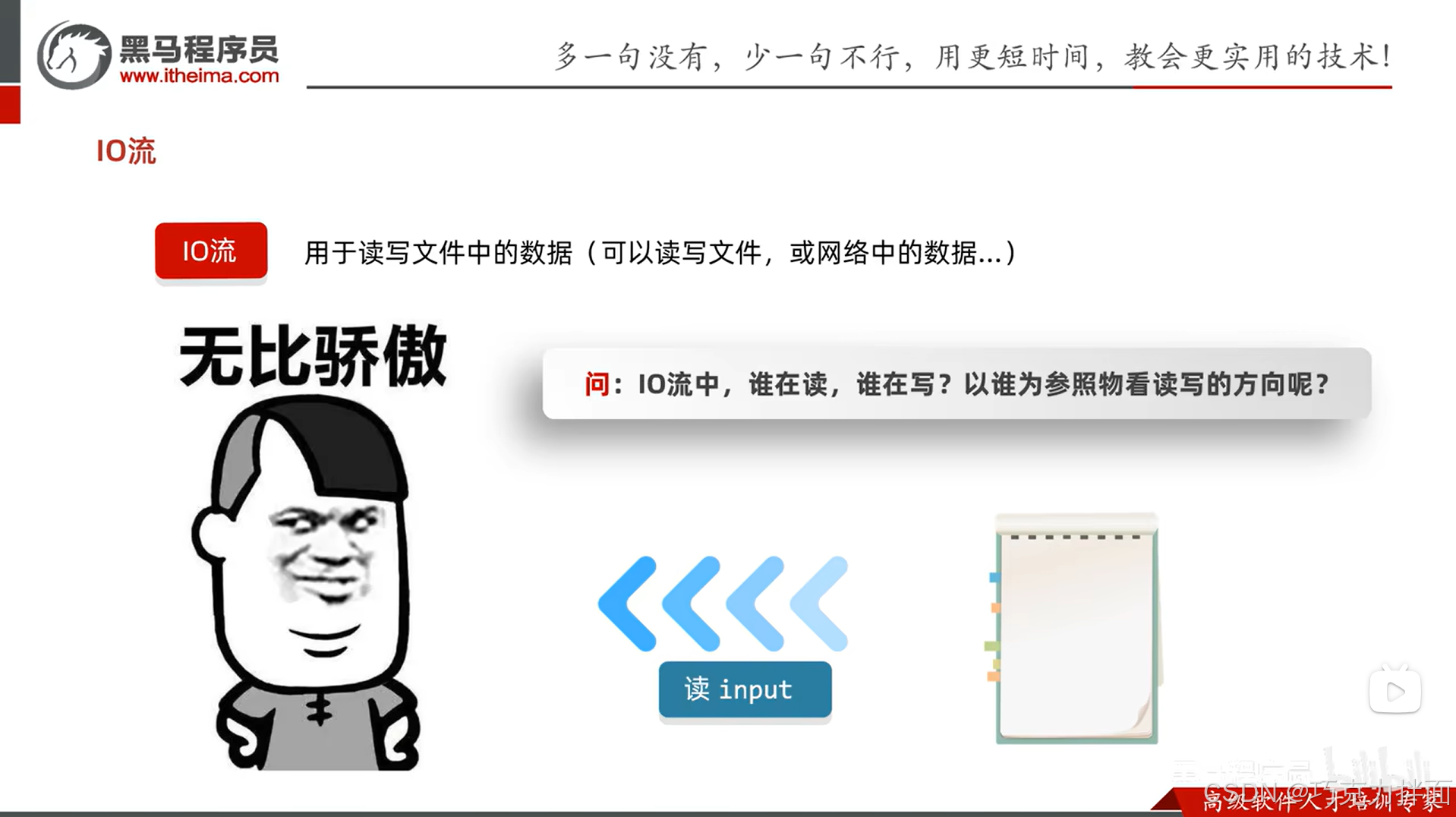
答案:以程序(即内存,因为程序就是运行在内存当中的)为参照物进行读写,是程序在读取文件中的数据,是程序在往文件当中写出数据。


二.IO流的分类:
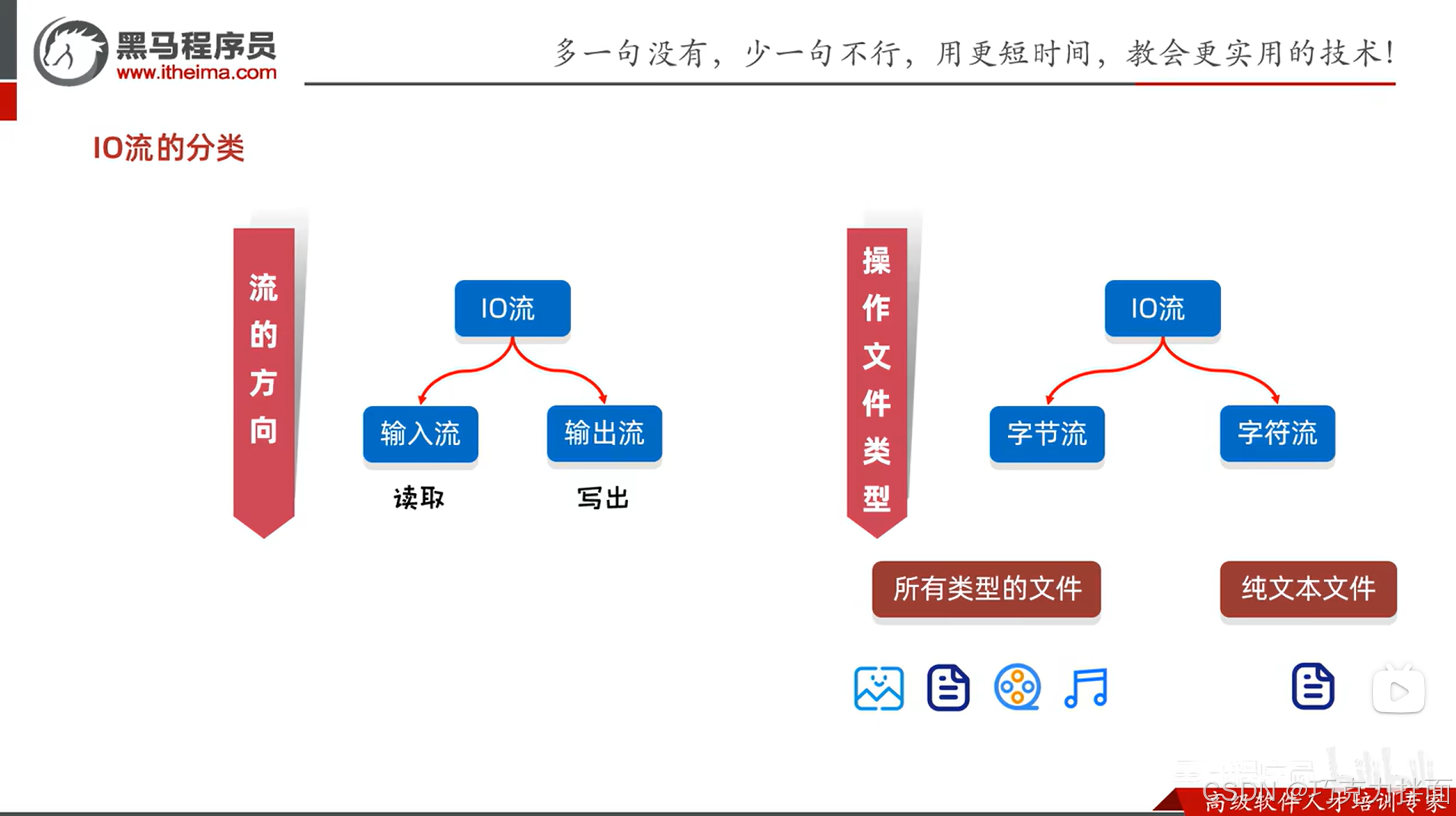
1.IO流按照流的方向进行分类:

可以分为输入流和输出流->

输入流用来把本地文件中的数据读取到程序中,输出流用来把程序中的数据写出到本地文件中。

2.IO流按照操作文件类型进行分类:

可以分为字节流和字符流->

其中字节流可以操作所有类型的文件,比如图片文件、文本文件、音频文件和视频文件等,

字符流只能操作纯文本文件。

因此可能会有疑问,字节流能操作所有类型的文件,字符流只能操作纯文本文件,那字符流还有意义吗?
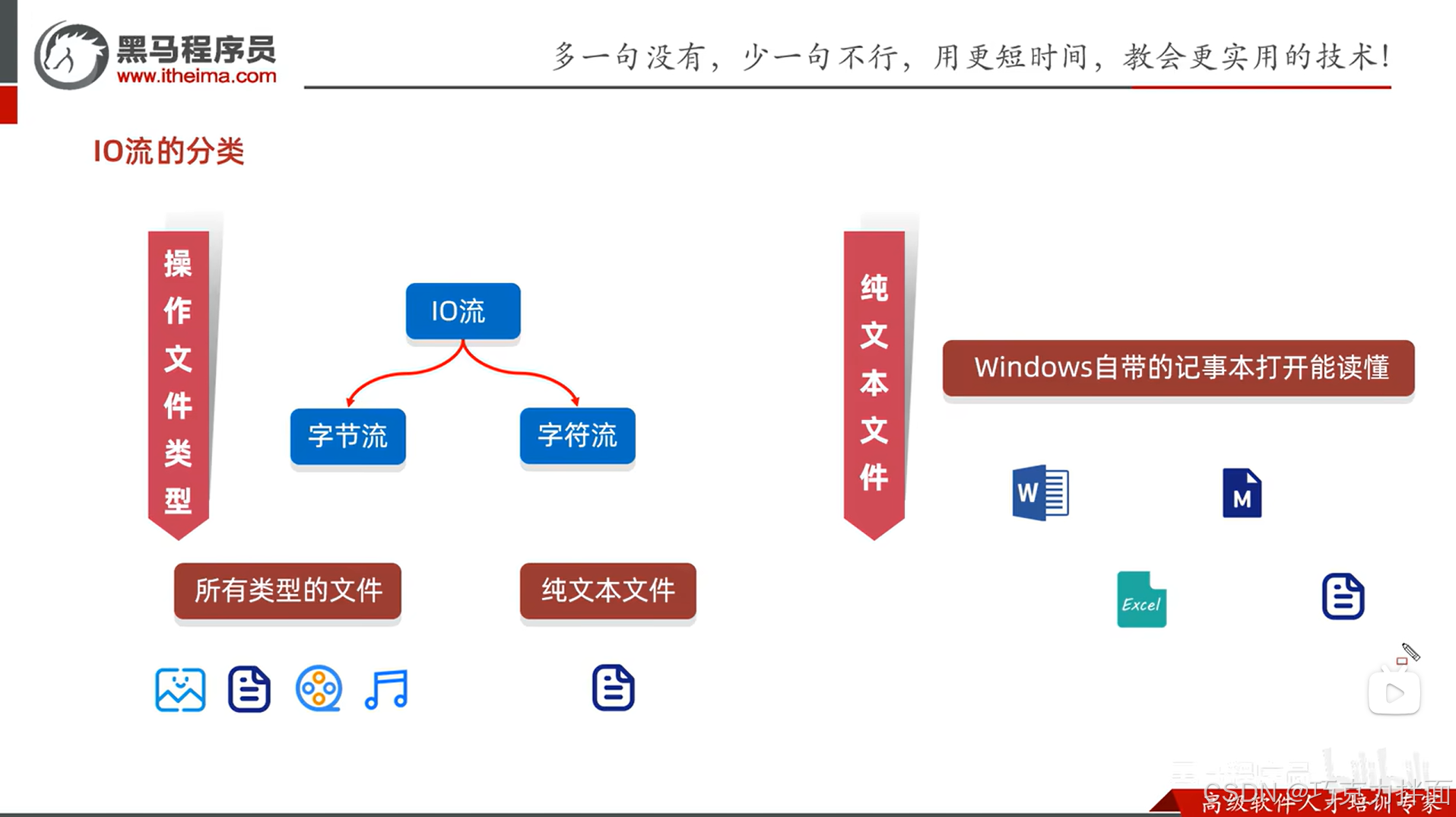
先解释一下什么是纯文本文件,纯文本文件就是利用Windows操作系统自带的记事本打开并且能读懂的文件就是纯文本文件,其中Word的doc和docx文件、Excel的xlsx文件、Typora的md文件以及txt文本文件(记事本文件)他们是否是纯文本文件呢?

以Typora的md文件为例,判断是否是纯文本文件,

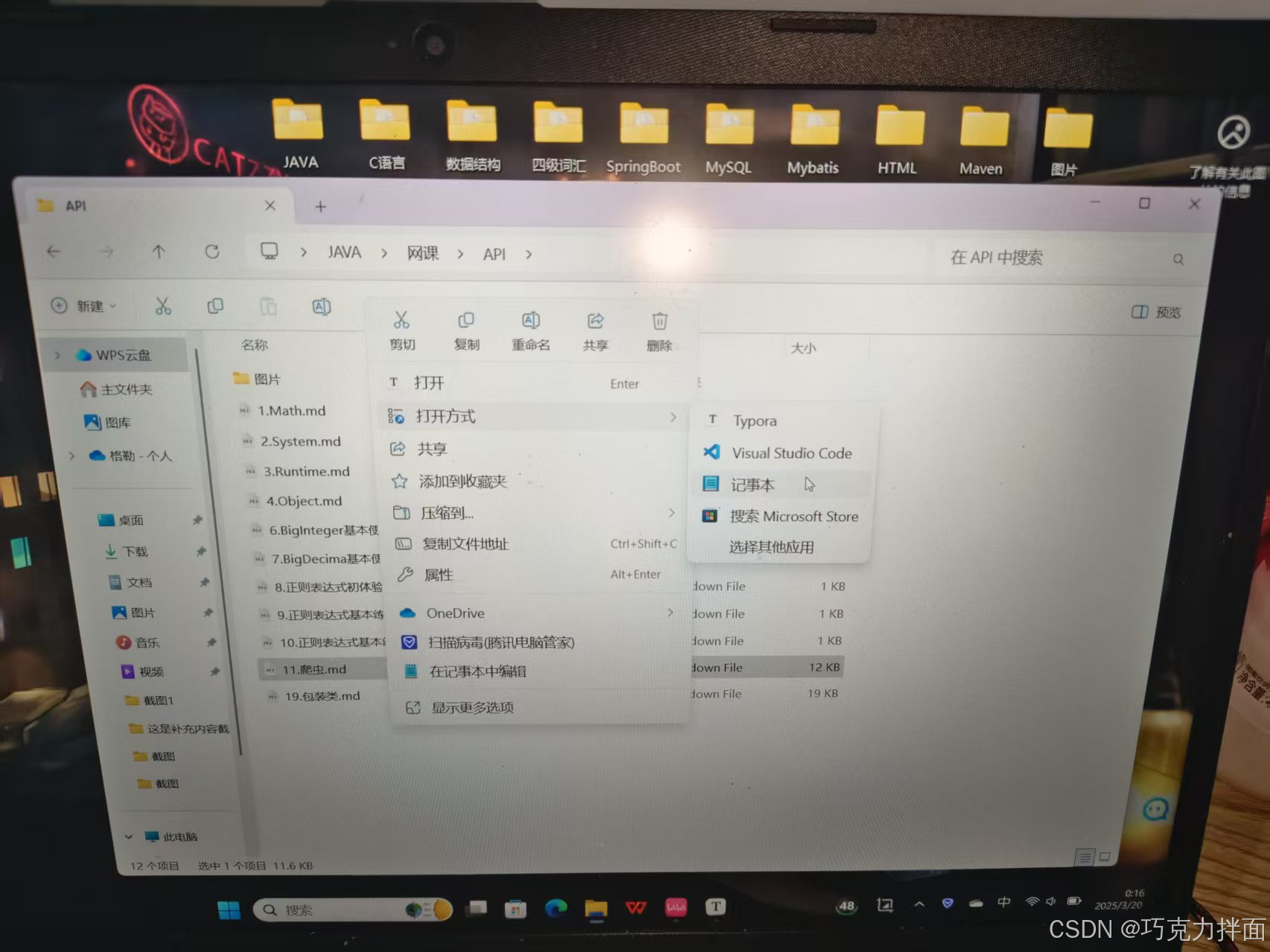
首先找到一个Typora的md文件:
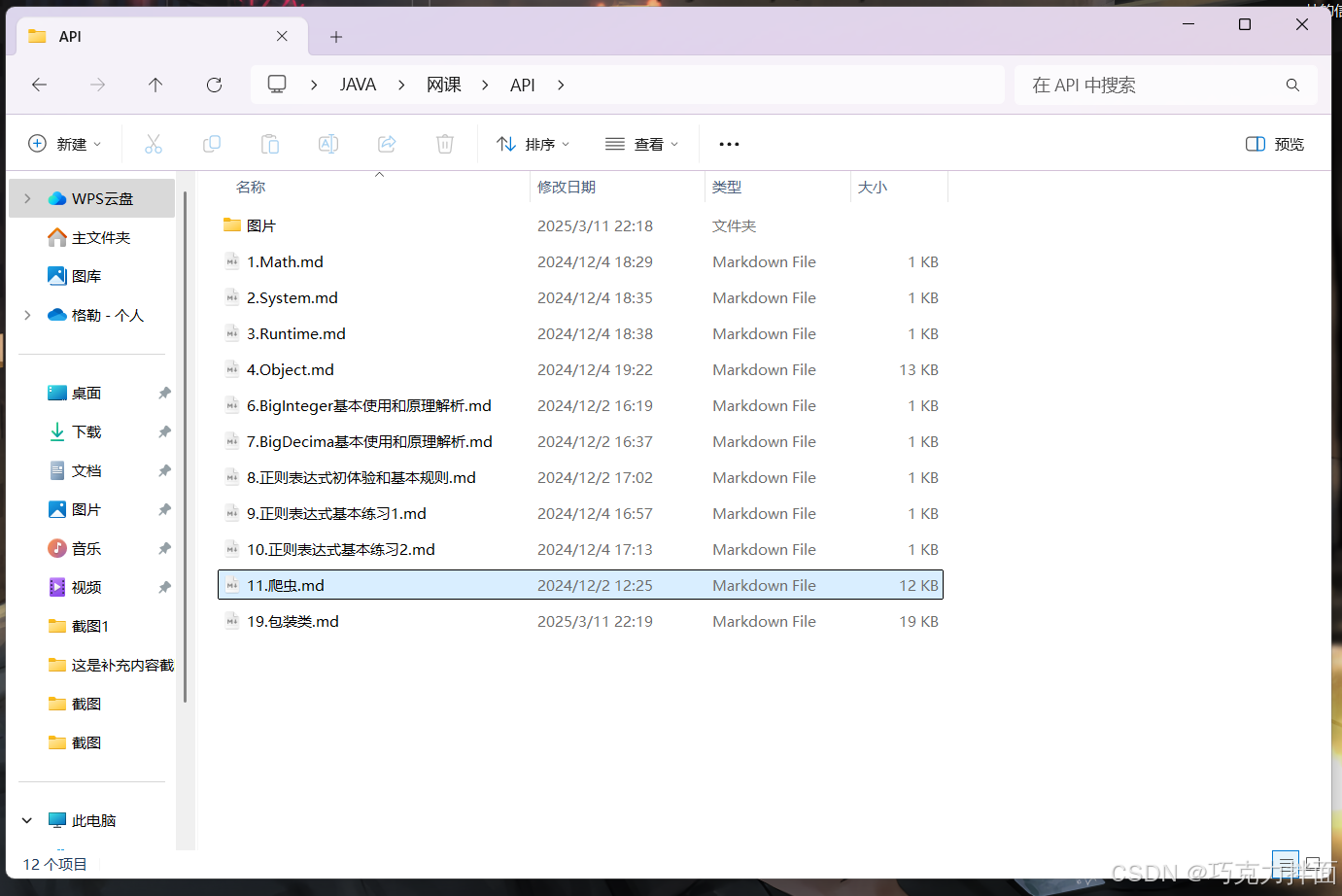
右击该md文件->打开方式->记事本(注:如果没有记事本,可以在"选择其他应用"中找记事本,然后点击即可):
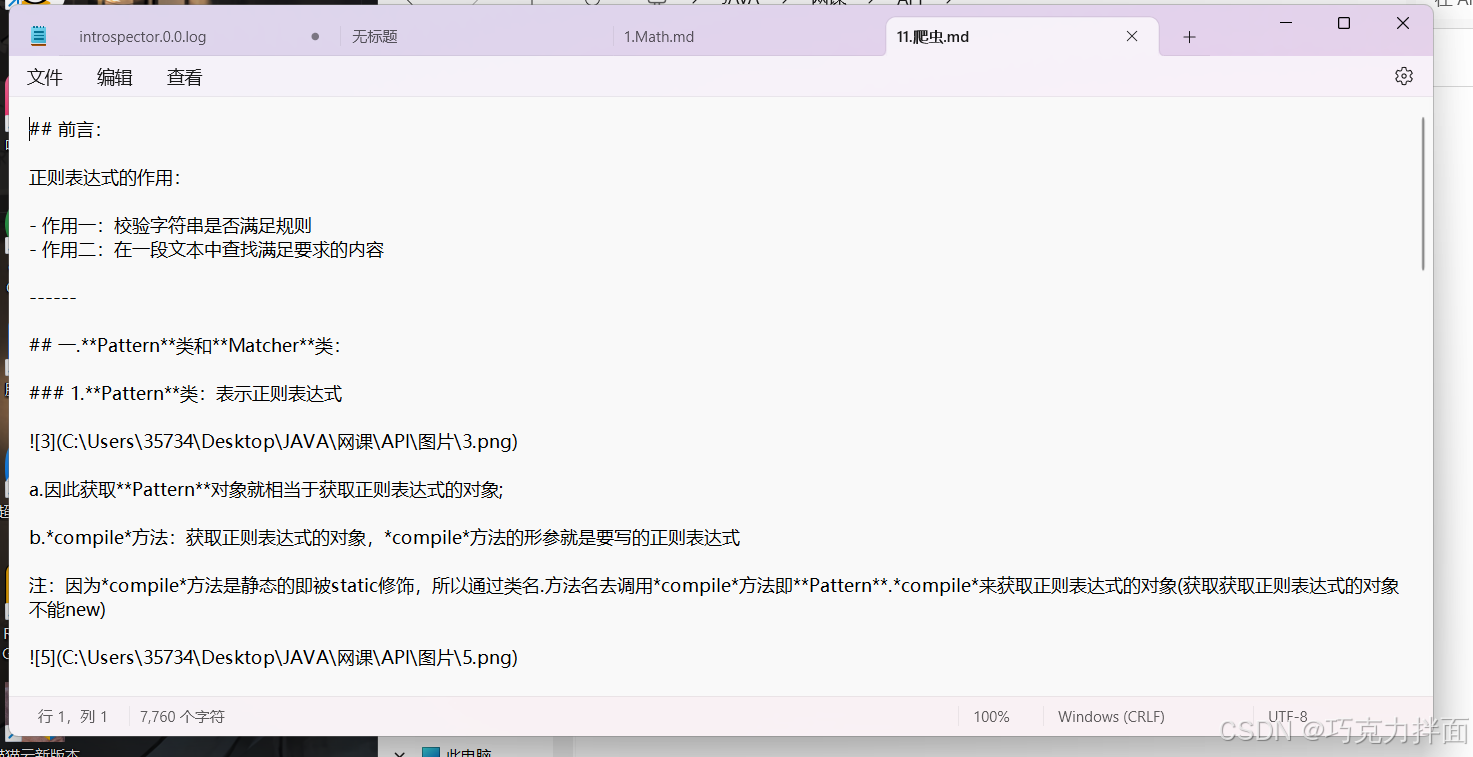
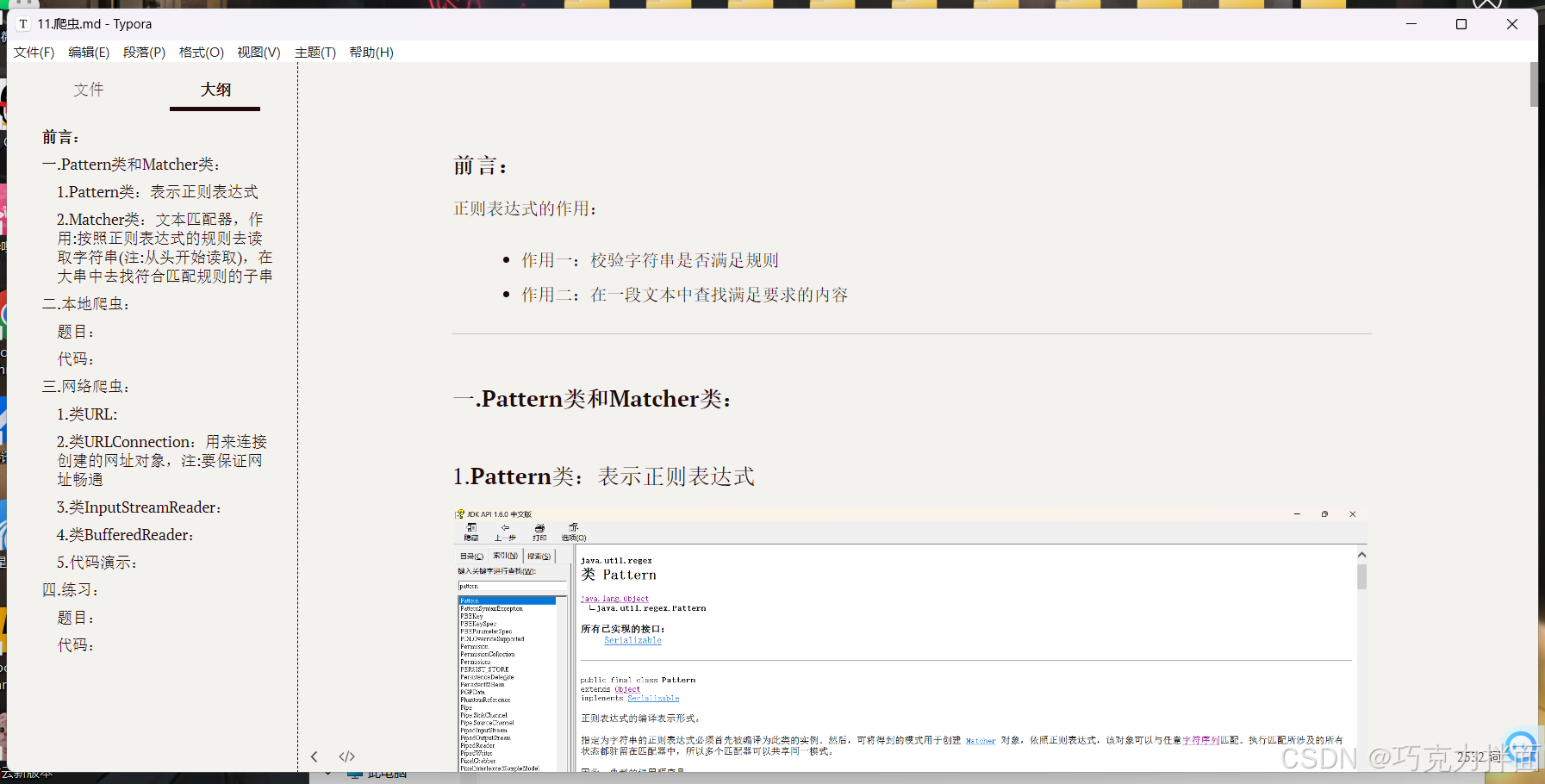
最终发现用记事本打开的内容和原md文件里的内容一致,所以Typora的md文件是纯文本文件(注:如果用记事本打开的内容和原文件里的内容不一致,那么该文件就不是纯文本文件):
验证其他文件是否是纯文本文件的方法和上述类似,

最终可知Word的doc和docx文件、Excel的xlsx文件都不是纯文本文件,Typora的md文件以及txt文本文件都是纯文本文件,所以在以后操作时遇到Word的doc和docx文件、Excel的xlsx文件就不能用字符流进行操作,只能用字节流进行操作,Typora的md文件以及txt文本文件既可以用字符流操作,也可以用字节流操作。


三.总结:
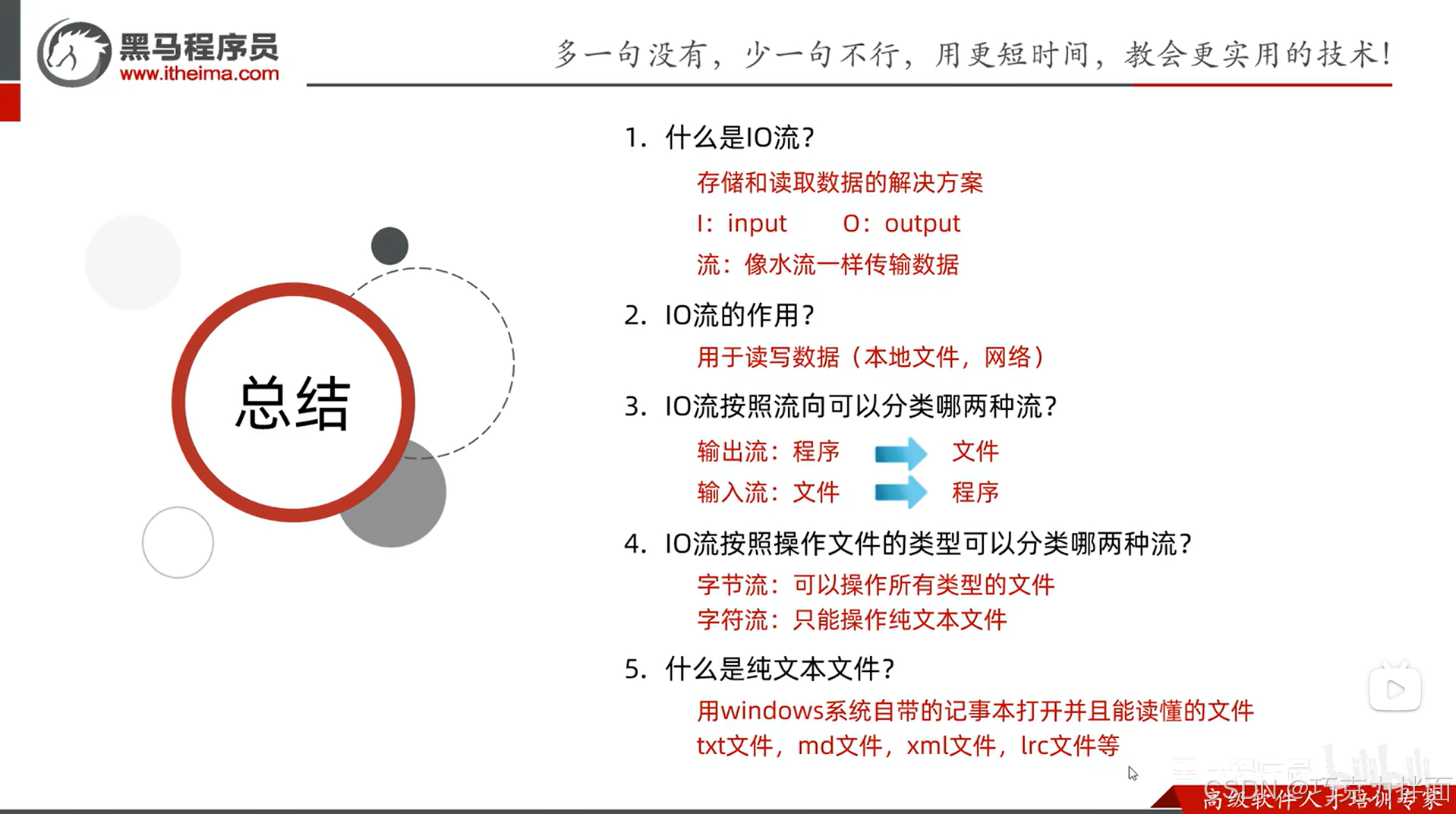
  • input译为输入,output译为输出

  • xml文件:配置文件;lrc文件:用来存放音乐的歌词的文件

  • txt文件、md文件、xml文件和lrc文件都是纯文本文件


四.ASCII码表:

上述图片中R之后的是S,不是X,打错了。
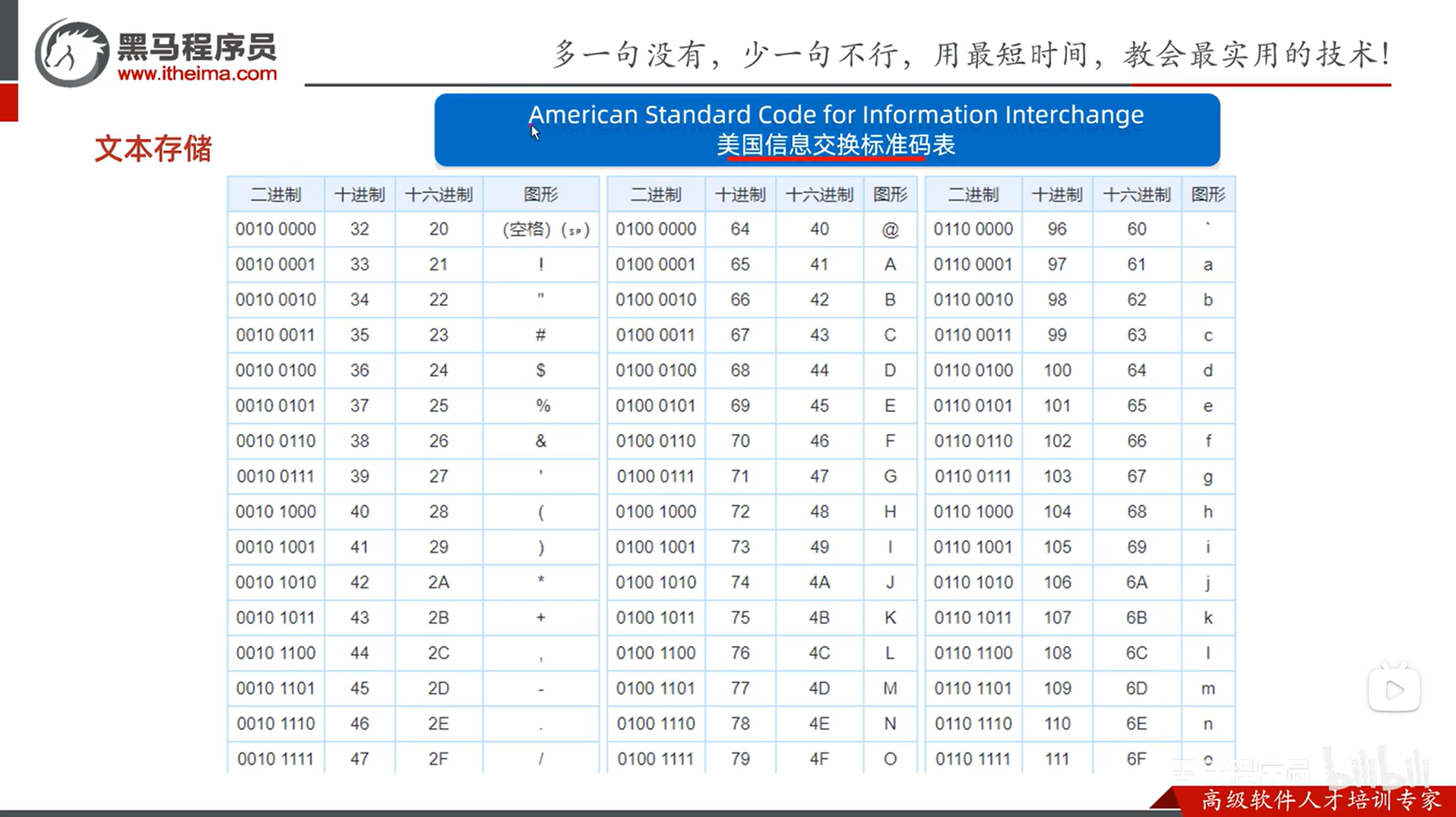
数字和字母之间通过ASCII码比较大小,

比如1的ASCII码为49,a的ASCII码为97,

那么a就比1大。

同理字母之间也是比较ASCII码,

比如B的ASCII码为66,a的ASCII码为97,

那么a就比B大。

总结:‌在ASCII编码标准中,数字的ASCII码值均小于字母(包括大写和小写),具体规则为:数字(0~9)<大写字母(A~Z)<小写字母(a~z‌)。


Important Information There are 2 ways for installing Jenkins Plugins: Normal Mode and Offline Mode. In a common deployment, you would be installing plugins the normal way. However, if the network is more restricted (Explicit Network access declarations), It may be difficult to install. It seems like the Internal Mirror has some incongruencies, and does not allow for plugin download/installation. Offline Mode is a safe way to ensure plugins are installed. Normal Mode Note: This mode involves configuring proxy access to the TP-Link Internal mirror of the Jenkins Update Center. Visit http://tpsource.tp-link.com/jenkins_help.html for steps on how to configure the access. On Jenkins: Offline Mode If you can&#39;t access the Update Center, you can install plugins manually using the jenkins-plugin-manager.jar: https://github.com/jenkinsci/plugin-installation-manager-tool • Download jenkins-plugin-manager.jar • Create a file (e.g. plugins.txt) listing the plugins you need: Note: for a more complete plugins.txt file, please visit -- RESOURCES -- gerrit-trigger gerrit-code-review workflow-aggregator docker • Run the plugin manager to download plugins and dependencies: java -jar jenkins-plugin-manager.jar \ --plugin-file plugins.txt \ --output-directory /your/download/dir --jenkins-version {jenkins-version} ❯ cat plugins.txt gerrit-trigger gerrit-code-review workflow-aggregator docker-plugin sonar ❯ java -jar jenkins-plugin-manager-*.jar --plugin-file plugins.txt --plugin-download-directory /your/download/dir --jenkins-version 2.516.3 War not found, installing all plugins: /usr/share/java/jenkins.war Done ❯ ls /your/download/dir antisamy-markup-formatter.jpi credentials.jpi ionicons-api.jpi mina-sshd-api-core.jpi ssh-credentials.jpi ... ... Transfer to Jenkins • Copy the downloaded files to your Jenkins server’s plugins directory (inside the plugins directory inside JENKINS_HOME). • Restart Jenkins to activate the plugins. Plugins to Install In House Signing Tool: In order to be able to sign .bin files (for release) we must use the In House Signing Plugin to achieve the purpose. (Please Reach Out to IT for the deployment of this plugin to your Jenkins Server) Jenkins Plugins allow you to extend the functionality of Jenkins. For example, there is a "Gerrit Trigger" Plugin which will facilitate the integration we are looking for. Gerrit Related Plugins Gerrit Trigger Plugin https://plugins.jenkins.io/gerrit-trigger/ Gerrit Code Review https://plugins.jenkins.io/gerrit-code-review/ Security Related Plugins NOTICE !!!!!!DO NOT USE FINITE STATE PLUGIN, use the Finite State Command Line Tool!!!!! See: Security Champion - Alloy SCA Automation Finite State Jenkins Plugin https://plugins.jenkins.io/finite-state-analysis/ SonarQube Scanner https://plugins.jenkins.io/sonar/ Misc Plugins Pipeline Plugin https://plugins.jenkins.io/workflow-aggregator/ Job Configuration History Plugin https://plugins.jenkins.io/jobConfigHistory/
12-20
评论
成就一亿技术人!
拼手气红包6.0元
还能输入1000个字符
 
红包 添加红包
表情包 插入表情
 条评论被折叠 查看
添加红包

请填写红包祝福语或标题

红包个数最小为10个

红包金额最低5元

当前余额3.43前往充值 >
需支付:10.00
成就一亿技术人!
领取后你会自动成为博主和红包主的粉丝 规则
hope_wisdom
发出的红包
实付
使用余额支付
点击重新获取
扫码支付
钱包余额 0

抵扣说明:

1.余额是钱包充值的虚拟货币,按照1:1的比例进行支付金额的抵扣。
2.余额无法直接购买下载,可以购买VIP、付费专栏及课程。

余额充值