





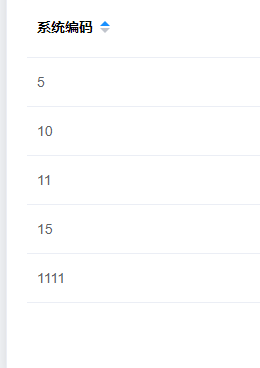
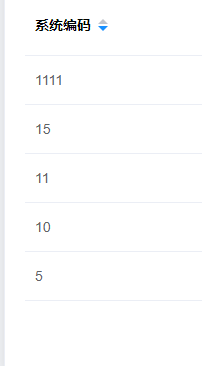
 本文介绍如何在使用Element UI的el-table组件时,实现系统编码sysCode字段的自定义升序和降序排序。通过onSortChange方法和compare函数,展示了如何根据sysCode接口返回的字符串进行比较操作。
<el-table
                  :data="tableList"
                  max-height="500"
                  @sort-change="onSortChange"
                >
                  <el-table-column
                    label="系统编码"
                    prop="sysCode"
                    sortable="custom"
                    :sort-orders="['ascending', 'descending']"
                  ></el-table-column>
 </el-table>
sysCode接口返回的是字符串
  onSortChange(column) {
      function compare(sysCode) {
        return function (value1, value2) {
          var val1 = value1[sysCode];
          var val2 = value2[sysCode];
          return column.order == "ascending" ? val1 - val2 : val2 - val1;
        };
      }
      this.tableList.sort(compare("sysCode"));
    },





 扫一扫
扫一扫


 5623
5623

 被折叠的 条评论
为什么被折叠?
被折叠的 条评论
为什么被折叠?
 到【灌水乐园】发言





