


 本文详细介绍MySQL的基本操作步骤,包括登录数据库、查看与创建数据库、创建与修改表结构等实用技巧。适合初学者快速掌握MySQL的基本用法。
1️⃣、登录mysql
mysql -u root -p
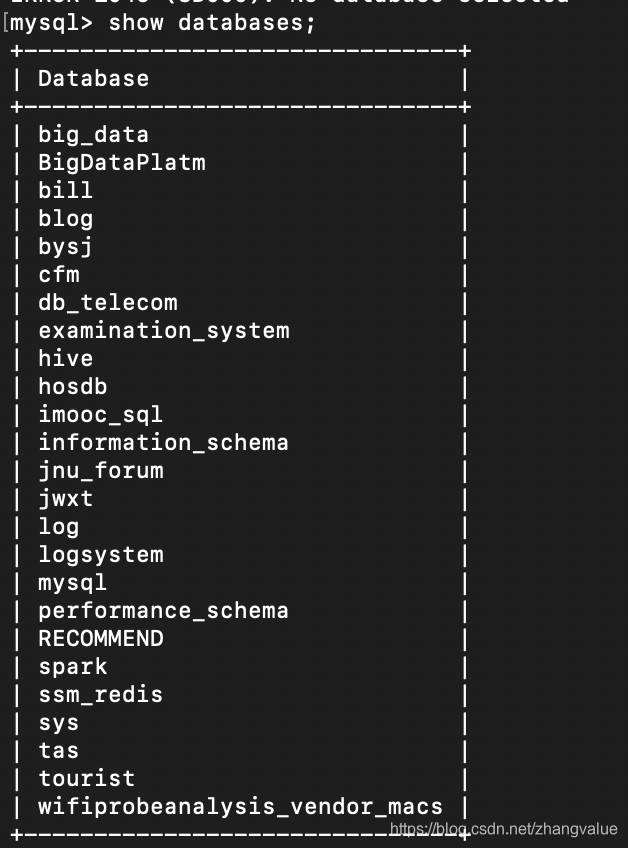
2️⃣、查看当前所有的数据库
show databases;
3️⃣、创建库
create database test;

4️⃣、删除库
drop database 数据库名;
5️⃣、查看某一个库
show create database test;

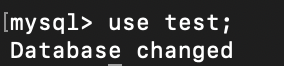
6️⃣、使用数据库 use 库名;
use test;
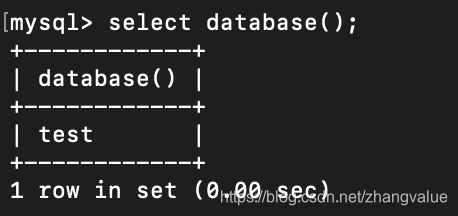
7️⃣、查看使用use了那个库
select database();
8️⃣创建表
create table account {
id int(10),
name char(50),
balance(50)
};
9️⃣使用指定库中的表
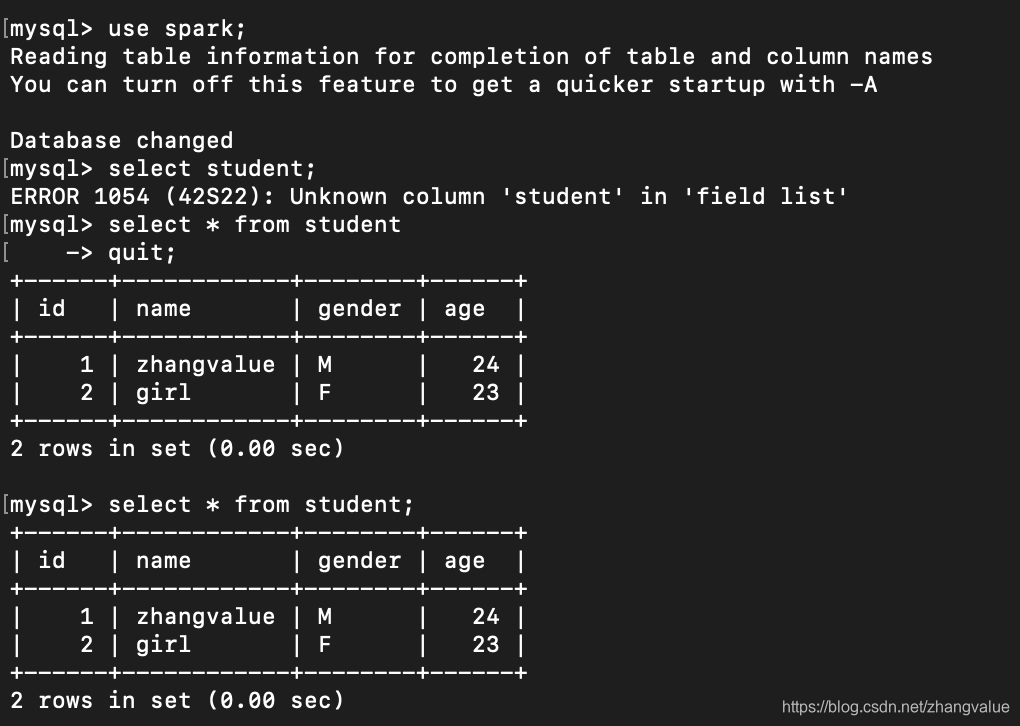
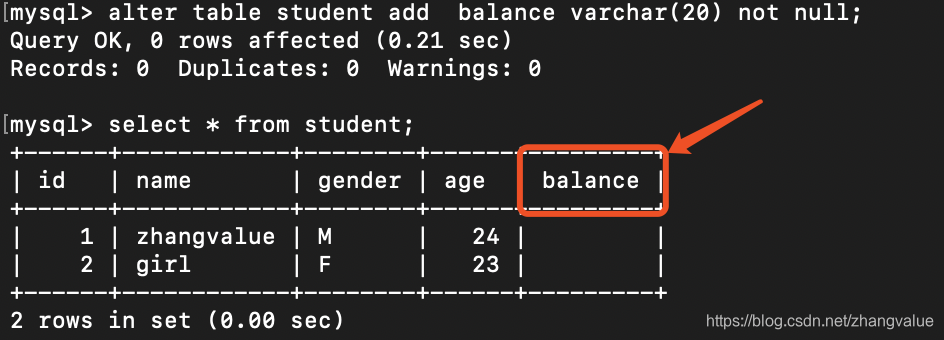
?往表中添加一列alter table student add balance int(20) not null;
alter table 表名 add 列名 字段 not null;
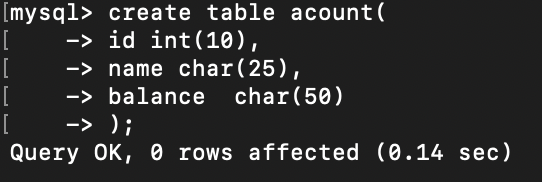
十一、创建表:比如创建一个acount表其中的属性包括id,name,balance三个属性
create table acount(
    -> id int(10),
    -> name char(25),
    -> balance  char(50)
    -> );
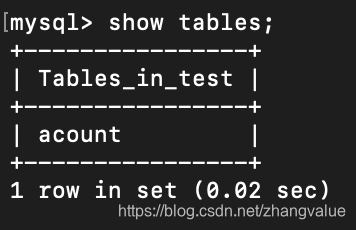
十二、查看当前库里面有多少表,test库刚刚只是创建了一个account表
show tables;
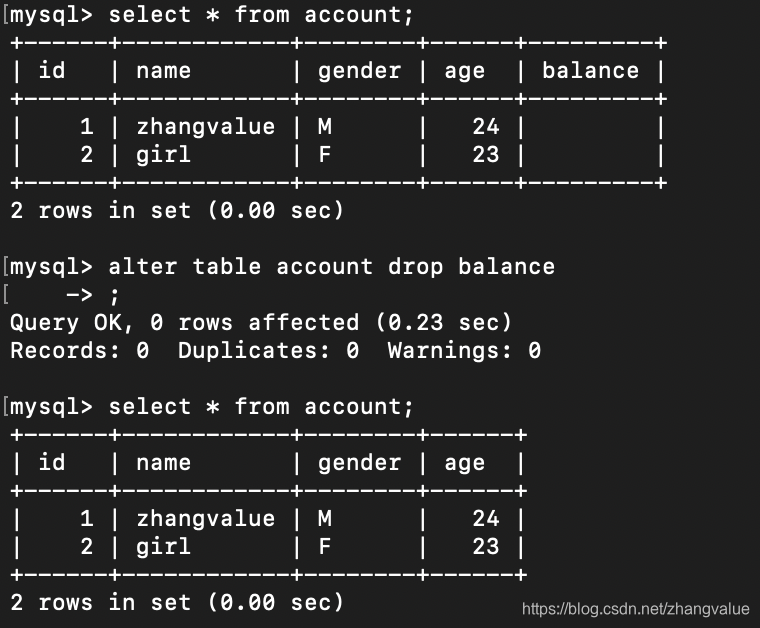
十三、查询test库中的account表中信息(会发现表信息为空)

十四、查询表的所有字段内容
更换表名将student表名换位account表
rename table student to account;
十五、删除一列(删除account表中的balance这一列)
alter table account drop balance
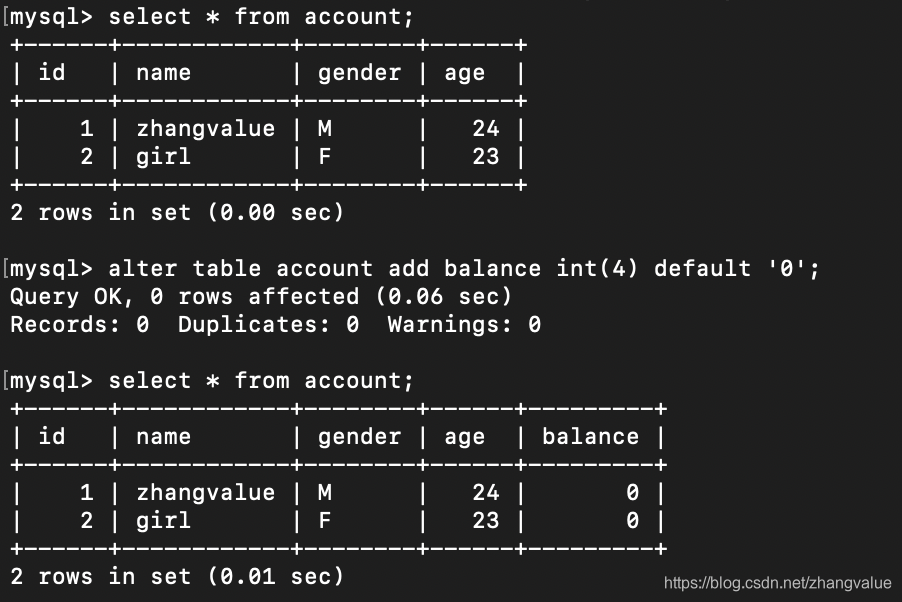
添加一列account类型为int类型





 扫一扫
扫一扫


 382
382

 被折叠的 条评论
为什么被折叠?
被折叠的 条评论
为什么被折叠?
 到【灌水乐园】发言





