





微信小程序后端JS代码如下,
主要用到的方法
wx.chooseMedia()
wx.uploadFile()
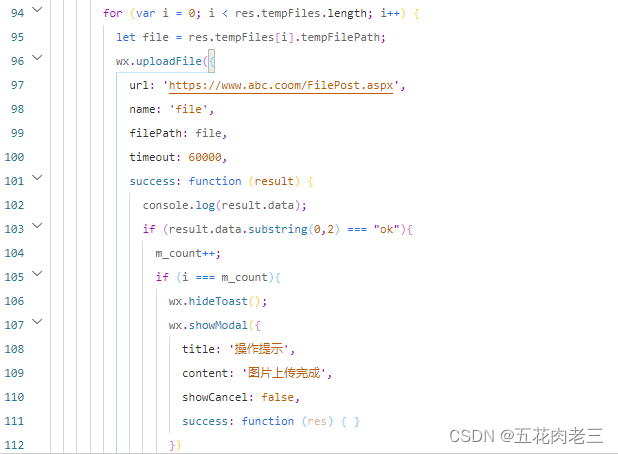
/**
   * 上传用户数据
   */
  postData: function () {
    var m_count = 0 ;
    wx.chooseMedia({
      count: 9,
      mediaType: ['image', 'video'],
      sourceType: ['album', 'camera'],
      maxDuration: 30,
      camera: 'back',
      success(res) {
        console.log(res.tempFiles.length);

        wx.showToast({
          title:"上传图片",
          icon:"loading",
          duration:10000
        });

        for (var i = 0; i < res.tempFiles.length; i++) {
          let file = res.tempFiles[i].tempFilePath;
          wx.uploadFile({
            url: 'https://www.abc.com/FilePost.aspx',
            name: 'file',
            filePath: file,
            timeout: 60000,
            success: function (result) {
              console.log(result.data);
              if (result.data.substring(0,2) === "ok"){
                m_count++;
                if (i === m_count){
                  wx.hideToast();
                  wx.showModal({
                    title: '操作提示',
                    content: '图片上传完成',
                    showCancel: false,
                    success: function (res) { }
                  })
                }
              }
            },
            fail: function () {
              return
            }
          })
        }
      }
    }) //End ChooseMedia
  } //End PostData
小程序编译、发布后,可以上传照片至 Asp.net 后台。





 扫一扫
扫一扫


 被折叠的 条评论
为什么被折叠?
被折叠的 条评论
为什么被折叠?
 到【灌水乐园】发言





