





 本文介绍如何使用Matplotlib调整图表的大小,包括设置图表的宽高比和指定图表的像素密度,以改善图表的视觉效果。
matplotlib绘图时是默认的大小,有时候默认的大小会感觉图片里的内容都被压缩了,解决方法如下。
先是原始代码:
from matplotlib import pyplot as plt

plt.figure(figsize=(1,1))

x = [1,2,3]
plt.plot(x, x)
plt.show()
关键的代码是plt.figure(figsize=(1,1)),生成的图片如下

修改代码,放大图片:
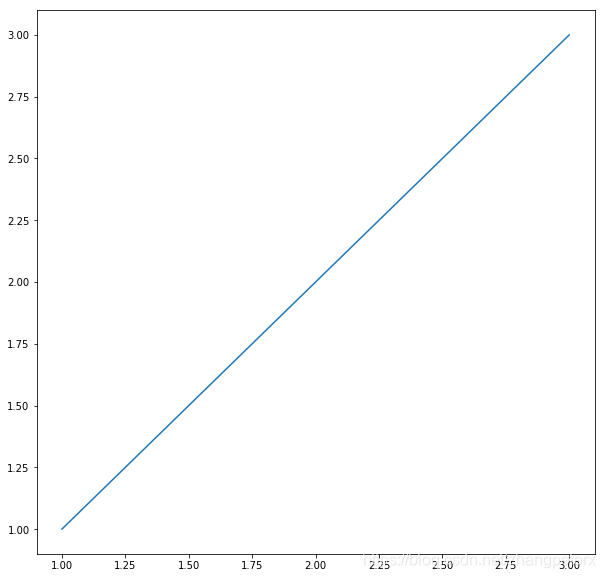
from matplotlib import pyplot as plt

plt.figure(figsize=(10,10))

x = [1,2,3]
plt.plot(x, x)
plt.show()
这时候横坐标和纵坐标都放大了10倍:
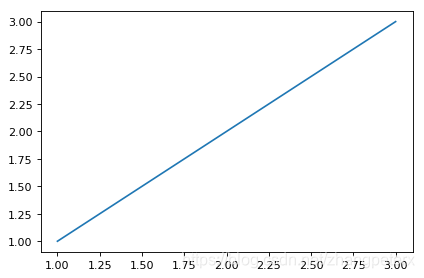
如果想要指定像素,可以这么做:
from matplotlib import pyplot as plt

plt.figure(dpi=80)

x = [1,2,3]
plt.plot(x, x)
plt.show()
更多参考资料:python - How do you change the size of figures drawn with matplotlib? - Stack Overflow





 扫一扫
扫一扫


 524
524

 被折叠的 条评论
为什么被折叠?
被折叠的 条评论
为什么被折叠?
 到【灌水乐园】发言





