



 本文介绍了在Kali系统中安装Docker的详细步骤,包括更新系统、添加key、编辑lsb_release文件、添加docker源等,还提到确认安装完成时遇到的问题及解决办法,最后说明可使用阿里加速并添加自己的镜像加速器。
Kali install Dcoker
1. update-get update
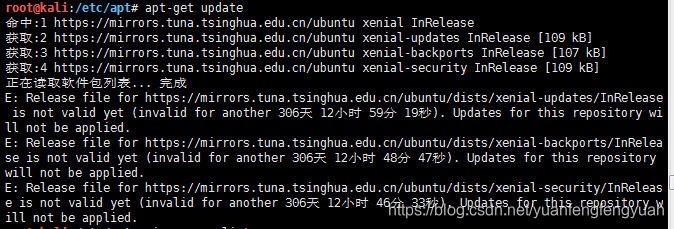
A:看一下系统date 是不是最新时间
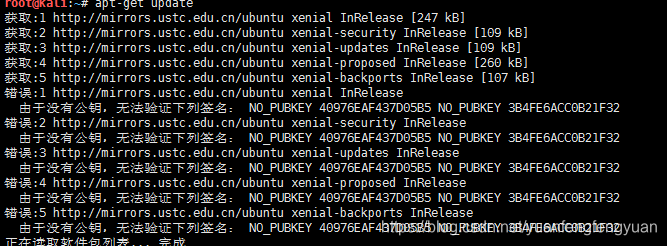
A:添加key
sudo apt-key adv --keyserver keyserver.ubuntu.com --recv-keys 错误的key值(3B4FE6ACC0B21F32)
2. 编辑lsb_release
vi /etc/lsb_release
DISTRIB_ID=Ubuntu
DISTRIB_RELEASE=16.04
DISTRIB_CODENAME=xenial
DISTRIB_DESCRIPTION="Ubuntu 16.04.1 LTS"
3.添加docker 源
apt-get install -y apt-transport-https ca-certificates curl software-properties-common
curl -fsSL https://download.daocloud.io/docker/linux/ubuntu/gpg | sudo apt-key add -
sudo add-apt-repository "deb [arch=$(dpkg --print-architecture)] https://download.daocloud.io/docker/linux/ubuntu $(lsb_release -cs) stable"
apt-get update
apt-cache policy docker-ce*
apt-get install docker-ce

4.确认当前docker是否安装完成
docker version
docker images
docker ps
service docker start
docker启动提示 /etc/docker/key.json 问题,删除key.json

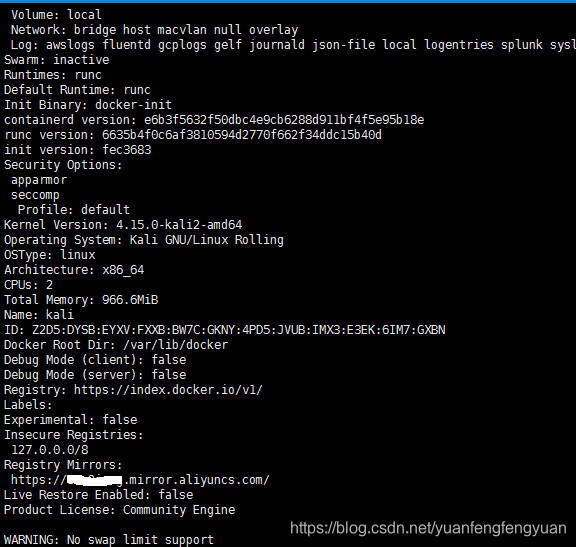
5.docker 使用阿里加速 ,添加自己的镜像加速器
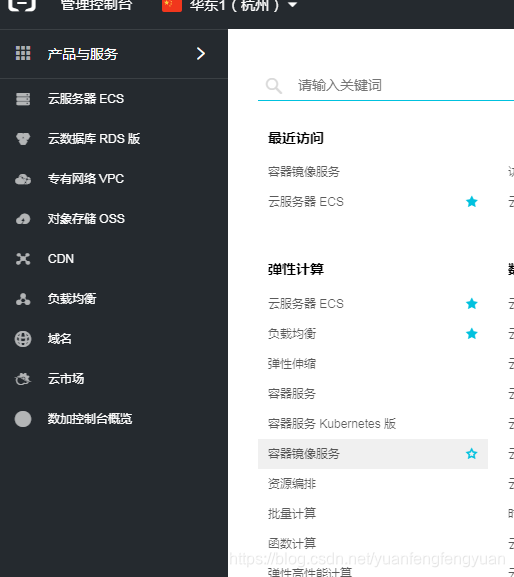
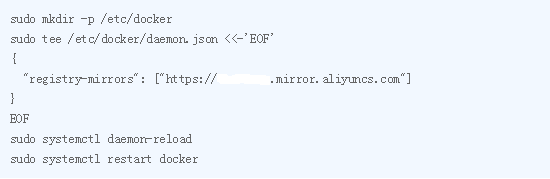
docker info 查看镜像加速是否添加成功





 扫一扫
扫一扫


 6327
6327

 被折叠的 条评论
为什么被折叠?
被折叠的 条评论
为什么被折叠?
 到【灌水乐园】发言





