


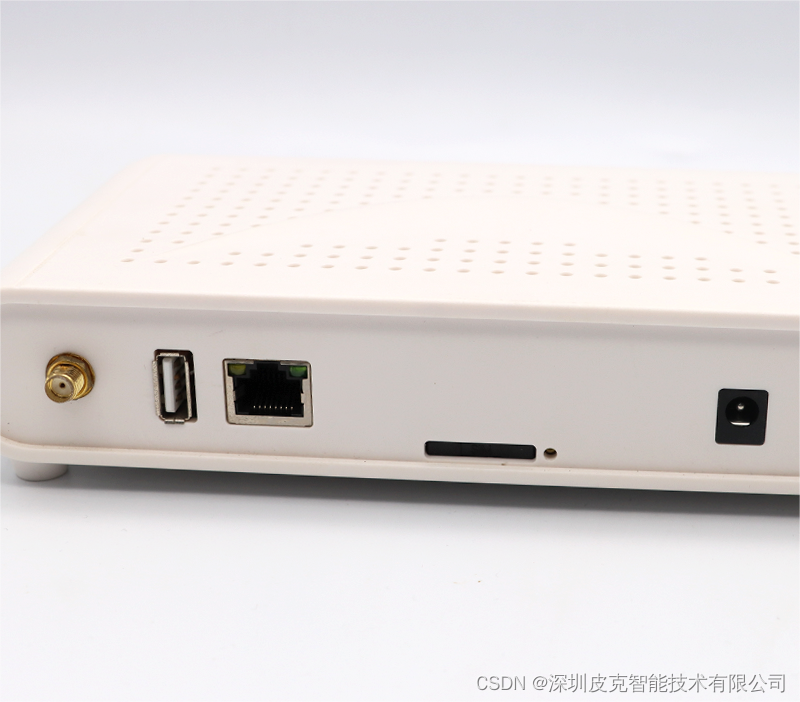
 本文详细指导如何使用Router_V1.4,包括接通12vDC电源、设置静态IP、通过有线网络登录、管理系统、配置WiFi热点以及通过手机管理基站参数。
Router_V1.4 Steps:
-
12v DC power supply
-
Wait until the second light starts to flash, and the third light is always on, indicating that the system has been started up, and then the following operations can be performed
-
Wired network login, the computer is configured with a static ip: 192.168.1.x network segment, and the network cable is directly connected to the Router and the computer: (to modify the base station ip, please see step 5) PTL Manage System, visit: 192.168.1.200/wms 192.168.1.200 is the default ip of the Router, if you modify the ip access address of the Router, you must change it accordingly
-
Connect to wifi hotspot to login: Wifi name:eslswifi2 Wifi password:123456789 Browser visit: 10.254.117.1/wms Default account: User:admin Passw:123456
-
Configure base station parameters (can be operated by mobile phone)
Connect hotspot:”eslswifi2”, visit:10.254.117.1:8080
User:Admin
Passw:7834





 扫一扫
扫一扫


 1558
1558

 被折叠的 条评论
为什么被折叠?
被折叠的 条评论
为什么被折叠?
 到【灌水乐园】发言





