





 本文详细介绍了Spyder IDE的特性,包括其强大的代码编辑、交互测试和调试功能,适用于Windows、Linux和OSX系统。提供了Spyder的官方网站链接和安装教程,包括通过Anaconda和virtualenv在Win7下的编译方法,以及从源码运行和调试Spyder的步骤。
pyqt5 spyder 项目 记录
地址:
https://www.spyder-ide.org/
https://docs.spyder-ide.org/current/index.html
https://docs.spyder-ide.org/current/installation.html
https://github.com/spyder-ide/spyder
https://gitee.com/mirrors/Spyder
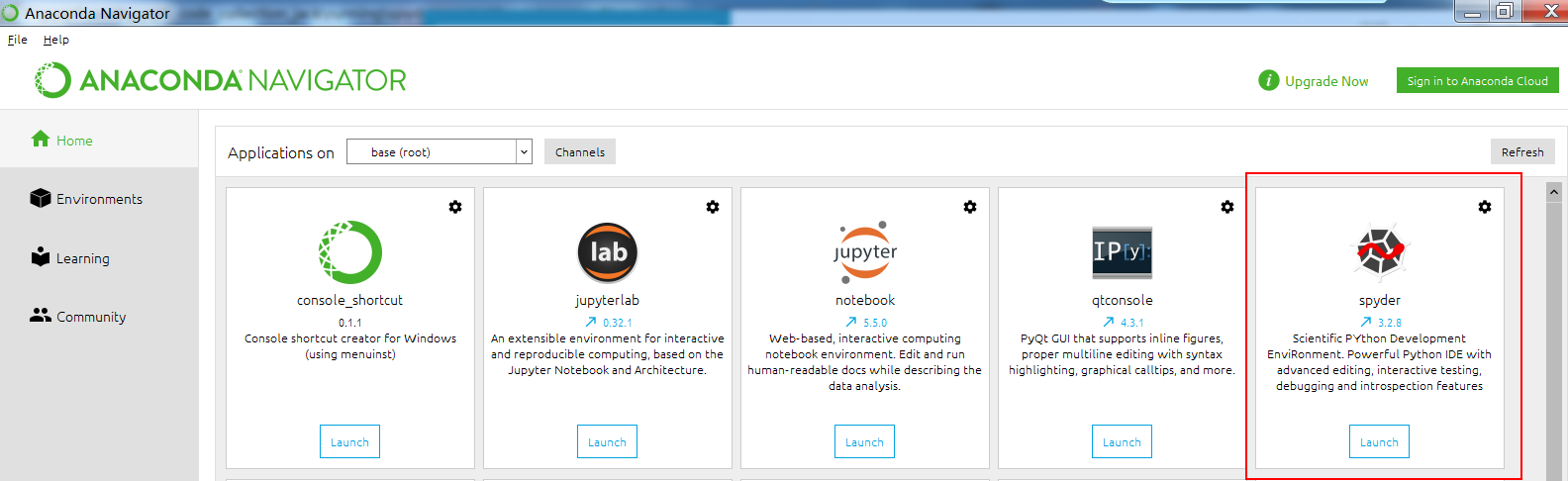
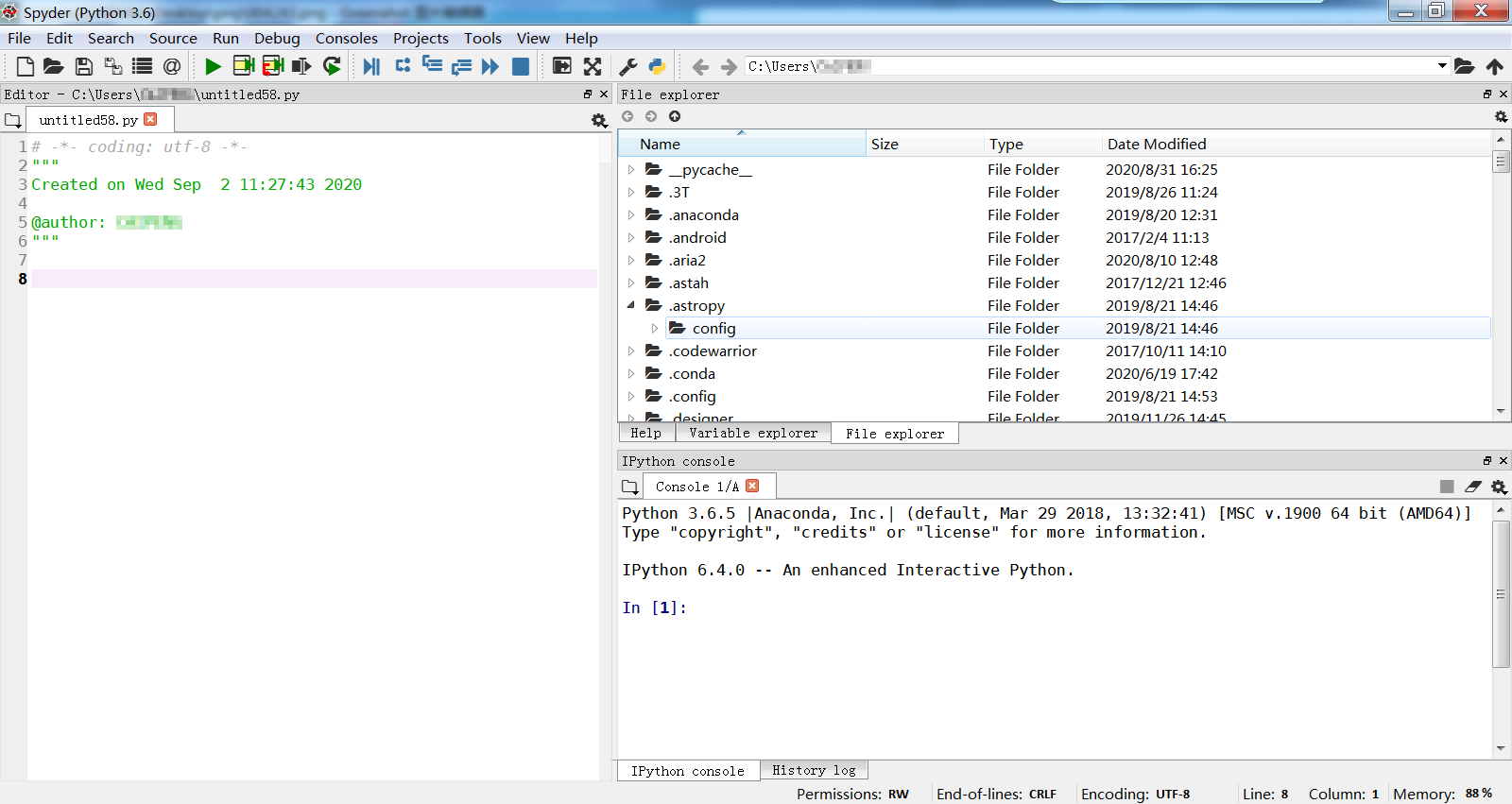
Spyder (前身是 Pydee) 是一个强大的交互式 Python 语言开发环境,提供高级的代码编辑、交互测试、调试等特性,支持包括 Windows、Linux 和 OS X 系统。
Development builds
If you want to try the next Spyder version before it is released, you can! You may want to do this for fixing bugs in Spyder, adding new features, learning how Spyder works or just getting a taste of what the IDE can do. For more information, please see the Contributing Guide included with the Spyder source or on Github, and for further detail consult the Spyder development wiki.
编译 过程:
https://github.com/spyder-ide/spyder/blob/master/CONTRIBUTING.md
下载代码zip包:
https://github.com/spyder-ide/spyder
win7下 conda 方式 编译方法
If you use Anaconda you can create a conda environment with the following commands:
$ conda create -n spyder-dev python=3
$ conda activate spyder-dev
Installing dependencies
After you have created your development environment, you need to install Spyder’s necessary dependencies. The easiest way to do so (with Anaconda) is
$ conda install -c spyder-ide/label/alpha --file requirements/conda.txt
win7 下面 virtualenv方式 编译方法
mkvirtualenv -p C:/python367_64/python.exe spyder-dev
或者
mkvirtualenv spyder-dev
workon spyder-dev
python -m pip install --upgrade pip
进入源码目录:
cd /D F:\pyqt5\work\pyqt5_code_collection_jack\running\spyder-master
pip install -e .
直接从源码运行Spyder
直接运行:
python bootstrap.py
以debug 模式运行
python bootstrap.py --debug
遇到问题
*. Installing PyLS locally
Fatal Python error: _Py_HashRandomization_Init: failed to get random numbers to initialize Python
把对应的地方 给注释掉了,看起来是没有什么影响
# # Install PyLS locally
# print("*. Installing PyLS locally")
# subprocess.check_output(
#     [sys.executable,
#      '-W',
#      'ignore',
#      'setup.py',
#      'develop',
#      '--no-deps',
#      '--install-dir',
#      pyls_installation_dir],
#     env={'PYTHONPATH': pyls_installation_dir},
#     cwd=pyls_submodule
# )






 扫一扫
扫一扫


 712
712

 被折叠的 条评论
为什么被折叠?
被折叠的 条评论
为什么被折叠?
 到【灌水乐园】发言





