


1. nfs基本信息
安装包:nfs-utils
服务脚本:nfs-server
共享配置文件:/etc/exports
2.nfs的启用
systemctl start nfs-server
firewall-cmd --permanent --add-service=rpc-bind
firewall-cmd --permanent --add-service=mountd
firewall-cmd --permanent --add-service=nfs
firewall-cmd --reload
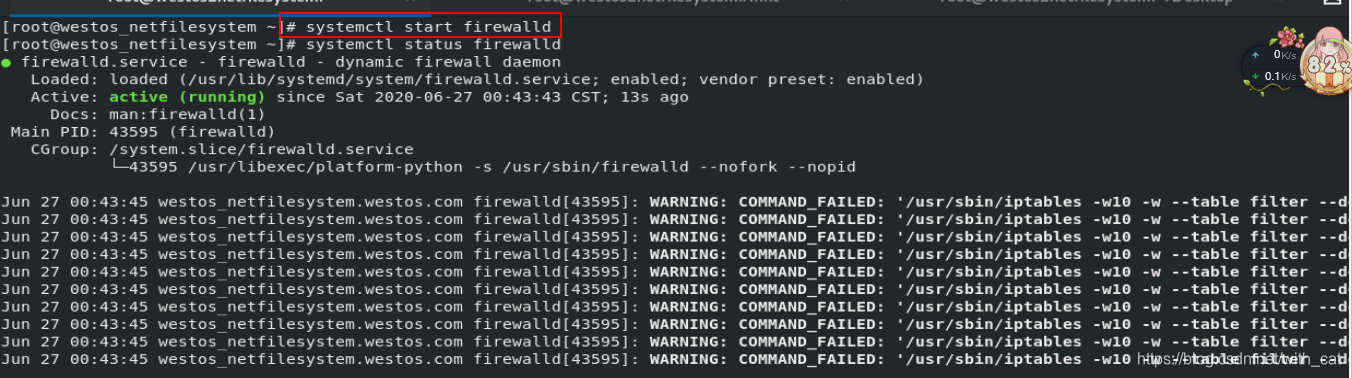
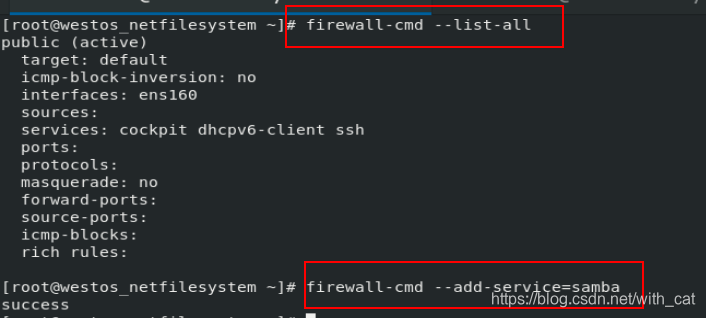
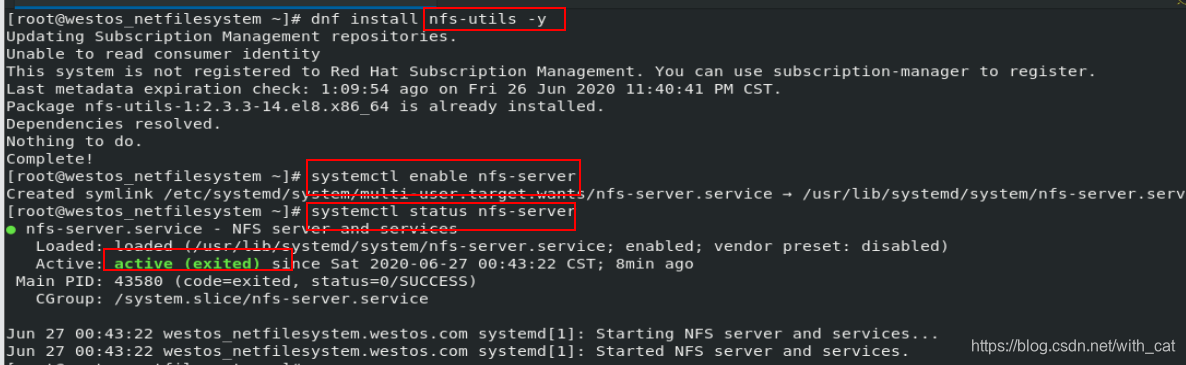
showmount  -e  172.25.254.30
Export list for 172.25.254.20:

3.nfs配置
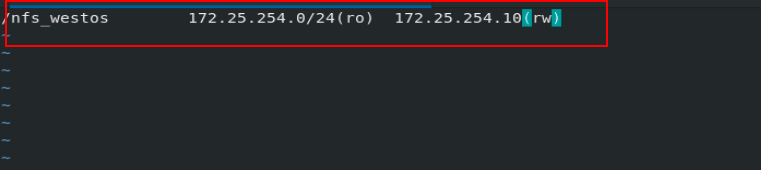
vim /etc/exports   #此文件更改后不会立即生效,我们需要通过:
	/nfsdir  172.25.254.20#(配置参数rw)
exportfs -rv 	   #使其生效


4.nfs配置参数
| 参数 | 作用 |
|---|---|
| anonuid=1000,anongid=1000 | 指定用户身份 |
| sync | 更改生成后同步数据到服务器 |
| async | 同步数据到服务器 |
| rw | 读写 |
| ro | 只读 |
| no_root_squash | root用户挂载不转换身份 |
客户端进入nfsdir新建文件
5.nfs+autofs
dnf install autofs.x86_64 -y  #安装服务
vim /etc/auto.master
	/westos /etc/auto.nfs
vim /etc/auto.nfs
	nfs   -rw    172.25.254.20:/nfsdir     #nfs+autofs
   	samba -fstype=cifs,	username=lee,password=lee	://172.25.254.20/zxdir   #samba+autofs






 扫一扫
扫一扫


 884
884

 被折叠的 条评论
为什么被折叠?
被折叠的 条评论
为什么被折叠?
 到【灌水乐园】发言





