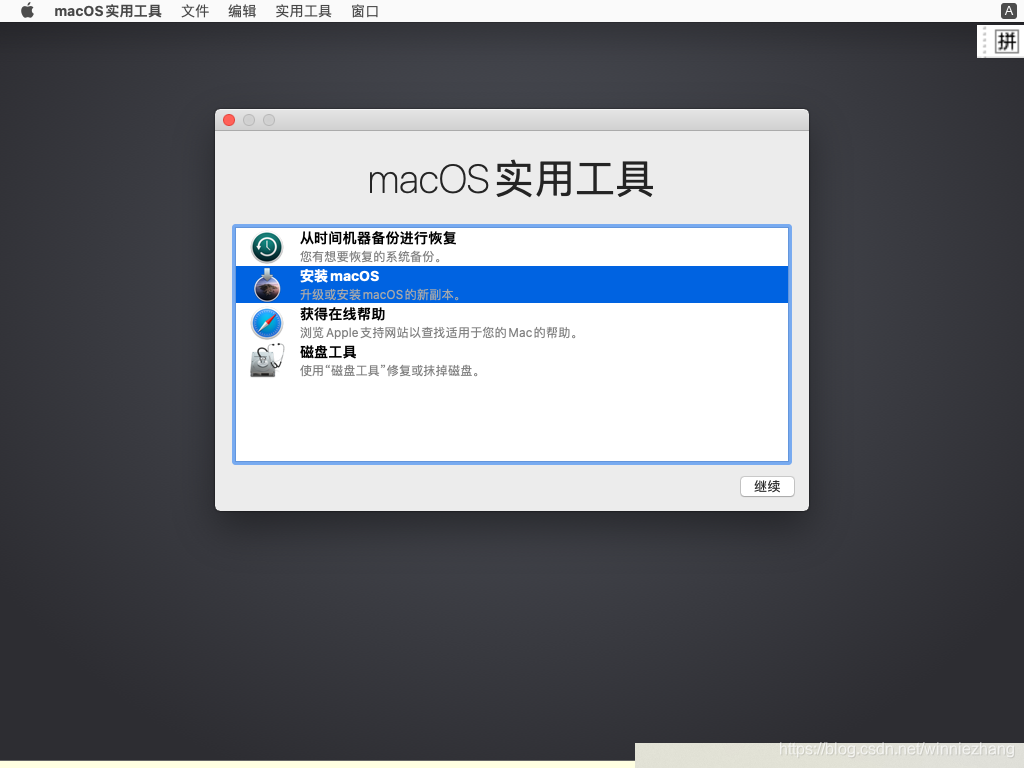
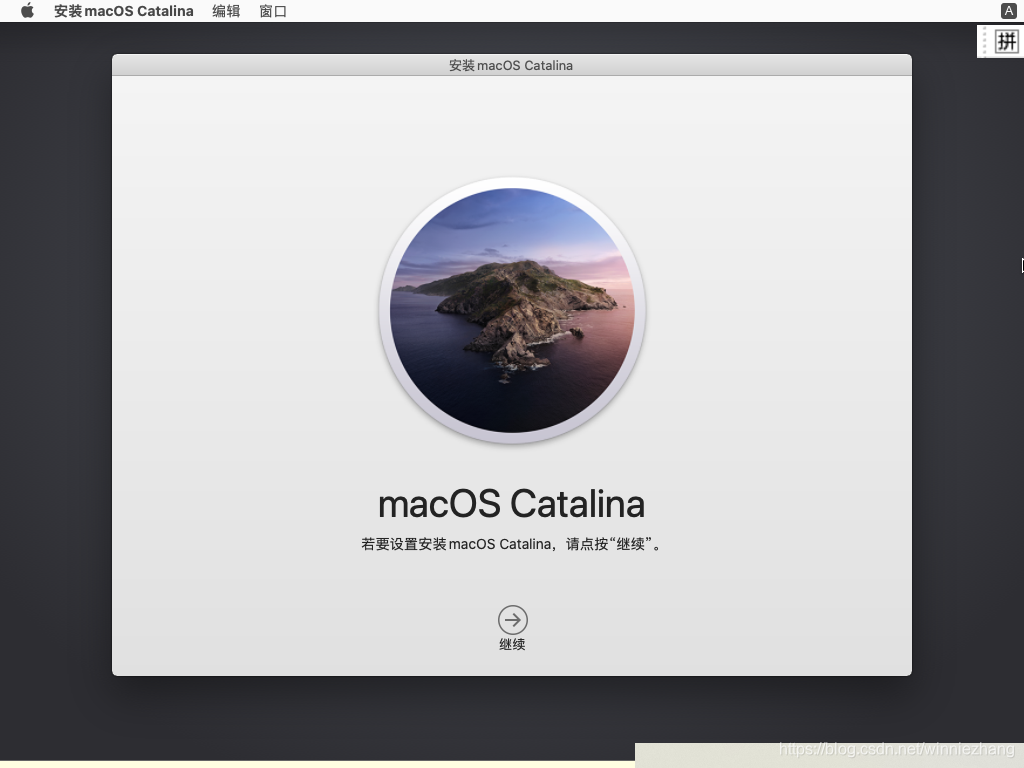
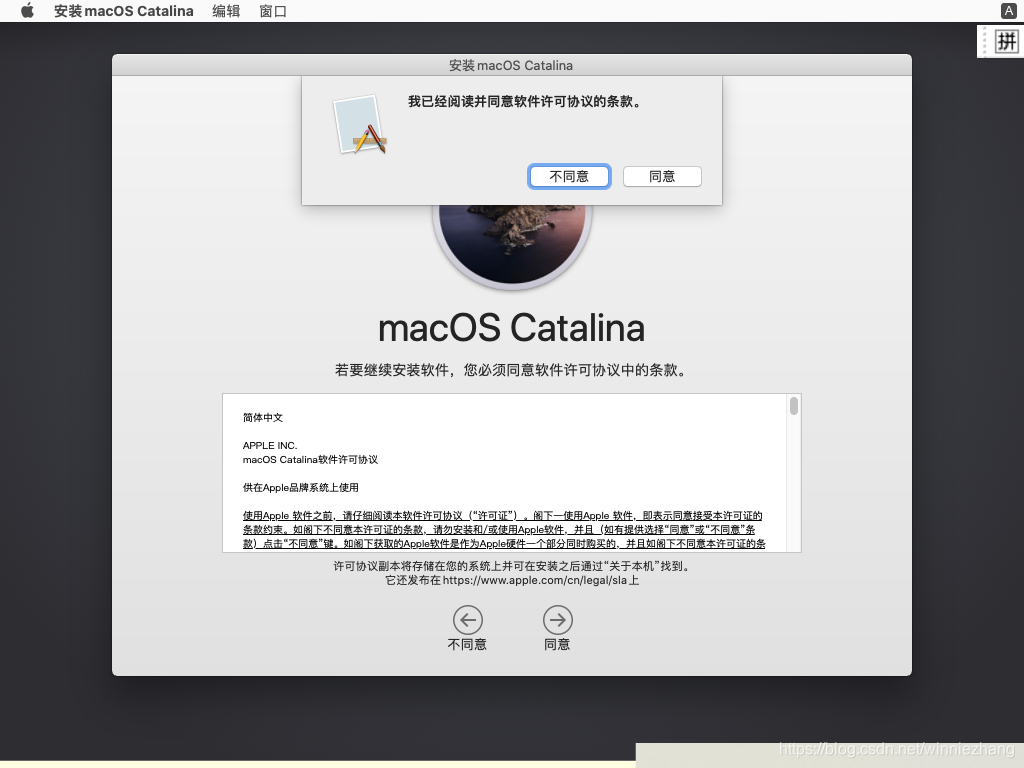
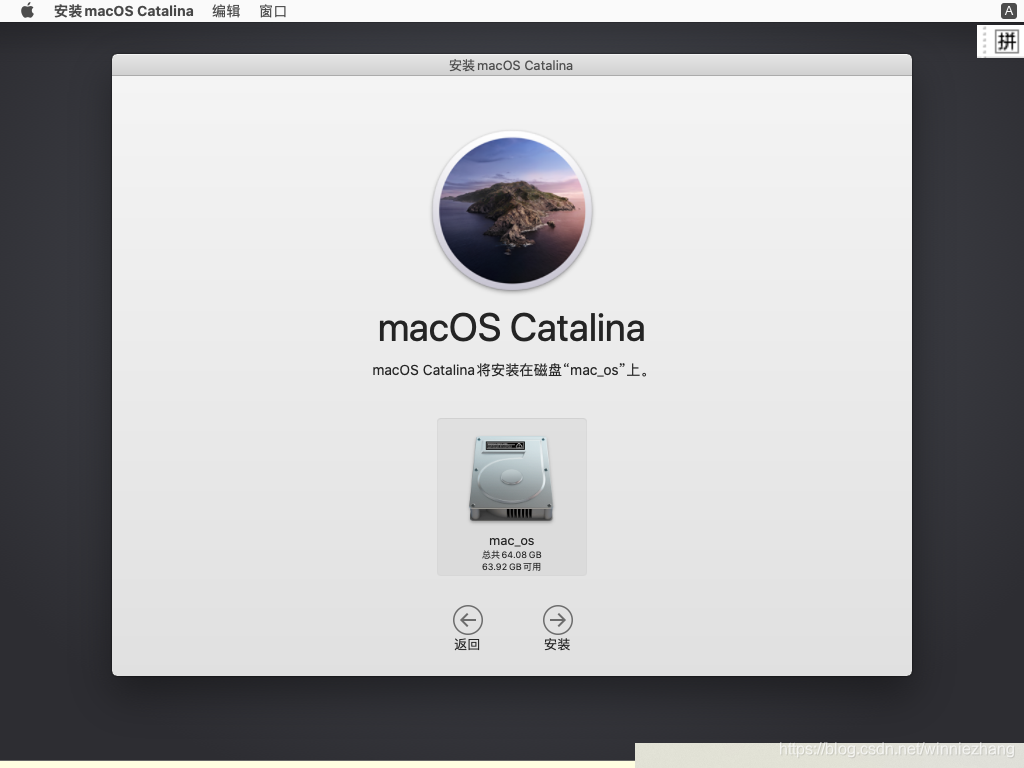
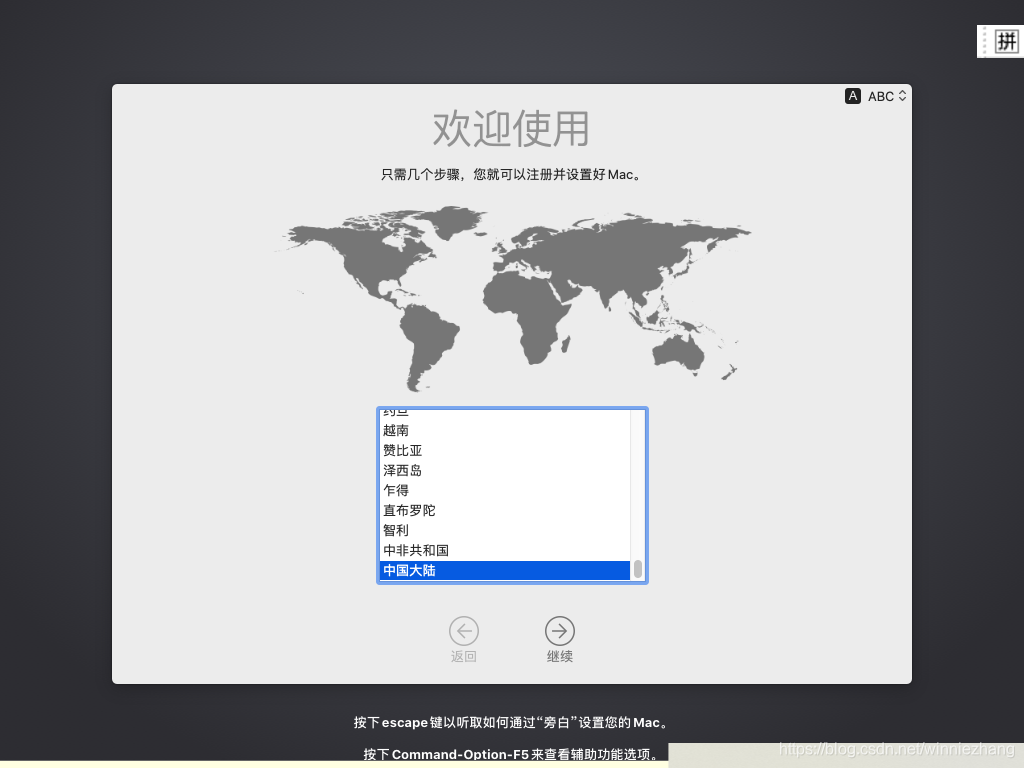
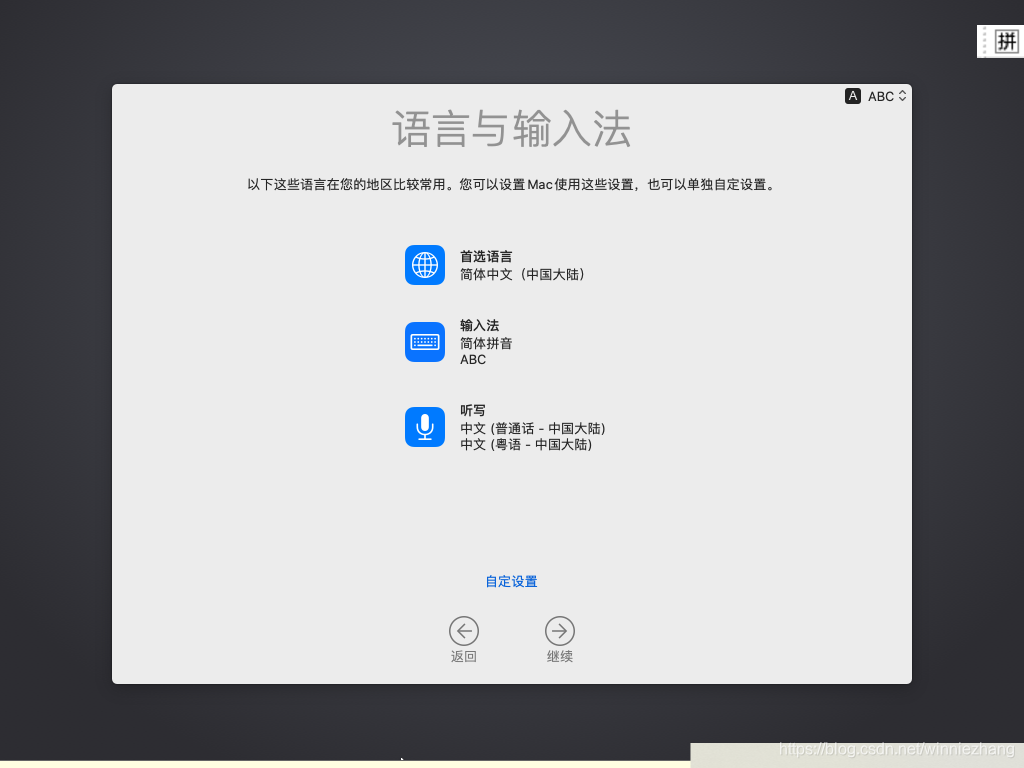
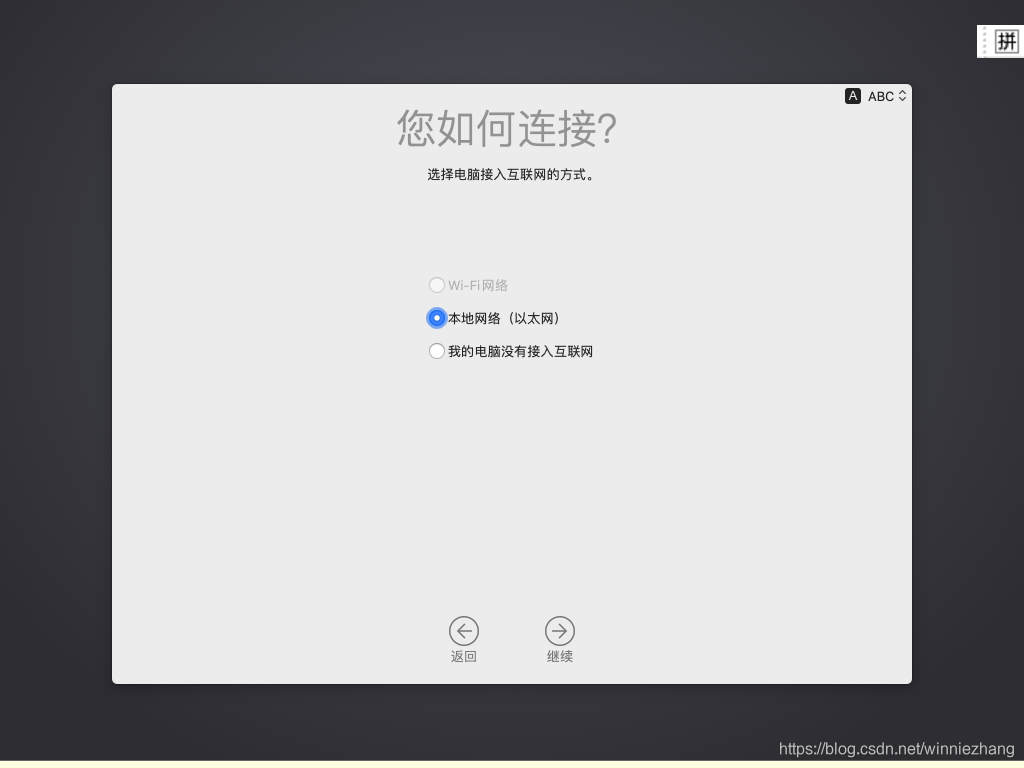
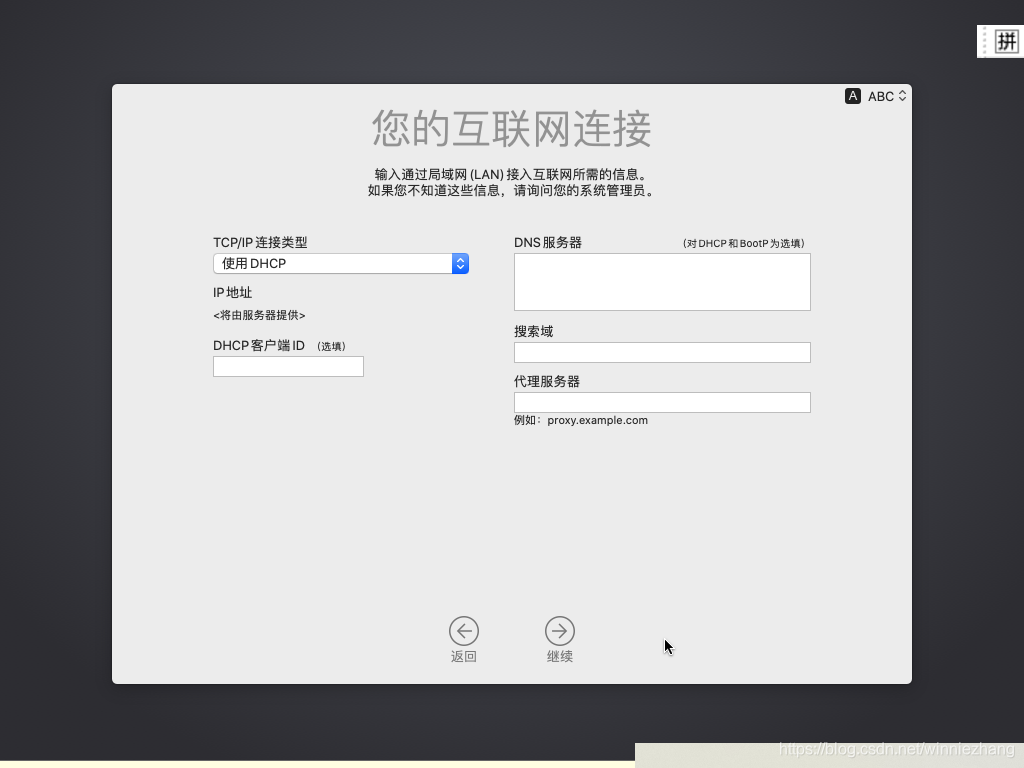
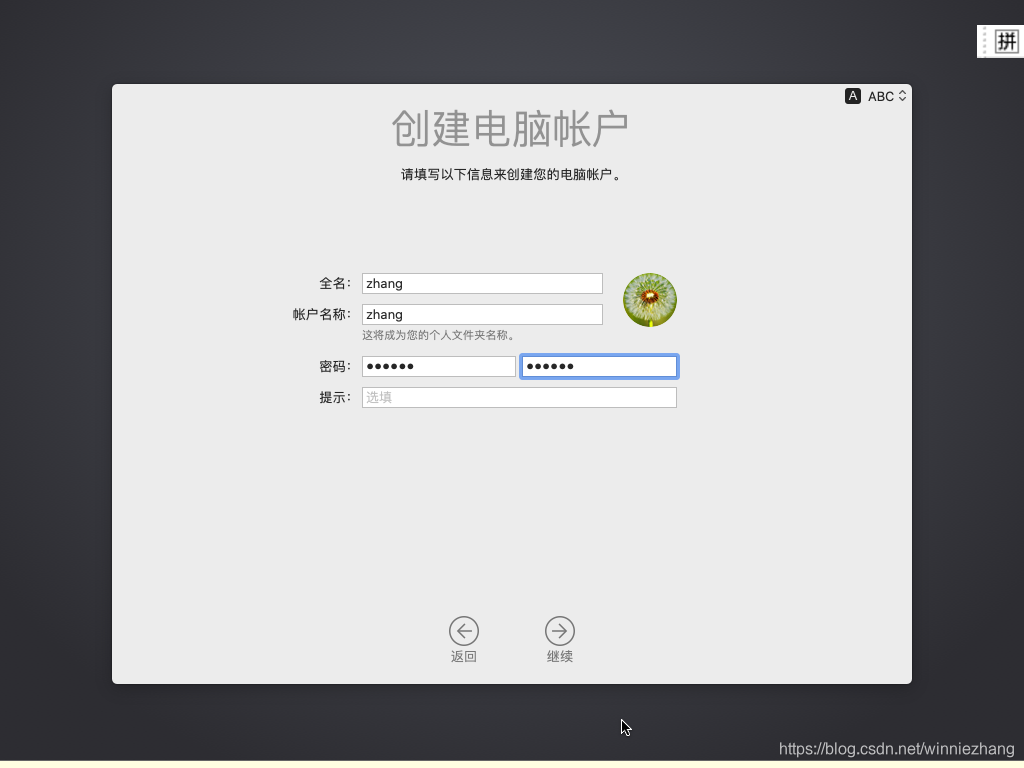
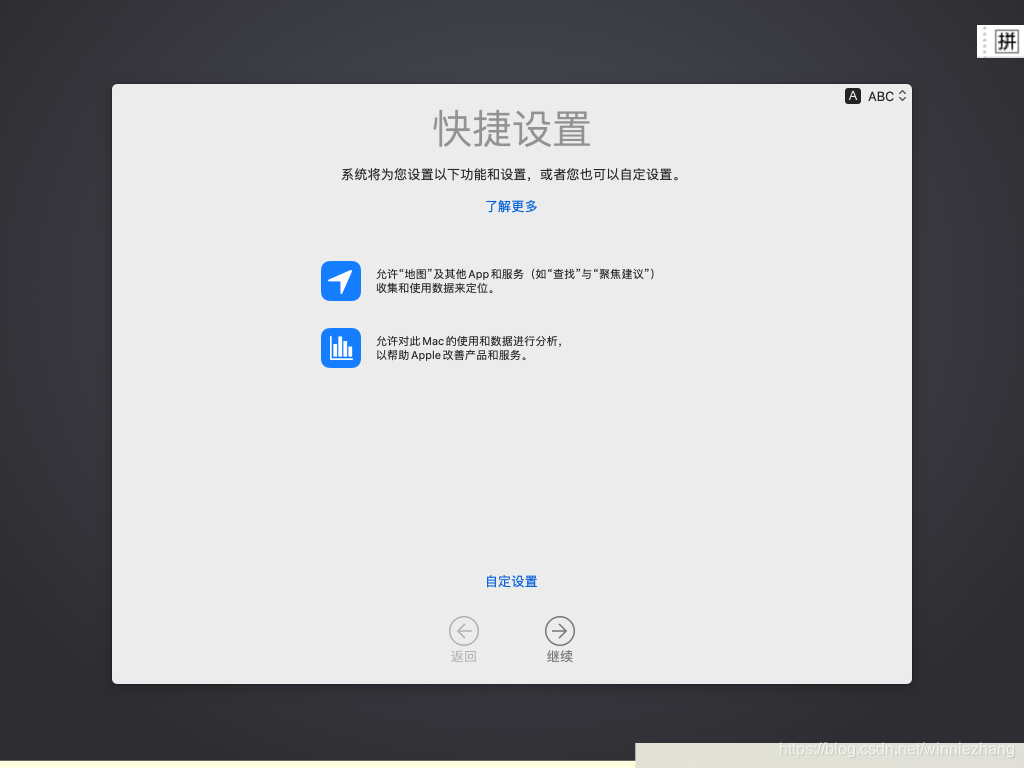
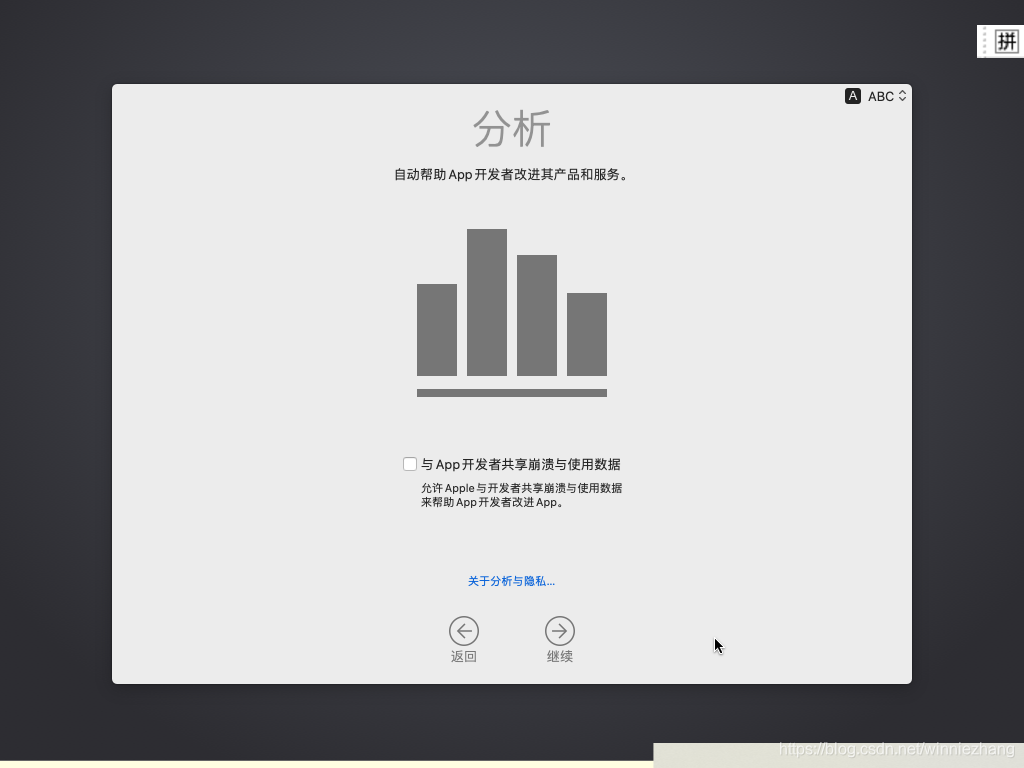
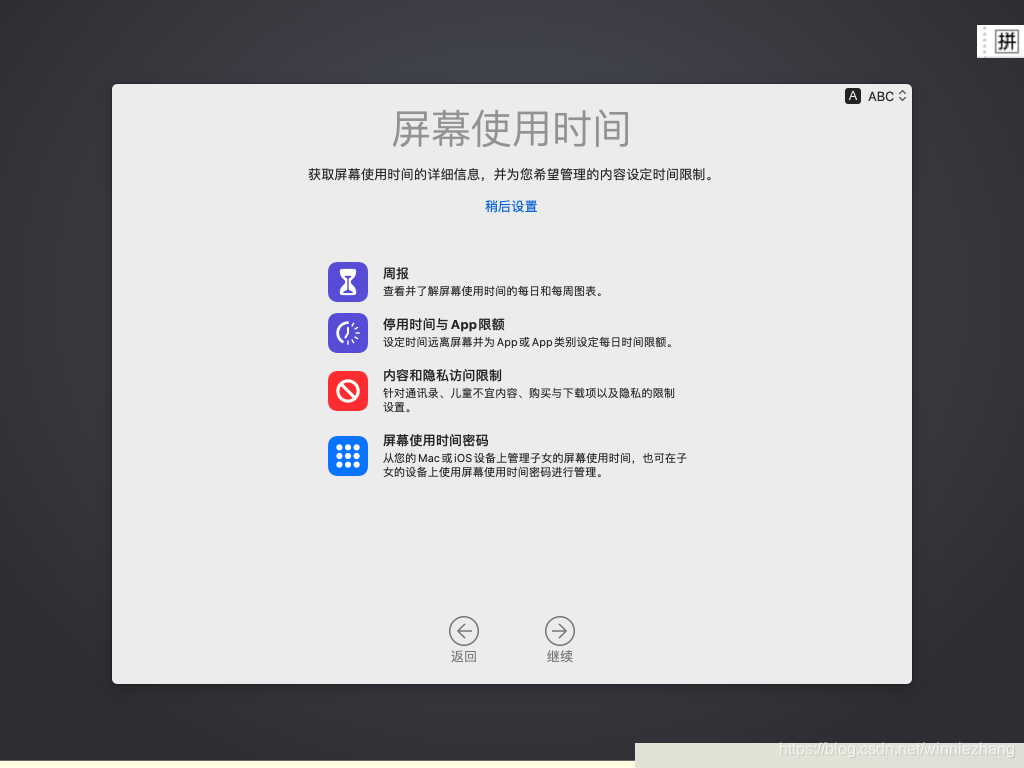
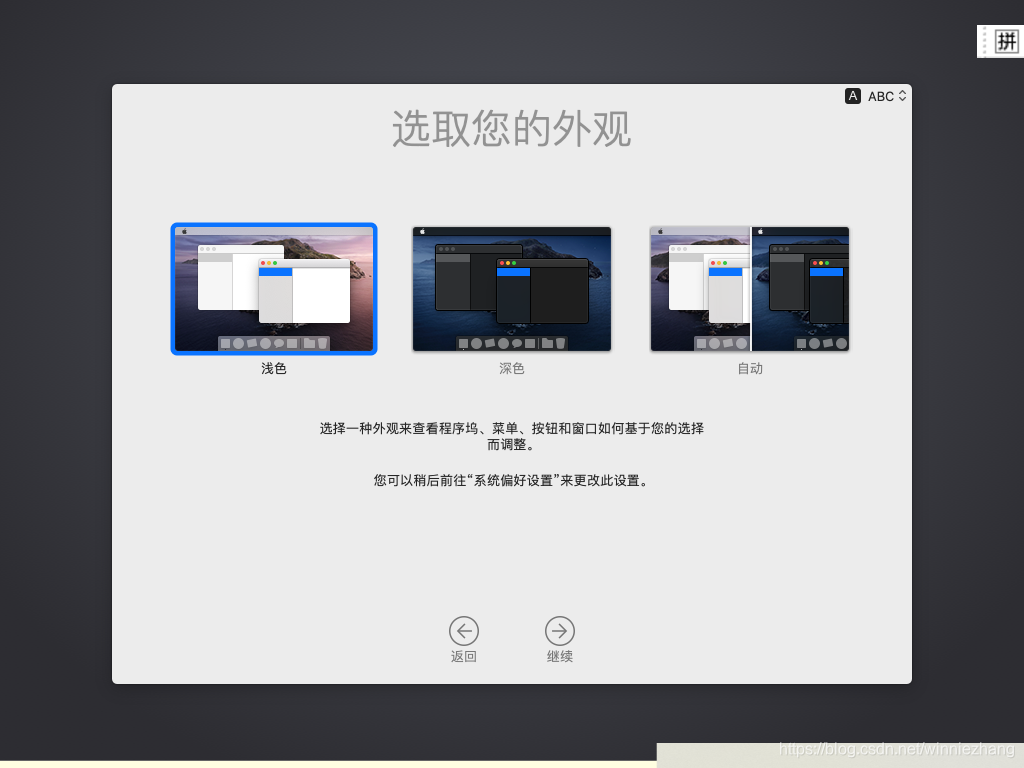
在VMware workstation 15.5 PRO上安装macos.Catalina系统

本文详细介绍了VMware workstation15.5的下载与安装步骤,包括服务停止、解锁操作及虚拟机创建流程,为用户提供全面的安装指导。

1、下载,VMware workstation 15.5 安装盘。

2、安装VMware workstation 15.5应用程序。

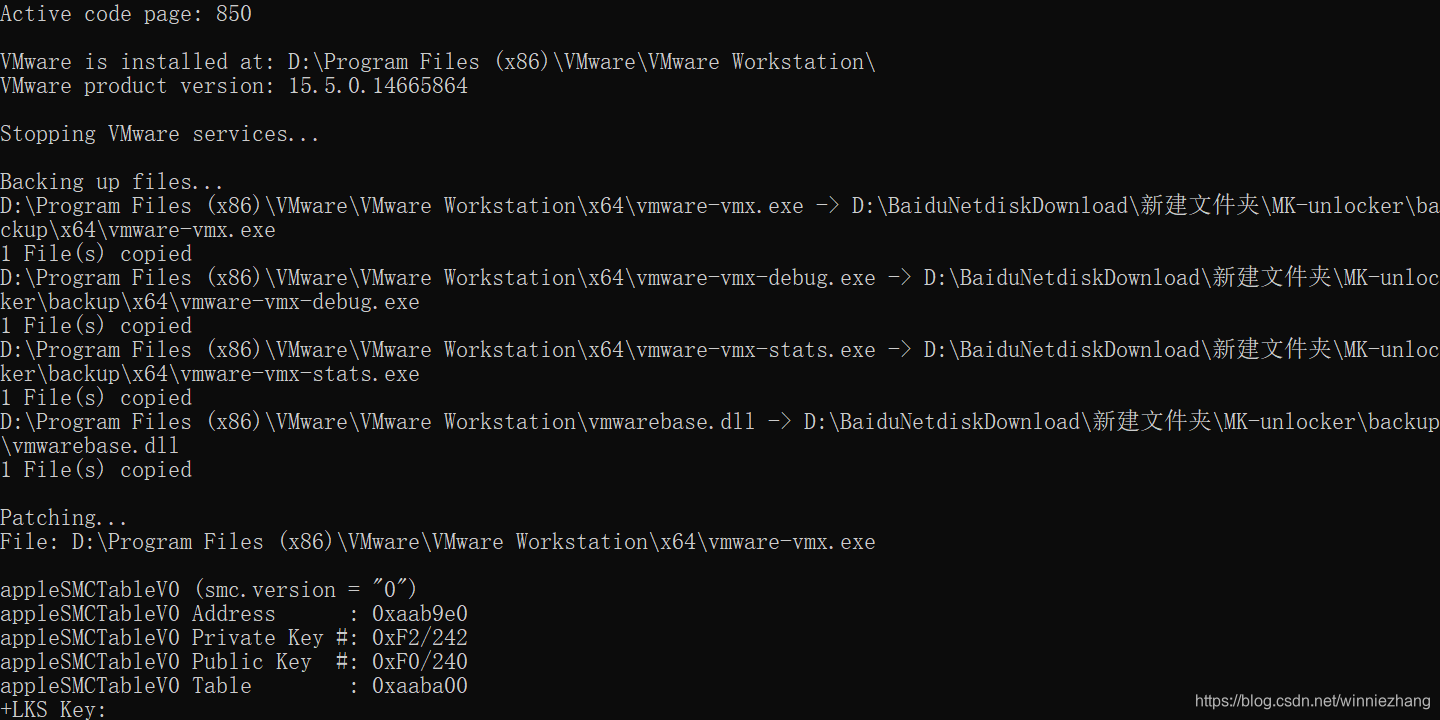
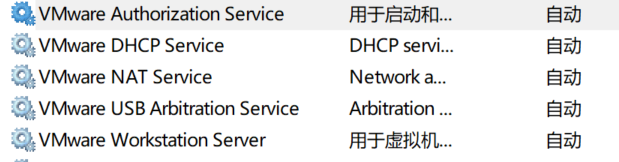
3、停止服务中的VMware 5个服务。
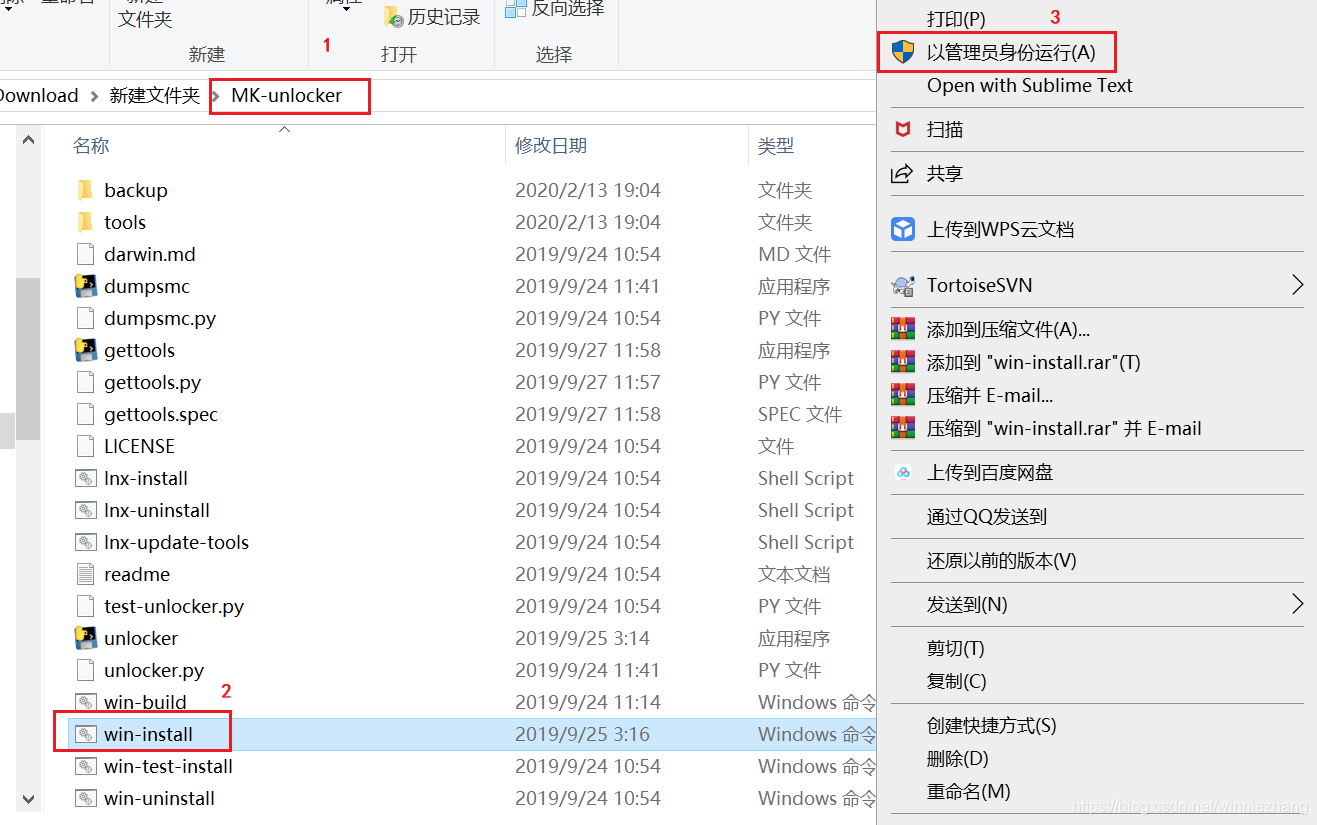
4、unloker解锁。
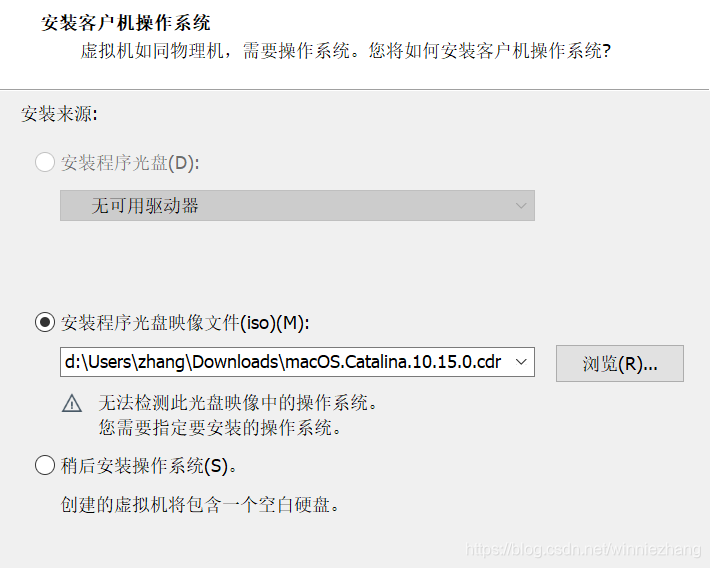
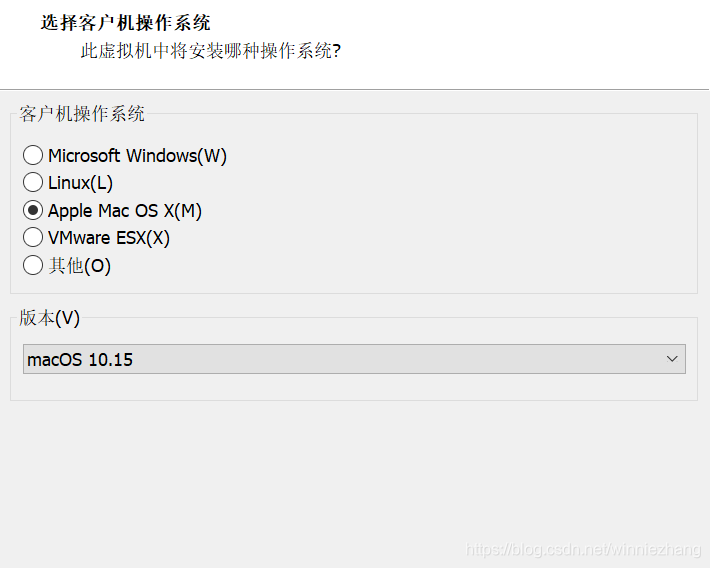
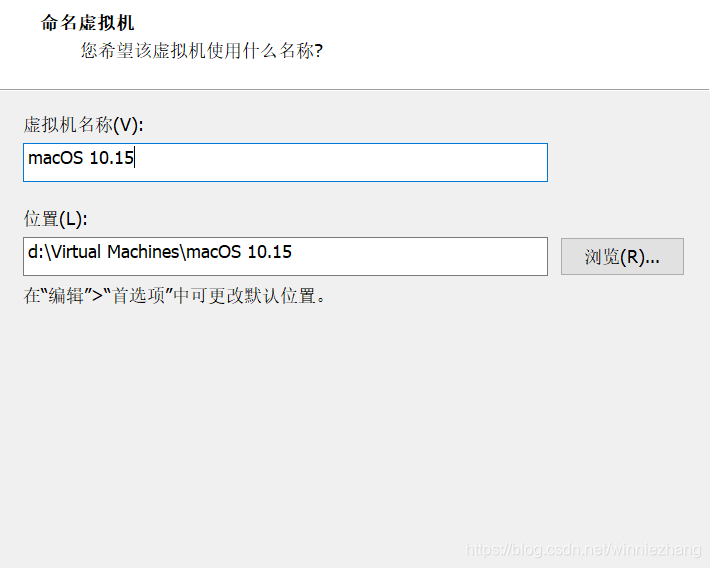
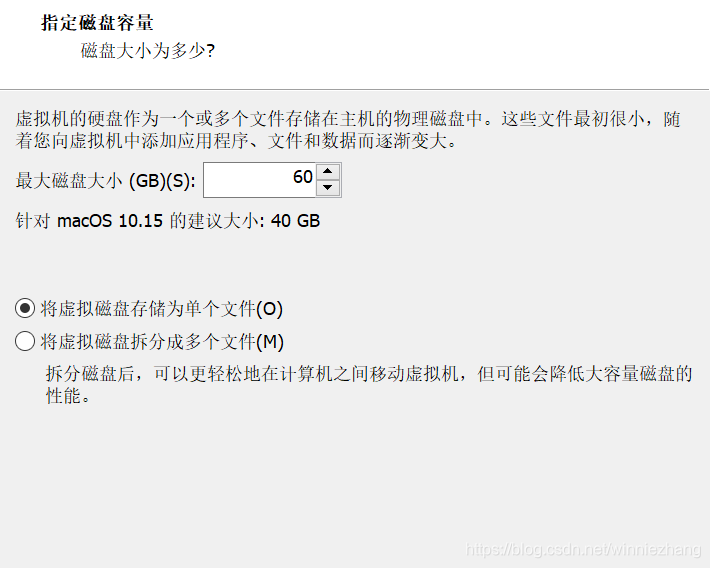
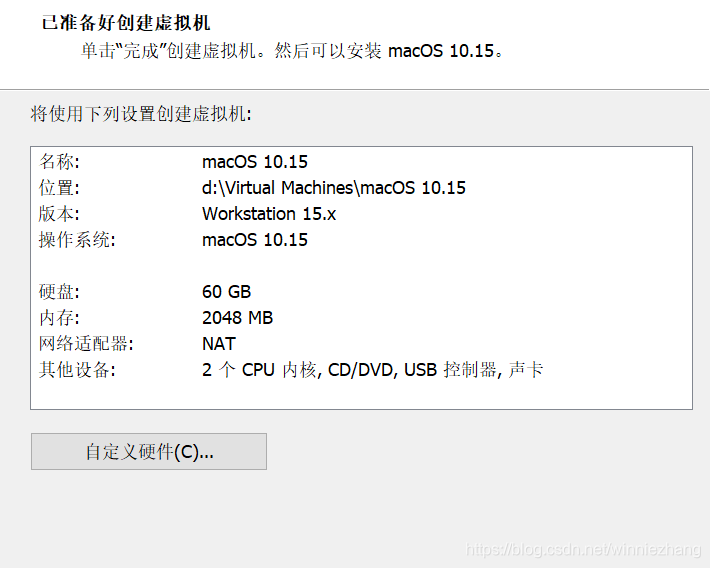
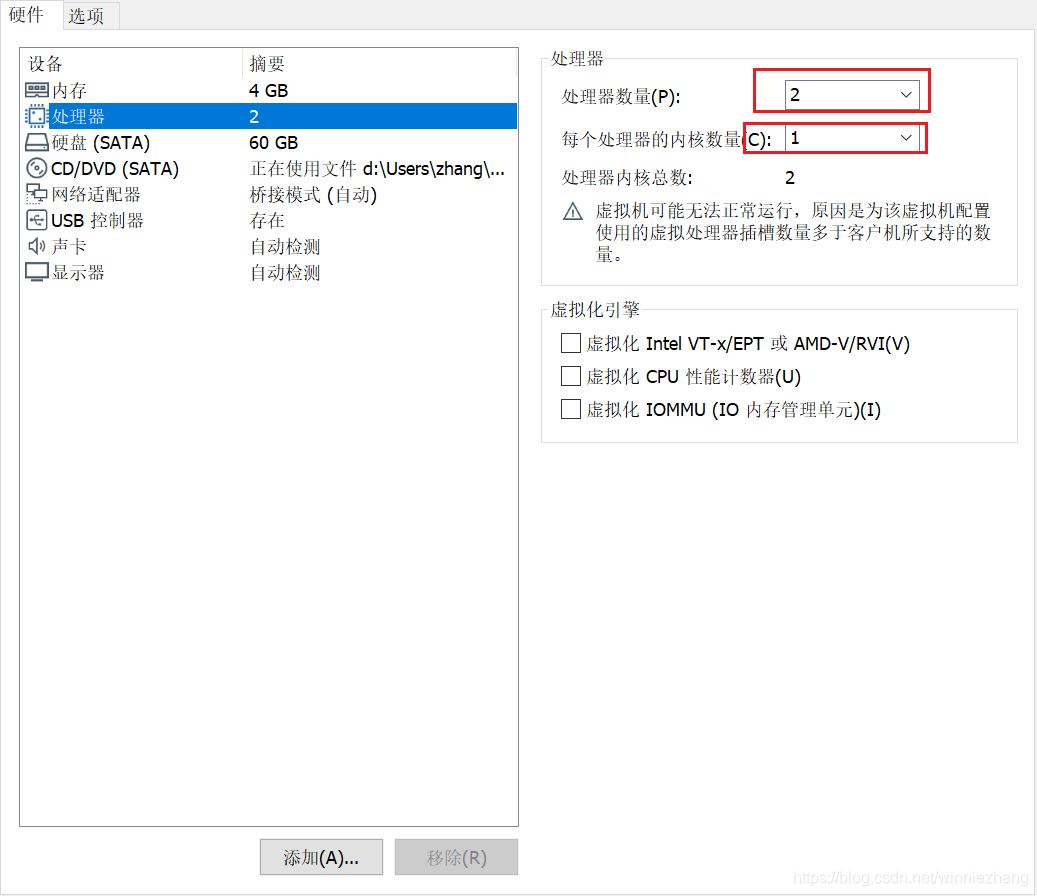
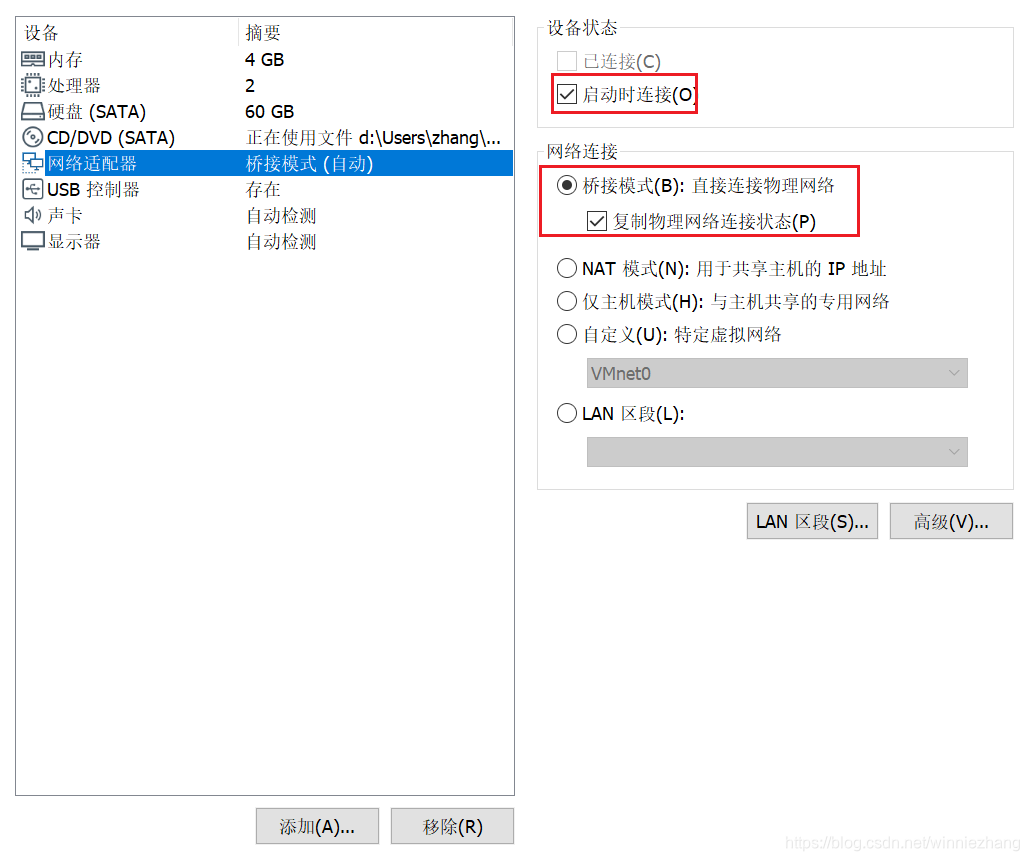
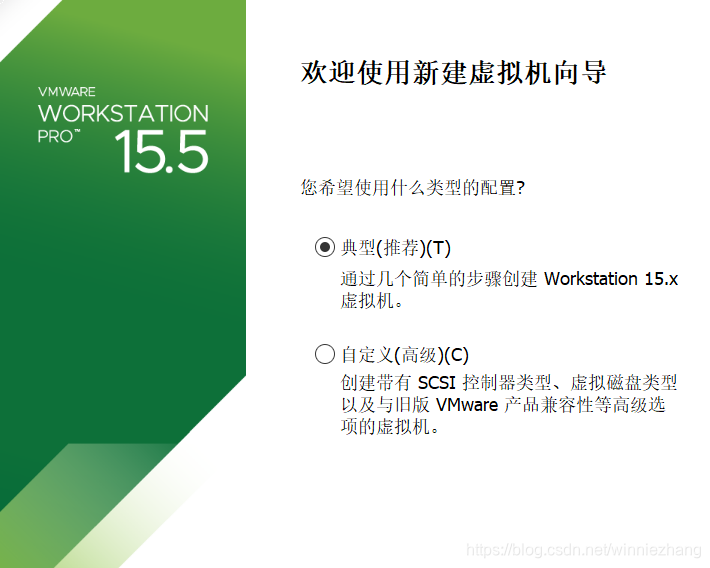
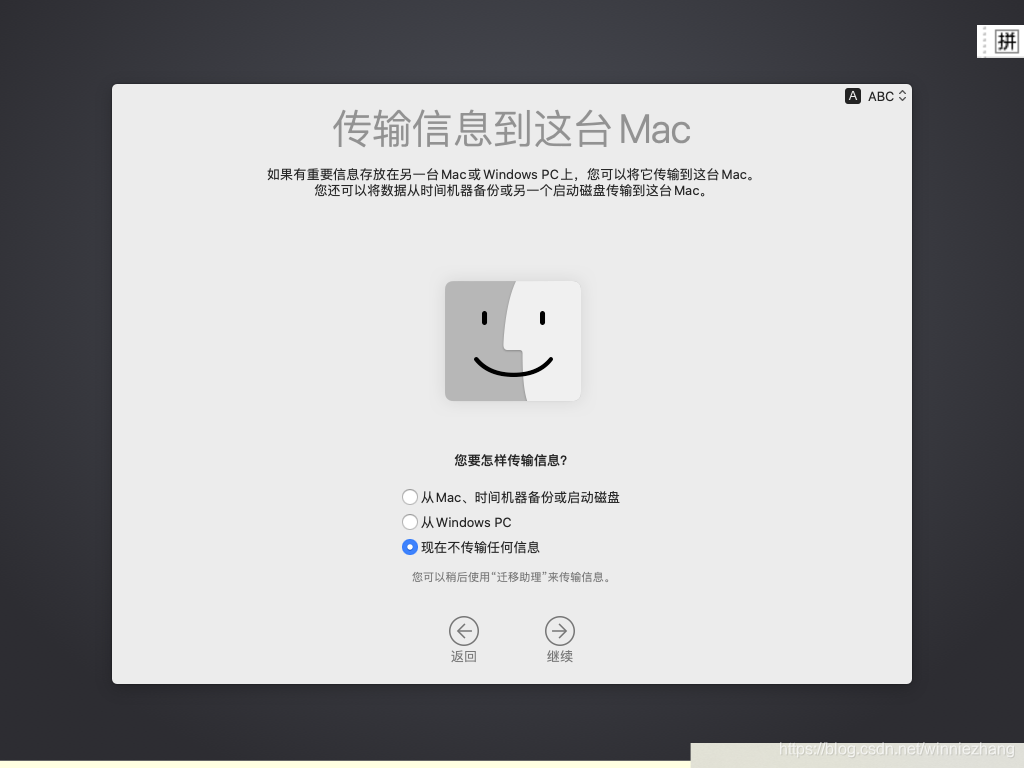
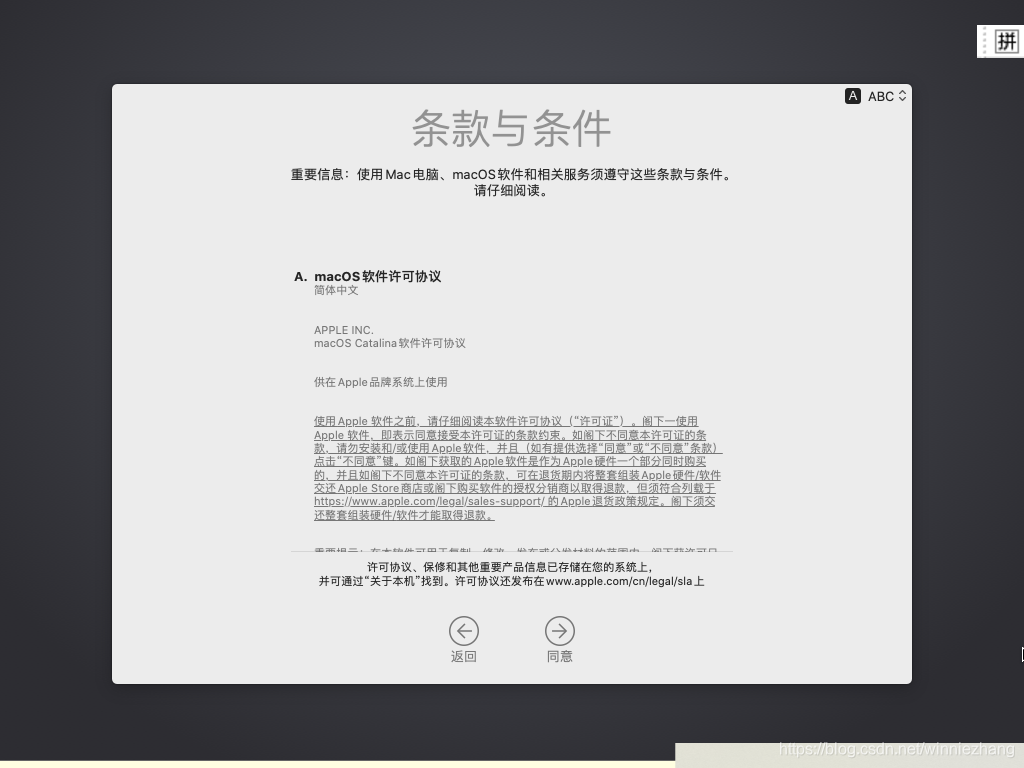
5、运行VMware workstation 15.5 应用程序,创建虚拟机。
磁盘工具。抹除。
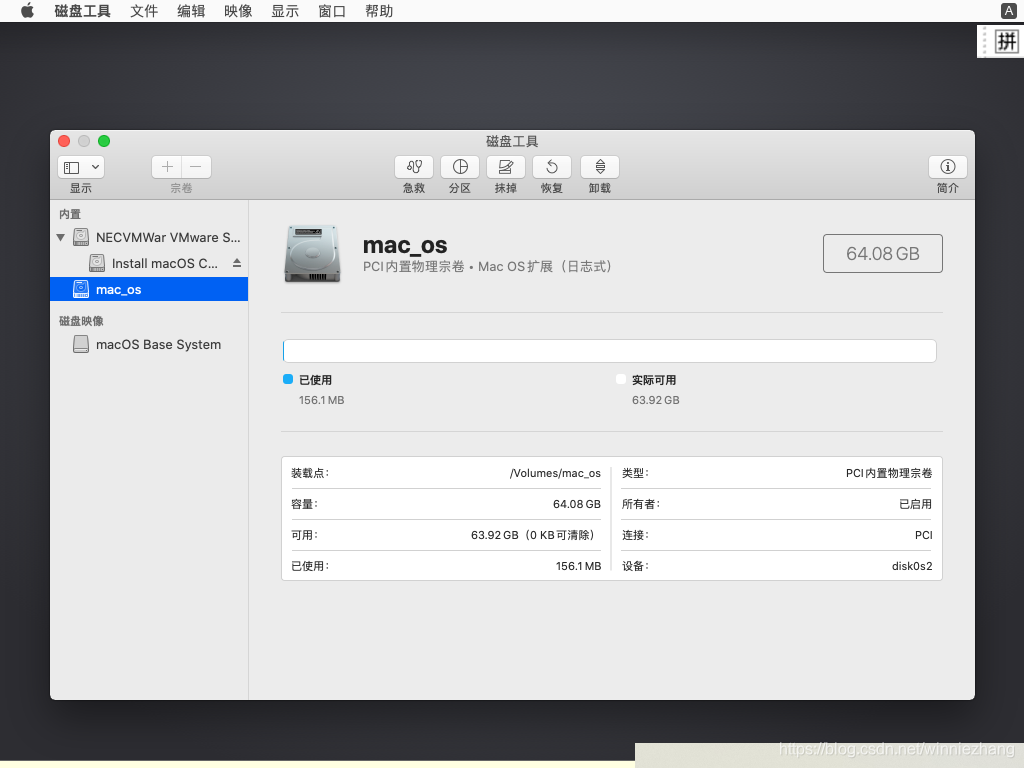
.
在vmvare中安装macOS所需的破解工具。正版,前csdn上文件有错。 macOS Unlocker for VMware V2.1 ============================== +-----------------------------------------------------------------------------+ | IMPORTANT: | | ========== | | | | Always uninstall the previous version of the Unlocker before using a new | | version. Failure to do this could render VMware unusable. | | | +-----------------------------------------------------------------------------+ 1. Introduction --------------- Unlocker 2 is designed for Workstation 11/12/14, Player 7/12/14, and Fusion 7/8/10. If you are using an earlier product please continue using Unlocker 1. Version 2 has been tested against: * Workstation 11/12/14 on Windows and Linux * Workstation Player 7/12/14 on Windows and Linux * Fusion 7/8/10 on macOS Sierra The patch code carries out the following modifications dependent on the product being patched: * Fix vmware-vmx and derivatives to allow macOS to boot * Fix vmwarebase .dll or .so to allow Apple to be selected during VM creation * Download a copy of the latest VMware Tools for macOS Note that not all products recognise the darwin.iso via install tools menu item. You will have to manually mount the darwin.iso for example on Workstation 11 and Player 7. The vmwarebase code does not need to be patched on macOS systems so you will see a message on those systems telling you that it will not be patched. In all cases make sure VMware is not running, and any background guests have been shutdown. The code is written in Python as it makes the Unlocker easier to run and maintain on ESXi. 2. Prerequisites ---------------- The code requires Python 2.7 to work. Most Linux distros and macOS ship with a compatible Python interpreter and should work without requiring any additional software. Windows Unlocker has a packaged version of the Python script using PyInstaller, and so does not require Python to be installed. 3. Limitations -------------- If you are using VMware Player or Workstation on Windows you may get a core dump. Latest Linux products are OK and do not show this problem. +-----------------------------------------------------------------------------+ | IMPORTANT: | | ========== | | | | If you create a new VM using version 11, 12 or 13 hardware VMware may stop | | and create a core dump. There are two options to work around this issue: | | | | 1. Change the VM to be HW 10 - this does not affect performance. | | 2. Edit the VMX file and add: | | smc.version = "0" | | | +-----------------------------------------------------------------------------+ 4. Windows ---------- On Windows you will need to either run cmd.exe as Administrator or using Explorer right click on the command file and select "Run as administrator". win-install.cmd - patches VMware win-uninstall.cmd - restores VMware win-update-tools.cmd - retrieves latest macOS guest tools 5. Linux --------- On Linux you will need to be either root or use sudo to run the scripts. You may need to ensure the Linux scripts have execute permissions by running chmod +x against the 2 files. lnx-install.sh - patches VMware lnx-uninstall.sh - restores VMware lnx-update-tools.cmd - retrieves latest macOS guest tools 6. macOS -------- On macOS you will need to be either root or use sudo to run the scripts. This is really only needed if you want to use client versions of macOS. You may need to ensure the macOS scripts have execute permissions by running chmod +x against the 2 files. osx-install.sh - patches VMware osx-uninstall.sh - restores VMware 7. ESXi ------- ESXi is no longer supported as there are too many errors on newer versions due to VMware hardening the ESXi image. 8. Thanks --------- Thanks to Zenith432 for originally building the C++ unlocker and Mac Son of Knife (MSoK) for all the testing and support. Thanks also to Sam B for finding the solution for ESXi 6 and helping me with debugging expertise. Sam also wrote the code for patching ESXi ELF files and modified the unlocker code to run on Python 3 in the ESXi 6.5 environment. History ------- 10/10/17 2.1.0 - New version to support ESXi 6.5, Workstation/Player 14 and Fusion 10 - Removed support for ESXi 6.0 - Added ESXi boot option to disable unlocker (nounlocker) 11/10/17 2.1.1 - Removed all support for ESXi 6.x (c) 2011-2017 Dave Parsons
### VMware Workstation 15.5.6 Pro 版本特性 VMware Workstation 15.5.6 Pro 提供了一系列强大的功能来满足专业用户的多样化需求。此版本不仅支持多种操作系统作为客户机,而且增强了性能和稳定性[^1]。 - **多处理器支持**:能够创建具有多达16个虚拟CPU的虚拟机,适用于测试和开发高性能应用程序。 - **高分辨率显示器优化**:改进了对Retina和其他高DPI显示屏的支持,提供更清晰的文字显示效果。 - **增强的安全性选项**:引入新的加密技术和密钥管理机制,保护敏感数据免受未授权访问。 - **USB设备兼容性提升**:增加了对于更多种类USB外设的支持,方便连接打印机、存储设备等硬件资源。 - **网络适配器灵活性增加**:允许用户更加灵活地配置虚拟网卡设置,包括桥接模式、NAT模式以及主机仅模式下的自定义子网划分等功能。 ### 安装指南 为了顺利安装VMware Workstation 15.5.6 Pro,在开始之前请确认计算机已达到最低系统要求: #### 系统准备 - 操作系统应为Windows 7 SP1 或更高版本(32位或64位),Linux发行版则建议使用较新内核版本以获得最佳体验。 - 至少预留4GB RAM用于运行宿主机及其上的虚拟机实例;如果打算同时开启多个大型应用,则推荐分配更多的物理内存给机器。 - 硬盘空间方面至少留有1GB可用容量用于存放程序文件本身,而实际所需的总磁盘大小取决于所要创建的具体虚拟环境数量及规模。 #### 步骤执行 1. 访问官方下载页面获取最新稳定版ISO镜像或者EXE安装包链接。 2. 执行下载后的安装向导,默认路径通常适合大多数情况,也可以根据个人喜好调整目标位置。 3. 接受许可协议条款并继续前进直到完成整个过程。 4. 启动应用程序后按照提示激活产品序列号即可正常使用全部特性和服务。 ### 下载地址 针对VMware Workstation 15.5.6 Pro 的正式渠道分发,请前往官方网站进行购买与合法下载。由于涉及版权问题,不建议从第三方站点非法复制软件副本。可以考虑订阅形式享受持续的技术支持和服务保障。 - [VMware官网](https://www.vmware.com/products/workstation-pro.html) ### 更新日志 具体到15.5.6这个小版本的变化记录可能不会公开详尽列出每一项改动细节,但总体上会围绕修复漏洞、提高效率等方面展开工作。一般情况下,每次迭代都会解决前一版本中存在的某些特定缺陷,并且可能会加入少量的新属性或是微调现有参数设定以便更好地适应市场变化和技术发展趋势。
评论
添加红包

请填写红包祝福语或标题

红包个数最小为10个

红包金额最低5元

当前余额3.43前往充值 >
需支付:10.00
成就一亿技术人!
领取后你会自动成为博主和红包主的粉丝 规则
hope_wisdom
发出的红包
实付
使用余额支付
点击重新获取
扫码支付
钱包余额 0

抵扣说明:

1.余额是钱包充值的虚拟货币,按照1:1的比例进行支付金额的抵扣。
2.余额无法直接购买下载,可以购买VIP、付费专栏及课程。

余额充值