



原课程视频网址:https://www.bilibili.com/video/BV12a4y1W7iW?spm_id_from=333.788.videopod.episodes&vd_source=1a59b0ecdb0243bed6579859a87b14b1&p=254
1.项羽绑刘邦
项羽跟手下约定摔杯为号,在宴会上绑了刘邦。
项羽:信号发起者
摔杯为号:信号
刘邦:接收者
槽函数:绑刘邦

(1)事先约定
connect(发起者,信号,接收者,槽函数);
connect是个约定,如果信号发出,接收者执行槽函数。
(2)信号 发生—>接收者执行槽函数
2.案例:实现单击按钮关闭主窗口
需求:单击按钮 关闭主窗口
发起者:按钮
接收者:主窗口
槽函数:关闭
#include "widget.h"
#include "ui_widget.h"
#include <QPushButton>
Widget::Widget(QWidget *parent)
    : QWidget(parent)
    , ui(new Ui::Widget)
{
    ui->setupUi(this);
    //设置窗口标题
    this->setWindowTitle("信号");
    //设置窗口大小
    this->resize(256,256);
    //创建按钮
    QPushButton *btn1 = new QPushButton("关闭", this);
    //信号的发起者btn1 信号点击 接收者this 槽函数关闭
    connect(btn1, &QPushButton::clicked, this, &QWidget::close);
}

Widget::~Widget()
{
    delete ui;
}
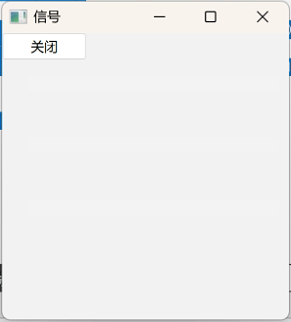
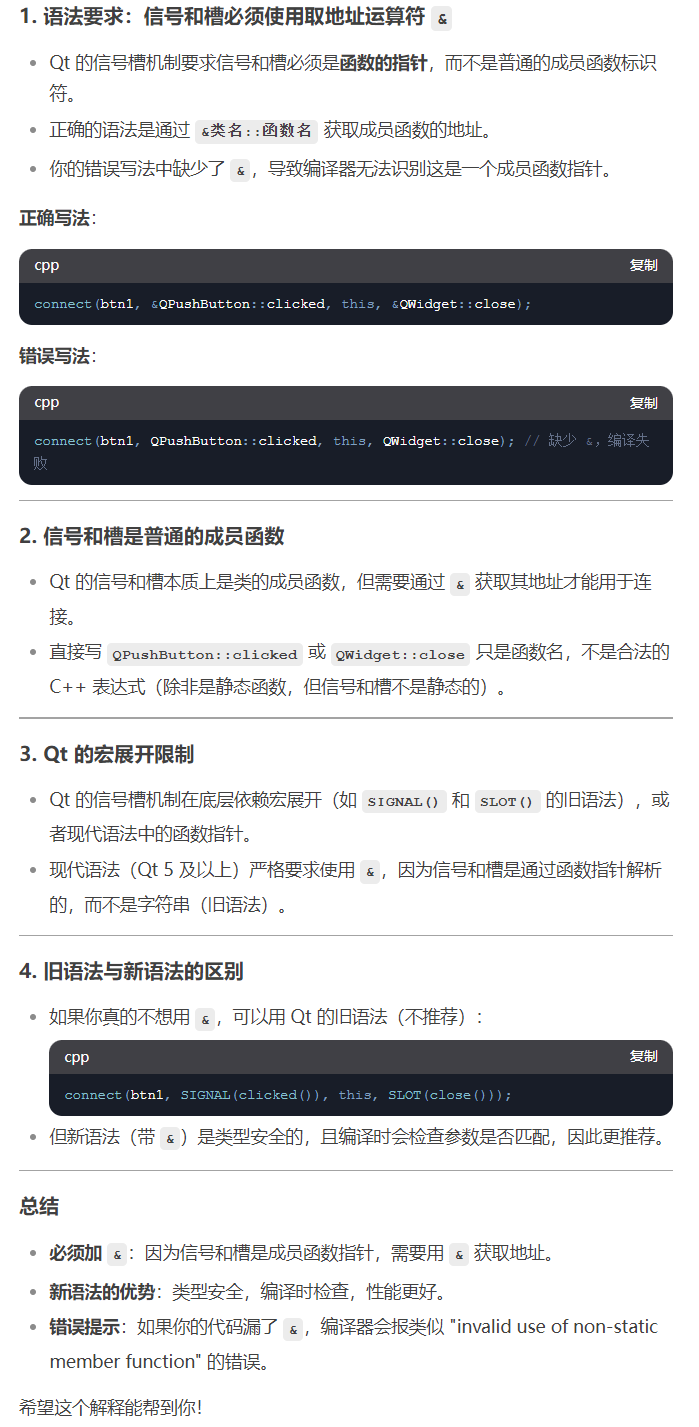
注意:信号和槽都使用取地址符&
3.lambda表达式写法
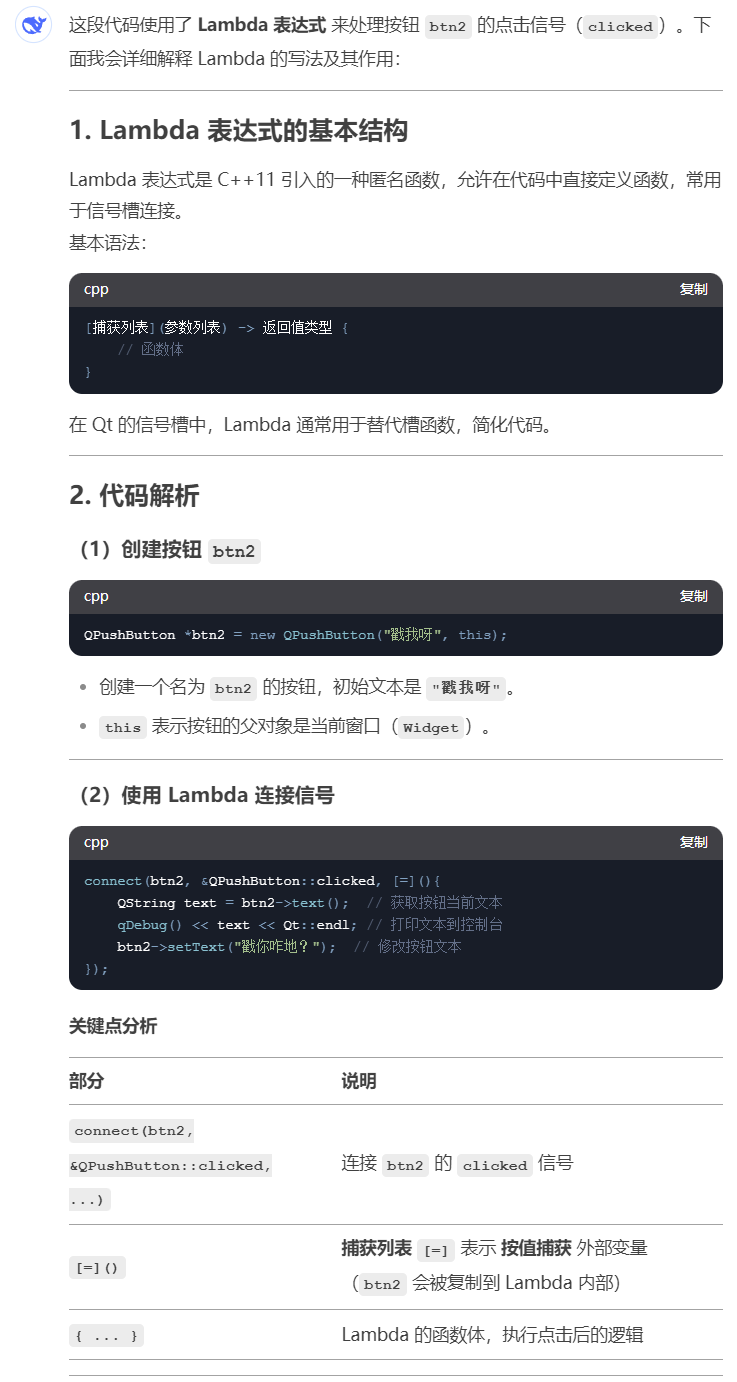
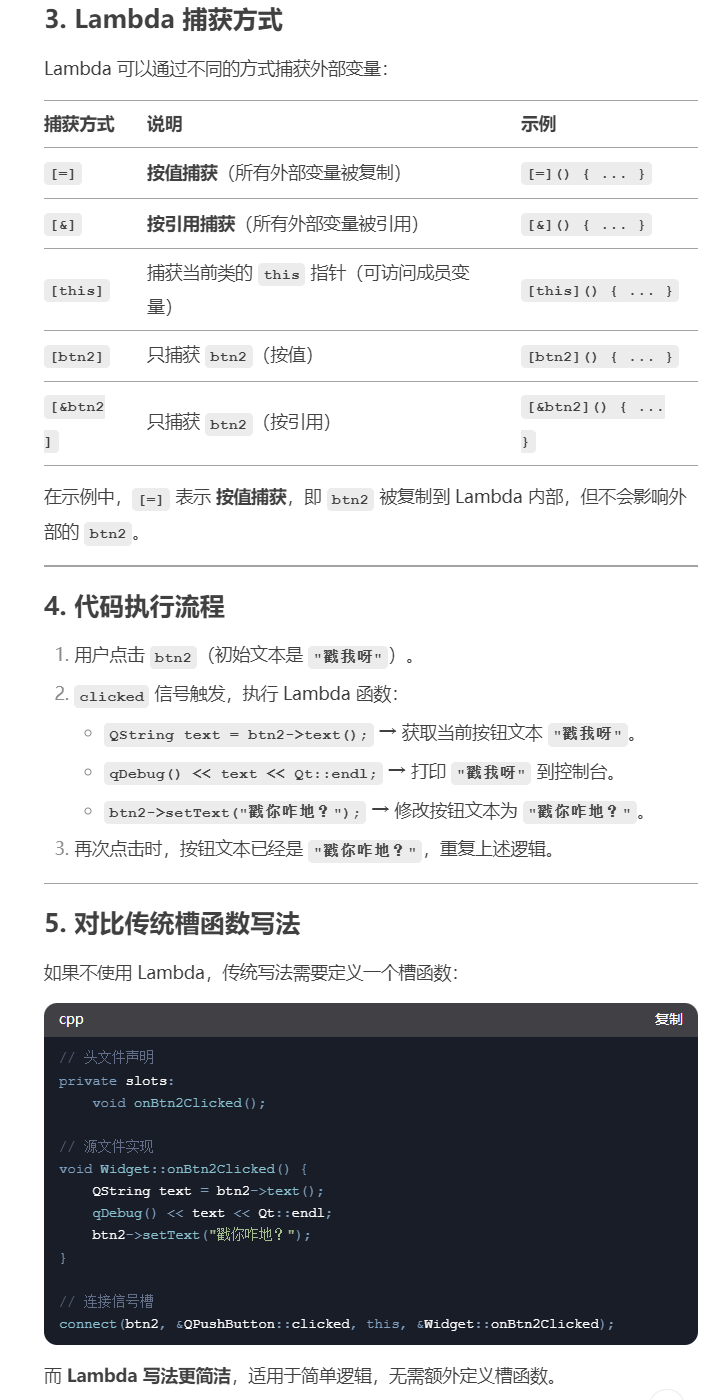
Lambda 表达式是 C++11 引入的一种匿名函数,允许在代码中直接定义函数,常用于信号槽连接。相较于传统写法,lambda不需要额外定义槽函数,更加简洁。
基本语法:
[捕获列表](参数列表) -> 返回值类型 {
    // 函数体
}
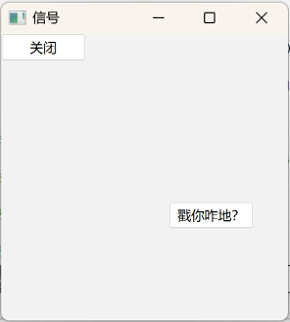
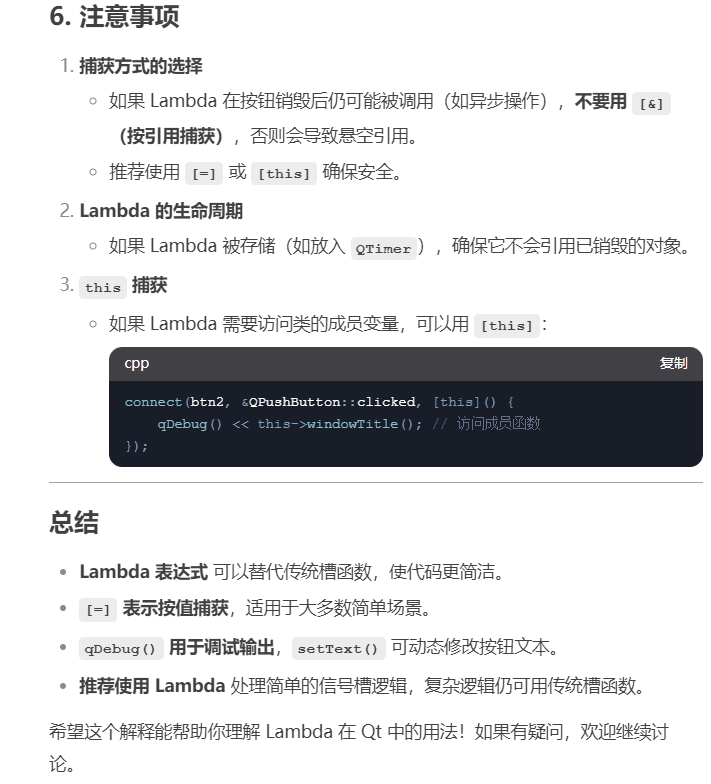
以下代码在点击btn2后首先获取文字,其次变换文字。
#include "widget.h"
#include "ui_widget.h"
#include <QPushButton>
#include <QDebug>
Widget::Widget(QWidget *parent)
    : QWidget(parent)
    , ui(new Ui::Widget)
{
    ui->setupUi(this);
    //设置窗口标题
    this->setWindowTitle("信号");
    //设置窗口大小
    this->resize(256,256);
    //创建按钮
    QPushButton *btn1 = new QPushButton("关闭", this);
    //信号的发起者btn1 信号点击 接收者this 槽函数关闭
    connect(btn1, &QPushButton::clicked, this, &QWidget::close);


    //lambda表达式定义法
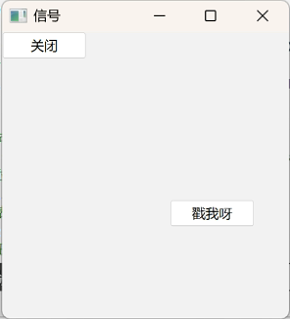
    QPushButton *btn2 = new QPushButton("戳我呀",this);
    //移动button位置
    btn2->move(150,150);
    //通过lambda表达式定义
    connect(btn2, &QPushButton::clicked, [=](){
        //获取按钮上的文本
        QString text = btn2->text();
        qDebug()<<text<<Qt::endl;
        btn2->setText("戳你咋地?");
    });
}

Widget::~Widget()
{
    delete ui;
}
点击“戳我呀”按钮之前
点击“戳我呀”按钮之后
4.自定义信号与槽
发起者:老师
信号:饿了
接收者:学生
槽函数:请老师吃饭
需要设计两个类:老师类、学生类
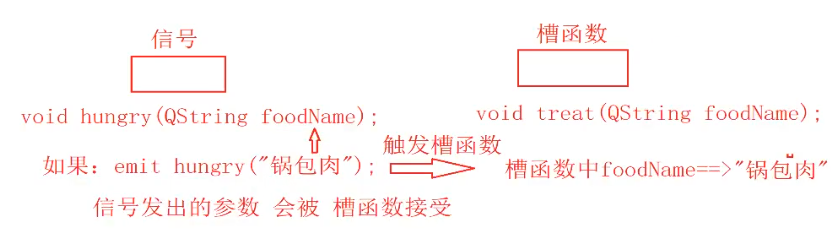
信号发出的参数会被槽函数接收
student.h
#ifndef STUDENT_H
#define STUDENT_H

#include <QObject>

class student : public QObject
{
    Q_OBJECT
public:
    explicit student(QObject *parent = nullptr);

signals:

public slots://自定义槽函数
    //槽函数 返回值类型为slots 需要声明 需要实现 可以有参数 可以重载
    void treat();
    void treat(QString foodName);
};

#endif // STUDENT_H
teacher.h
#ifndef TEACHER_H
#define TEACHER_H

#include <QObject>

class Teacher : public QObject
{
    Q_OBJECT
public:
    explicit Teacher(QObject *parent = nullptr);

signals://自定义信号函数
    //返回类型void 只需声明 不用实现 可以有参数 可以重载
    void hungry();
    void hungry(QString foodName);
};

#endif // TEACHER_H
student.cpp
#include "student.h"
#include<QDebug>
student::student(QObject *parent)
    : QObject{parent}
{}

void student::treat()
{
    qDebug()<<"请老师吃饭了!"<<Qt::endl;
}

void student::treat(QString foodName)
{
    qDebug()<<"请老师吃饭了:"<<foodName<<Qt::endl;
}
teacher.cpp
#include "teacher.h"

Teacher::Teacher(QObject *parent)
    : QObject{parent}
{}
widget.cpp
#include "widget.h"
#include "teacher.h"
#include "student.h"
#include <QPushButton>
#define N 0
Widget::Widget(QWidget *parent)
    : QWidget(parent)
{
    this->resize(256,256);
    //实例化一个老师
    Teacher *tea = new Teacher(this);
    //实例化一个学生
    student *stu = new student(this);
#if N
    // 建立老师与学生的友好关系
    connect(tea, &Teacher::hungry, stu, &student::treat);
#else
    //报错原因 hungry被重载了
    //通过函数指针 明确哪个信号
    void (Teacher:: *p1)(QString foodName) = &Teacher::hungry;
    void (student:: *p2)(QString foodName) = &student::treat;
    connect(tea, p1, stu, p2);
#endif
    //下课了 老师饿了
    QPushButton *btn = new QPushButton("下课了",this);
    //connect(btn, &QPushButton::clicked, tea, &Teacher::hungry);
    connect(btn, &QPushButton::clicked,[=](){
#if N
        //下课函数,让老师发出饿的信号
        emit tea->hungry();
#else
    //下课函数:让老师发出饿的信号
        emit tea->hungry("锅包肉");
#endif
    });
}

Widget::~Widget() {}
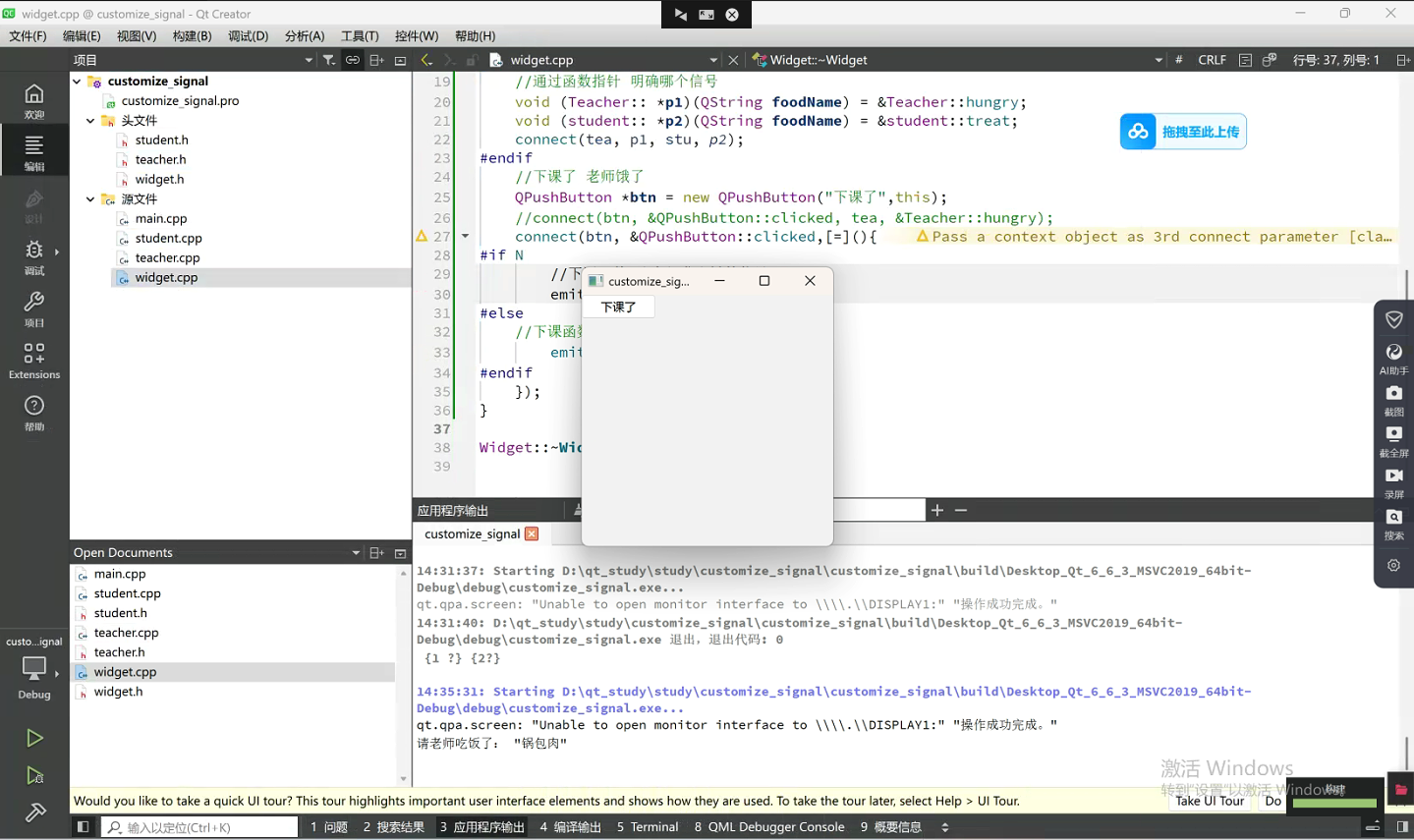
运行结果





 扫一扫
扫一扫


 916
916

 被折叠的 条评论
为什么被折叠?
被折叠的 条评论
为什么被折叠?
 到【灌水乐园】发言





