


目录
1. 通过清华镜像网站下载 texlive
https://mirrors.tuna.tsinghua.edu.cn/ctan/systems/texlive/Images/
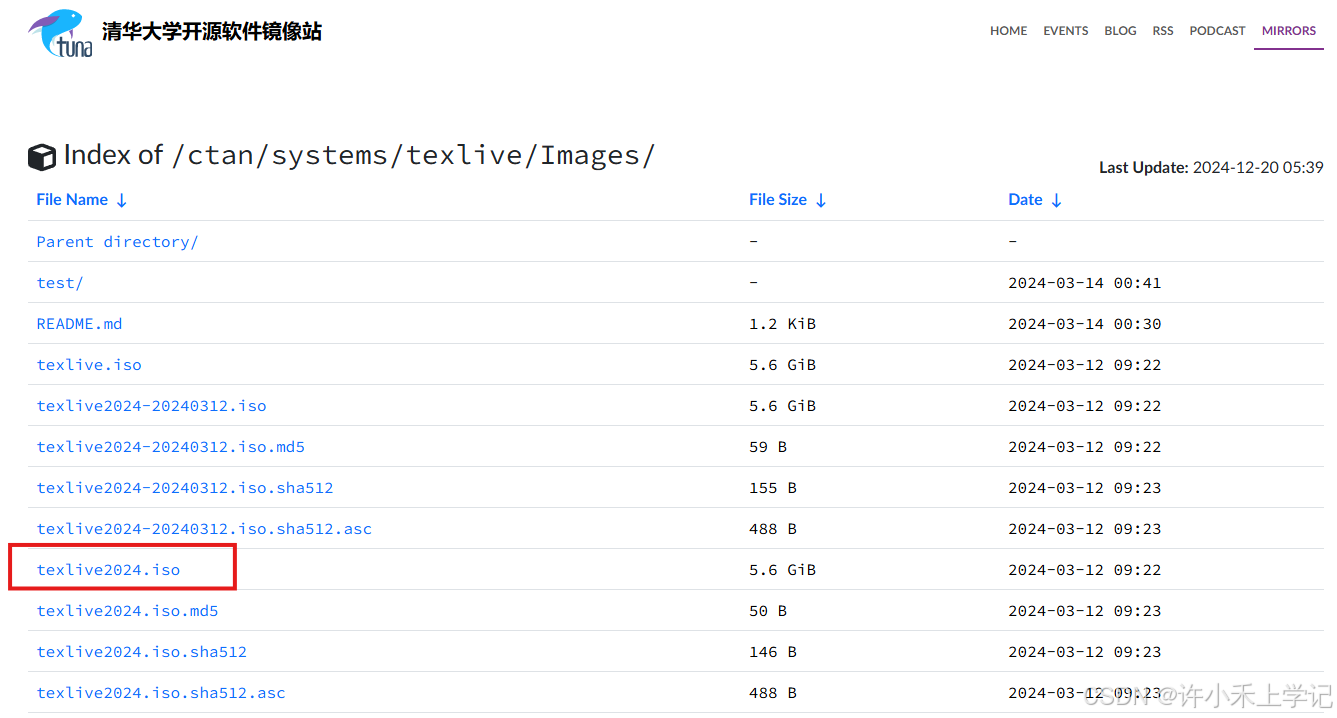
“.iso”结尾的都行,我选的是texlive2024.iso
2. 通过清华镜像网站下载 texstudio
https://mirrors.tuna.tsinghua.edu.cn/github-release/texstudio-org/texstudio/4.8.5/
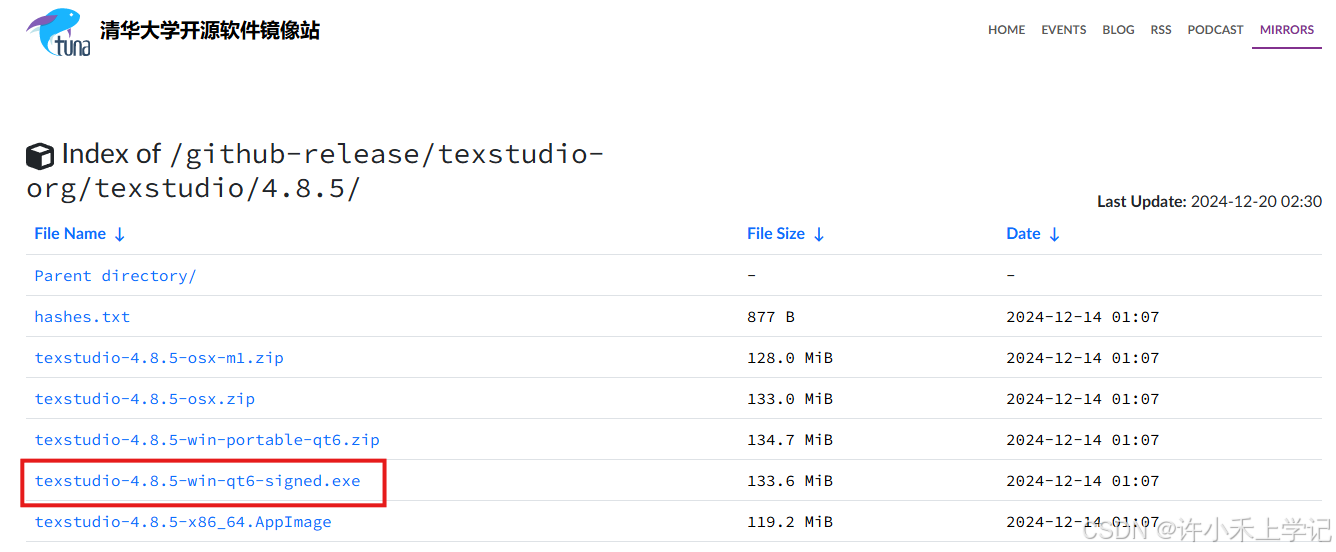
点击“texstudio-4.8.5-win-qt6-signed.exe”下载
3. 先安装 texlive
(1)修改安装路径与安装
双击下载后的texlive,双击“install-tl-windows.bat"文件可以修改安装路径,不修改则是默认的安装路径。安装大概需要1小时。
 最低0.47元/天 解锁文章






 扫一扫
扫一扫


 2万+
2万+

 被折叠的 条评论
为什么被折叠?
被折叠的 条评论
为什么被折叠?
 到【灌水乐园】发言





