
【c#调用Deepseek大模型】

注册账号

1.注册账号(网页:deepseek.com)
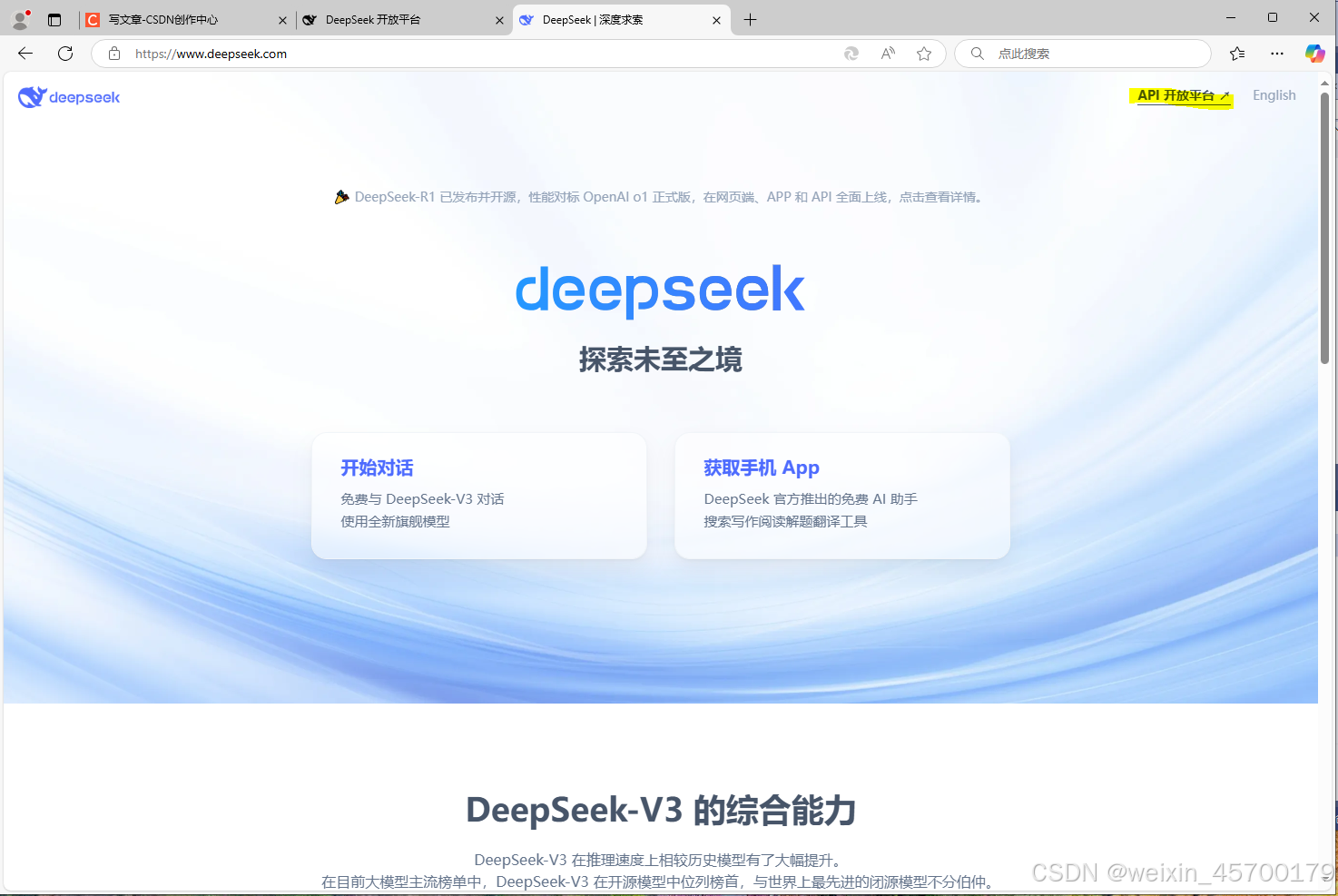
2.选择API keys 创建key
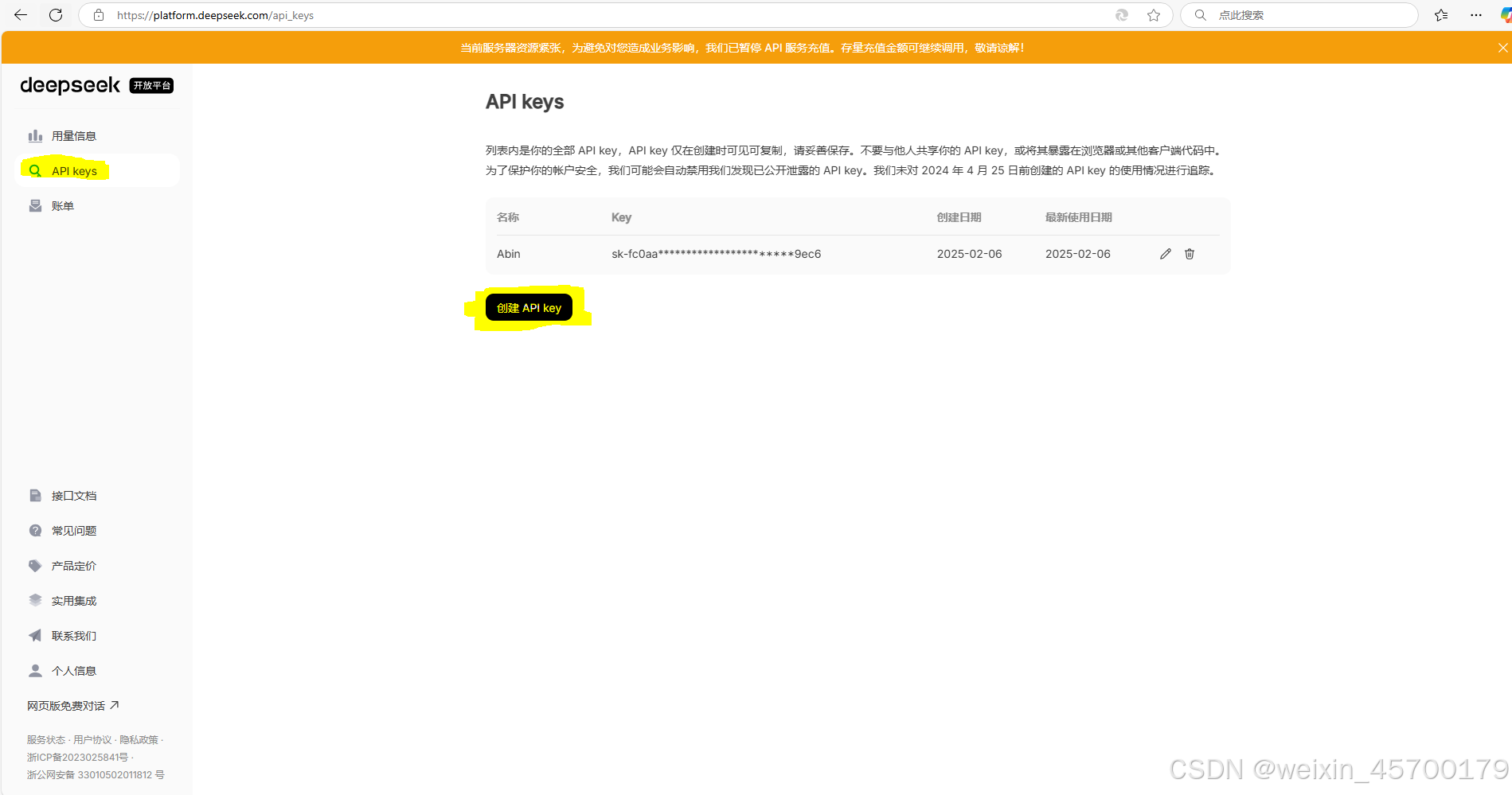
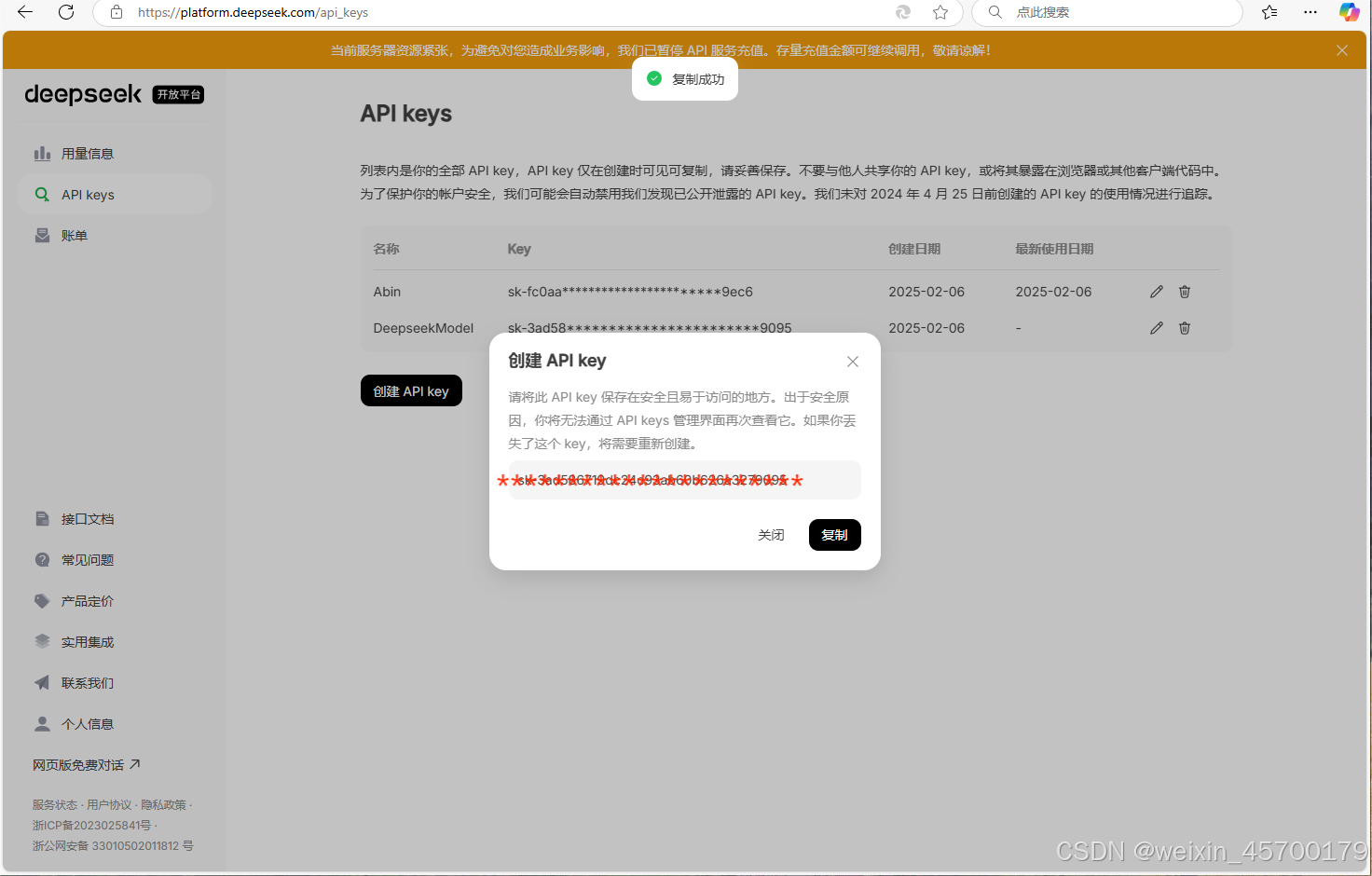
3.复制key
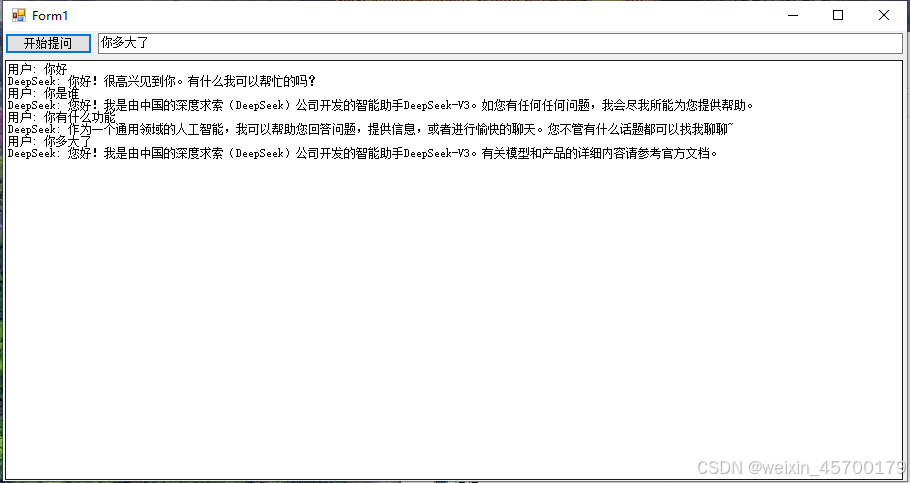
代码实现
实现前先要在NuGet程序包下载两个库

Newtonsoft.Json;(我目前使用版本13.0.3)

已下是代码的实现

using Newtonsoft.Json;
using System;
using System.Collections.Generic;
using System.ComponentModel;
using System.Data;
using System.Drawing;
using System.Linq;
using System.Net.Http;
using System.Text;
using System.Threading.Tasks;
using System.Windows.Forms;

namespace WindowsFormsApp1
{
    public partial class Form1 : Form
    {
        public Form1()
        {
            InitializeComponent();
        }

        privat

### 如何在C#调用DeepSeek 为了在C#项目中成功调用DeepSeek API,需遵循特定步骤来配置环境并编写必要的代码。首先,确保已获得有效的`DEEPSEEK_API_KEY`用于认证请求。 #### 配置API密钥 创建一个安全的方式存储API密钥,推荐做法是在应用程序设置文件或通过环境变量管理这些敏感数据[^1]。 ```csharp string deepSeekApiKey = Environment.GetEnvironmentVariable("DEEPSEEK_API_KEY"); if (string.IsNullOrEmpty(deepSeekApiKey)) { throw new InvalidOperationException("未找到DeepSeek API Key,请确认已经设置了环境变量."); } ``` #### 发送HTTP请求至DeepSeek API端点 利用HttpClient类发送POST请求到指定的API URL,并附带所需参数作为JSON对象传递给服务器。这里假设使用的是`deepseek-chat`模型。 ```csharp using System.Net.Http; using System.Text; using Newtonsoft.Json; // ... var client = new HttpClient(); client.DefaultRequestHeaders.Add("Authorization", $"Bearer {deepSeekApiKey}"); var requestContent = new StringContent( JsonConvert.SerializeObject(new { model = "deepseek-chat", messages = new[] { new { role = "user", content = "你好,世界!" } } }), Encoding.UTF8, "application/json" ); HttpResponseMessage response = await client.PostAsync("https://api.deepseek.com/v1/chat/completions", requestContent); response.EnsureSuccessStatusCode(); string responseBody = await response.Content.ReadAsStringAsync(); Console.WriteLine(responseBody); ``` 此段代码展示了如何构建带有授权头和消息体的有效HTTPS POST请求,其中包含了要查询的内容以及所选模型名称。最后处理来自API响应的数据并打印出来。
评论
成就一亿技术人!
拼手气红包6.0元
还能输入1000个字符
 
红包 添加红包
表情包 插入表情
 条评论被折叠 查看
添加红包

请填写红包祝福语或标题

红包个数最小为10个

红包金额最低5元

当前余额3.43前往充值 >
需支付:10.00
成就一亿技术人!
领取后你会自动成为博主和红包主的粉丝 规则
hope_wisdom
发出的红包

打赏作者

weixin_45700179

你的鼓励将是我创作的最大动力

¥1 ¥2 ¥4 ¥6 ¥10 ¥20
扫码支付:¥1
获取中
扫码支付

您的余额不足,请更换扫码支付或充值

打赏作者

实付
使用余额支付
点击重新获取
扫码支付
钱包余额 0

抵扣说明:

1.余额是钱包充值的虚拟货币,按照1:1的比例进行支付金额的抵扣。
2.余额无法直接购买下载,可以购买VIP、付费专栏及课程。

余额充值



