




 本文档介绍了如何在Umi4和React项目中配置并使用Less全局变量。首先,通过pnpm安装了less和less-loader依赖。接着,在配置文件中设置了lessLoader的modifyVars选项,引入了自定义的全局变量文件。示例代码展示了在组件中应用这些变量的方式,如背景颜色、高度和宽度。文章还包含了实际的组件代码示例,展示了如何在组件样式中使用这些全局变量。
之前写的文章,使用起来过于麻烦Umi4+React:使用less全局变量
项目安装依赖
pnpm install less less-loader
export default {
  npmClient: 'pnpm',
  lessLoader: {
    modifyVars: {
      // ten: '100px'
      hack: 'true; @import "@/assets/css/variables.less";',
    }
  },

};
import yayJpg from '../assets/yay.jpg';
import './index.less';
export default function HomePage() {
  return (
    <div>
      <h2>Yay! Welcome to umi!</h2>
      <p>
        <img src={yayJpg} width="388" />
      </p>
      <p>
        To get started, edit <code>pages/index.tsx</code> and save to reload.
      </p>
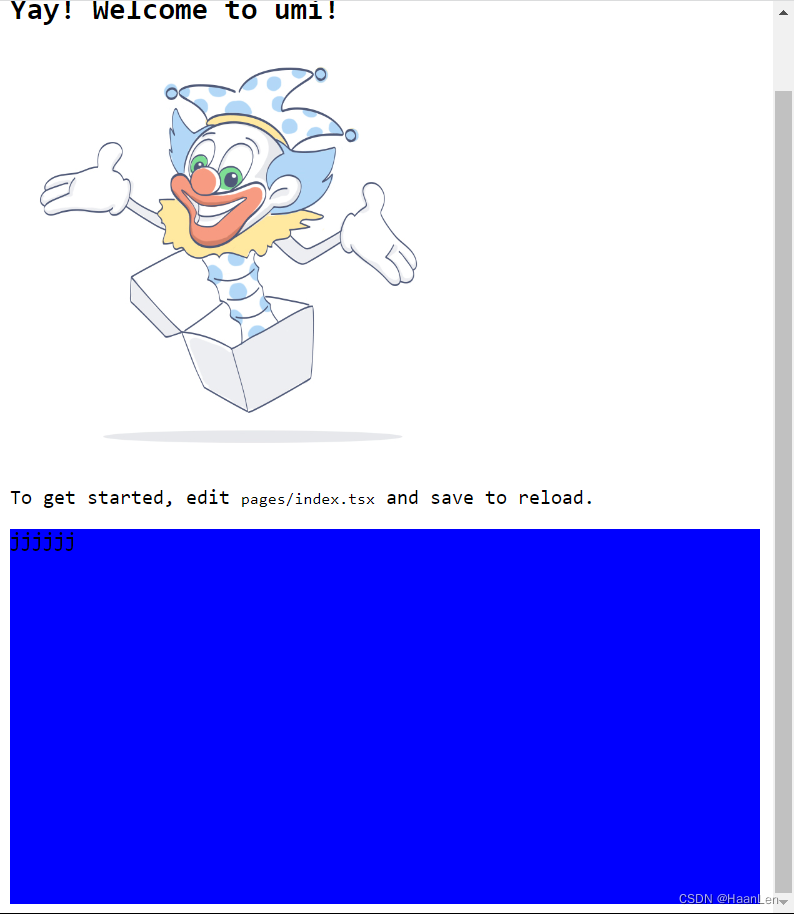
      <div className='box-test'>
        jjjjjj
      </div>
    </div>
  );
}
.box-test {
  background-color: @theme-color;
  height: @ten;
  width: @max-width;
}






 扫一扫
扫一扫


 1329
1329


 到【灌水乐园】发言



