


 本文详细介绍了如何使用Git和GitHub进行项目版本控制。从创建GitHub仓库开始,到本地项目的初始化、文件添加、提交,再到远程仓库的连接和推送,全程步骤清晰,适合初学者学习。

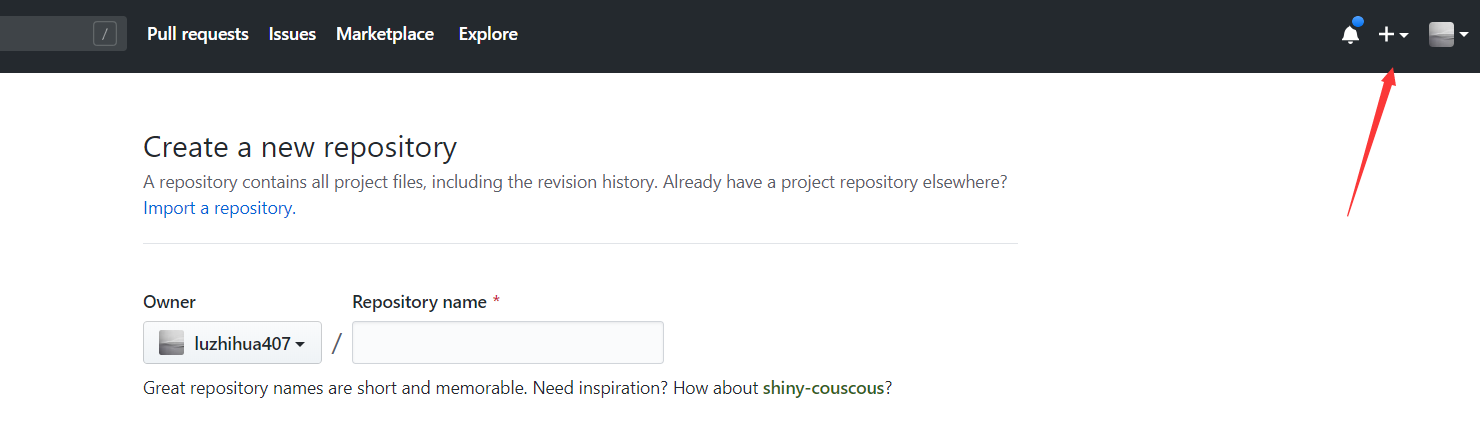
1、首先在GitHub创建一个新的仓库,为了避免出错,不要用README license,gitignore 初始化仓库。这些可以稍后再添加。
2、打开本地电脑安装的Git Bash
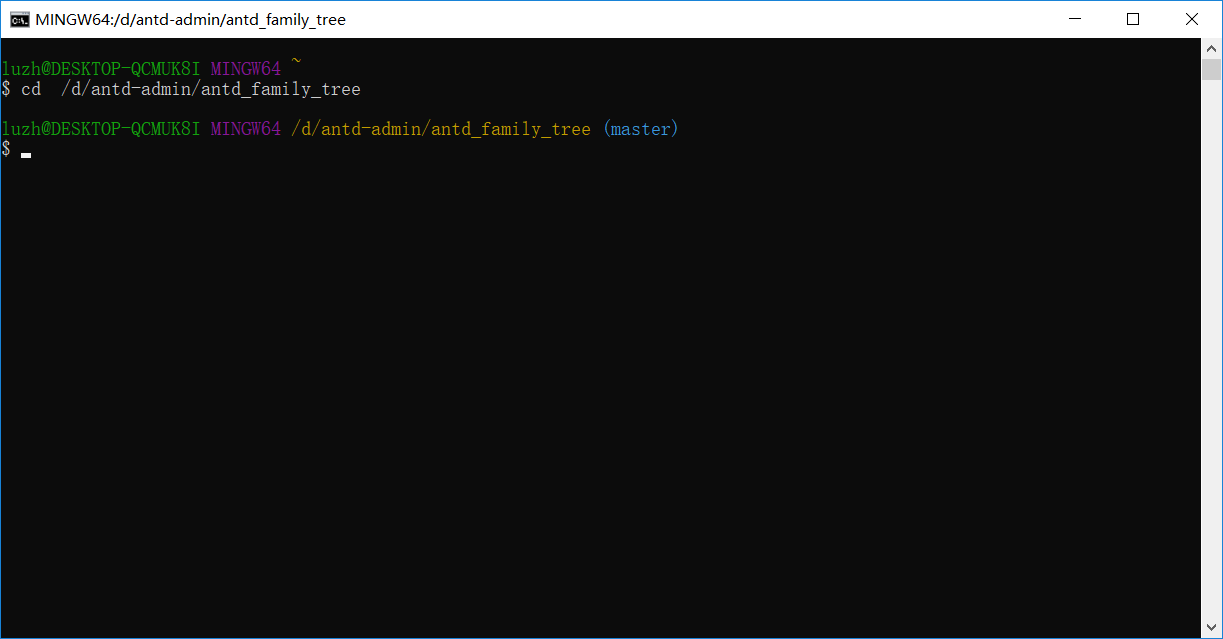
3、将当前工作目录指向本地项目所在目录。
4、初始化本地目录,作为Git仓库
$ git init
5、添加文件到新的本地仓库。这是第一次提交阶段
$ git add .
# Adds the files in the local repository and stages them for commit. To unstage a file, use 'git reset HEAD YOUR-FILE'.
6、提交文件
$ git commit -m "First commit"
# Commits the tracked changes and prepares them to be pushed to a remote repository. To remove this commit and modify the file, use 'git reset --soft HEAD~1' and commit and add the file again.
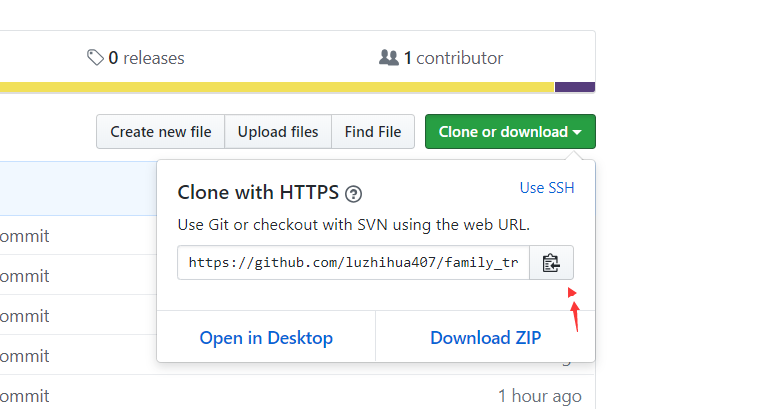
7、复制GitHub仓库快速设置页面的远程仓库URL
8、在命令提示符中,添加远程仓库URL
$ git remote add origin remote repository URL
# Sets the new remote
$ git remote -v
# Verifies the new remote URL
9、向GitHub推送本地仓库有改动的文件
$ git push origin master
# Pushes the changes in your local repository up to the remote repository you specified as the origin





 扫一扫
扫一扫


 1107
1107

 被折叠的 条评论
为什么被折叠?
被折叠的 条评论
为什么被折叠?
 到【灌水乐园】发言





