



 本文介绍了如何在Android应用中自定义视图,通过覆盖onDraw()和onTouchEvent()方法来实现矩形在屏幕上的拖动功能。包括设置矩形绘制属性、处理触摸事件以更新矩形位置。
代码片段(5)
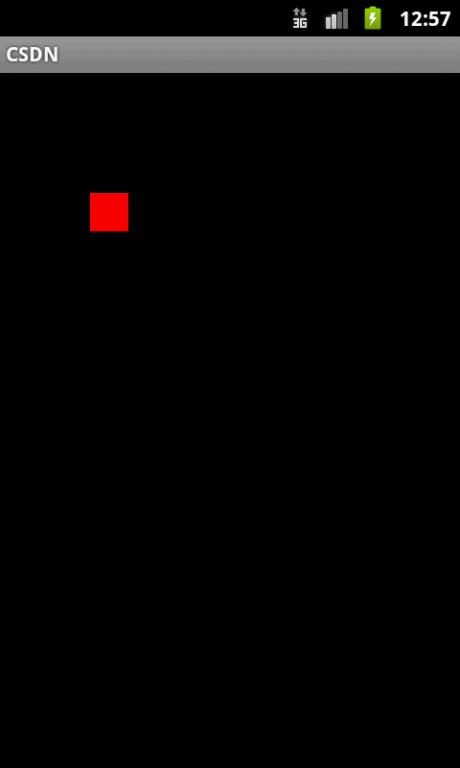
[图片] 程序截图
[代码] Activity.java
01 | package com.zhuozhuo; |
02 |
03 | import android.app.Activity; |
04 | import android.os.Bundle; |
05 |
06 | public class 优快云Activity extends Activity { |
07 | /** Called when the activity is first created. */ |
08 | @Override |
09 | public void onCreate(Bundle savedInstanceState) { |
10 | super.onCreate(savedInstanceState); |
11 | setContentView(R.layout.main); |
12 | } |
13 | |
14 | |
15 | } |
[代码] CustomView.java
01 | package com.zhuozhuo; |
02 |
03 | import android.content.Context; |
04 | import android.graphics.Canvas; |
05 | import android.graphics.Color; |
06 | import android.graphics.Paint; |
07 | import android.graphics.Rect; |
08 | import android.util.AttributeSet; |
09 | import android.view.MotionEvent; |
10 | import android.view.View; |
11 |
12 | /** |
13 | * 自定义的view,需要覆盖onDraw()方法绘制控件,覆盖onTouchEvent()接收触摸消息 |
14 | */ |
15 | public class CustomView extends View { |
16 |
17 | private static final int WIDTH = 40; |
18 | |
19 | private Rect rect = new Rect(0, 0, WIDTH, WIDTH);//绘制矩形的区域 |
20 | private int deltaX,deltaY;//点击位置和图形边界的偏移量 |
21 | private static Paint paint = new Paint();//画笔 |
22 | |
23 | public CustomView(Context context, AttributeSet attrs) { |
24 | super(context, attrs); |
25 | paint = new Paint(); |
26 | paint.setColor(Color.RED);//填充红色 |
27 | } |
28 | |
29 | @Override |
30 | protected void onDraw(Canvas canvas) { |
31 | canvas.drawRect(rect, paint);//画矩形 |
32 |
33 | } |
34 | |
35 | @Override |
36 | public boolean onTouchEvent (MotionEvent event) { |
37 | int x = (int) event.getX(); |
38 | int y = (int) event.getY(); |
39 | switch(event.getAction()) { |
40 | case MotionEvent.ACTION_DOWN: |
41 | if(!rect.contains(x, y)) { |
42 | return false;//没有在矩形上点击,不处理触摸消息 |
43 | } |
44 | deltaX = x - rect.left; |
45 | deltaY = y - rect.top; |
46 | break; |
47 | case MotionEvent.ACTION_MOVE: |
48 | case MotionEvent.ACTION_UP: |
49 | Rect old = new Rect(rect); |
50 | //更新矩形的位置 |
51 | rect.left = x - deltaX; |
52 | rect.top = y - deltaY; |
53 | rect.right = rect.left + WIDTH; |
54 | rect.bottom = rect.top + WIDTH; |
55 | old.union(rect);//要刷新的区域,求新矩形区域与旧矩形区域的并集 |
56 | invalidate(old);//出于效率考虑,设定脏区域,只进行局部刷新,不是刷新整个view |
57 | break; |
58 | } |
59 | return true;//处理了触摸消息,消息不再传递 |
60 | } |
61 |
62 | } |
[代码] main.xml 布局文件
1 | <?xml version="1.0" encoding="utf-8"?> |
2 | <LinearLayout xmlns:android="http://schemas.android.com/apk/res/android" |
3 | android:orientation="vertical" |
4 | android:layout_width="fill_parent" |
5 | android:layout_height="fill_parent" |
6 | > |
7 | <com.zhuozhuo.CustomView android:layout_width="fill_parent" |
8 | android:layout_height="fill_parent"/> |
9 | </LinearLayout> |





 扫一扫
扫一扫


 6915
6915

 被折叠的 条评论
为什么被折叠?
被折叠的 条评论
为什么被折叠?
 到【灌水乐园】发言





