



|
01
02
03
04
05
06
07
08
09
10
11
12
13
14
|
<!DOCTYPE html><html><head> <title>第3个程序</title></head><body> <h1>我是第1行</h1> <h1>我是第2行</h1> <h2>我是第3行</h2></body></html> |
运行后效果
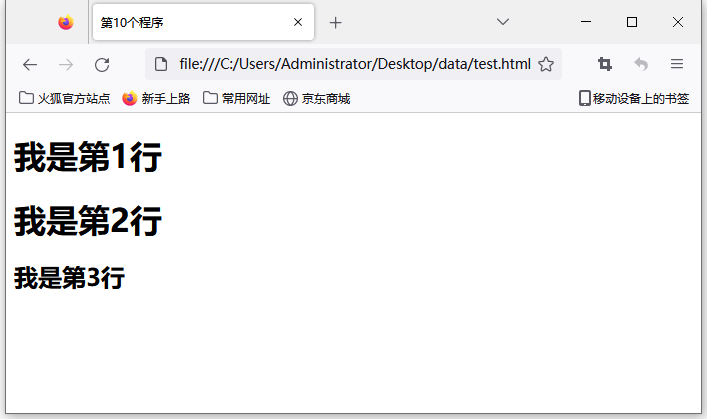
很多朋友可能发现了,这里没有换行符<br>为啥自动换行了,因为<h1>和<h2>组件(标签)自带换行属性
css是控制html组件(标签)属性的,那么css要如何锁定这个组件
常见的有3种
①:标签选择器(标签名{})
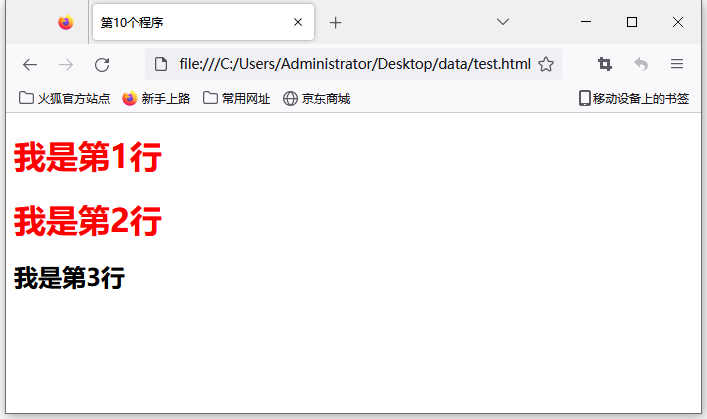
我们现在要改变前2行的颜色,这两行用到的组件(标签)都是h1,我们可以使用标签选择器,对所有的<h1>标签起效果
|
1
2
3
|
h1{ color: red } |
|
01
02
03
04
05
06
07
08
09
10
11
12
13
14
15
16
|
<html><head> <title>第10个程序</title> <style type="text/css"> h1{ color: red } </style></head><body> <h1>我是第1行</h1> <h1>我是第2行</h1> <h2>我是第3行</h2></body> |
运行后效果
②:类选择器(.+class名)
|
01
02
03
04
05
06
07
08
09
10
11
12
13
14
15
16
17
18
|
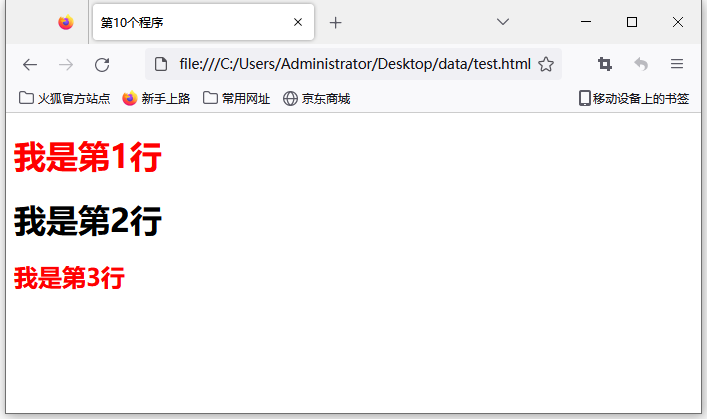
<!DOCTYPE html><html><head> <title>第10个程序</title> <style type="text/css"> .css1{ color: red } </style></head><body> <h1 class="css1">我是第1行</h1> <h1>我是第2行</h1> <h2 class="css1">我是第3行</h2></body></html> |
运行后结果
③:id选择器(#+id名)
|
01
02
03
04
05
06
07
08
09
10
11
12
13
14
15
16
17
|
<html><head> <title>第10个程序</title> <style type="text/css"> #css1{ color: red; } </style></head><body> <h1 >我是第1行</h1> <h1>我是第2行</h1> <h2 id="css1">我是第3行</h2></body> |
运行后效果
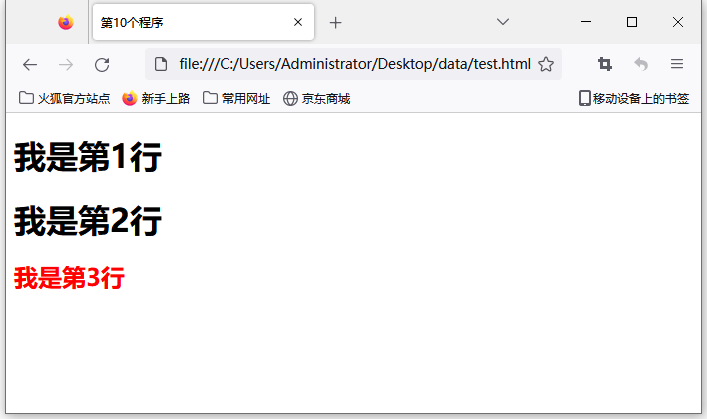
重点:每个组件的id一般是唯一的,class可以通用
下方代码被认为是不规范的
|
1
2
|
<h1 id="css1">我是第2行</h1><h2 id="css1">我是第3行</h2> |
下方代码被认为是允许的
|
1
2
|
<h1 class="css1">我是第2行</h1><h2 class="css1">我是第3行</h2> |






 扫一扫
扫一扫


 1万+
1万+

 被折叠的 条评论
为什么被折叠?
被折叠的 条评论
为什么被折叠?
 到【灌水乐园】发言





