



 本文介绍了一个Python程序,用于模拟两个选手之间的体育竞技比赛,通过随机概率决定比赛结果,并统计胜率。此外,还展示了如何求1-100的计数和,os库的使用方法,以及自动批量安装Python第三方库的脚本。
第8周 程序设计方法学
8.1 实例13:体育竞技分析
# MatchAnalysis.py
from random import random
def printIntro():
    print("这个程序模拟两个选手A和B的某种竞技比赛")
    print("程序运行需要A和B的能力值(以0到1之间的小数表示)")
def getInputs():
    a = eval(input("请输入选手A的能力值(0-1): "))
    b = eval(input("请输入选手B的能力值(0-1): "))
    n = eval(input("模拟比赛的场次: "))
    return a, b, n
def simNGames(n, probA, probB):
    winsA, winsB = 0, 0
    for i in range(n):
        scoreA, scoreB = simOneGame(probA, probB)
        if scoreA > scoreB:
            winsA += 1
        else:
            winsB += 1
    return winsA, winsB
def gameOver(a, b):
    return a == 15 or b == 15
def simOneGame(probA, probB):
    scoreA, scoreB = 0, 0
    serving = "A"
    while not gameOver(scoreA, scoreB):
        if serving == "A":
            if random() < probA:
                scoreA += 1
            else:
                serving = "B"
        else:
            if random() < probB:
                scoreB += 1
            else:
                serving = "A"
    return scoreA, scoreB
def printSummary(winsA, winsB):
    n = winsA + winsB
    print("竞技分析开始,共模拟{}场比赛".format(n))
    print("选手A获胜{}场比赛,占比{:0.1%}".format(winsA, winsA / n))
    print("选手B获胜{}场比赛,占比{:0.1%}".format(winsB, winsB / n))
def main():
    printIntro()
    probA, probB, n = getInputs()
    winsA, winsB = simNGames(n, probA, probB)
    printSummary(winsA, winsB)
main()
这个程序模拟两个选手A和B的某种竞技比赛
程序运行需要A和B的能力值(以0到1之间的小数表示)
请输入选手A的能力值(0-1): 0.5
请输入选手B的能力值(0-1): 0.6
模拟比赛的场次: 5
竞技分析开始,共模拟5场比赛
选手A获胜1场比赛,占比20.0%
选手B获胜4场比赛,占比80.0%
8.2 Python程序设计思维
求1-100的计数和
s = 0
for i in range(1,101):
    s += i
print(s)
5050
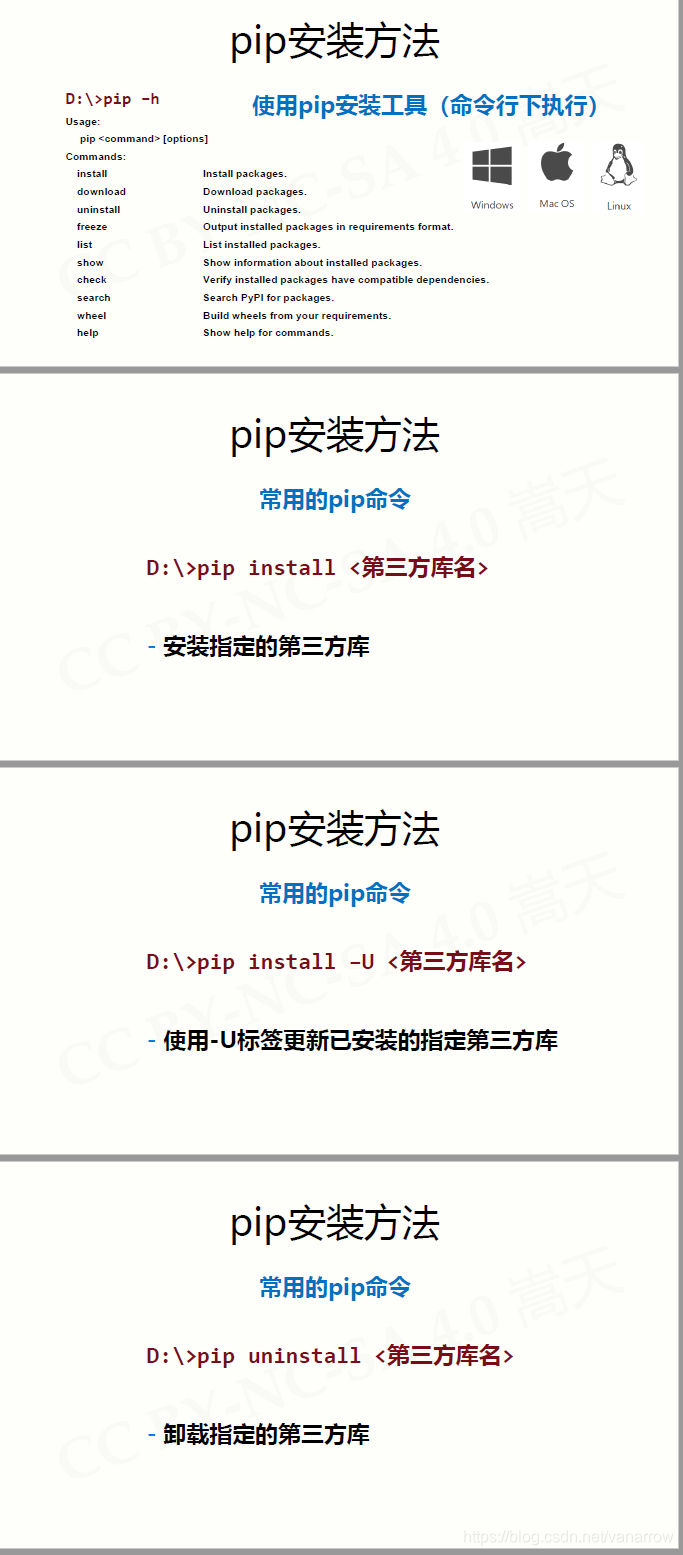
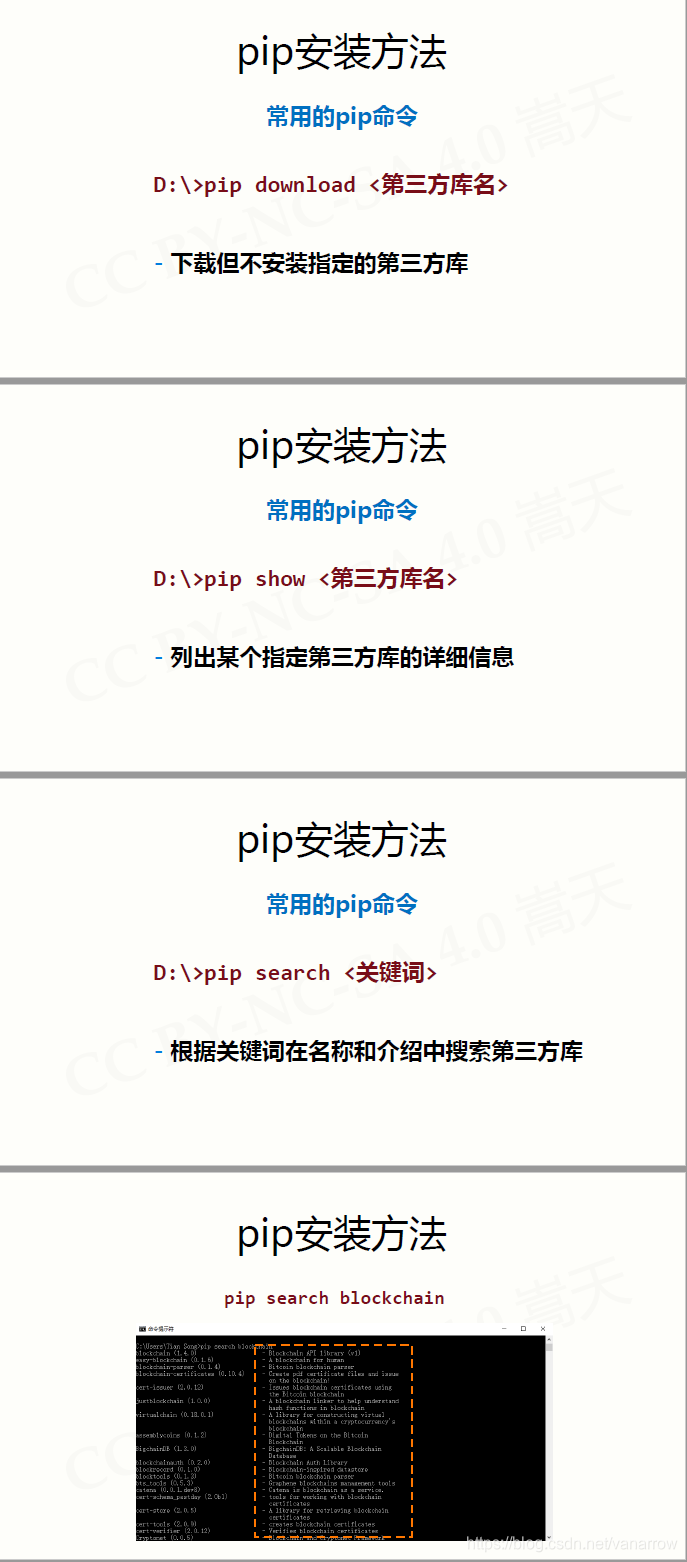
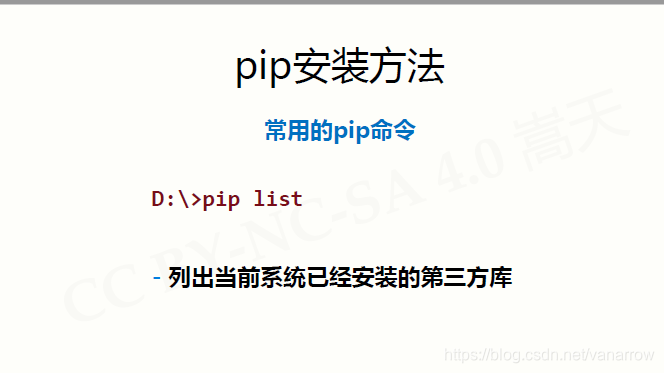
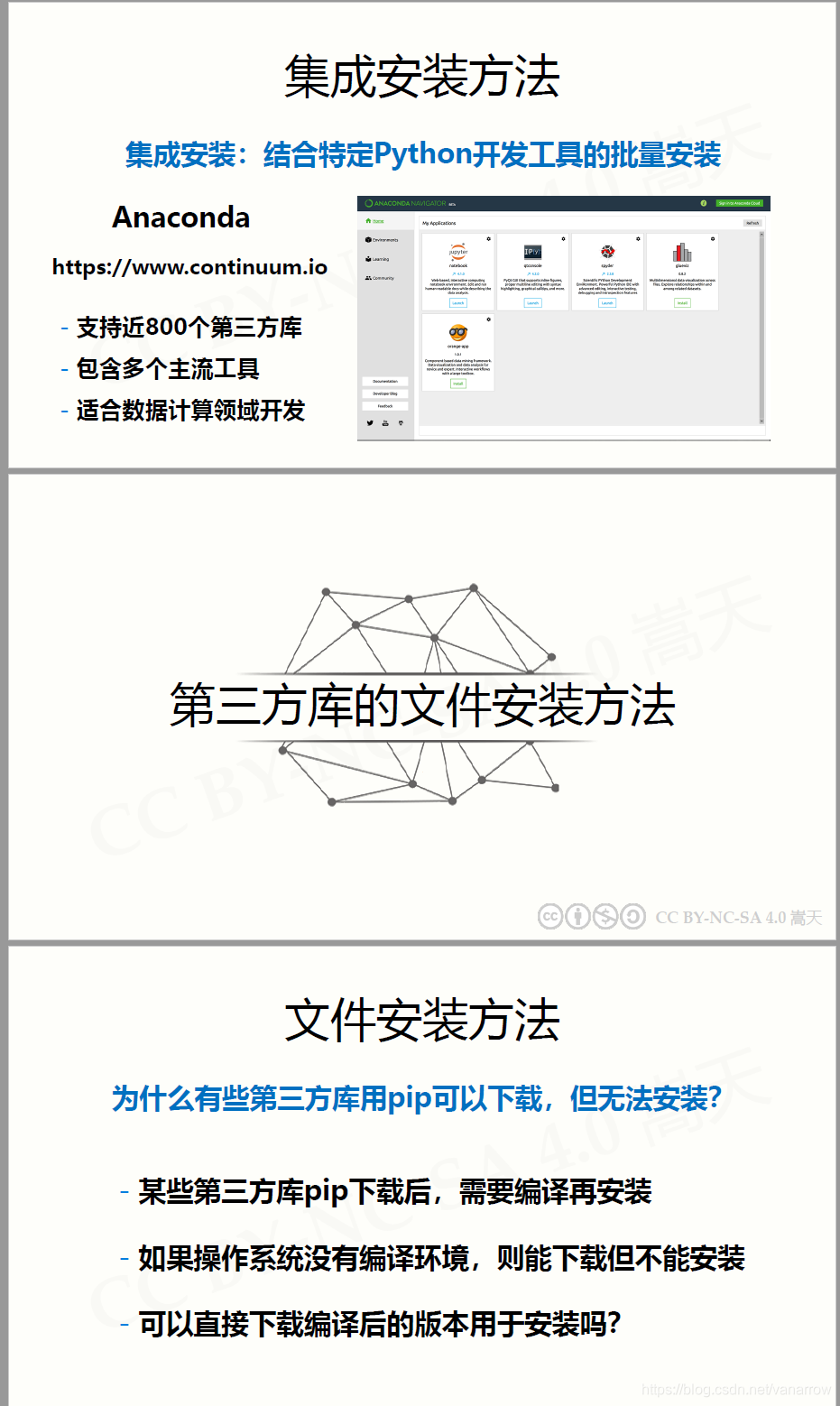
8.3 Python第三方库安装
8.4 模块7:os库的使用
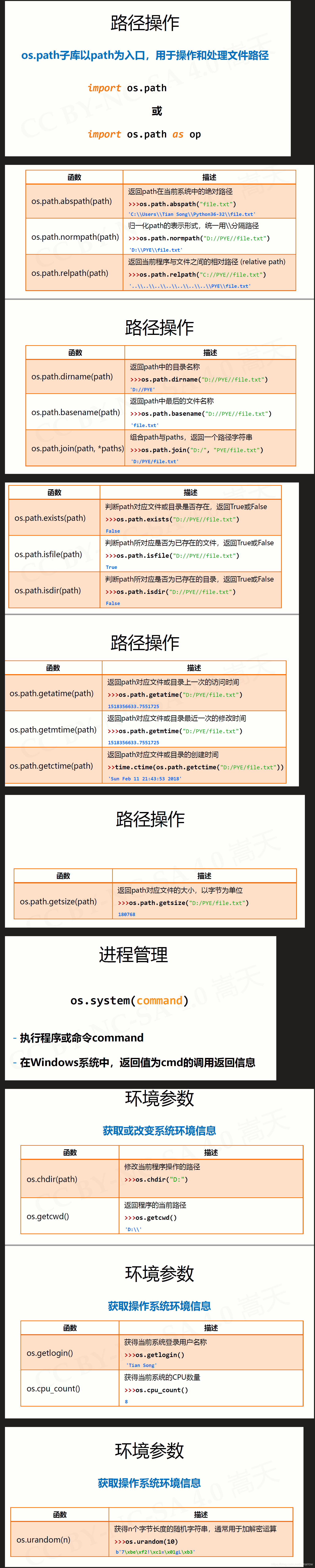
import os.path as op
import time
print(
    op.abspath("bitlogo.png"),
    op.normpath("bitlogo.png"),
    op.relpath("bitlogo.png"),
    op.dirname("bitlogo.png"),
    op.basename("bitlogo.png"),
    op.join("C:/", "bitlogo.png"),
    op.exists("bitlogo.png"),
    op.isfile("bitlogo.png"),
    op.isdir("bitlogo.png"),
    op.getatime("bitlogo.png"),
    op.getmtime("bitlogo.png"),
    time.ctime(op.getctime("bitlogo.png")),
    op.getsize("bitlogo.png"),
    sep='\n'
    )
 C:\Users\Nah\Desktop\bitlogo.png
bitlogo.png
bitlogo.png

bitlogo.png
C:/bitlogo.png
True
True
False
1594442461.3920164
1594442461.3920164
Sat Jul 11 12:15:36 2020
349012
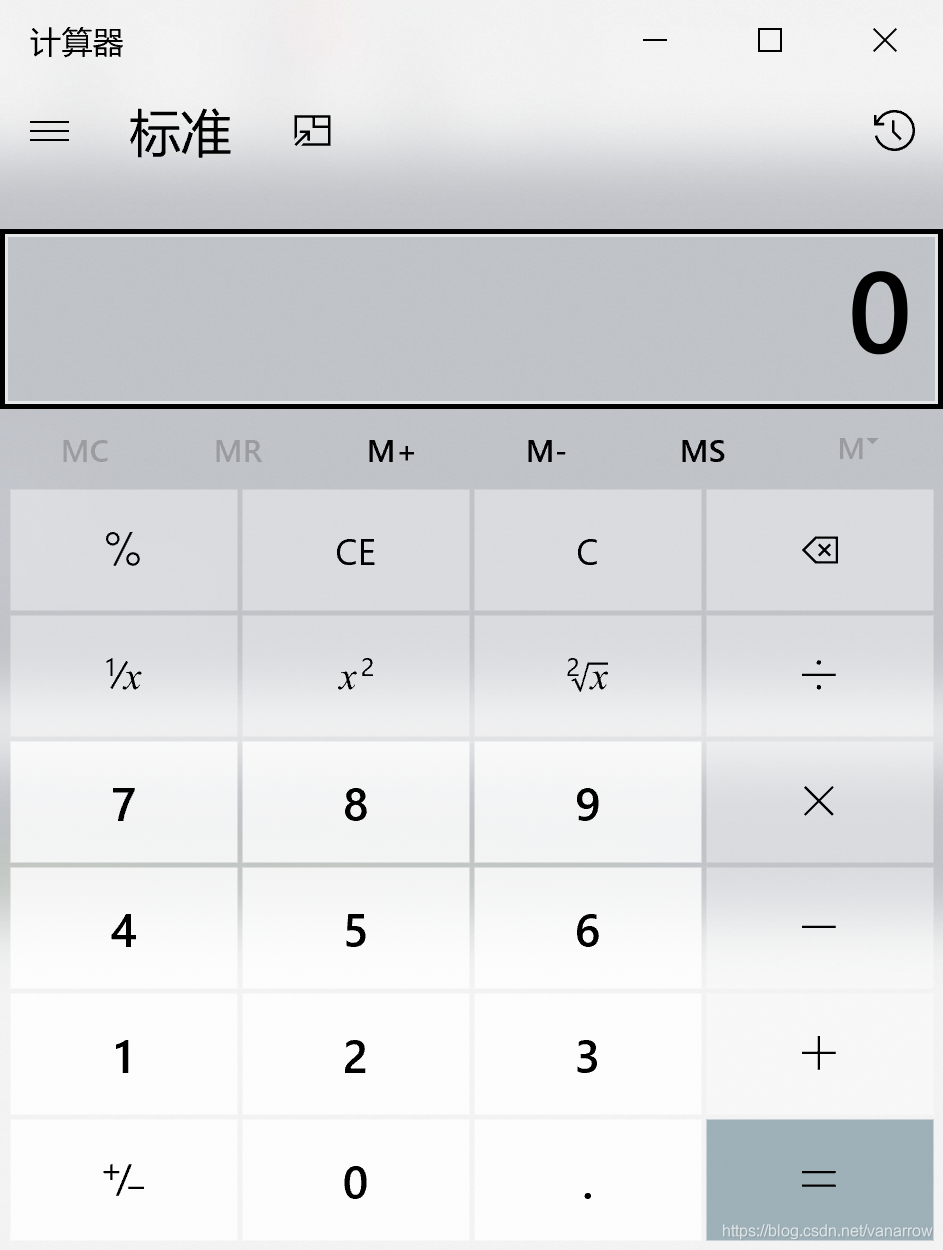
import os
os.system("C:\\Windows\\System32\\calc.exe")
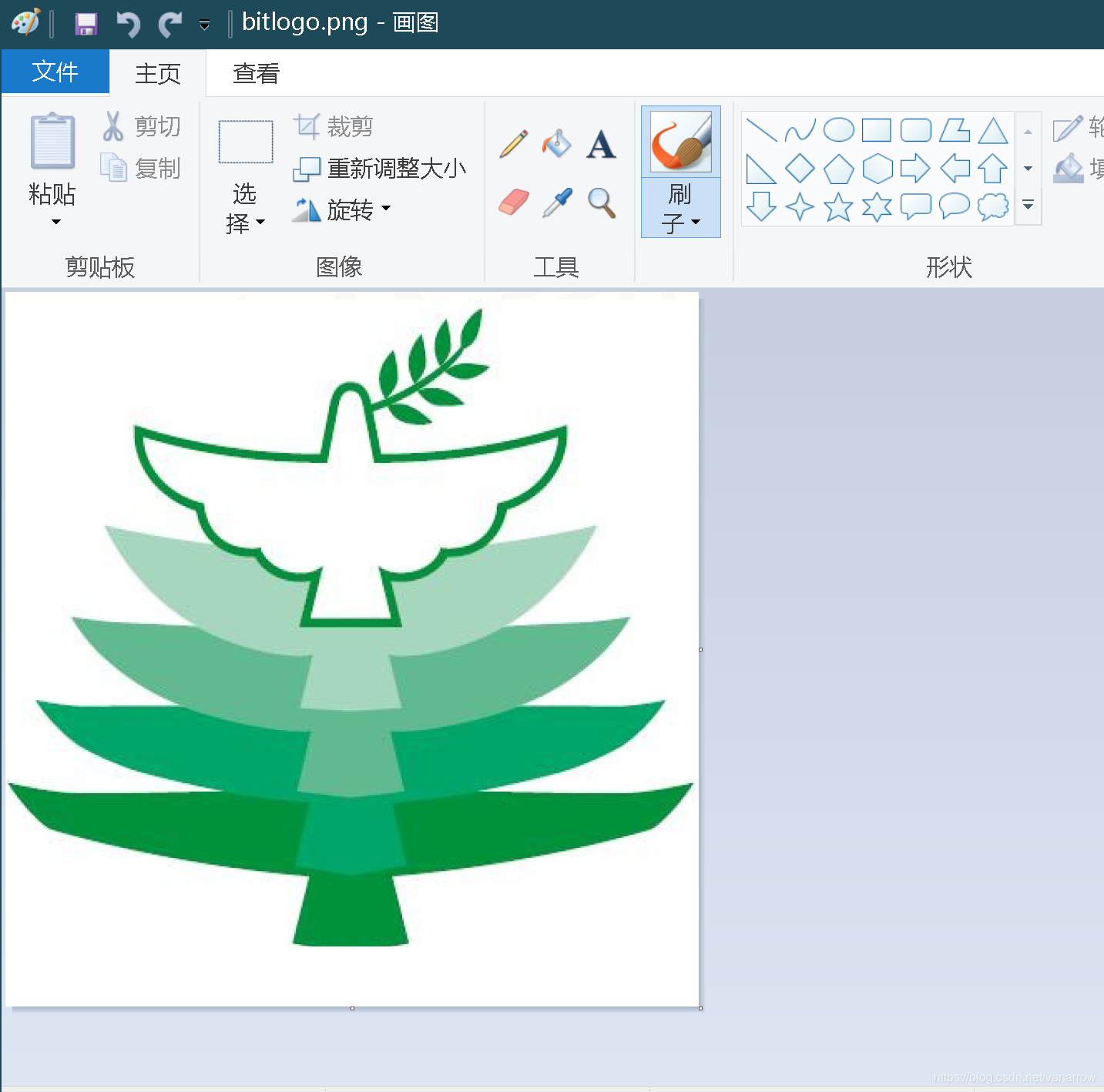
import os
os.system("C:\\Windows\\System32\\mspaint.exe C:\\Users\\Nah\\Desktop\\bitlogo.png")
import os
print(
    os.chdir("D:"),
    os.getcwd(),
    os.getlogin(),
    os.cpu_count(),
    os.urandom(3),
    sep='\n'
)
None
D:\
Nah
8
b'=\xe9\xfb'
8.5 实例14:第三方库自动安装脚本
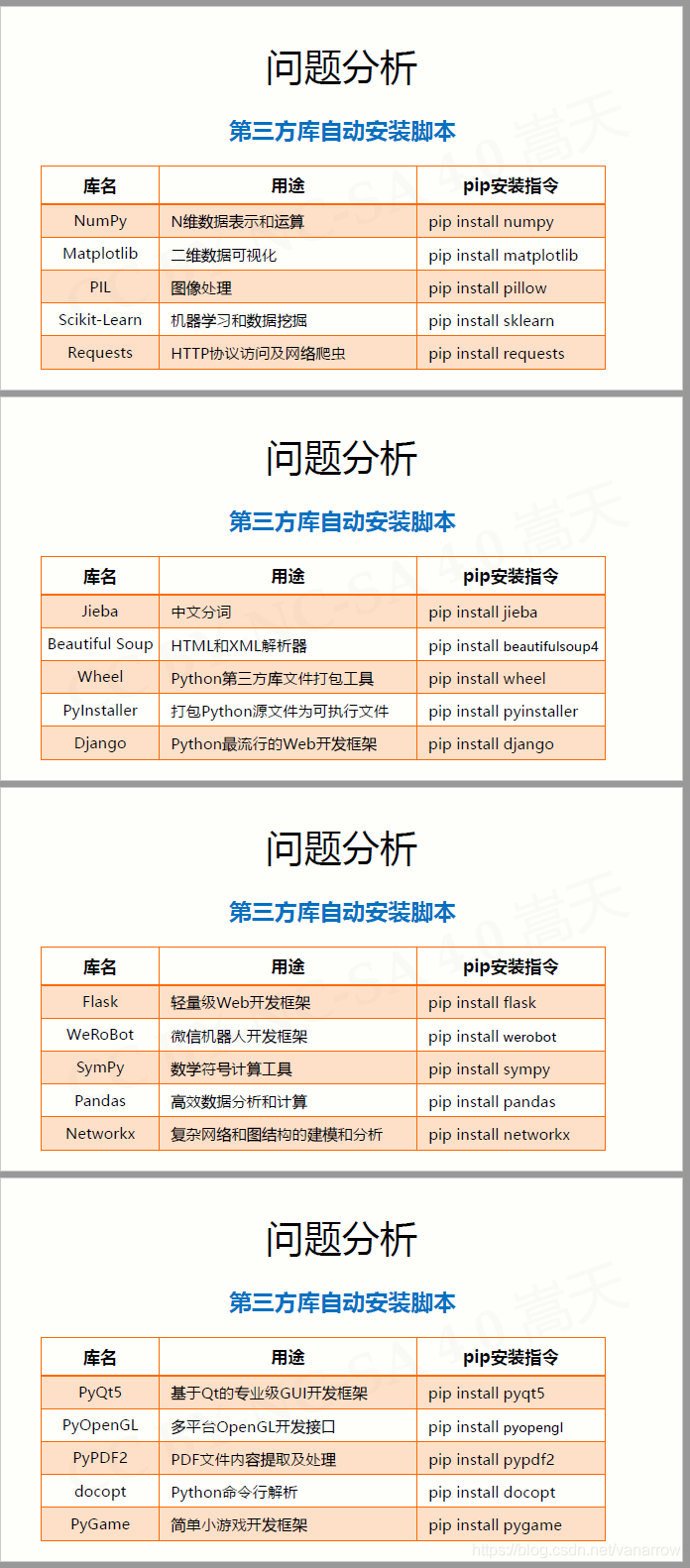
# BatchInstall.py
import os
libs = {"numpy", "matplotlib", "pillow", "sklearn", "requests", \
        "jieba", "beautifulsoup4", "wheel", "networkx", "sympy", \
        "pyinstaller", "django", "flask", "werobot", "pyqt5", \
        "pandas", "pyopengl", "pypdf2", "docopt", "pygame"}
try:
    for lib in libs:
        os.system("pip3 install " + lib)
    print("Successful")
except:
    print("Failed Somehow")





 扫一扫
扫一扫


 4805
4805

 被折叠的 条评论
为什么被折叠?
被折叠的 条评论
为什么被折叠?
 到【灌水乐园】发言





