<!DOCTYPE html>
<html lang="en">
<head>
    <meta charset="UTF-8">
    <title>工作日天气预报</title>
</head>
<style>
    .content{
        width: 100%;
        height: 600px;
        background-image: url("one.jpg");
        background-repeat: no-repeat;
        background-size: 100%;
        display: flex;
        align-items: flex-end;
        color: white;
        justify-content: space-around;
    }
    .one,.two,.four,.three,.five{
        border:2px solid white;
        margin-bottom: 5px;
        width: 15%;
        text-align: center;
        font-size: 18px;
        height: 90px;
    }
    .one1,.two1,.four1,.three1,.five1{
        border:3px solid white;
        margin: 0px auto;
        margin-top: -30px;
        width: 60px;
        height: 60px;border-radius: 30px;
    }

    .one{
        background-color: #9E9081;
    }
    .two{
        background-color: #163F5B;
    }
    .three{
        background-color: #519881;
    }
    .four{
        background-color: #99BB45;
    }
    .five{
        background-color:#FFBC04;
    }
    .one1{
        background-image: url("one.jpg");
    }
    .two1{
        background-image: url("two.jpg");

    }
    .three1{
        background-image: url("three.jpg");

      }
    .four1{
        background-image: url("four.jpg");

        }
    .five1{
        background-image: url("five.jpg");

          }

    .down{
        margin-top:25px ;
    }
</style>
<script>
    function a() {
        var a=document.getElementById('content').style.backgroundImage='url("one.jpg")';

    }
    function b() {
        var a=document.getElementById('content').style.backgroundImage='url("two.jpg")';

    }
    function c() {
        var a=document.getElementById('content').style.backgroundImage='url("three.jpg")';

    }
    function d() {
        var a=document.getElementById('content').style.backgroundImage='url("four.jpg")';

    }
    function e() {
        var a=document.getElementById('content').style.backgroundImage='url("five.jpg")';

    }
</script>
<body>
<div class="content" id="content">
    <div class="one" onclick="a()">
        <div class="one1"></div>
        <div class="down" >周一狂躁综合症</div>
    </div>
    <div class="two"  onclick="b()">
        <div class="two1"></div>
        <div class="down">周二狂雷霆似雨浇</div>
    </div>
    <div class="three" onclick="c()">
        <div class="three1"></div>
        <div class="down">周三阴郁似乌云</div>
    </div>
    <div class="four" onclick="d()">
        <div class="four1"></div>
        <div class="down">周四冬日盼春来</div>
    </div>
    <div class="five" onclick="e()">
        <div class="five1"></div>
        <div class="down">周五守得艳阳天</div>
    </div>
</div>
</body>
</html>


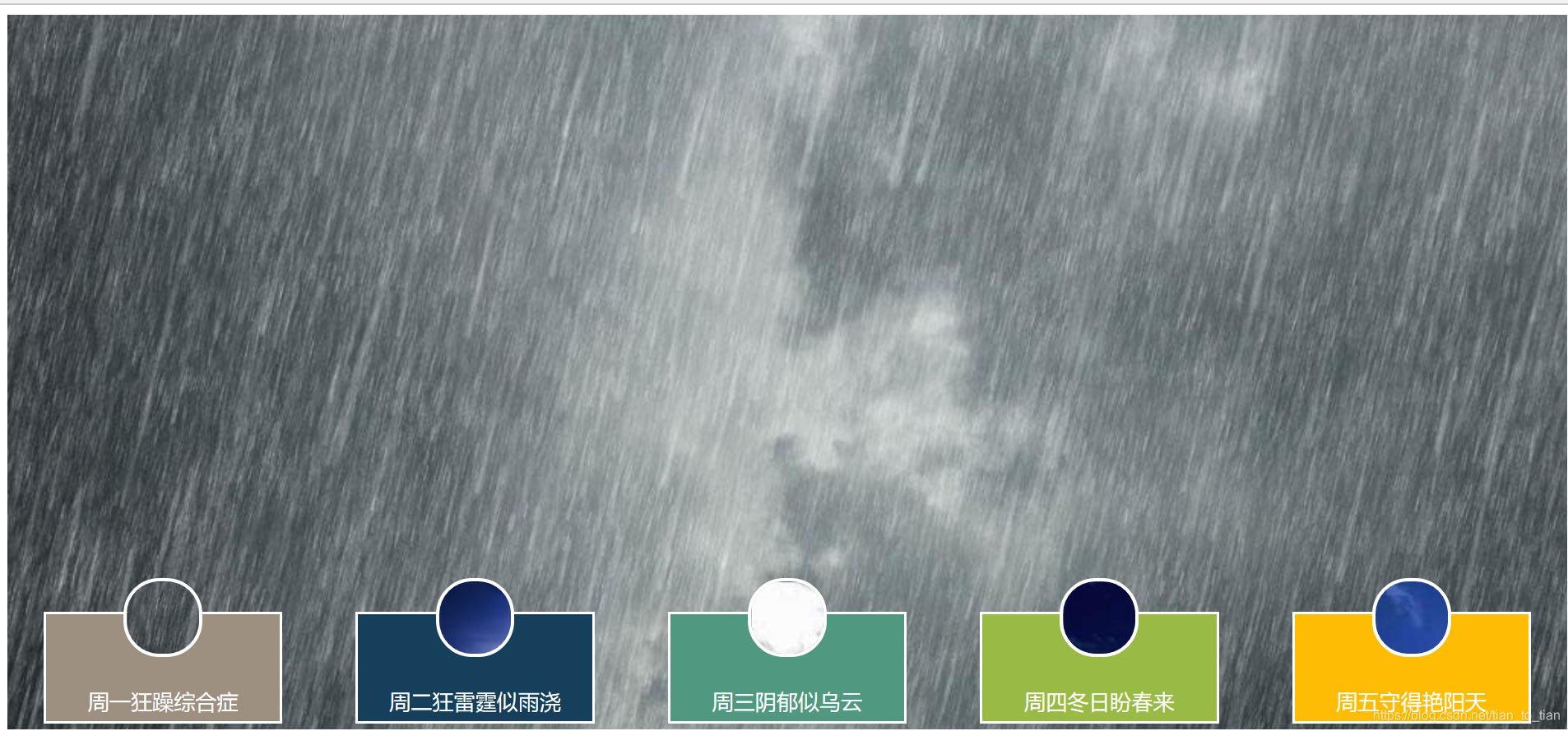
 这篇博客主要介绍了如何使用HTML和CSS技术制作一个简洁且直观的工作日天气预报展示,涵盖了基本布局、图标设计以及动态效果的实现。





 扫一扫
扫一扫


 4998
4998

 被折叠的 条评论
为什么被折叠?
被折叠的 条评论
为什么被折叠?
 到【灌水乐园】发言





