



1.服务器安装aspnetcore-runtime
下载链接:https://dotnet.microsoft.com/download/dotnet-core/3.1
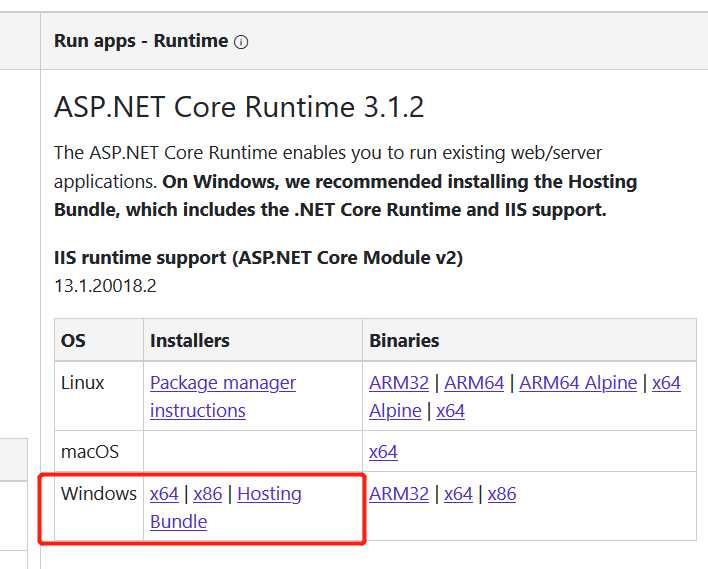
2.安装dotnet-hosting
下载地址:当前 .NET Core 托管捆绑包安装程序(直接下载) https://www.microsoft.com/net/permalink/dotnetcore-current-windows-runtime-bundle-installer
3.发布项目就ok了
 本文提供了部署ASP.NET Core应用程序的步骤指南。首先介绍了如何安装必要的运行时环境aspnetcore-runtime,接着指出了dotnet-hosting的安装方法,并最终指导完成项目的发布流程。
1.服务器安装aspnetcore-runtime
下载链接:https://dotnet.microsoft.com/download/dotnet-core/3.1
2.安装dotnet-hosting
下载地址:当前 .NET Core 托管捆绑包安装程序(直接下载) https://www.microsoft.com/net/permalink/dotnetcore-current-windows-runtime-bundle-installer
3.发布项目就ok了
 634
1780
634
1780

 被折叠的 条评论
为什么被折叠?
被折叠的 条评论
为什么被折叠?
 到【灌水乐园】发言








 扫一扫
扫一扫


