



启动页概念
启动页包括开屏页和广告页,
桌面点击app, 你看见的第一个页面就是开屏页;
开屏页后面可以显示广告页, 也可以不显示
本节教程针对开屏页
效果展示
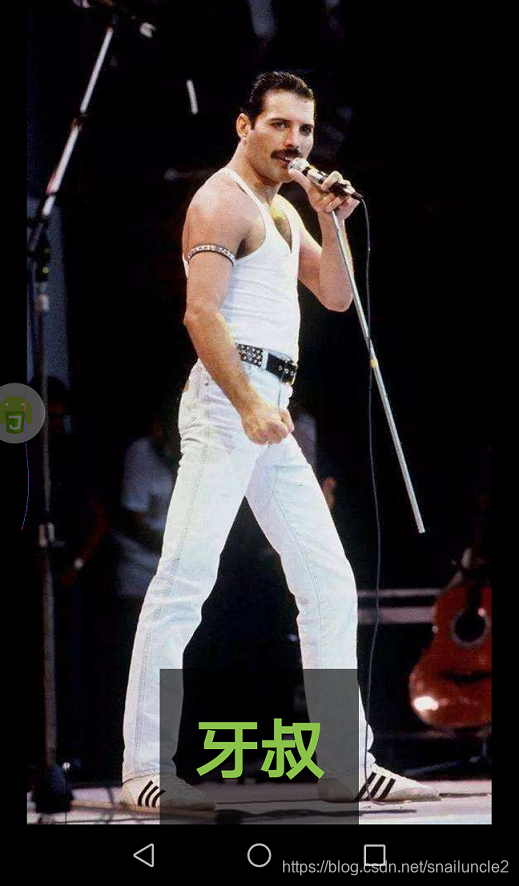
autojs版本
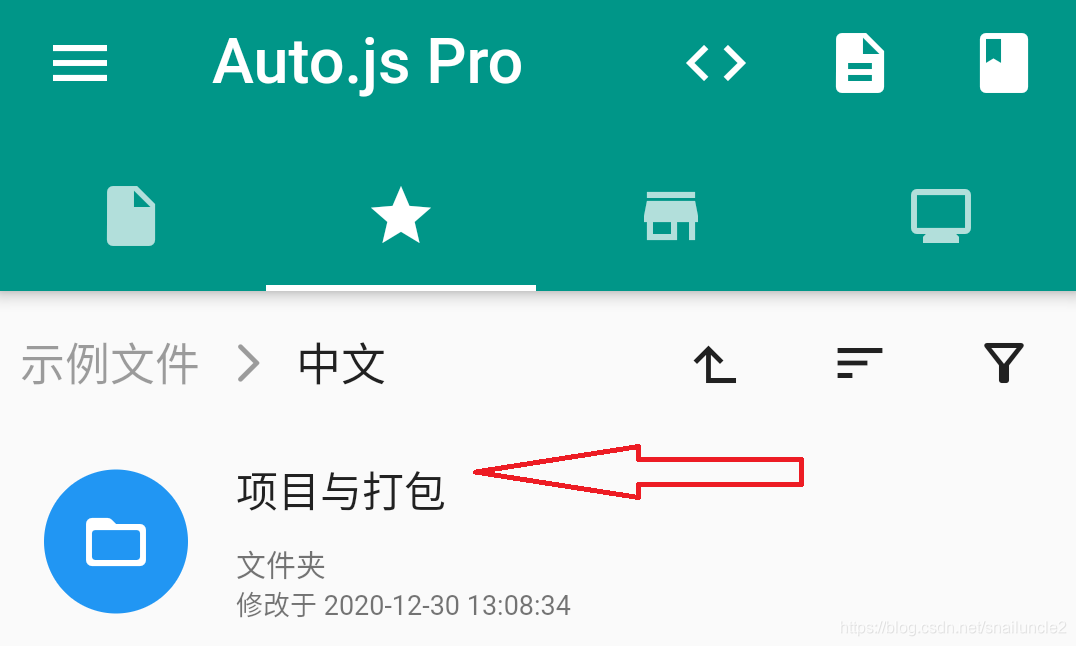
软件自带示例
自定义启动页
自定义启动页需要在project.json中配置"splashLayoutXml"参数
并创建自定义启动图的xml,本项目为splash.xml
xml中只能为静态控件等,不能有js代码或list等动态控件
project.json
project.json文件用于配置项目的相关参数,比如主文件、启动图、包名等信息。
主要功能是表示该文件夹是一个autojs项目
splashLayoutXml
project.json有一个字段launchConfig, 功能: 打包后的相关启动配置。
launchConfig有一个字段splashLayoutXml, 功能: 启动图xml,用于打包后自定义启动图(8.5以上版本)
splashLayoutXml示例
<?xml version="1.0" encoding="UTF-8"?>
<vertical>
	<frame gravity="center" height="match_parent" width="match_parent" background="#000000">
		<img src="file://./splash.jpeg" scaleType="fitCenter" />
		<RelativeLayout height="match_parent" width="match_parent">
			<frame layout_centerHorizontal="true" layout_alignParentBottom="true" gravity="center" background="#cc000000">
				<text text="牙叔" layout_width="wrap_content" layout_height="wrap_content" textSize="45" textColor="#8BC34A" textStyle="bold" margin="24" />
			</frame>
		</RelativeLayout>
	</frame>
</vertical>
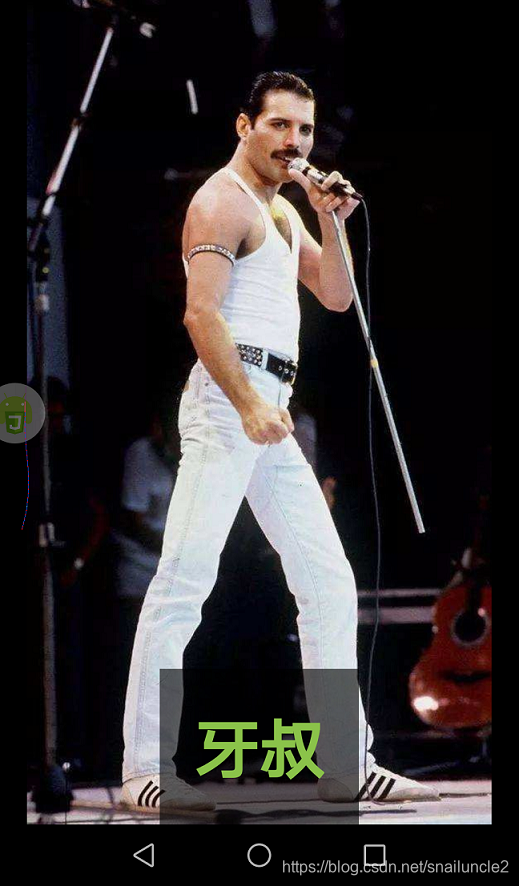
该布局是一个frame布局, 全屏显示一张图片, 图片底部显示一些文字
效果如下
最小的自定义启动页project.json
{
  "name": "自定义启动页",
  "launchConfig": {
    "splashLayoutXml": "splash.xml"
  },
  "main": "main.js",
  "ignore": ["build"],
  "packageName": "com.yashu",
  "versionName": "1.0.0",
  "versionCode": 1
}
查看完整项目
微信公众号 AutoJsPro教程

QQ群
747748653






 扫一扫
扫一扫


 4万+
4万+


 到【灌水乐园】发言



