



一、在Mac上安装SDL库
参考https://github.com/ARM-software/Arm-2D/tree/main/examples/%5Btemplate%5D%5Bpc%5D%5Bvscode%5D
需要借助SDL库,让ARM2D得以在PC上模拟现实
安装Homebrew
/bin/bash -c "$(curl -fsSL https://raw.githubusercontent.com/Homebrew/install/HEAD/install.sh)"
配置Homebrew的环境变量
==> Next steps:
- Run these commands in your terminal to add Homebrew to your PATH:
echo >> /Users/roger/.zprofile
echo 'eval "$(/opt/homebrew/bin/brew shellenv)"' >> /Users/roger/.zprofile
eval "$(/opt/homebrew/bin/brew shellenv)"
- Run brew help to get started
- Further documentation:
https://docs.brew.sh
利用homebrew安装SDL
brew install sdl2
运行brew list 如安装成功则显示
==> Formulae
sdl2
==> Casks
下载git clone git@github.com:ARM-software/Arm-2D.git Arm-2D代码
二、使用VSCode打开工程编译运行
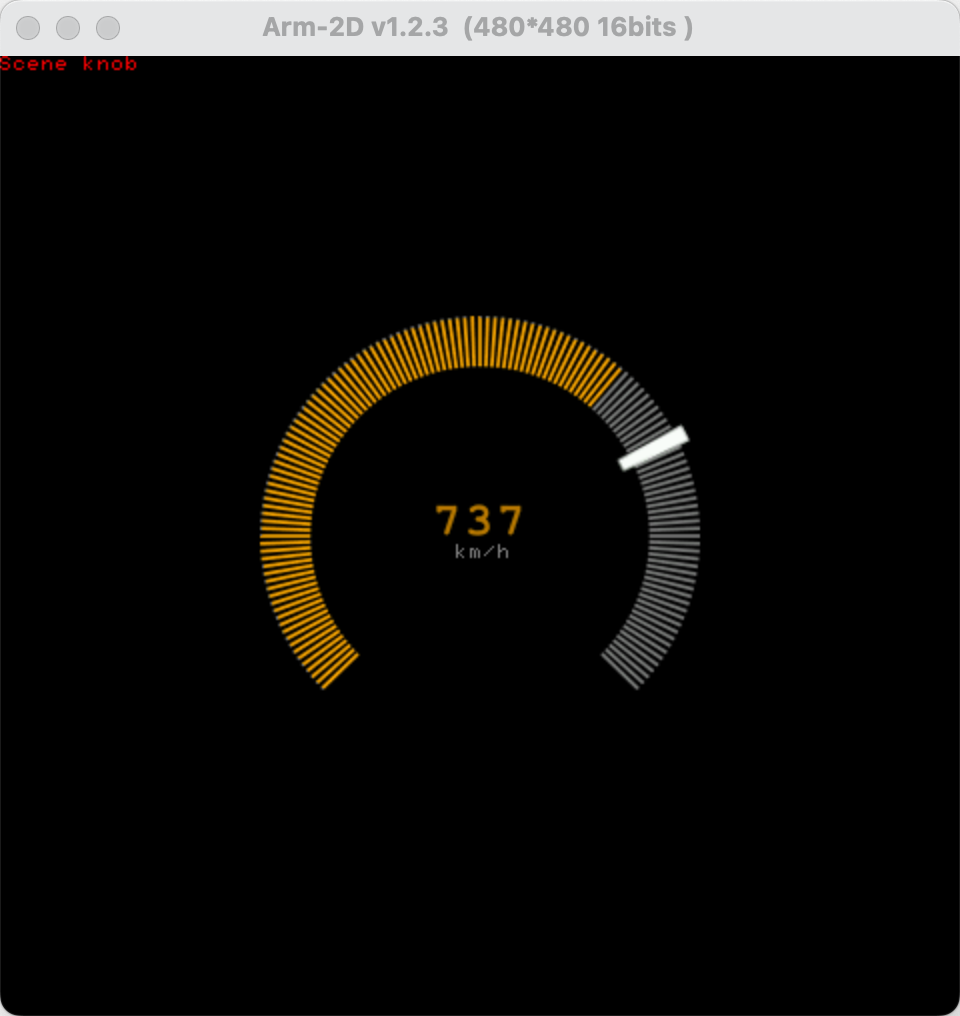
Finally, please open the project in VSCode. You can do this by choosing "Open Workspace from File" in the File menu in VSCode and then selecting the workspace file [template][pc][vscode].code-workspace .In "Run and Debug" panel, you can run the project via "build and run on macos (lldb)" or you can press "F5" to launch a debug session.





 扫一扫
扫一扫


 368
368

 被折叠的 条评论
为什么被折叠?
被折叠的 条评论
为什么被折叠?
 到【灌水乐园】发言





