


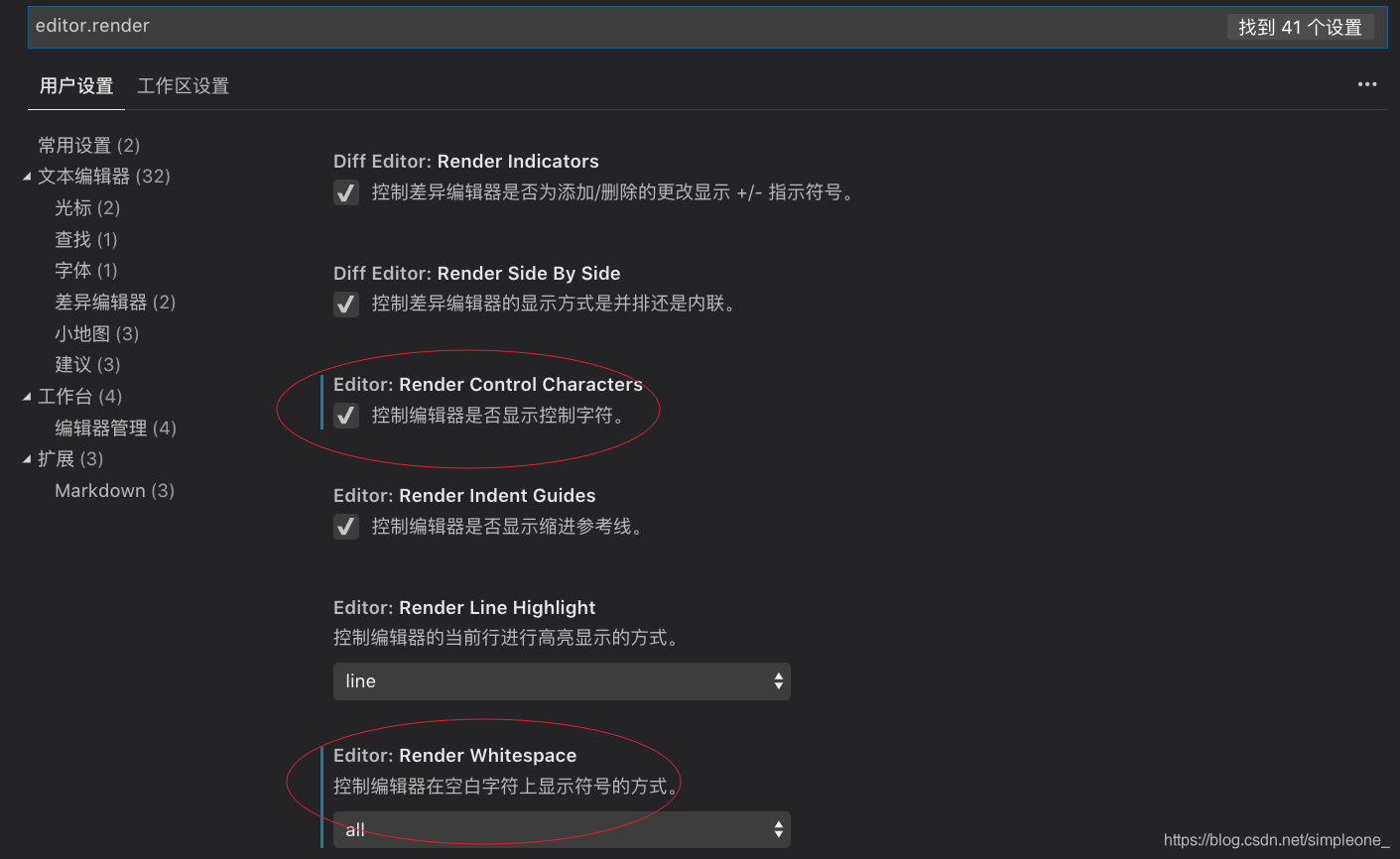
显示tab和空格:
setting.json
{
    "editor.renderControlCharacters": true,
    "editor.renderWhitespace": "all"
}
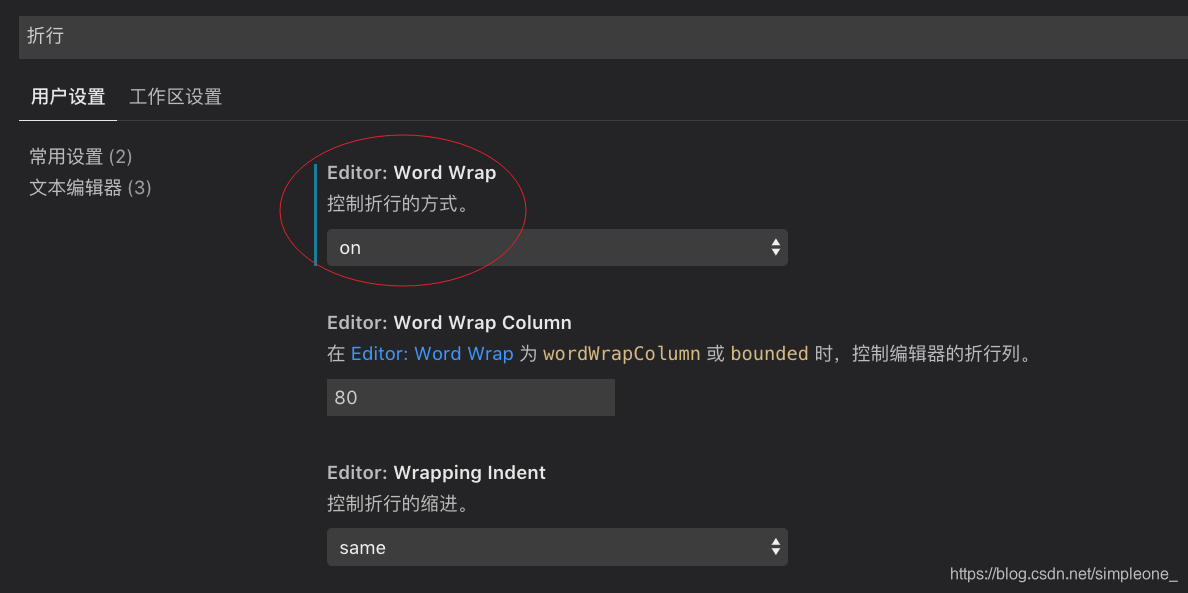
可视区域折行显示:
setting.json
{
	"editor.wordWrap": "on"
}
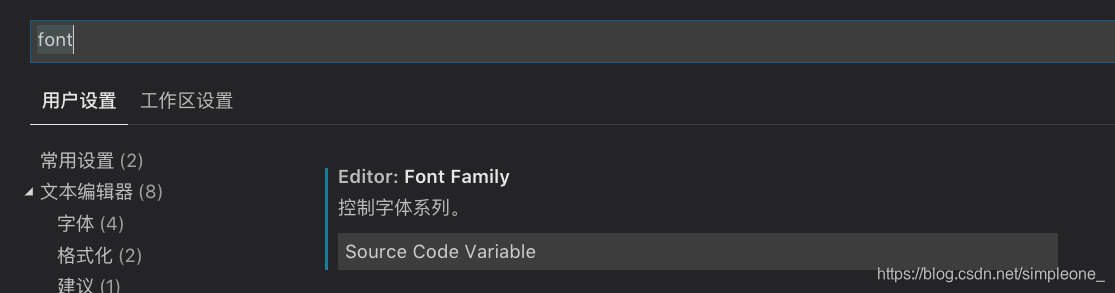
更改字体:
setting.json
{
	"editor.fontFamily": "Source Code Variable"
}
推荐字体:Source Code Variable 字体下载

 492


 扫一扫


 被折叠的 条评论
为什么被折叠?
 到【灌水乐园】发言


