


使用Idea调试程序,发现中文乱码,
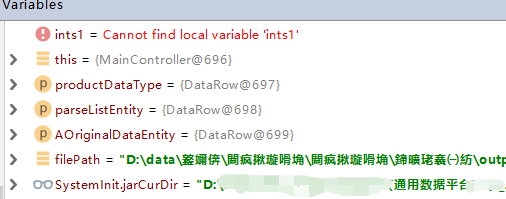
但是由相对路径获取的却没有中文乱码,所以问题出在编译的class文件上。
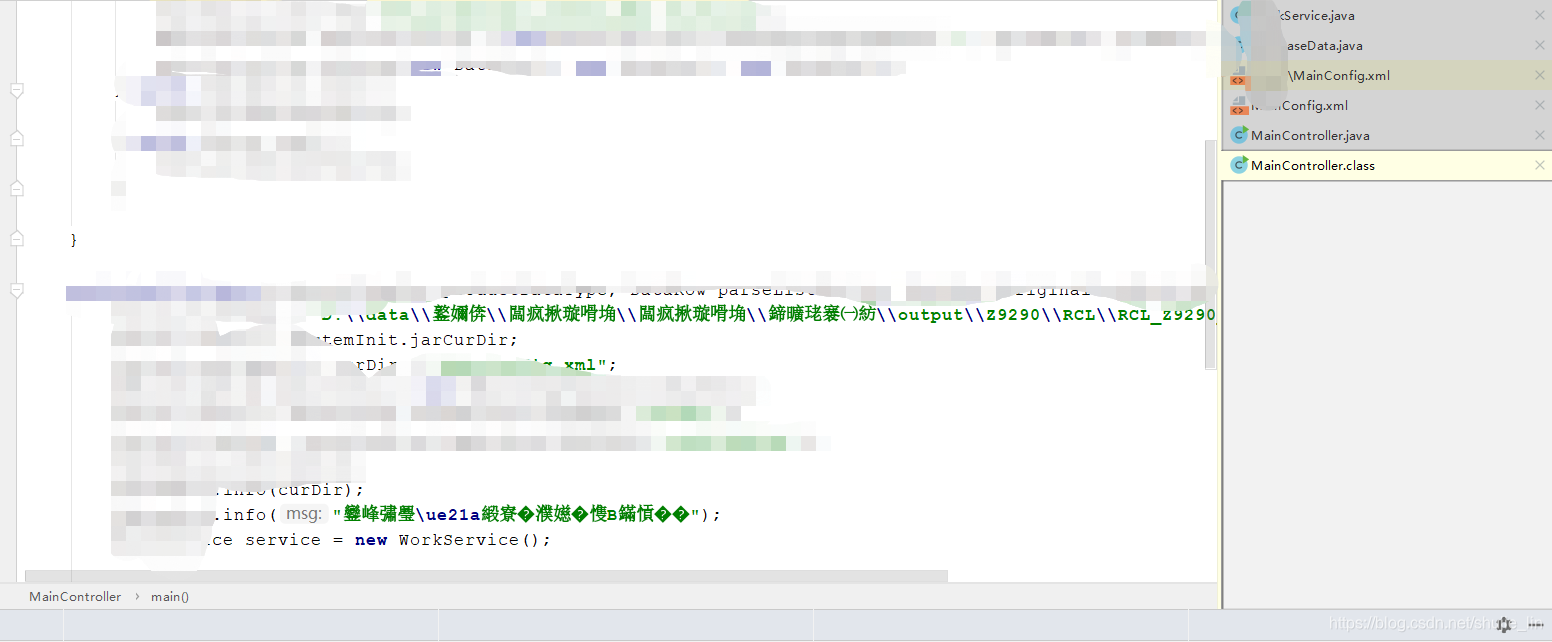
果然问题出在编译的class文件上。
修改Java compile配置,File | Settings | Build, Execution, Deployment | Compiler | Java Compiler ,-encoding utf-8
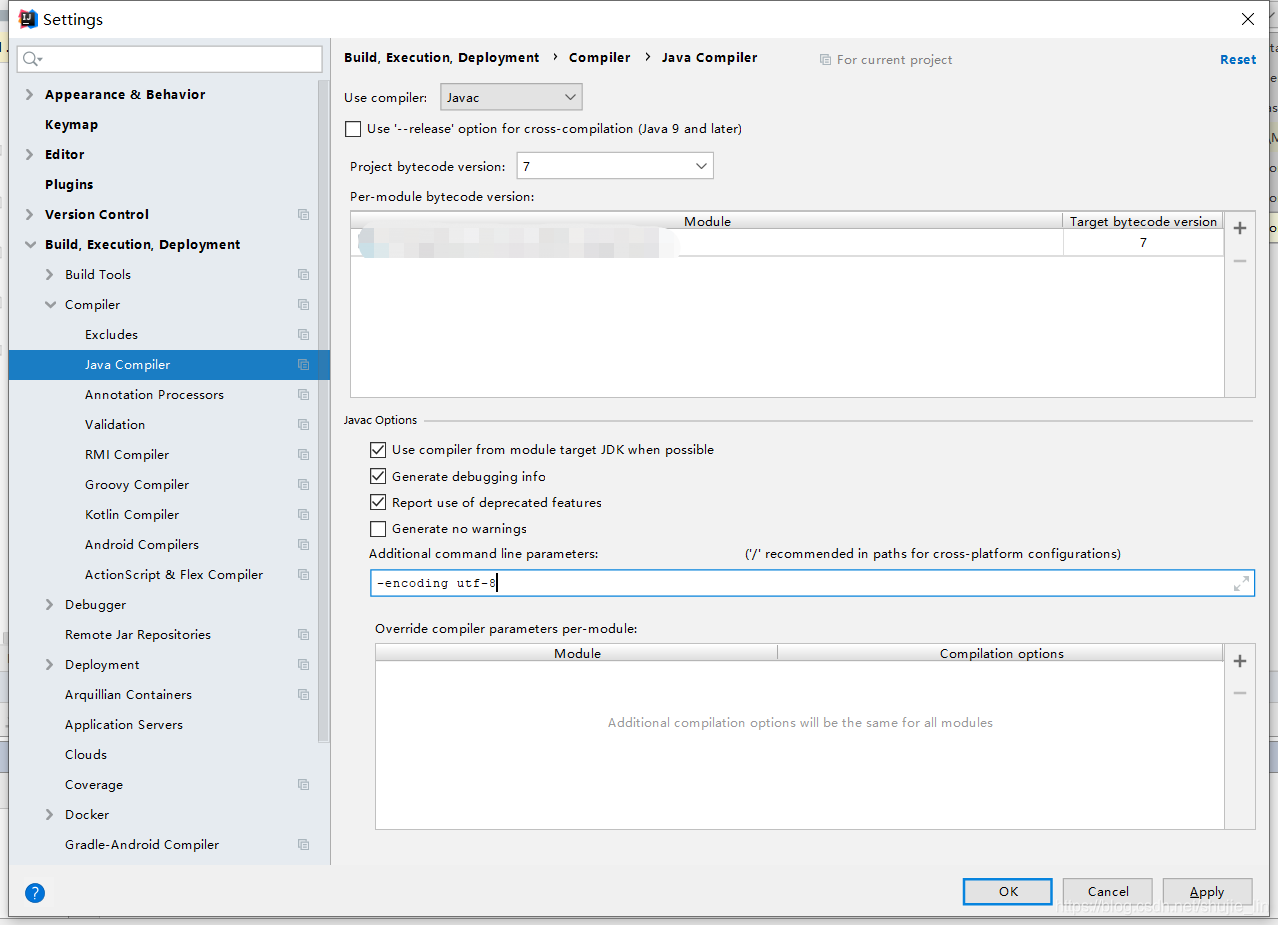
重新编译就可以了。
 本文介绍了解决IntelliJ IDEA中中文乱码的方法,通过调整Java Compiler的编码设置为UTF-8,解决了编译后的class文件中文显示乱码的问题。
使用Idea调试程序,发现中文乱码,
但是由相对路径获取的却没有中文乱码,所以问题出在编译的class文件上。
果然问题出在编译的class文件上。
修改Java compile配置,File | Settings | Build, Execution, Deployment | Compiler | Java Compiler ,-encoding utf-8
重新编译就可以了。
 4166
4166


 被折叠的 条评论
为什么被折叠?
被折叠的 条评论
为什么被折叠?
 到【灌水乐园】发言







 扫一扫
扫一扫


