



 本文介绍了Mybatis-Plus中如何通过TableField注解动态添加SQL插入和更新条件,自定义字段类型处理器,以及如何自动映射Json数据和空间数据。此外,还涉及数据权限实现、LambdaQueryWrapper的使用和控制器模板的定制。
private LocalDateTime updateTime;
@TableField(fill = FieldFill.INSERT_UPDATE)
private String operator;
}
整体原理
-
当发生
insert或者update的sql脚本时候 -
看下当前发生相关sql 的实体中相应字段的注解
-
注解
FieldFill.INSERT,即动态添加<if test="...">......</if>insert相关字段 -
注解
FieldFill.UPDATE,即动态添加<if test="...">......</if>update相关字段 -
注解
FieldFill.UPDATE,即动态添加<if test="...">......</if>insert和update相关字段
================================================================
类型处理器,用于 JavaType 与 JdbcType 之间的转换,用于 PreparedStatement 设置参数值和从 ResultSet 或 CallableStatement 中取出一个值,本文讲解 mybaits-plus 内置常用类型处理器如何通过TableField注解快速注入到 mybatis 容器中。
如果报xml中五自定义handler的错误,把xml删除,或者在xml中也配置上
@Data
@Accessors(chain = true)
@TableName(autoResultMap = true)
public class User {
private Long id;
/**
-
注意!! 必须开启映射注解
-
@TableName(autoResultMap = true)
-
以下两种类型处理器,二选一 也可以同时存在
-
注意!!选择对应的 JSON 处理器也必须存在对应 JSON 解析依赖包
*/
@TableField(typeHandler = JacksonTypeHandler.class)
// @TableField(typeHandler = FastjsonTypeHandler.class)
private OtherInfo otherInfo;
}
该注解对应了 XML 中写法为
可以看我的另一篇很详细 从零搭建开发脚手架 mybatis自定义字段类型 以Mysql空间数据存储为例
@Data
@EqualsAndHashCode(callSuper = false)
@TableName( autoResultMap = true)
public class ServiceArea implements Serializable {
@TableId(value = “id”, type = IdType.AUTO)
private Integer id;
/**
- 经纬度 格式:X,Y
*/
@TableField(typeHandler = JacksonTypeHandler.class)
private double[] location;
@TableField(typeHandler = GeoPointTypeHandler.class)
private GeoPoint coordinate;
}
========================================================================
//指定自定义模板路径, 位置:/resources/templates/entity2.java.ftl(或者是.vm)
//注意不要带上.ftl(或者是.vm), 会根据使用的模板引擎自动识别
TemplateConfig templateConfig = new TemplateConfig()
.setEntity(“templates/entity2.java”);
AutoGenerator mpg = new AutoGenerator();
//配置自定义模板
mpg.setTemplate(templateConfig);

InjectionConfig injectionConfig = new InjectionConfig() {
//自定义属性注入:abc
//在.ftl(或者是.vm)模板中,通过${cfg.abc}获取属性
@Override
public void initMap() {
Map<String, Object> map = new HashMap<>();
map.put(“abc”, this.getConfig().getGlobalConfig().getAuthor() + “-mp”);
this.setMap(map);
}
};
AutoGenerator mpg = new AutoGenerator();
//配置自定义属性注入
mpg.setCfg(injectionConfig);
entity2.java.ftl
自定义属性注入abc=${cfg.abc}
entity2.java.vm
自定义属性注入abc=$!{cfg.abc}
Github AbstractTemplateEngine 类中方法 getObjectMap 返回 objectMap 的所有值都可用。

/**
-
渲染对象 MAP 信息
-
@param tableInfo 表信息对象
-
@return ignore
*/
public Map<String, Object> getObjectMap(TableInfo tableInfo) {
Map<String, Object> objectMap;
ConfigBuilder config = getConfigBuilder();
if (config.getStrategyConfig().isControllerMappingHyphenStyle()) {
objectMap = CollectionUtils.newHashMapWithExpectedSize(33);
objectMap.put(“controllerMappingHyphenStyle”, config.getStrategyConfig().isControllerMappingHyphenStyle());
objectMap.put(“controllerMappingHyphen”, StringUtils.camelToHyphen(tableInfo.getEntityPath()));
} else {
objectMap = CollectionUtils.newHashMapWithExpectedSize(31);
}
objectMap.put(“restControllerStyle”, config.getStrategyConfig().isRestControllerStyle());
objectMap.put(“config”, config);
objectMap.put(“package”, config.getPackageInfo());
GlobalConfig globalConfig = config.getGlobalConfig();
objectMap.put(“author”, globalConfig.getAuthor());
objectMap.put(“idType”, globalConfig.getIdType() == null ? null : globalConfig.getIdType().toString());
objectMap.put(“logicDeleteFieldName”, config.getStrategyConfig().getLogicDeleteFieldName());
objectMap.put(“versionFieldName”, config.getStrategyConfig().getVersionFieldName());
objectMap.put(“activeRecord”, globalConfig.isActiveRecord());
objectMap.put(“kotlin”, globalConfig.isKotlin());
objectMap.put(“swagger2”, globalConfig.isSwagger2());
objectMap.put(“date”, new SimpleDateFormat(“yyyy-MM-dd”).format(new Date()));
objectMap.put(“table”, tableInfo);
objectMap.put(“enableCache”, globalConfig.isEnableCache());
objectMap.put(“baseResultMap”, globalConfig.isBaseResultMap());
objectMap.put(“baseColumnList”, globalConfig.isBaseColumnList());
objectMap.put(“entity”, tableInfo.getEntityName());
objectMap.put(“entitySerialVersionUID”, config.getStrategyConfig().isEntitySerialVersionUID());
objectMap.put(“entityColumnConstant”, config.getStrategyConfig().isEntityColumnConstant());
objectMap.put(“entityBuilderModel”, config.getStrategyConfig().isEntityBuilderModel());
objectMap.put(“chainModel”, config.getStrategyConfig().isChainModel());
objectMap.put(“entityLombokModel”, config.getStrategyConfig().isEntityLombokModel());
objectMap.put(“entityBooleanColumnRemoveIsPrefix”, config.getStrategyConfig().isEntityBooleanColumnRemoveIsPrefix());
objectMap.put(“superEntityClass”, getSuperClassName(config.getStrategyConfig().getSuperEntityClass()));
objectMap.put(“superMapperClassPackage”, config.getStrategyConfig().getSuperMapperClass());
objectMap.put(“superMapperClass”, getSuperClassName(config.getStrategyConfig().getSuperMapperClass()));
objectMap.put(“superServiceClassPackage”, config.getStrategyConfig().getSuperServiceClass());
objectMap.put(“superServiceClass”, getSuperClassName(config.getStrategyConfig().getSuperServiceClass()));
objectMap.put(“superServiceImplClassPackage”, config.getStrategyConfig().getSuperServiceImplClass());
objectMap.put(“superServiceImplClass”, getSuperClassName(config.getStrategyConfig().getSuperServiceImplClass()));
objectMap.put(“superControllerClassPackage”, verifyClassPacket(config.getStrategyConfig().getSuperControllerClass()));
objectMap.put(“superControllerClass”, getSuperClassName(config.getStrategyConfig().getSuperControllerClass()));
return Objects.isNull(config.getInjectionConfig()) ? objectMap : config.getInjectionConfig().prepareObjectMap(objectMap);
}
-
${table.serviceName?substring(1)}- 删除首字母 -
${table.serviceName?uncap_first}- 首字母大写变小写
package ${package.Controller};
import org.springframework.web.bind.annotation.RequestMapping;
import p a c k a g e . E n t i t y . {package.Entity}. package.Entity.{entity};
import p a c k a g e . S e r v i c e . {package.Service}. package.Service.{table.serviceName};
<#if restControllerStyle>
import org.springframework.web.bind.annotation.RestController;
<#else>
import org.springframework.stereotype.Controller;
</#if>
import com.laker.map.ext.framework.Response;
import com.baomidou.mybatisplus.core.conditions.query.LambdaQueryWrapper;
import com.baomidou.mybatisplus.core.conditions.query.QueryWrapper;
import com.baomidou.mybatisplus.extension.plugins.pagination.Page;
import io.swagger.annotations.ApiOperation;
import org.springframework.beans.factory.annotation.Autowired;
import org.springframework.web.bind.annotation.*;
<#if superControllerClassPackage??>
import ${superControllerClassPackage};
</#if>
/**
-
-
${table.comment!} 前端控制器
-
@author ${author}
-
@since ${date}
*/
<#if restControllerStyle>
@RestController
<#else>
@Controller
</#if>
@RequestMapping(“<#if package.ModuleName?? && package.ModuleName != “”>/KaTeX parse error: Expected 'EOF', got '#' at position 23: …e.ModuleName}</#̲if>/<#if contro…{controllerMappingHyphen}<#else>${table.entityPath}</#if>”)
<#if superControllerClass??>
public class ${table.controllerName} extends ${superControllerClass} {
<#else>
public class ${table.controllerName} {
</#if>
@Autowired
${table.serviceName} ${table.serviceName?substring(1)?uncap_first};
@GetMapping
@ApiOperation(value = “${table.comment!}分页查询”)
public Response pageAll(@RequestParam(required = false, defaultValue = “1”) long current,
@RequestParam(required = false, defaultValue = “10”) long size) {
Page roadPage = new Page<>(current, size);
LambdaQueryWrapper<${table.entityName}> queryWrapper = new QueryWrapper().lambda();
Page pageList = ${table.serviceName?substring(1)?uncap_first}.page(roadPage, queryWrapper);
return Response.ok(pageList);
}
@PostMapping
@ApiOperation(value = “新增或者更新${table.comment!}”)
public Response saveOrUpdate(${table.entityName} param) {
return Response.ok(${table.serviceName?substring(1)?uncap_first}.saveOrUpdate(param));
}
@GetMapping(“/{id}”)
@ApiOperation(value = “根据id查询${table.comment!}”)
public Response get(@PathVariable Long id) {
return Response.ok(${table.serviceName?substring(1)?uncap_first}.getById(id));
}
@DeleteMapping(“/{id}”)
@ApiOperation(value = “根据id删除${table.comment!}”)
public Response delete(@PathVariable Long id) {
return Response.ok(${table.serviceName?substring(1)?uncap_first}.removeById(id));
}
}
===============================================================
看我另一篇博文,很详细从零搭建开发脚手架 基于Mybatis-Plus的数据权限实现
====================================================================
https://baomidou.com/guide/wrapper.html#abstractwrapper
QueryWrapper(LambdaQueryWrapper) 和 UpdateWrapper(LambdaUpdateWrapper) 的父类
用于生成 sql 的 where 条件, entity 属性也用于生成 sql 的 where 条件
注意: entity 生成的 where 条件与 使用各个 api 生成的 where 条件没有任何关联行为
建议使用Lambda条件构造器,当属性更改时,可以直接反应出来调用关系。不像QueryWrapper一样是静态字符串配置的
Lambda条件构造器:
Page roadPage = new Page<>(current, size);
LambdaQueryWrapper queryWrapper = new QueryWrapper().lambda();
queryWrapper.eq(roadId != null, Board::getRoadId, roadId);
queryWrapper.eq(deptId != null, Board::getDeptId, deptId);
Page pageList = boardService.page(roadPage, queryWrapper);
普通条件构造器:
Page roadPage = new Page<>(current, size);
QueryWrapper queryWrapper = new QueryWrapper();
queryWrapper.eq(roadId != null, “road_id”, roadId);
queryWrapper.eq(deptId != null, “dept_id”, deptId);
Page pageList = boardService.page(roadPage, queryWrapper);
| 条件 | 解释 | 例子 |
| — | — | — |
| allEq | 全部相等 | 例1: allEq({id:1,name:"老王",age:null})—>id = 1 and name = '老王' and age is null
例2: allEq({id:1,name:"老王",age:null}, false)—>id = 1 and name = '老王' |
| eq | 等于 = | eq(“name”, “老王”)--->name = ‘老王’ |
| ne | 不等于 <> | ne(“name”, “老王”)--->name <> ‘老王’ |
| gt | 大于 > | gt(“age”, 18)--->age > 18 |
| ge | 大于等于 >= | ge(“age”, 18)--->age >= 18 |
| lt | 小于 < | lt(“age”, 18)--->age < 18 |
| le | 小于等于 <= | le(“age”, 18)--->age <= 18 |
| between | BETWEEN 值1 AND 值2 | between(“age”, 18, 30)--->age between 18 and 30 |
| notBetween | NOT BETWEEN 值1 AND 值2 | notBetween(“age”, 18, 30)--->age not between 18 and 30 |
| like | LIKE ‘%值%’ | like(“name”, “王”)--->name like ‘%王%’ |
| notLike | NOT LIKE ‘%值%’ | notLike(“name”, “王”)--->name not like ‘%王%’ |
| likeLeft | LIKE ‘%值’ | likeLeft(“name”, “王”)--->name like ‘%王’ |
| likeRight | LIKE ‘值%’ | likeRight(“name”, “王”)--->name like ‘王%’ |
自我介绍一下,小编13年上海交大毕业,曾经在小公司待过,也去过华为、OPPO等大厂,18年进入阿里一直到现在。
深知大多数Java工程师,想要提升技能,往往是自己摸索成长或者是报班学习,但对于培训机构动则几千的学费,着实压力不小。自己不成体系的自学效果低效又漫长,而且极易碰到天花板技术停滞不前!
因此收集整理了一份《2024年Java开发全套学习资料》,初衷也很简单,就是希望能够帮助到想自学提升又不知道该从何学起的朋友,同时减轻大家的负担。
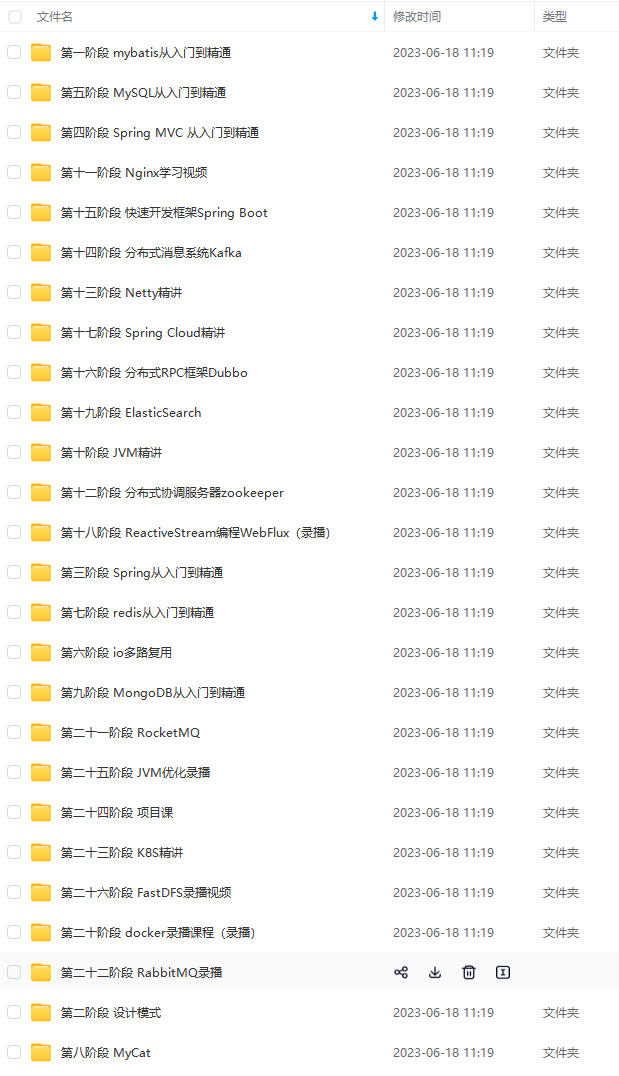
既有适合小白学习的零基础资料,也有适合3年以上经验的小伙伴深入学习提升的进阶课程,基本涵盖了95%以上Java开发知识点,真正体系化!
由于文件比较大,这里只是将部分目录截图出来,每个节点里面都包含大厂面经、学习笔记、源码讲义、实战项目、讲解视频,并且会持续更新!
如果你觉得这些内容对你有帮助,可以扫码获取!!(备注Java获取)

写在最后
作为一名即将求职的程序员,面对一个可能跟近些年非常不同的 2019 年,你的就业机会和风口会出现在哪里?在这种新环境下,工作应该选择大厂还是小公司?已有几年工作经验的老兵,又应该如何保持和提升自身竞争力,转被动为主动?
就目前大环境来看,跳槽成功的难度比往年高很多。一个明显的感受:今年的面试,无论一面还是二面,都很考验Java程序员的技术功底。
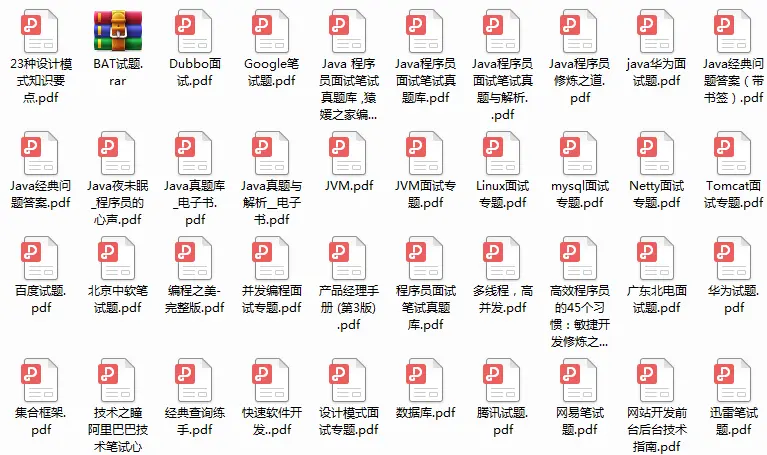
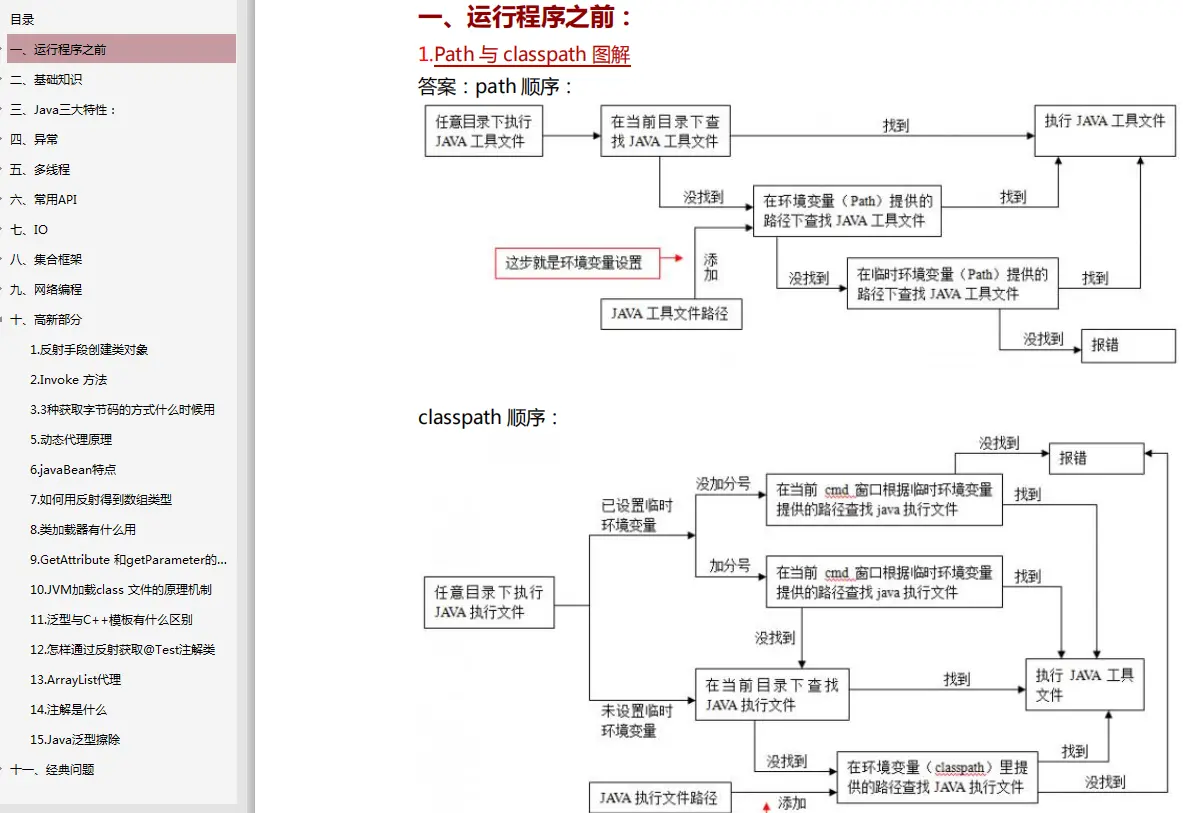
最近我整理了一份复习用的面试题及面试高频的考点题及技术点梳理成一份“Java经典面试问题(含答案解析).pdf和一份网上搜集的“Java程序员面试笔试真题库.pdf”(实际上比预期多花了不少精力),包含分布式架构、高可扩展、高性能、高并发、Jvm性能调优、Spring,MyBatis,Nginx源码分析,Redis,ActiveMQ、Mycat、Netty、Kafka、Mysql、Zookeeper、Tomcat、Docker、Dubbo、Nginx等多个知识点高级进阶干货!
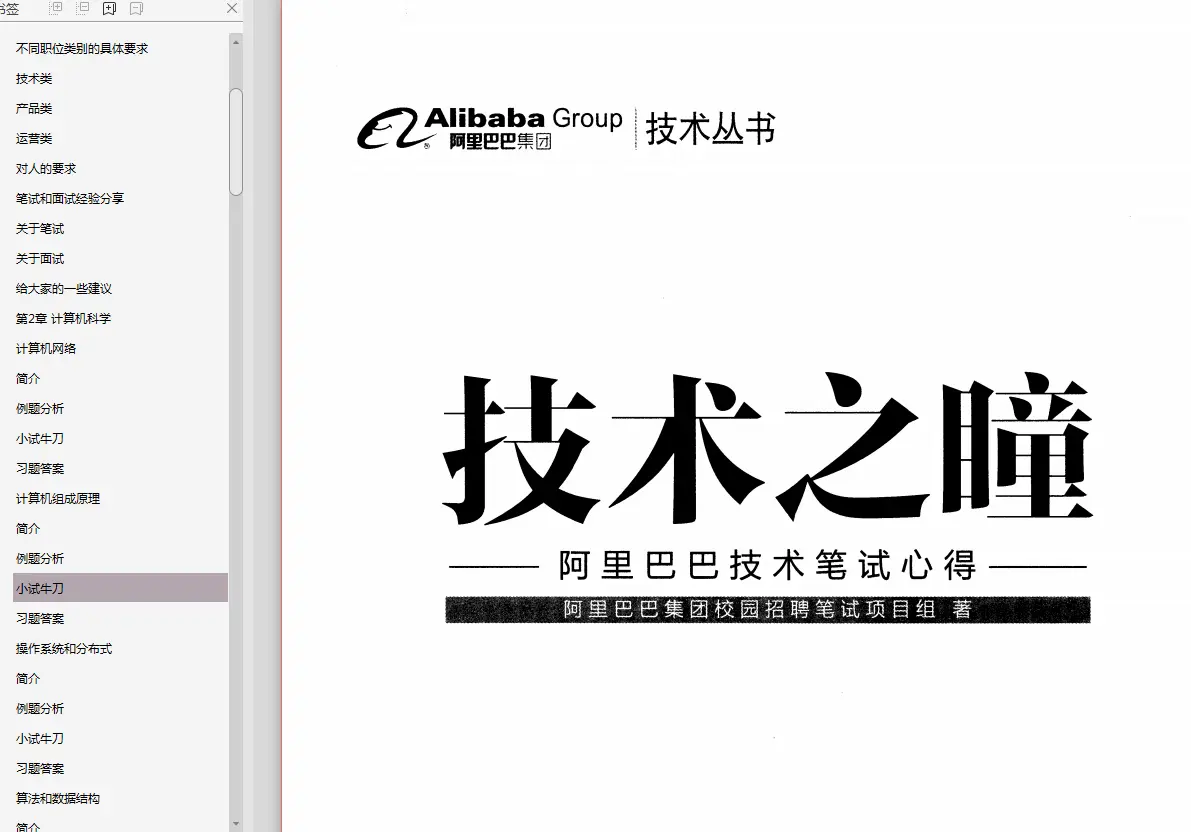
由于篇幅有限,为了方便大家观看,这里以图片的形式给大家展示部分的目录和答案截图!
Java经典面试问题(含答案解析)
阿里巴巴技术笔试心得
《一线大厂Java面试题解析+核心总结学习笔记+最新讲解视频+实战项目源码》,点击传送门即可获取!
,工作应该选择大厂还是小公司?已有几年工作经验的老兵,又应该如何保持和提升自身竞争力,转被动为主动?
就目前大环境来看,跳槽成功的难度比往年高很多。一个明显的感受:今年的面试,无论一面还是二面,都很考验Java程序员的技术功底。
最近我整理了一份复习用的面试题及面试高频的考点题及技术点梳理成一份“Java经典面试问题(含答案解析).pdf和一份网上搜集的“Java程序员面试笔试真题库.pdf”(实际上比预期多花了不少精力),包含分布式架构、高可扩展、高性能、高并发、Jvm性能调优、Spring,MyBatis,Nginx源码分析,Redis,ActiveMQ、Mycat、Netty、Kafka、Mysql、Zookeeper、Tomcat、Docker、Dubbo、Nginx等多个知识点高级进阶干货!
由于篇幅有限,为了方便大家观看,这里以图片的形式给大家展示部分的目录和答案截图!
[外链图片转存中…(img-sI0UQCk1-1712308567734)]
Java经典面试问题(含答案解析)
[外链图片转存中…(img-7XQAeNPT-1712308567735)]
阿里巴巴技术笔试心得
[外链图片转存中…(img-5Am769gK-1712308567735)]
《一线大厂Java面试题解析+核心总结学习笔记+最新讲解视频+实战项目源码》,点击传送门即可获取!





 扫一扫
扫一扫


 4202
4202

 被折叠的 条评论
为什么被折叠?
被折叠的 条评论
为什么被折叠?
 到【灌水乐园】发言





