


 博客主要列举了Docker使用中的四个常见问题,包括地址空间重叠、依赖版本要求、端口占用以及IP表设置失败等问题,并给出了相应的解决办法,涉及docker、docker-compose、dockerfile和harbor等相关内容。
问题一、Error response from daemon: Pool overlaps with other one on this address space

解决办法
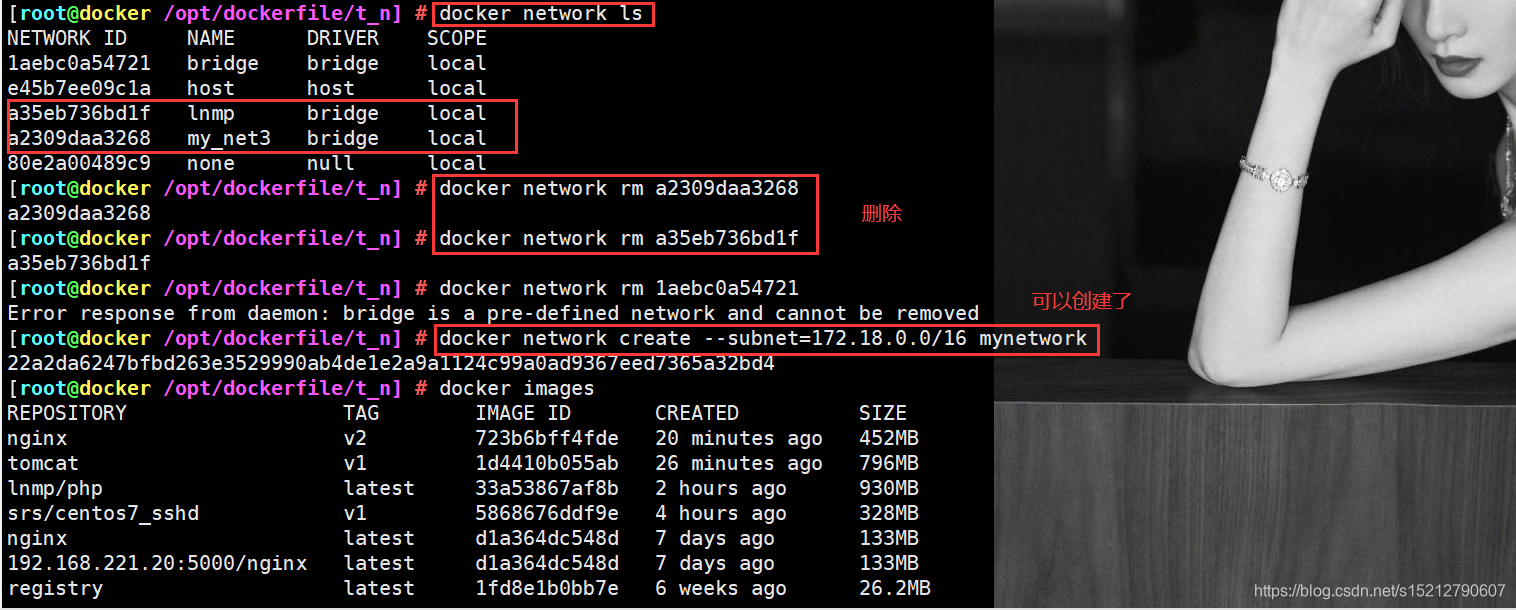
[root@docker /opt/dockerfile/t_n] # docker network ls
NETWORK ID     NAME      DRIVER    SCOPE
1aebc0a54721   bridge    bridge    local
e45b7ee09c1a   host      host      local
a35eb736bd1f   lnmp      bridge    local
a2309daa3268   my_net3   bridge    local
80e2a00489c9   none      null      local
[root@docker /opt/dockerfile/t_n] # docker network rm a2309daa3268
a2309daa3268
[root@docker /opt/dockerfile/t_n] # docker network rm a35eb736bd1f
a35eb736bd1f
问题二、需要:fuse-overlayfs >= 0.7、需要:slirp4netns >= 0.4、需要:container-selinux >= 2:2.74、 需要:container-selinux >= 2:2.74
[root@localhost /etc/yum.repos.d] # yum install -y docker-ce
...
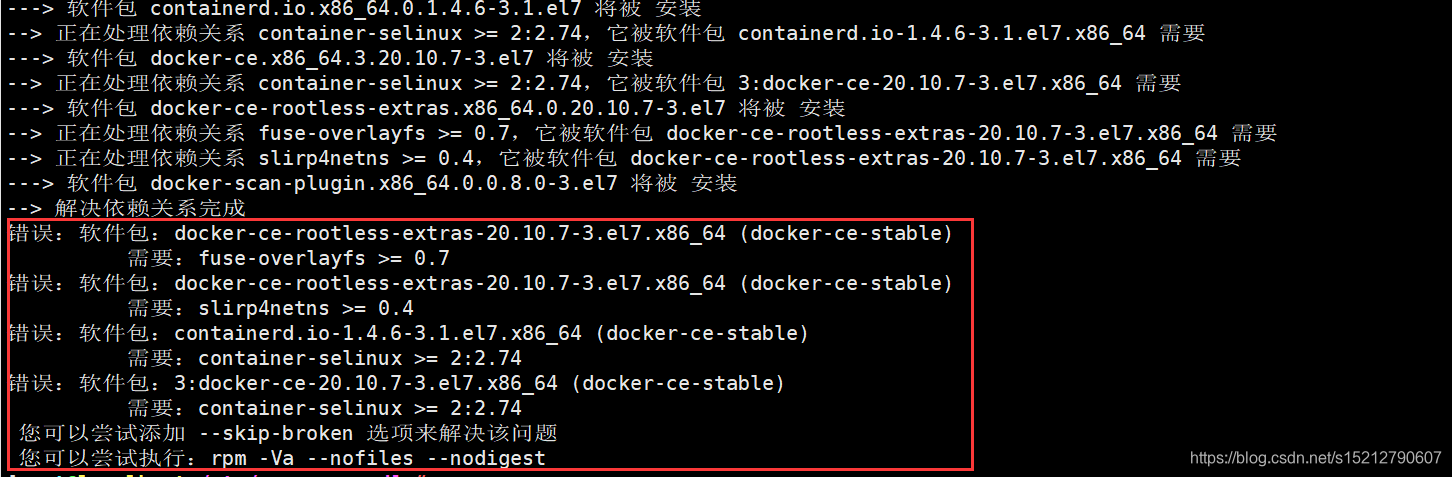
错误:软件包:docker-ce-rootless-extras-20.10.7-3.el7.x86_64 (docker-ce-stable)
          需要:fuse-overlayfs >= 0.7
错误:软件包:docker-ce-rootless-extras-20.10.7-3.el7.x86_64 (docker-ce-stable)
          需要:slirp4netns >= 0.4
错误:软件包:containerd.io-1.4.6-3.1.el7.x86_64 (docker-ce-stable)
          需要:container-selinux >= 2:2.74
错误:软件包:3:docker-ce-20.10.7-3.el7.x86_64 (docker-ce-stable)
          需要:container-selinux >= 2:2.74
 您可以尝试添加 --skip-broken 选项来解决该问题
 您可以尝试执行:rpm -Va --nofiles --nodigest
解决办法
wget -O /etc/yum.repos.d/CentOS-Base.repo http://mirrors.aliyun.com/repo/Centos-7.repo
yum install -y docker-ce


问题三、Error starting userland proxy: listen tcp4 0.0.0.0:80: bind: address already in use.
docker: Error response from daemon: driver failed programming external connectivity on endpoint interesting_northcutt (e99aa8ba0a1af4a164a2a684abe7ee998cde9110a9cf1ffdef41f1171cdb8bd3): Error starting userland proxy: listen tcp4 0.0.0.0:80: bind: address already in use.

解决办法
netstat -natp | grep 80

kill pid号


问题四、ERROR: Failed to Setup IP tables: Unable to enable SKIP DNAT rule: (iptables failed: iptables --wait -t nat -I DOCKER -i br-25094fc09b3c -j RETURN: iptables: No chain/target/match by that name.
docker-compose up -d

Creating network "harbor_harbor" with the default driver
ERROR: Failed to Setup IP tables: Unable to enable SKIP DNAT rule:  (iptables failed: iptables --wait -t nat -I DOCKER -i br-25094fc09b3c -j RETURN: iptables: No chain/target/match by that name.
 (exit status 1))
解决方法
关闭防火墙后,docker需要重启
systemctl stop firewalld
systemctl restart docker
docker-compose up -d






 扫一扫
扫一扫


 1万+
1万+

 被折叠的 条评论
为什么被折叠?
被折叠的 条评论
为什么被折叠?
 到【灌水乐园】发言





