 小程序中absolute定位实现元素居中方法,



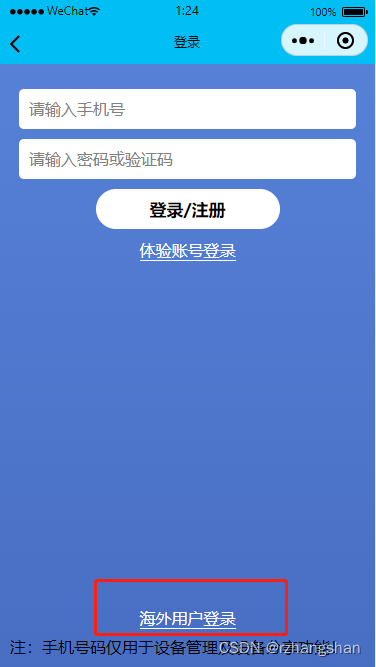
 该文章展示了如何在小程序中使用CSS的absolute定位将元素居中。通过设置view的样式,包括position、bottom、width以及text-align等属性,实现了海外用户登录按钮的居中显示。
小程序absolute居中
```html
<view style="position: absolute; bottom: 60px; width: 100%;">
    <view style="position: absolute; text-align: center; left: 0; right: 0;" bindtap="weixinlogin">
    <text style="color: white; border-bottom: 1px solid white;">海外用户登录</text>
    </view>
</view>





 扫一扫
扫一扫


 1434
1434

 被折叠的 条评论
为什么被折叠?
被折叠的 条评论
为什么被折叠?
 到【灌水乐园】发言





