



一、问题背景
某次更改网络适配器里面的ip操作后关闭电脑,再次打开 eNSP,发现原先可以正常运行的 USG6000V 防火墙设备 无法启动。
具体表现如下:
-
设备启动后卡在黑屏界面,只出现一行长长的
#符号 -
随后,再次启动 USG6000V 时就出现了 报错代码 40。
我参考了 B 站上的这篇文章:
https://www.bilibili.com/opus/992549221096751125(删除环境的时候可以使用geek,亲测删的很干净)
成功解决了代码 40 报错。但在之后的某次重启 eNSP 时,又出现了新的 报错代码 45,
并且无法按照工程文件上说的在vb里面删除vfw_usg虚拟介质。
二、问题原因分析
综合chatgpt多次测试,最终确认问题源于以下几点:
- 修改网络适配器后虚拟机链接信息被破坏
eNSP 的虚拟防火墙 USG6000V 实际上是基于 VirtualBox 的虚拟机模板。
当网络适配器配置被修改时,VirtualBox 的虚拟机路径、MAC 地址或 UUID 可能被改写。
- VirtualBox 的 vfw_usg 注册信息损坏
vfw_usg.vbox 文件对应的模板丢失,导致 eNSP 调用时路径找不到。
- 子镜像文件未正确卸载
有时 eNSP 创建的临时虚拟机(Clone)仍绑定原 vfw_usg.vdi,
导致删除时出现 “object in use” 或 “inaccessible” 错误。
-
三、修复步骤
1、关闭eNSP和VirtualBox所有的进程
打开任务管理器:
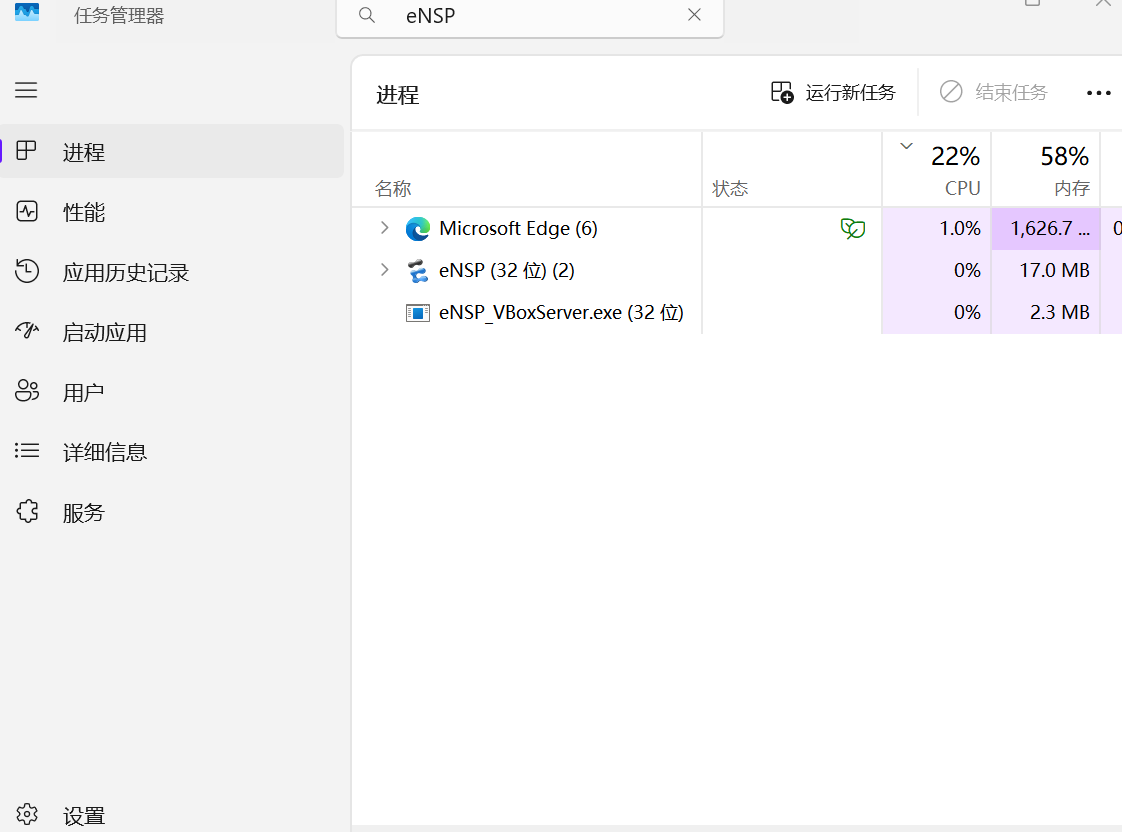
(这后面的步骤实际上都没有之后我叫chatgpt写的shell脚本方便感兴趣的研究shell脚本吧)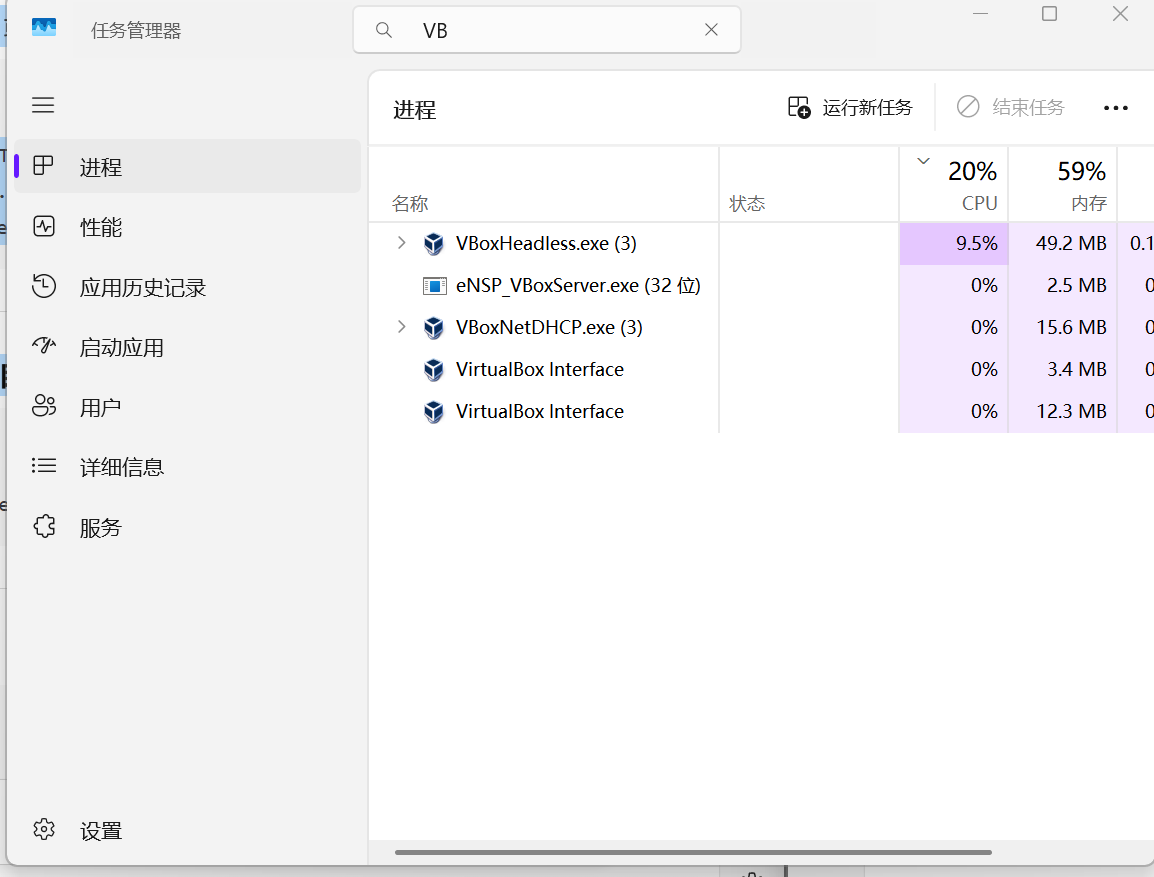
2、 确认 VirtualBox 命令是否可用
-
必须要管理员权限运行终端
-
我就是之前没办法使用这个命令出现了这样的问题
-
VBoxManage list vms
-
无法将“VBoxManage”项识别为 cmdlet、函数、脚本文件或可运行程序的名称
-
解决办法就是在path环境变量里面添加这个C:\Program Files\Oracle\VirtualBox(根据你安装的位置来添加)如果不想加环境变量请使用手动进入目录然后使用代码打开。
-
3、使用代码输出虚拟机列表
-
& "C:\Program Files\Oracle\VirtualBox\VBoxManage.exe" list vms
出现这个结果

我丢给了chatgpt然后gpt叫我使用这个代码删除
& "C:\Program Files\Oracle\VirtualBox\VBoxManage.exe" unregistervm 12ec8fd1-0e36-4be0-b620-598a8da036eb --delete -

因为做到这里我发现与其慢慢手动找不如喊gpt帮我写个shell脚本来得方便
脚本内容是:
# ==========================================
# Huawei eNSP vfw_usg VirtualBox Fix Script
# ==========================================
Write-Host "===== eNSP vfw_usg Fix Tool =====" -ForegroundColor Cyan# Check if run as admin
if (-not ([Security.Principal.WindowsPrincipal][Security.Principal.WindowsIdentity]::GetCurrent()).IsInRole([Security.Principal.WindowsBuiltInRole] "Administrator")) {
Write-Host "Please run this script as Administrator!" -ForegroundColor Red
Pause
exit
}# Stop possible eNSP or VBox processes
Write-Host "Stopping eNSP and VirtualBox processes..."
Stop-Process -Name "VirtualBox" -ErrorAction SilentlyContinue
Stop-Process -Name "VBoxSVC" -ErrorAction SilentlyContinue
Stop-Process -Name "eNSP" -ErrorAction SilentlyContinue
Start-Sleep -Seconds 2# VirtualBox path
$VBoxManage = "C:\Program Files\Oracle\VirtualBox\VBoxManage.exe"
if (-not (Test-Path $VBoxManage)) {
Write-Host "VirtualBox not found! Please check if installed correctly." -ForegroundColor Red
Pause
exit
}# Try to unregister broken vfw_usg machine
Write-Host "Trying to unregister vfw_usg virtual machine..."
& "$VBoxManage" unregistervm "vfw_usg" --delete# Try to unregister inaccessible VM if exists
& "$VBoxManage" list vms | findstr "<inaccessible>" | ForEach-Object {
$vmname = ($_ -split " ")[0]
Write-Host "Found inaccessible VM: $vmname"
& "$VBoxManage" unregistervm $vmname --delete
}# Check VDI existence
$VDIPath = "C:\Program Files\Huawei\eNSP\plugin\ngfw\Database\vfw_usg.vdi"
if (Test-Path $VDIPath) {
Write-Host "Template file found: $VDIPath" -ForegroundColor Green
} else {
Write-Host "Template file not found! Please check eNSP path." -ForegroundColor Yellow
}Write-Host "=== Done! Please restart eNSP and try adding USG6000V again. ===" -ForegroundColor Cyan
Pause
这里用纯英文是因为带有中文会报错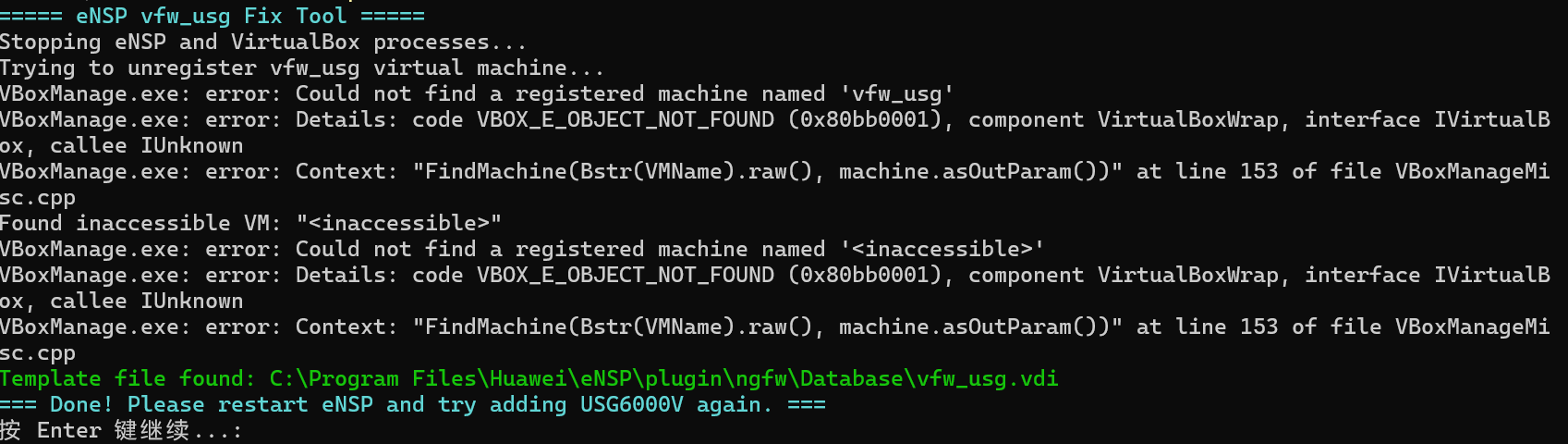
-
成功运行后再次打开ensp启动设备就没有爆45的代码了。
-
我是第一次写这个文章,如果有什么不足的地方请大家见谅,最后出现这种问题大家可以多借助chatgpt(某文这个ai不行)这种ai来帮助解决,因为这种问题网上真不一定找得到解决办法。还有一个提醒,大家一定不要在出现报错后多次重复创建这个虚拟设备之类的,我估计这个也是我出现这个问题的原因之一。





 扫一扫
扫一扫


 3万+
3万+


 到【灌水乐园】发言



