



 本文介绍如何在Maven项目中设置正确的Java版本,并解决在创建Web工程时遇到的Servlet API缺失问题。通过修改setting.xml文件指定Java 1.7为默认版本,以及在pom.xml中添加Servlet API依赖,确保项目正确编译。
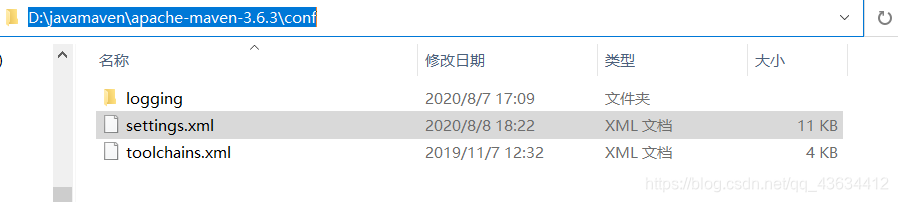
打开setting.xml文件,
在 <profiles> </profiles>标签加入:
<profile>
<id>jdk-1.7</id>
<activation>
<activeByDefault>true</activeByDefault>
<jdk>1.7</jdk>
</activation>
<properties>
<maven.compiler.source>1.7</maven.compiler.source>
<maven.compiler.target>1.7</maven.compiler.target>
<maven.compiler.compilerVersion>1.7</maven.compiler.compilerVersion>
</properties>
</profile>
2.The superclass "javax.servlet.http.HttpServlet" was not found on the Java Build Path
在maven创建web工程时:
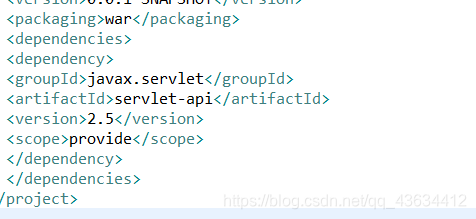
在pom.xml加入:
<dependencies>
<dependency>
<groupId>javax.servlet</groupId>
<artifactId>servlet-api</artifactId>
<version>2.5</version>
<scope>provide</scope>
</dependency>
</dependencies>





 扫一扫
扫一扫


 942
942

 被折叠的 条评论
为什么被折叠?
被折叠的 条评论
为什么被折叠?
 到【灌水乐园】发言





