


 本文详细介绍了在使用ES6 let命令时遇到的错误Block-scoped declarations(let,const,function,class)notyet supported outside strict mode的解决方法。通过检查并更新Node.js版本,确保其支持ES6特性。文中提供了具体的命令行操作步骤,包括如何使用n模块来升级到指定版本的Node.js。
今天在学习ES6 let命令时,报错Block-scoped declarations (let, const, function, class) not yet supported outside strict mode at 在网上寻找错误的答案,发现是nodejs版本太低的问题。
首先 node -v 查看当前版本,如果当前版本不合适可以安装指定版本的nodejs
升级之前需要安装n模块,sudo npm install -g n
安装n模块后,n -V查看版本
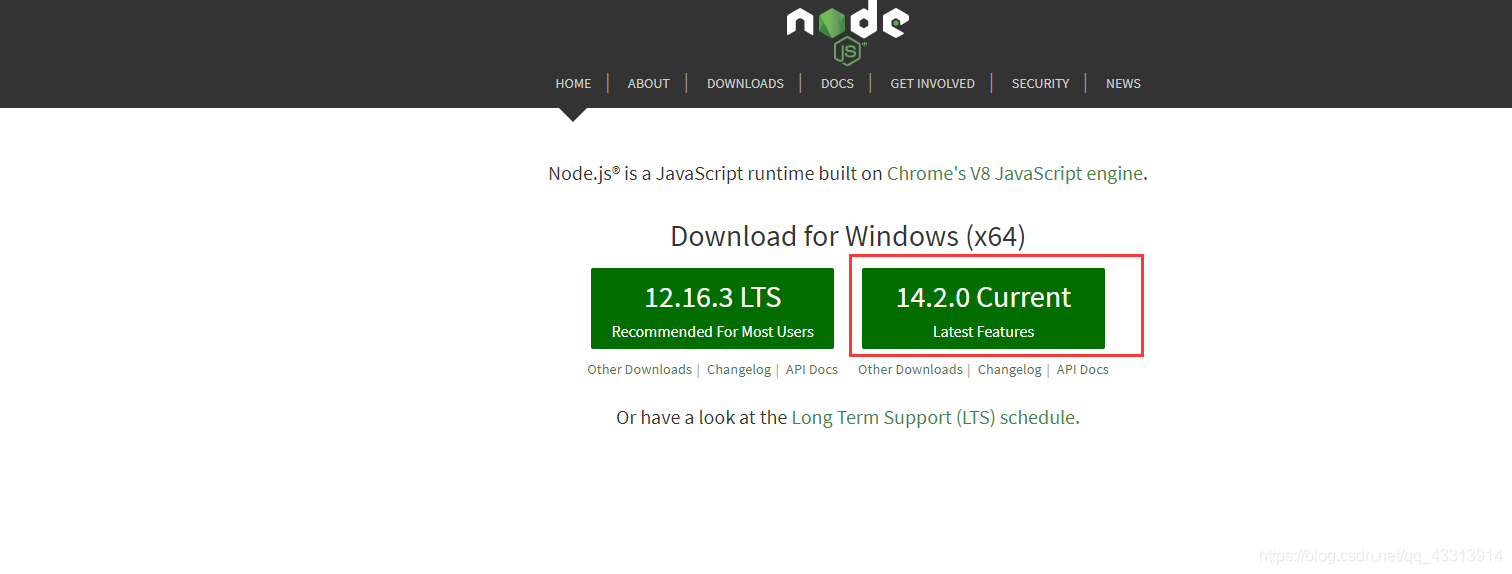
最后升级指定版本的nodejs,sudo n v14.2.0 (我安装的是当前最新版本)
https://nodejs.org/en/这是nodejs的官网,可下载或查看最新版本
用node -v查看版本,v14.2.0`





 扫一扫
扫一扫


 12万+
12万+

 被折叠的 条评论
为什么被折叠?
被折叠的 条评论
为什么被折叠?
 到【灌水乐园】发言





