


 这篇博客介绍了如何在Vue项目中解决页面刷新或重新进入时出现空白的问题。通过在index.html中添加静态内容,如一个加载提示框,可以在Vue渲染完成前展示,提供更好的用户体验。具体做法是在#app div内设置样式,并添加一个带有加载文字的图片元素,确保在页面加载过程中显示。
1、可以发现 重新进入页面或者页面刷新会出现空白
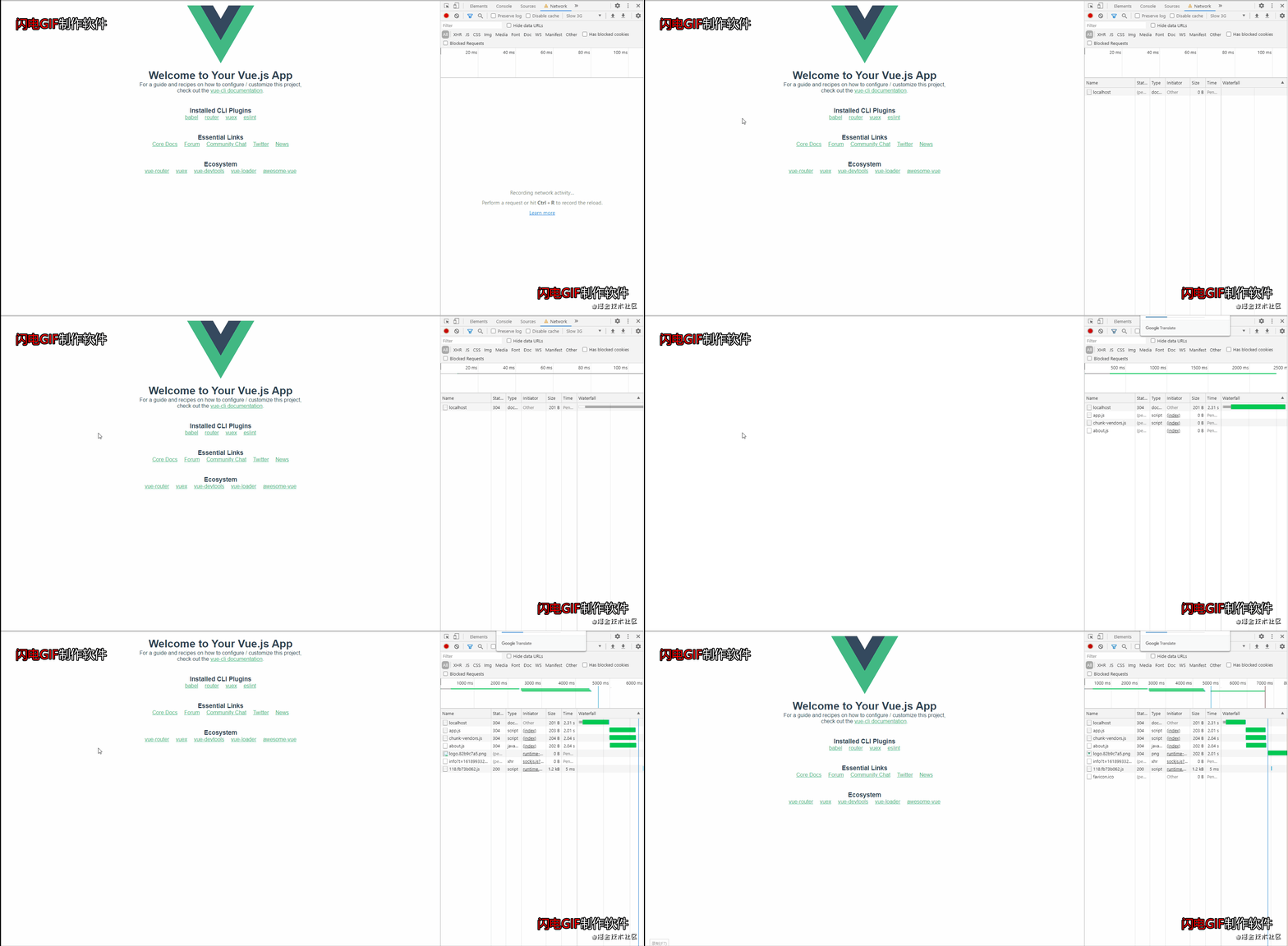
2、想要实现这个效果需要在 Vue 项目中的单页面 HTML
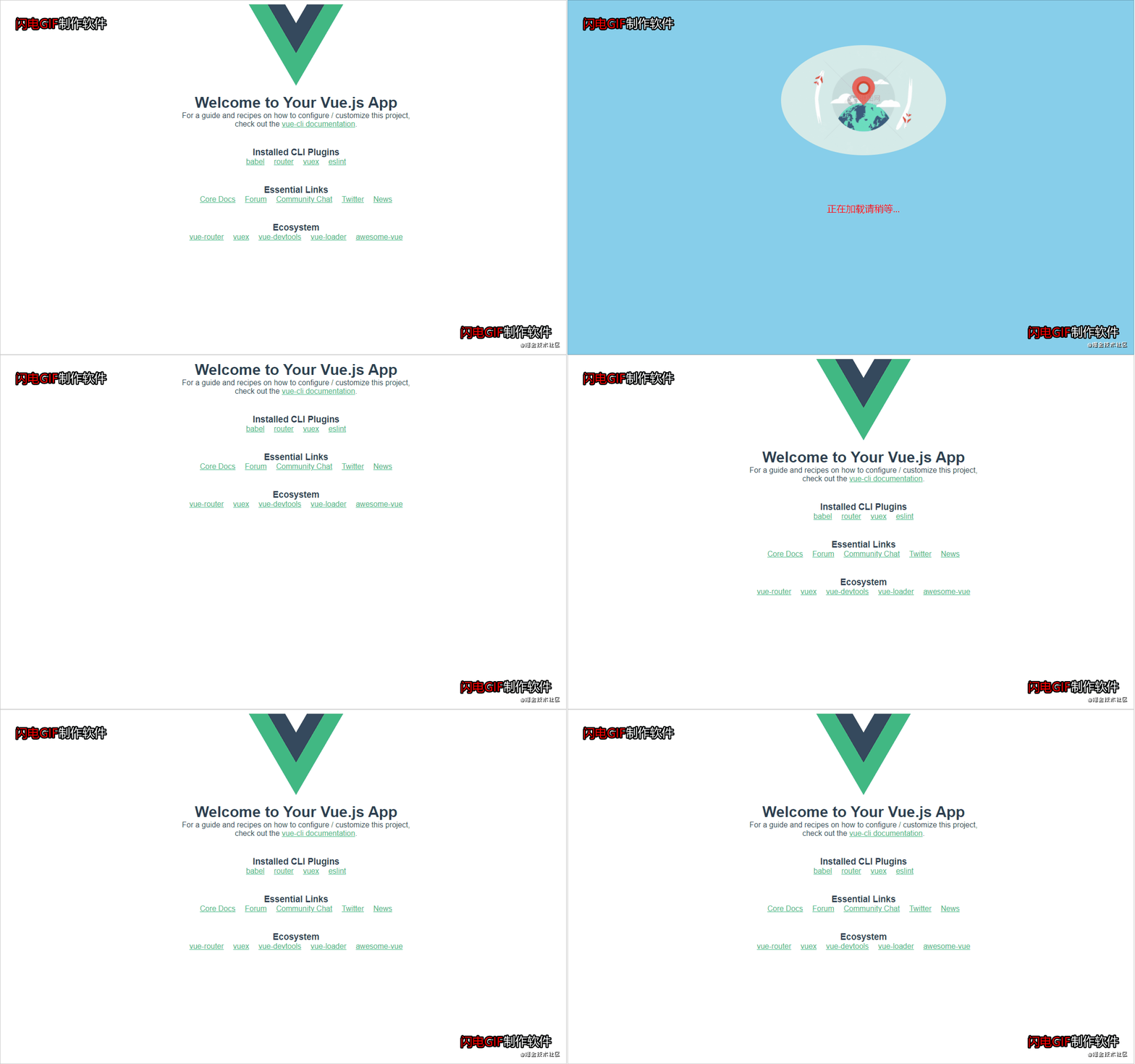
    index.html 里面书写你想要显示的内容
    <!-- Vue渲染完成之后 会自动初始化这个 APP 标签 -->
    <div id="app">

      <style>
        #firstScreenPage {
          width: 100vw;
          height: 100vh;
          background-color: skyblue;
          position: relative;
          top: 0;
          left: 0;
          z-index: 999;
          text-align: center;
          font-size: 20px;
          color: red;
        }

        #firstScreenPage img {
          margin: auto;
          padding: 100px;
          width: 350px;
          display: block;
          border-radius: 50%;
        }

        #firstScreenPage p {
          text-align: center;
          height: 30px !important;
        }
      </style>
      <div id="firstScreenPage">
        <img src="http://img95.699pic.com/photo/40107/3040.gif_wh860.gif" alt="" />
        <p>正在加载请稍等...</p>
      </div>
    </div>





 扫一扫
扫一扫


 3726
3726

 被折叠的 条评论
为什么被折叠?
被折叠的 条评论
为什么被折叠?
 到【灌水乐园】发言





