一、创建本地Yum源
1.在虚拟机中添加CentOS安装光盘镜像

2.挂载光盘
[root@node01 ~]# mount /dev/sr0 /mnt     #临时挂在
mount: /dev/sr0 写保护,将以只读方式挂载

[root@node01 ~]# vim /etc/fstab    #永久挂在
/dev/sr0 /mnt                         iso9660 defaults 0 0
3.配置yum本地源
[root@node01 /]# cd /etc/yum.repos.d/
[root@node01 yum.repos.d]# mkdir back
[root@node01 yum.repos.d]# mv *.repo ./back/
[root@node01 yum.repos.d]# vim mnt.repo
[mnt]
name=mnt
baseurl=file:///mnt
gpgcheck=0
enabled=1
4.使用yum安装软件
1) 更新yum资源
yum clean all(清除资源)
yum makecache(建立yum资源缓存)
yum list(显示列表)
二、配置阿里网络yum源
1.安装wget命令
yum -y install wget
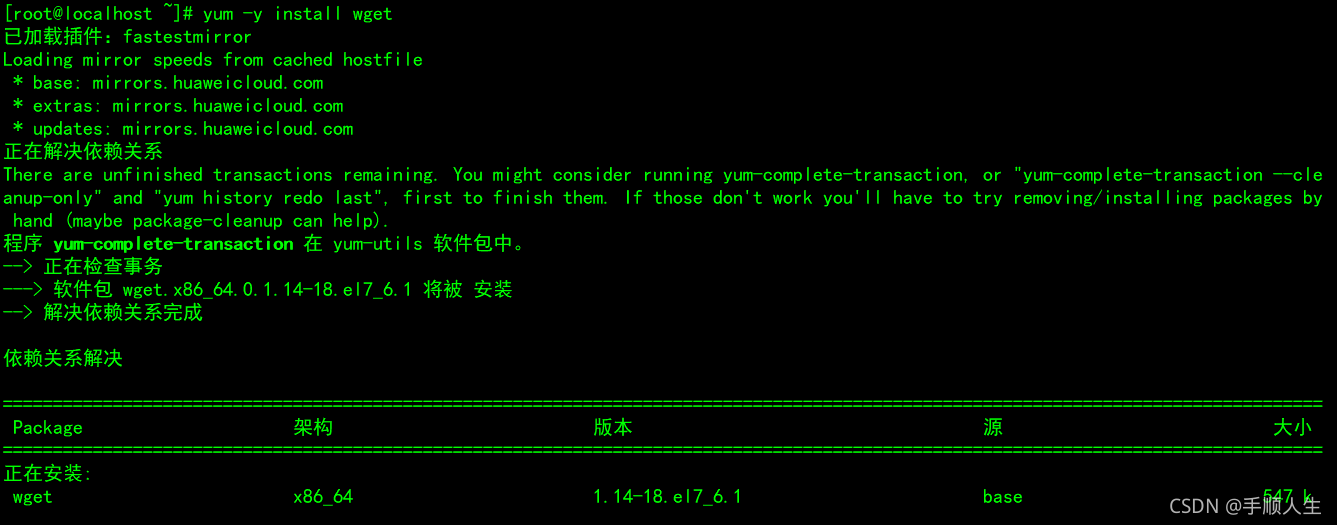
2.首先备份系统自带yum源配置文件/etc/yum.repos.d/CentOS-Base.repo(备份前建议先安装wget,yum install wget)
mv /etc/yum.repos.d/CentOS-Base.repo /etc/yum.repos.d/CentOS-Base.repo.backup

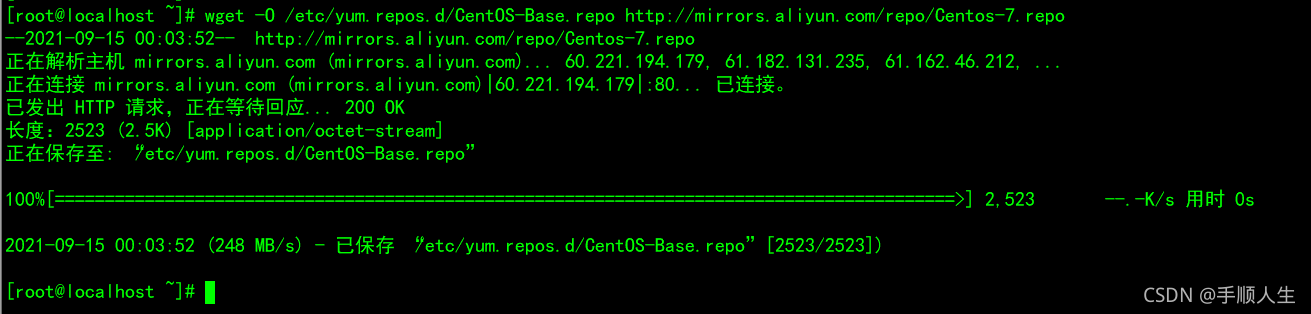
3.下载阿里云的yum源配置文件到上面那个文件夹内
wget -O /etc/yum.repos.d/CentOS-Base.repo http://mirrors.aliyun.com/repo/Centos-7.repo

网易云官网:
http://mirrors.163.com/.help/centos.html
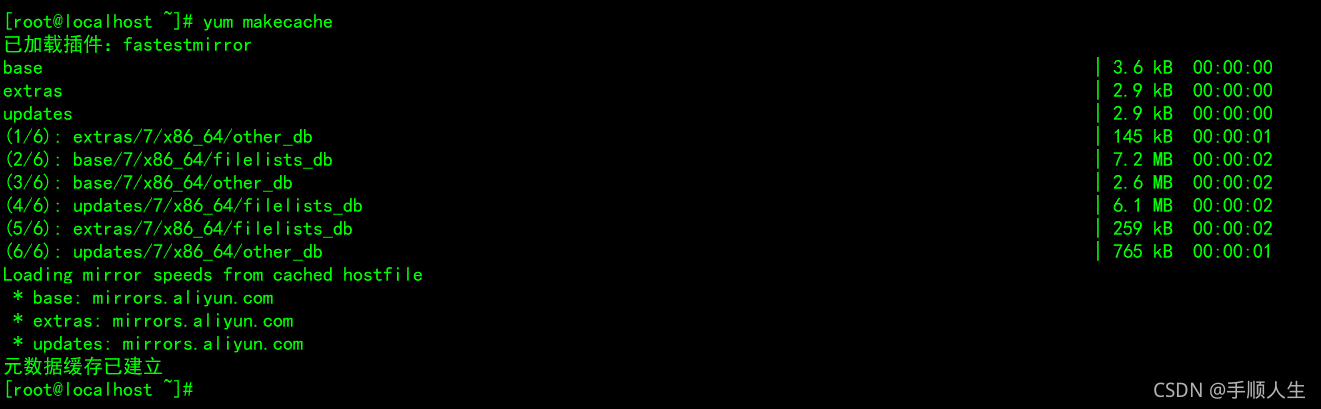
4.之后运行yum makecache生成缓存
yum clean all
yum makecache
 Linux系统配置Yum源指南



 本文详细介绍了如何在Linux环境中配置Yum源,包括创建本地Yum源和设置阿里云网络源。步骤涵盖添加CentOS安装光盘镜像、挂载光盘、配置本地源,以及安装wget并下载阿里云的yum源配置文件,最后通过运行`yum makecache`生成缓存,以优化软件安装体验。





 扫一扫
扫一扫


 1762
1762


 到【灌水乐园】发言



