 Linux环境下Python3的安装与SSL模块问题解决



 文章介绍了如何在Linux系统中搭建Python3环境,通过下载源码、配置、预安装依赖、编译和安装步骤。在安装过程中,提到了OpenStack相关工具kolla的使用背景,以及遇到的找不到_ssl模块的问题,解决方法是编辑Setup文件,取消相关注释并重新编译。
最近因为工作需要在客户机房搭建 openstack 云环境,我不怎么想直接在客户机房搭建,因为直接在服务器上搭建环境,经常会出现版本不兼容,卸载不完全等问题。
我更熟悉一点 kubernetes,希望能找着一个基于 docker 的解决方案,于是找着了 openstack 生态中的 kolla工具,经过一番文档阅读版之后,发现需要使用到 python,而且是在 linux 上跑的,所以开了这次的主题——linux 环境搭建 python3。
解压安装包:
tar -zxvf Python-3.9.13.tgz
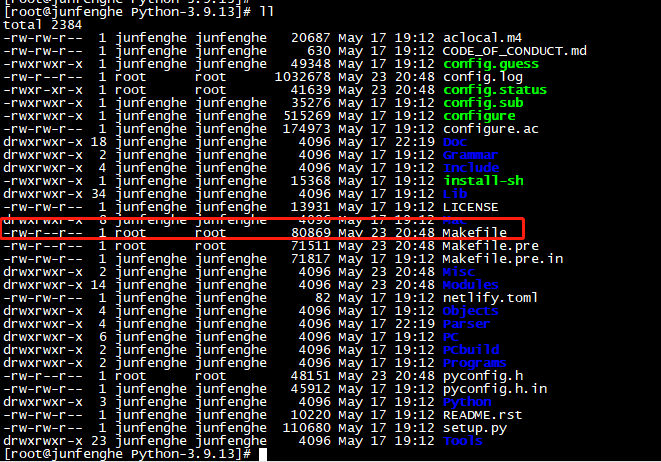
配置:指定安装到 /usr/local/python39 目录下,并生成makefile 文件:
cd Python-3.9.13
./configure --prefix=/usr/local/python39
预安装:
yum install -y zlib-devel zlib openssl-devel libffi-devel
-- 安装 openstack 时需要:libffi-devel
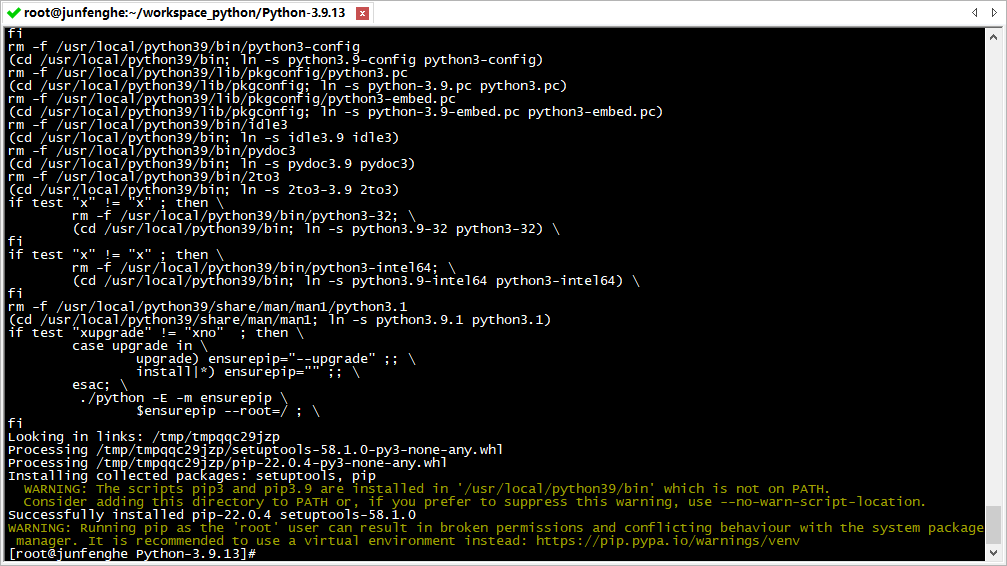
安装:
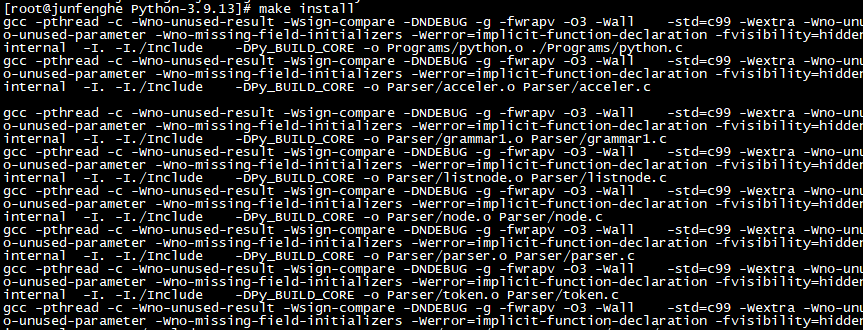
make clean && make install
修改环境变量文件:
vim /etc/profile
文件末尾追加:PATH=${PATH}:/usr/local/python39/bin/
是配置生效:
source /etc/profile
验证安装:
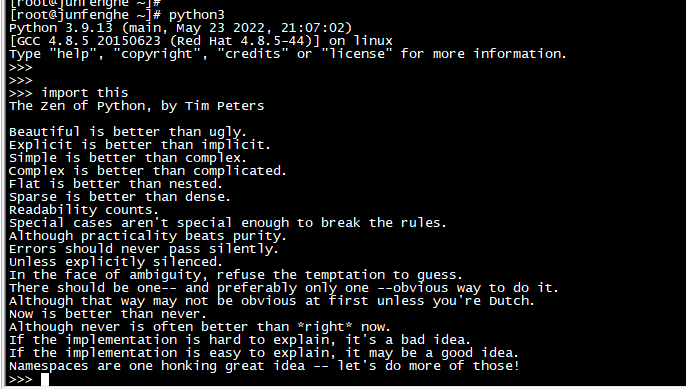
可以看到python 命令已经能够正常使用了
拓展
问题1:找不到 _ssl 模块
解决方案:
编辑:Python-3.9.13/Modules/Setup 文件

找到下列行数,取消对应的注释,重新编译(回到文章开头)。
206 #  CSV file helper
207 # _csv _csv.c
208
209 #  Socket module helper for socket(2)
210 _socket socketmodule.c  timemodule.c
211
212 #  Socket module helper for SSL support; you must comment out the other
213 #  socket line above, and possibly edit the SSL variable:
214 # SSL=/usr/local/ssl
215 _ssl _ssl.c \
216         -DUSE_SSL -I$(SSL)/include -I$(SSL)/include/openssl \
217         -L$(SSL)/lib -lssl -lcrypto
218
219 #  The crypt module is now disabled by default because it breaks builds
220 #  on many systems (where -lcrypt is needed), e.g. Linux (I believe).
221
222 # _crypt _cryptmodule.c #  -lcrypt        #  crypt(3); needs -lcrypt on some systems





 扫一扫
扫一扫


 173
173

 被折叠的 条评论
为什么被折叠?
被折叠的 条评论
为什么被折叠?
 到【灌水乐园】发言





