我的第一个SpringBoot项目(myeclipse10+jdk8+tomcat7)
新建一个maven项目


在myeclipse10中没有1.8所以选择1.6;
修改pom.xml文件,内容如下
4.0.0
com.liu
MySpringBoot
0.0.1-SNAPSHOT
http://maven.apache.org
org.springframework.boot spring-boot-starter-parent 1.5.6.RELEASE
org.springframework.boot spring-boot-starter-web
org.springframework.boot spring-boot-maven-plugin 然后右击项目名->maven4Myeclipse->update project configuration ->选中 强制更新项目 force update of snapshots; 因为pom配置的jdk版本为1.8,修改项目运行环境。右击项目名,build-path, 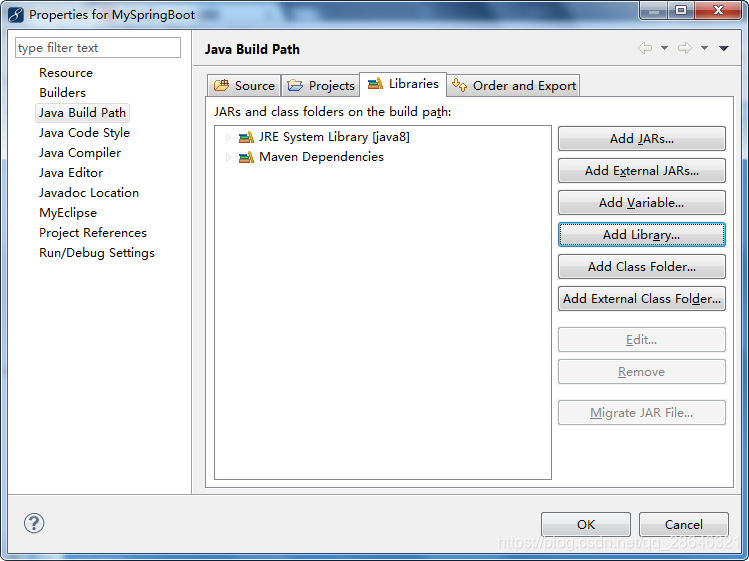 创建如下文件,目录如下 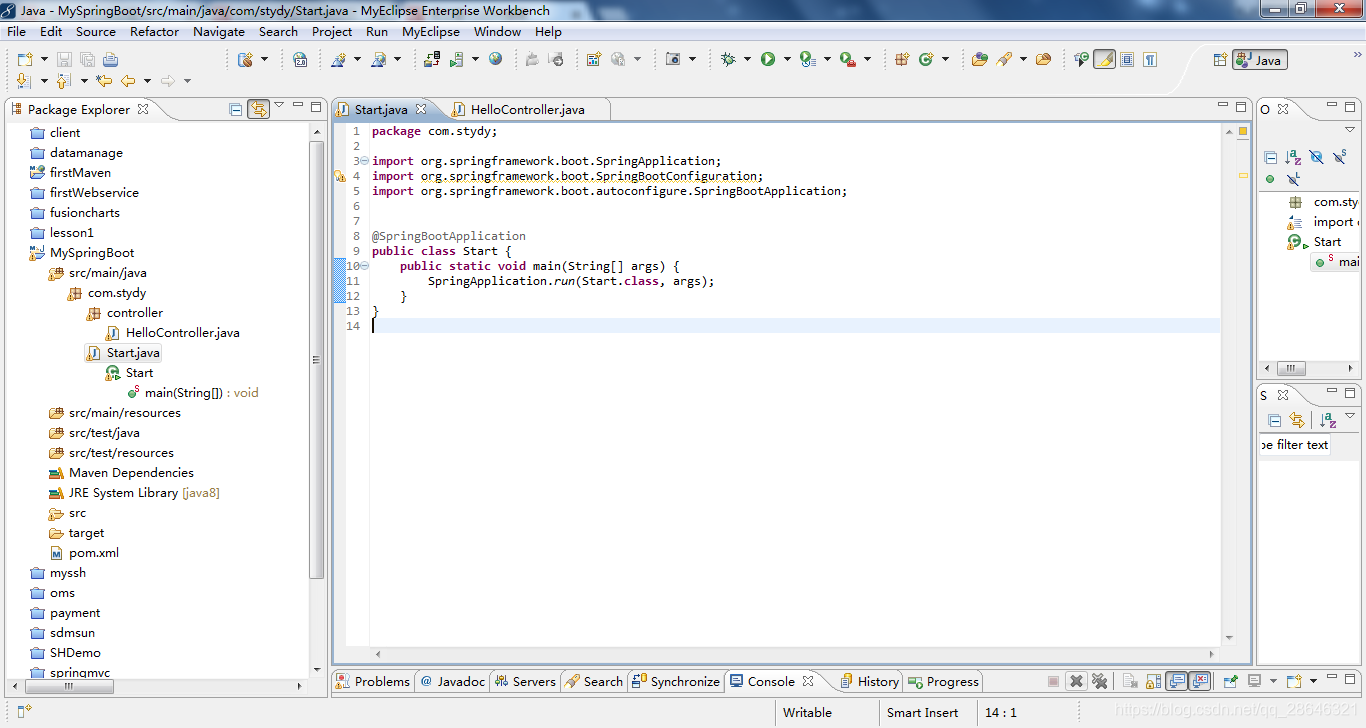 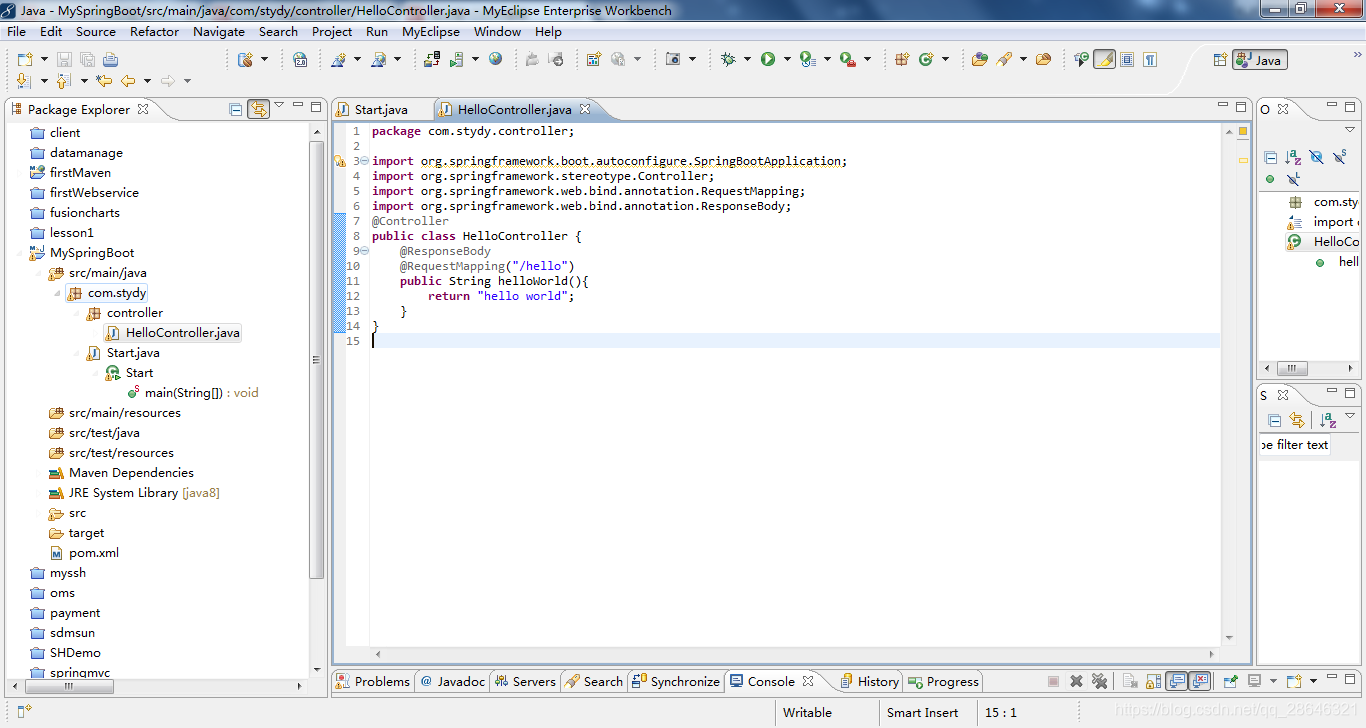 然后运行main文件。 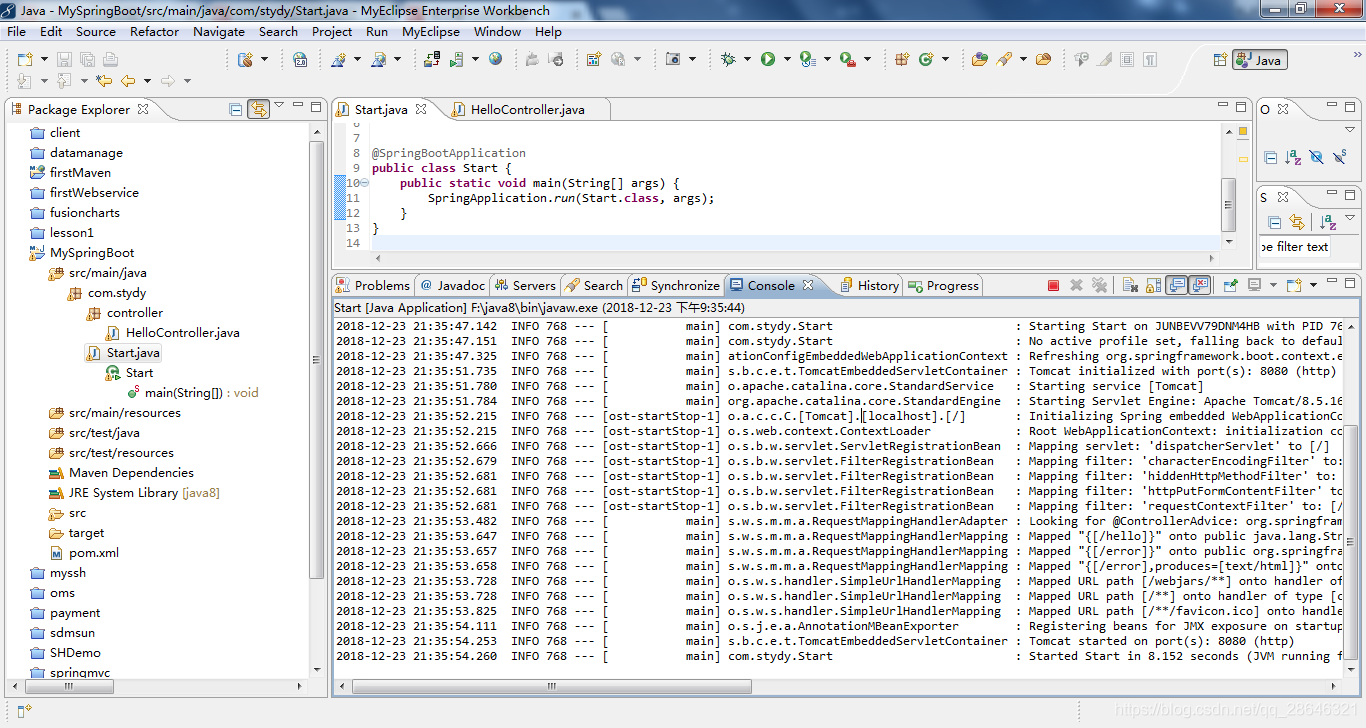 访问localhost:8080/hello 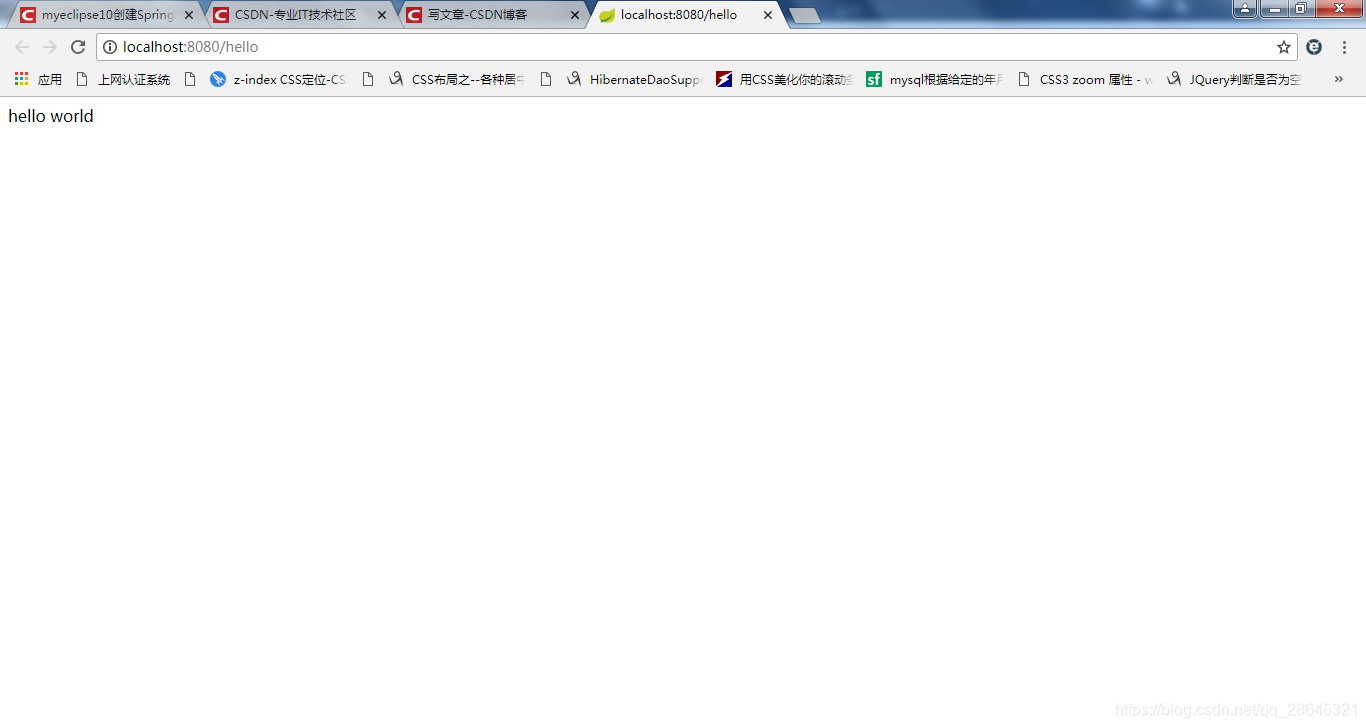


 本文详细介绍了如何在MyEclipse10环境下使用Maven和JDK8配置SpringBoot项目,包括pom.xml文件的修改、项目环境的设置、目录结构的创建以及运行测试的过程。

 被折叠的 条评论
为什么被折叠?
被折叠的 条评论
为什么被折叠?
 到【灌水乐园】发言








 扫一扫
扫一扫


 1043
1043


