






 本文介绍如何在uni-app中实现分享功能和微信授权。通过添加onShareAppMessage方法,可自定义分享按钮,设置分享标题和路径,实现页面分享。同时,文章还讲解了如何在小程序中进行微信授权。
uni-app之APP和小程序微信授权:
https://blog.youkuaiyun.com/qq_15764943/article/details/85837552
添加分享功能
可以自定义点击按钮分享,同时在onLoad平级添加onShareAppMessage方法
<!-- #ifdef MP-WEIXIN -->
<button open-type="share">立即分享</button>
<!-- #endif -->
onLoad(option) {
},
onShareAppMessage(res) {
    console.log(res)
    if (res.from === 'button') {// 来自页面内分享按钮
        console.log(res.target)
    }
    return {
        title: '分享的标题',
        path: '/pages/news/details?id=123',
        success(resp){
            console.log(resp)
        }
    }
},
methods: {}
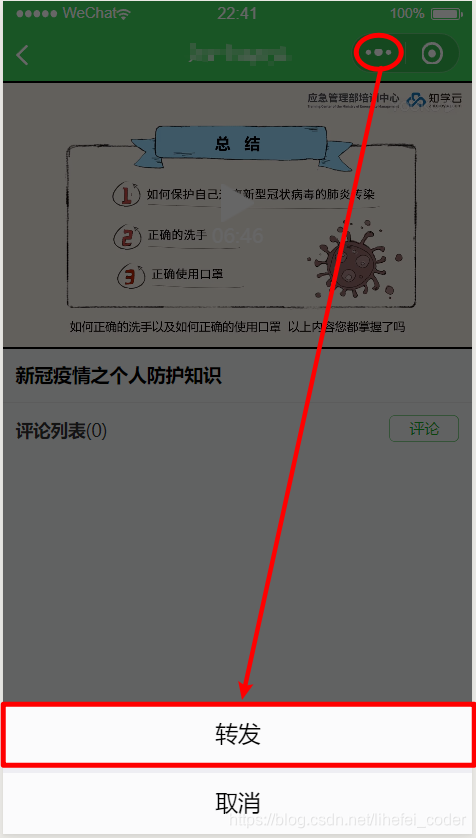
如果不需要自定义按钮,只需添加onShareAppMessage方法,点击小程序右上角的更多,再选择转发功能
获取页面参数
https://www.jianshu.com/p/a514fb66619c





 扫一扫
扫一扫


 578
578


 到【灌水乐园】发言



