


要想把波形图显示在界面上,核心思想其实很简单。
思路:先画图,然后在qtdesigner上放一个容器,给这个容器添加一个布局,然后把图当作一个Widget放入布局中。接下来看图操作,
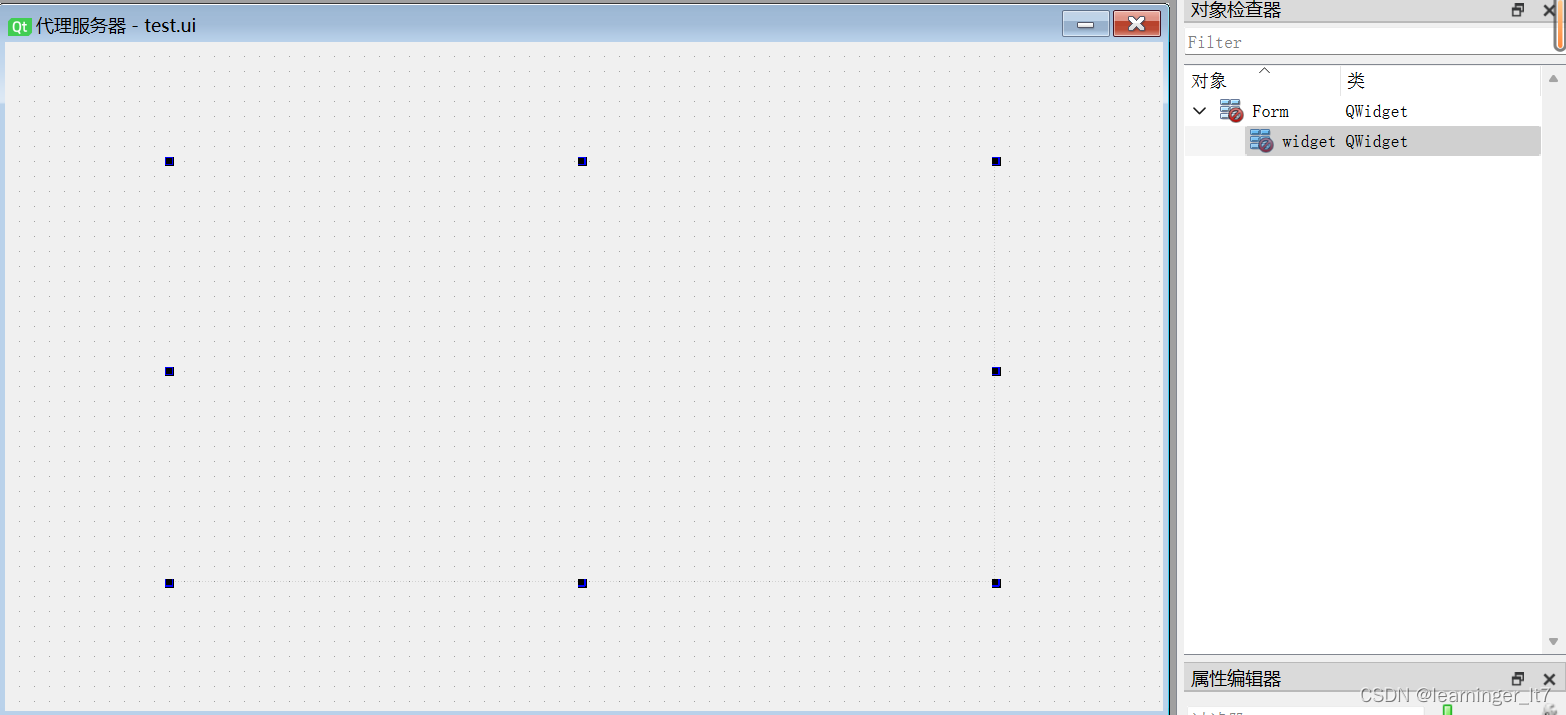
一、随便拖进来一个容器控件,我拖了一个Widget
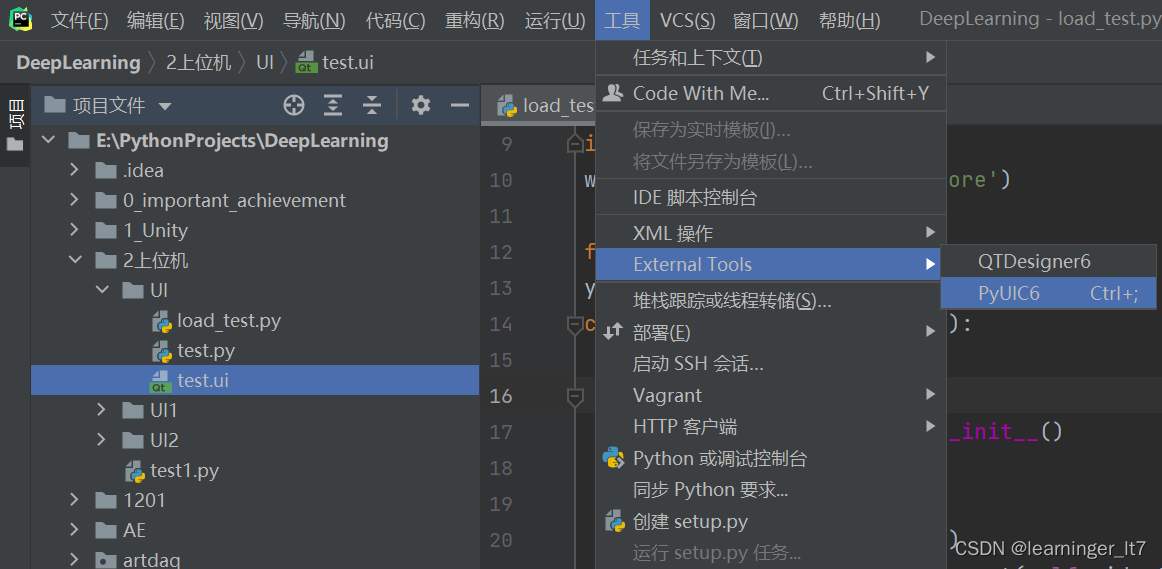
二、PyUIC把test.ui转换成test.py,再新建一个load_test.py写脚本。
三、load_test.py的代码
import sys
import numpy as np
import pyqtgraph as pg
from test import Ui_Form
import warnings
warnings.filterwarnings('ignore')
from PyQt6.QtWidgets import *
y = np.random.randn(100)
class MyApp(QWidget, Ui_Form):
def __init__(self):
super(MyApp, self).__init__()
self.setupUi(self)
self.pic = pg.plot(y) # 画个图
self.layout = QGridLayout(self.widget) # 给widget添加布局,如果放入的容器自带布局,则不需要这行代码
self.layout.addWidget(self.pic) # 布局里面放图
if  最低0.47元/天 解锁文章






 扫一扫
扫一扫


 1万+
1万+


 到【灌水乐园】发言



