


 本文详细介绍了使用DataX工具将CSV文件中的数据迁移到MySQL数据库的具体步骤,包括配置job文件、解决列数不匹配及类型转换问题,以及如何执行数据迁移命令。
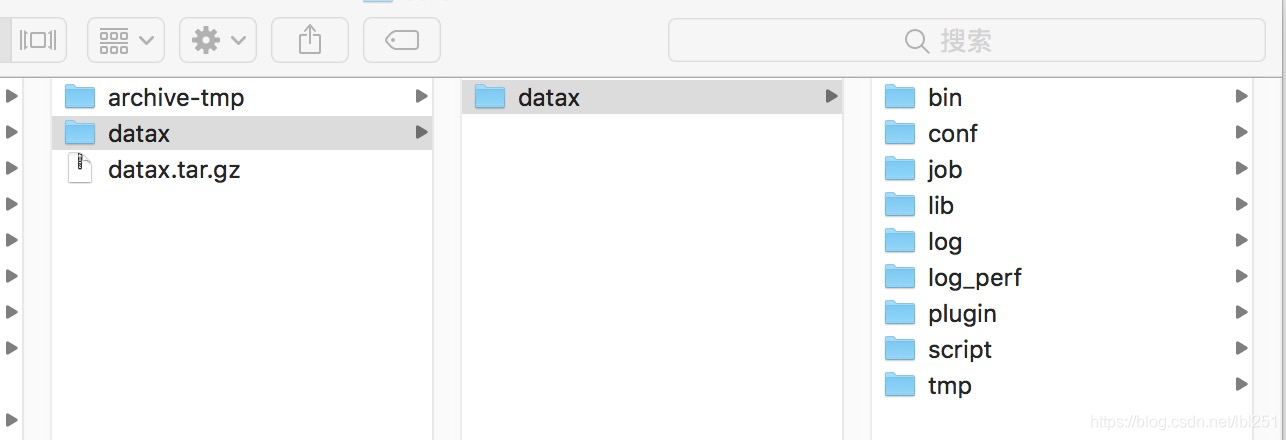
1、准备datax(没有的自己去github上面下载),建好mysql的表
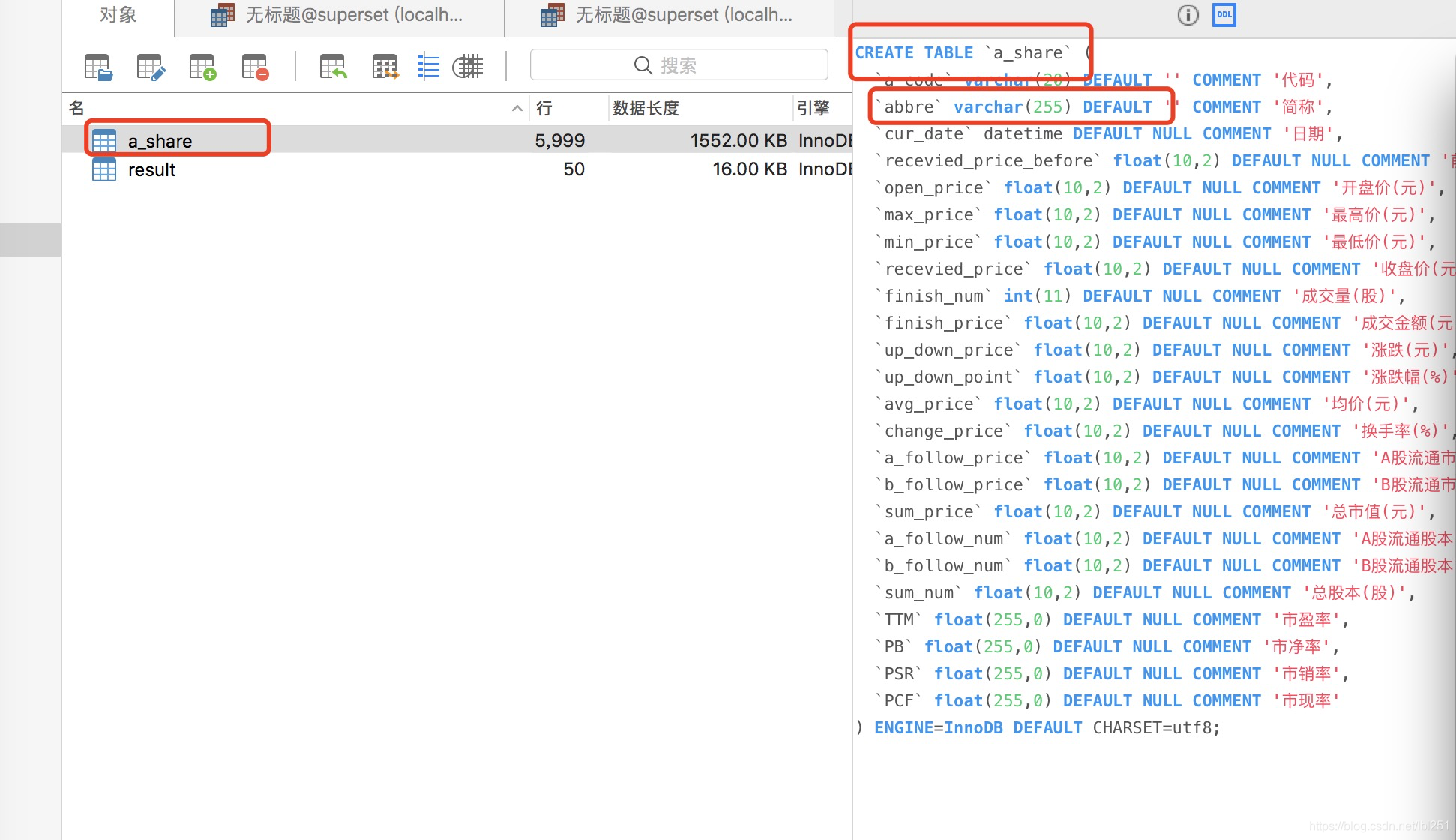
mysql (注意框中的表与类型,与2中读取的有哪些不一样)
2、job文件(放到job目录下,我的文件名 job4.json)
{
    "job": {
        "content": [
            {
                "reader": {
                    "name": "txtfilereader",
                    "parameter": {
                    "path": ["/Users/liyang/Downloads/深证A股/000001.SZ.CSV"],
                    "encoding":"gbk",
                        "column": [
                            {
                                "index": 0,
                                "type": "string"
                            },
                            {
                                "index": 1,
                                "type": "string"
                            },
                            {
                                "index": 2,
                                "type": "string"
                            },
                            {
                                "index": 3,
                                "type": "string"
                            },
                            {
                                "index": 4,
                                "type": "string"
                            },
                            {
                                "index": 5,
                                "type": "string"
                            },
                            {
                                "index": 6,
                                "type": "string"
                            },
                            {
                                "index": 7,
                                "type": "string"
                            },
                            {
                                "index": 8,
                                "type": "string"
                            },
                            {
                                "index": 9,
                                "type": "string"
                            },
                            {
                                "index": 10,
                                "type": "string"
                            },
                            {
                                "index": 11,
                                "type": "string"
                            },
                            {
                                "index": 12,
                                "type": "string"
                            },
                            {
                                "index": 13,
                                "type": "string"
                            },
                            {
                                "index": 14,
                                "type": "string"
                            },
                            {
                                "index": 15,
                                "type": "string"
                            },
                            {
                                "index": 16,
                                "type": "string"
                            },
                            {
                                "index": 17,
                                "type": "string"
                            },
                            {
                                "index": 18,
                                "type": "string"
                            },
                            {
                                "index": 19,
                                "type": "string"
                            },
                            {
                                "index": 20,
                                "type": "string"
                            },
                            {
                                "index": 21,
                                "type": "string"
                            },
                            {
                                "index": 22,
                                "type": "string"
                            },
                            {
                                "index": 23,
                                "type": "string"
                            }
                        ],
                    "skipHeader": "true"
                    }
                },
                "writer": {
                    "name": "mysqlwriter",
                    "parameter": {
                        "column": [
                            "a_code",
                            "abbre",
                            "cur_date",
                            "recevied_price_before",
                            "open_price",
                            "max_price",
                            "min_price",
                            "recevied_price",
                            "finish_num",
                            "finish_price",
                            "up_down_price",
                            "up_down_point",
                            "avg_price",
                            "change_price",
                            "a_follow_price",
                            "b_follow_price",
                            "sum_price",
                            "a_follow_num",
                            "b_follow_num",
                            "sum_num",
                            "TTM",
                            "PB",
                            "PSR",
                            "PCF"
                        ],
                        "connection": [
                            {
                               "jdbcUrl": "jdbc:mysql://localhost:3306/superset?useUnicode=true&characterEncoding=utf8",
                               "table": ["a_share"]
                            }
                        ],
                        "password": "123456",
                        "username": "root",
                        "preSql":[""],
                        "session":["set session sql_mode='ANSI'"],
                        "writeMode":"insert"
                    }
                }
            }
        ],
        "setting": {
            "speed": {
                "channel": "2"
            }
        }
    }
}
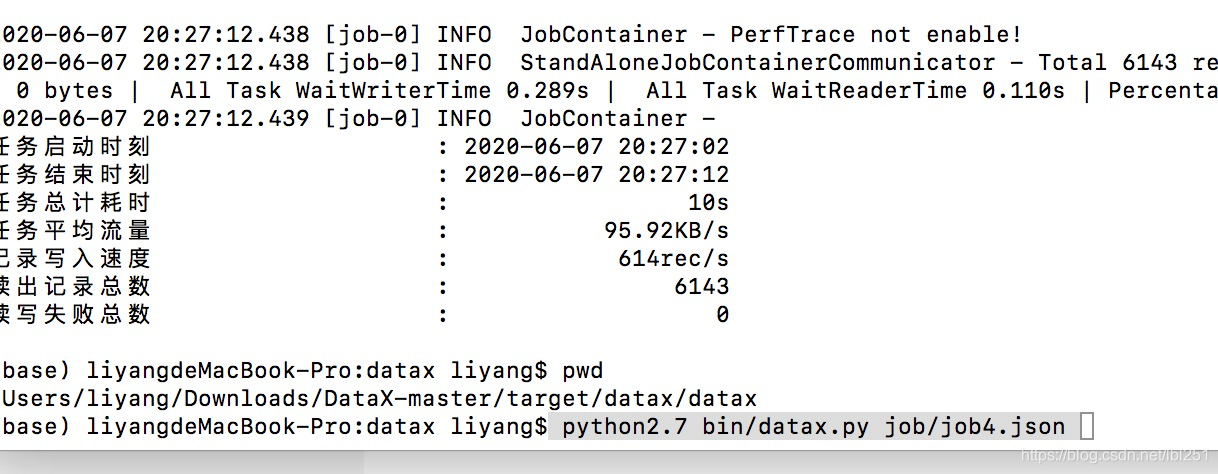
3、执行命令(位置是 $home/datax/datax)
python2.7 bin/datax.py job/job4.json
出现的bug
列数不对(自己对比mysql表与datax中的列)
经DataX智能分析,该任务最可能的错误原因是:
com.alibaba.datax.common.exception.DataXException: Code:[DBUtilErrorCode-00], Description:[您的配置错误.]. - 列配置信息有错误. 因为您配置的任务中,源头读取字段数:23 与 目的表要写入的字段数:24 不相等. 请检查您的配置并作出修改.
脏数据 (原因是csv中的文件datax中读取的时候应该列是String类型,而我自做直接按数据库的来写成了float,改了之后就好了)
2020-06-07 20:17:20.650 [0-0-0-reader] ERROR StdoutPluginCollector - 脏数据:
{“message”:“No enum constant com.alibaba.datax.plugin.unstructuredstorage.reader.UnstructuredStorageReaderUtil.Type.FLOAT”,“record”:[{“byteSize”:9,“index”:0,“rawData”:“000001.SZ”,“type”:“STRING”},{“byteSize”:4,“index”:1,“rawData”:“平安银行”,“type”:“STRING”},{“byteSize”:10,“index”:2,“rawData”:“1991-04-05”,“type”:“STRING”}],“type”:“reader”}





 扫一扫
扫一扫


 681
681

 被折叠的 条评论
为什么被折叠?
被折叠的 条评论
为什么被折叠?
 到【灌水乐园】发言





