


 文章指导读者从MySQL官网下载CommunityServer,进行安装并设置密码。在安装完成后,通过MySQLWorkbench管理数据库和运行SQL查询。如果遇到无法连接的问题,解决方案是检查服务是否启动,可以通过任务管理器开启MySQL服务。
跑到官网安装MySQL :: MySQL Downloads
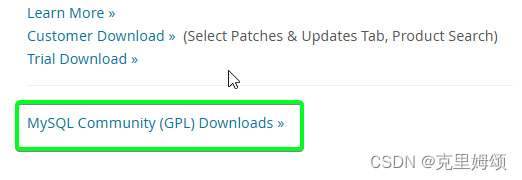
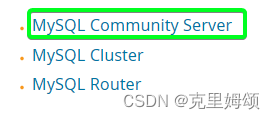
select MySQL community server
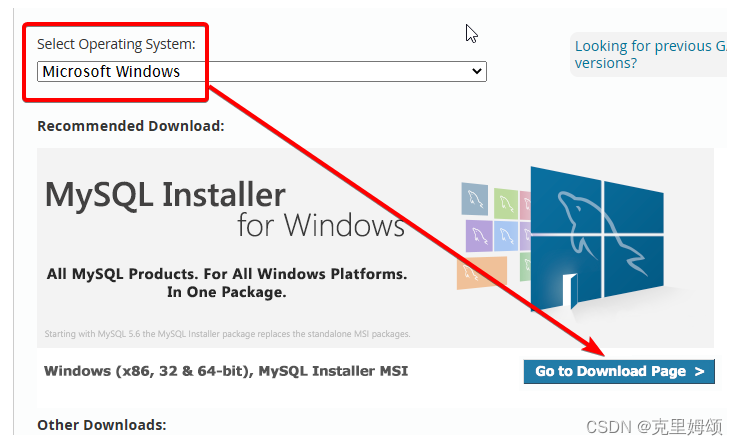
Recommended Download
download the first installer here
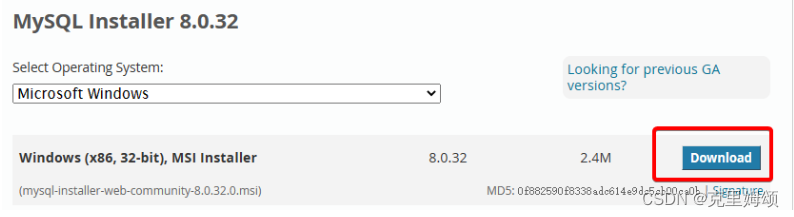
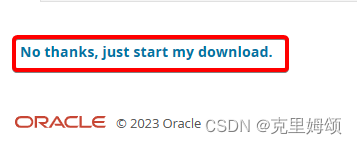
just start my download
let’s open it and agree with the license agreement
安装,一直点next点到Account and Rolse 自己定密码
finally after all these steps the installation is complete
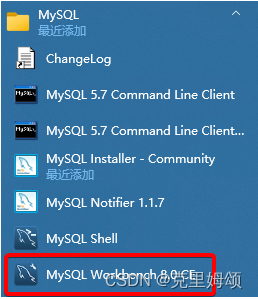
Start MySQL workbench, which is the graphical tool we use to manage our database and run SQL queries.
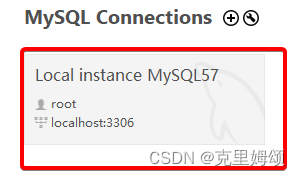
If it show not connect?(当你设了密码,但第一次双击它而无需密码验证时,就表示出问题)
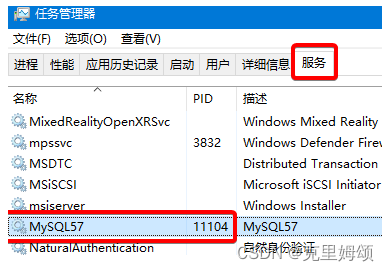
解决方案:Ctrl+Alt+Delete->任务管理器->服务->开启你的MySQL





 扫一扫
扫一扫


 2222
2222

 被折叠的 条评论
为什么被折叠?
被折叠的 条评论
为什么被折叠?
 到【灌水乐园】发言





