


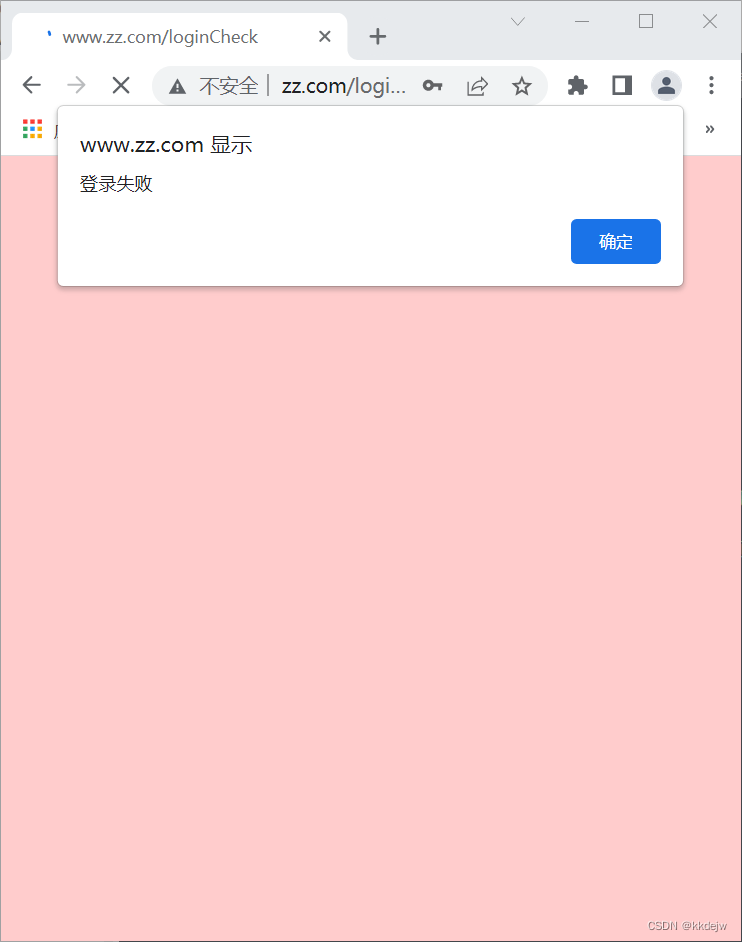
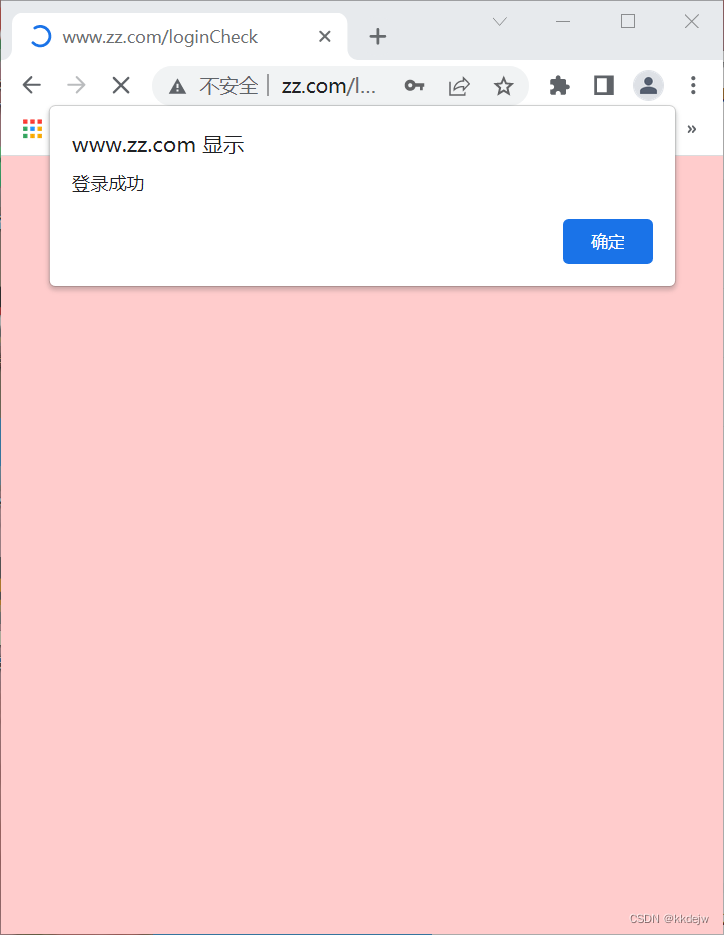
 这是一个关于用户登录的HTML页面示例,包含了用户名和密码输入框,以及登录和重置按钮。页面使用了基本的CSS样式进行美化,并且在后台,通过PHP处理登录验证。当用户提交表单时,数据会发送到'loginCheck'路由进行检查。如果验证成功,显示'登录成功'的提示,反之则显示'登录失败'。
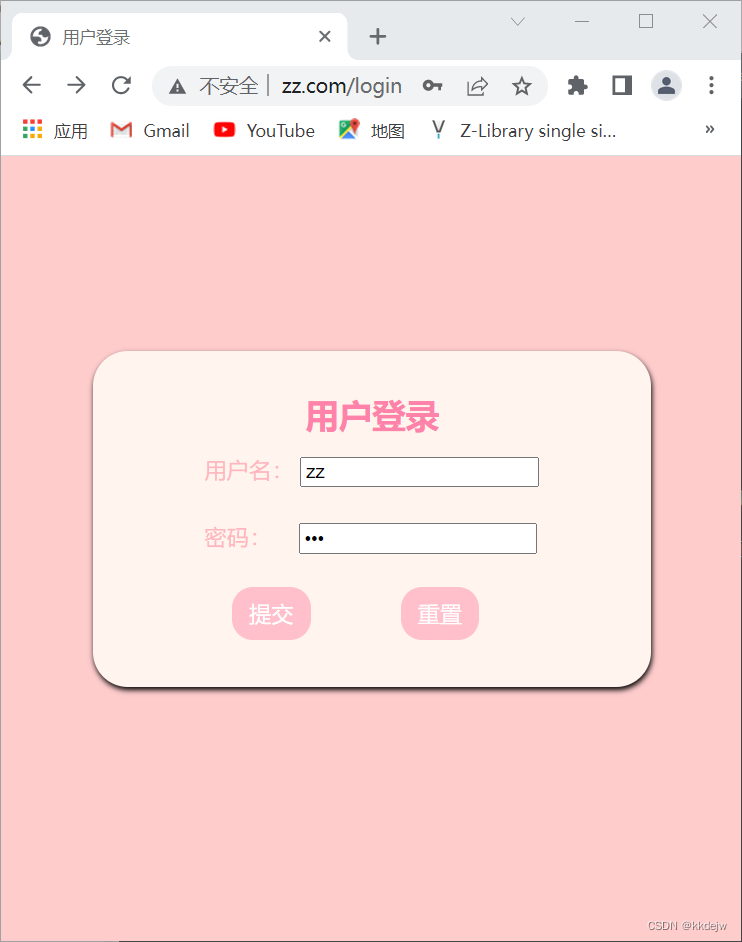
<!doctype html>
<html lang="en">
<head>
    <meta charset="UTF-8">
    <meta name="viewport"
          content="width=device-width, user-scalable=no, initial-scale=1.0, maximum-scale=1.0, minimum-scale=1.0">
    <meta http-equiv="X-UA-Compatible" content="ie=edge">
    <title>用户登录</title>
</head>
<body>
<div class="login">
        <form action="{{url('loginCheck')}}" method="post">
            <h2>用户登录</h2>

            <div>
                <label for="username">用户名:</label>
                <input id="username" type="text" name="username" placeholder="请输入用户名" required>
            </div>
            <div>
                <label for="password">密码:</label>
                <input id="password" type="password" name="password" placeholder="请输入密码" required>

            </div>
            <div>
                <input type="submit">
                <input type="reset">
            </div>

            @csrf
        </form>
</div>

<style>
    body{
        background-color: lightgoldenrodyellow;
    }
    body *{
        box-sizing: border-box;

    }
    .login form{
        display: flex;
        flex-direction: column;

        width: 300px;
        background-color: lightblue;
        margin: 50px auto;
        padding:10px 40px;
        box-shadow: 0px 3px 6px #888;
    }
    .login h2{
        text-align: center;
        color: red;
    }
    .login *{
        margin-bottom: 10px;
    }
    form div:last-of-type{
        /*margin-left: 80px;*/
    }
    form div:last-of-type input{
        margin-left: 40px;
    }
    .login label{
        display: inline-block;
        width: 50px;
        text-align: right;
    }
</style>

@if(!empty($data['message']))
    <script>alert("{{$data['message']}}")</script>
@endif
</body>
</html>
public function login()
    {
        return view('login');
    }

    public function loginCheck(Request $request)
    {
        $data=$request->all();
        //dd($data);
        $username=$request->input('username');
        $password=$request->input('password');
        // // dd($data,$username,$password);
       $res= DB::table('users')->where('name',$username)->where('password',$password)->first();
         //dd($res);
        if($res){
            echo("<script>alert('登录成功');</script>");
         }else{
            echo( "<script>alert('登录失败');</script>");
         }

    }

}





 扫一扫
扫一扫


 2744
2744

 被折叠的 条评论
为什么被折叠?
被折叠的 条评论
为什么被折叠?
 到【灌水乐园】发言





