


StatusBar中start()方法中调用setUpPresenter()对StatusBarNotificationPresenter和NotificationController进行初始化
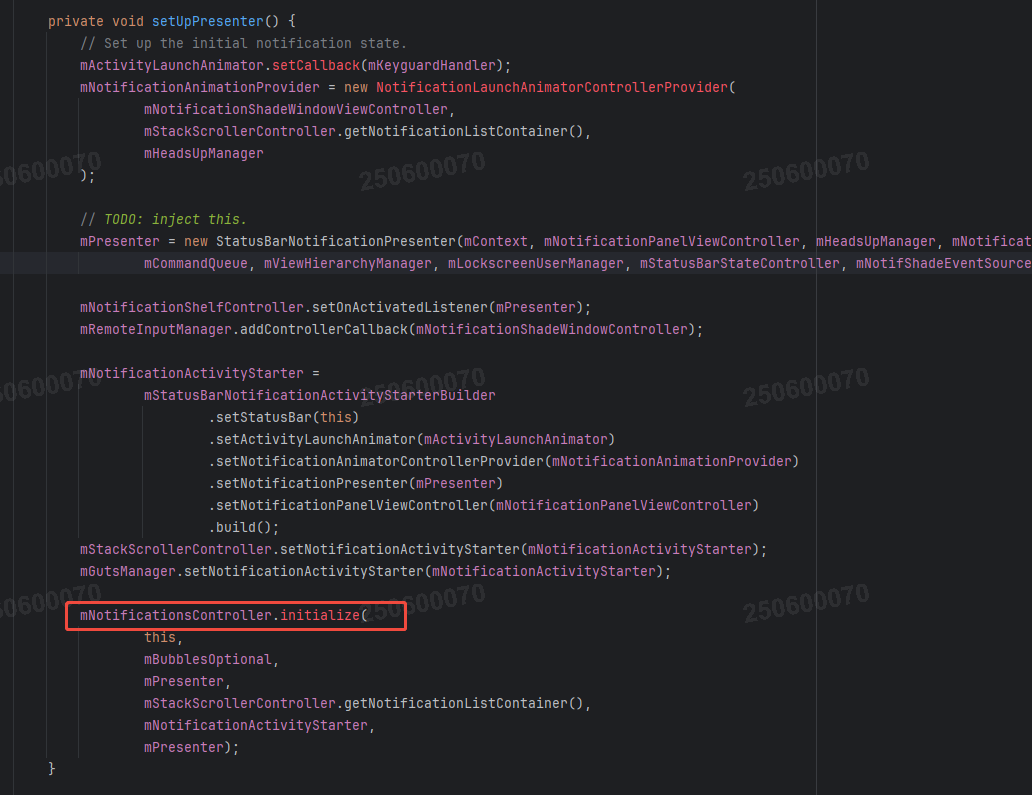
StatusBarNotificationPresenter构造方法中对 NotificationEntryManager进行listener的调用

NotificationController.initialize()
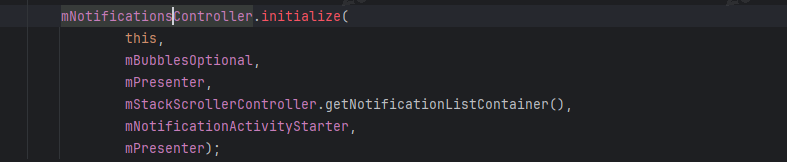
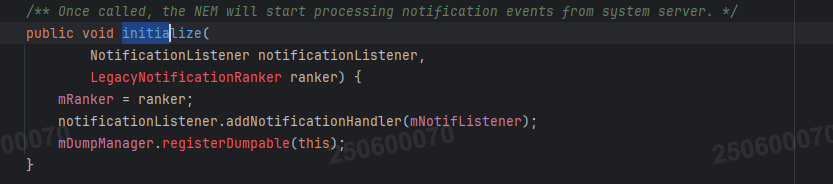
会调用NotificationsControllerImpl.initialize() 其中执行了entryManager.initialize(notificationListener, legacyRanker)
当NotificationListener接收到广播时会调用mNotifListener的回调
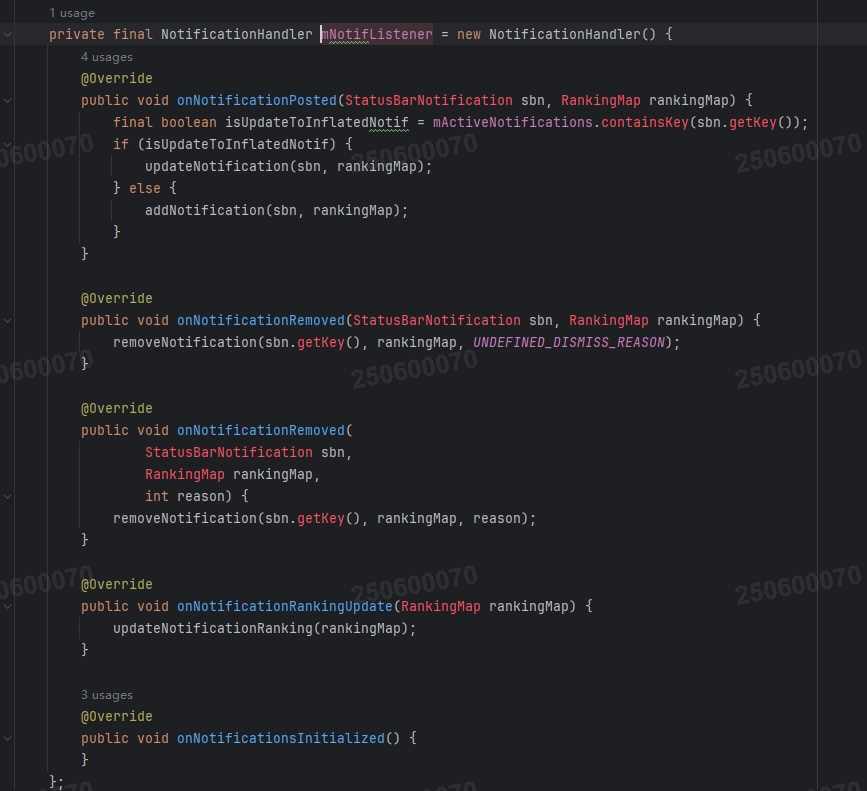
isUpdateToInflatedNotif判断是否更新通知
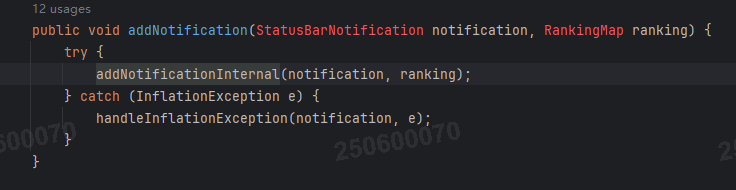
addNotficationInternal()

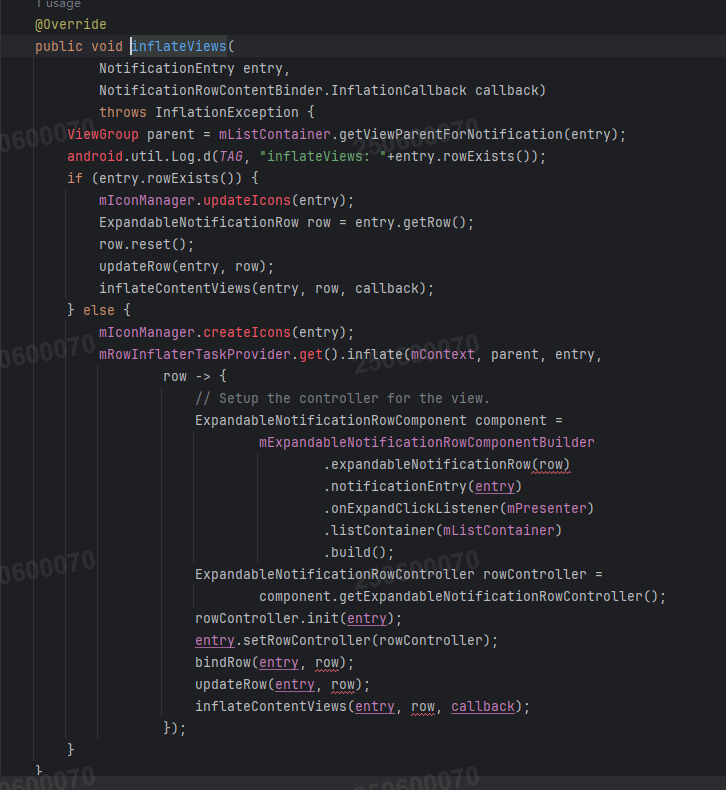
最终会调用NotificationRowBinderImpl.inflateViews()
onEntryAdd()
for (NotifCollectionListener listener : mNotifCollectionListeners) {
    listener.onEntryAdded(entry);
}
调用到HeadsUpController的listener中
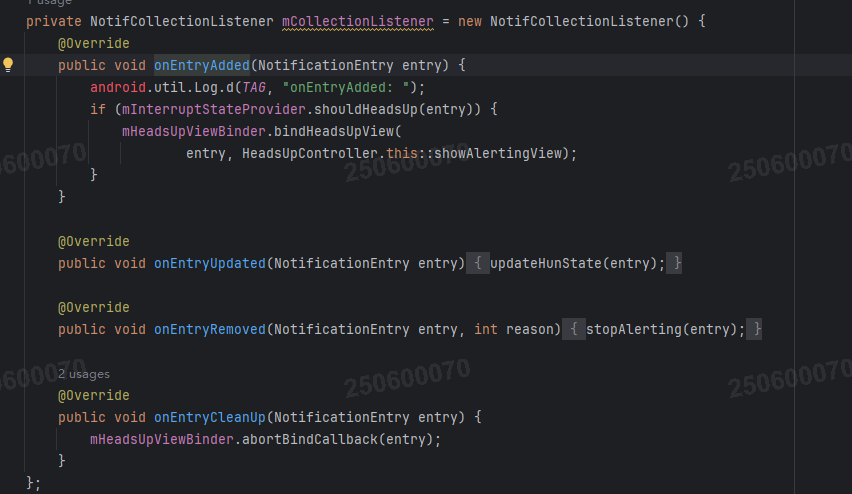
mInterruptStateProvider.shouldHeadsUp(entry)判断是否要弹出悬浮通知
重要性检查HeadsUpViewBinder.bindHeadsUpView()
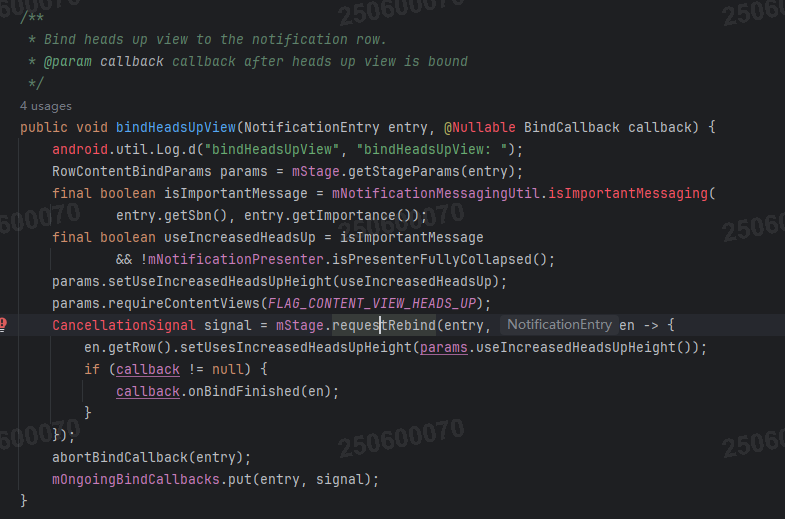
BindRequester.requestRebind()
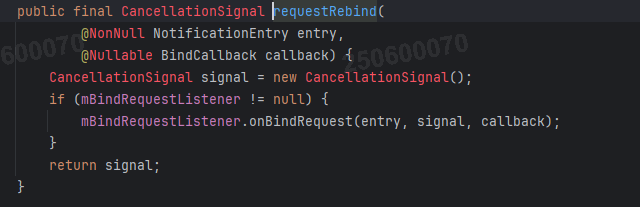
最终走到NotificationContentInflater.bindContent()
NotificationContentInflater.apply()
涉及通知的四种视图状态:收缩(Contracted)、展开(Expanded)、 Heads-Up(悬浮通知)和公共视图(Public)从NotificationContentView获取不同状态的子视图
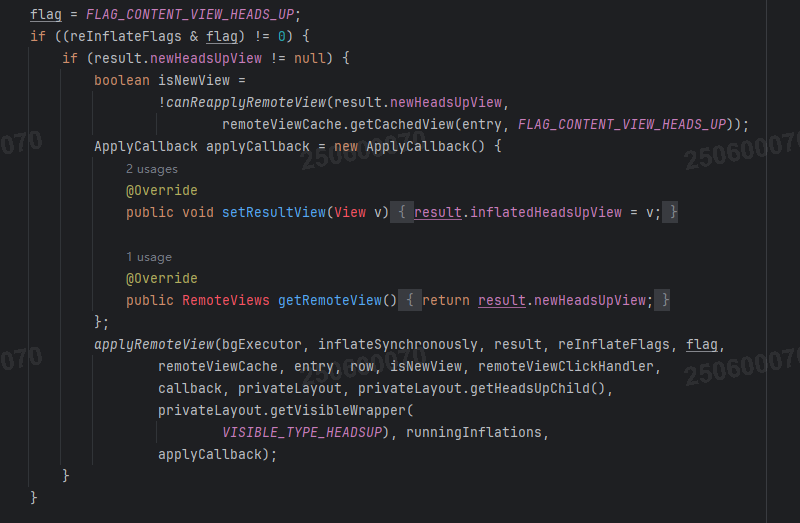
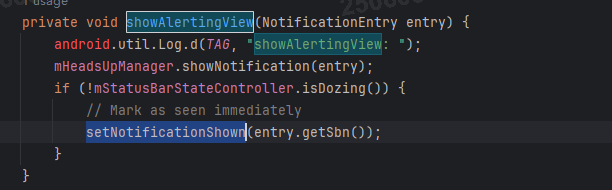
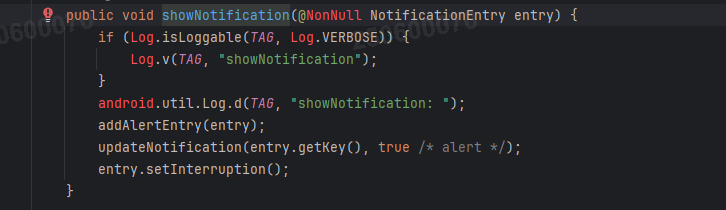
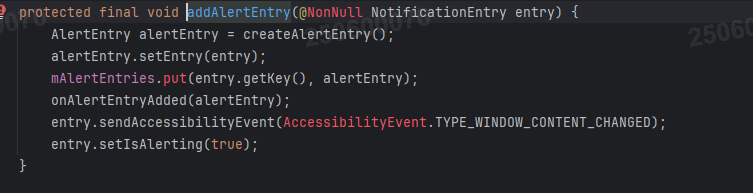
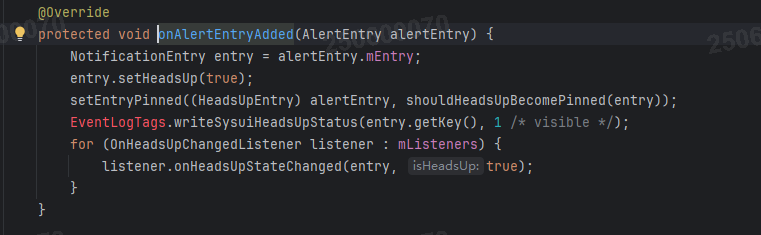
bindHeadsupView finish会回调showAlertingView()





 扫一扫
扫一扫


 1073
1073

 被折叠的 条评论
为什么被折叠?
被折叠的 条评论
为什么被折叠?
 到【灌水乐园】发言





