



 本文介绍如何利用HTML、CSS、JavaScript等技术,通过编写简单的代码实现图形绘制功能,具体展示了如何使用Canvas元素进行绘图,并通过JavaScript动态更新画布内容。
html
<!doctype html>
<html>
<head>
<meta charset="utf-8">
<title></title>
<script type="text/javascript" src="27.js"></script>
<style type="text/css">
body{ margin:0; padding:0;}
</style>
</head>
<body onLoad="draw('canvas')">
<canvas id="canvas" width='400' height="300"></canvas>
</body>
</html>
js
// JavaScript Document
function draw(id){
    var canvas = document.getElementById(id);
    var context = canvas.getContext('2d');
    context.fillStyle = "green";
    context.fillRect(0,0,400,300);
    window.location = canvas.toDataURL('image/png');
}
效果图: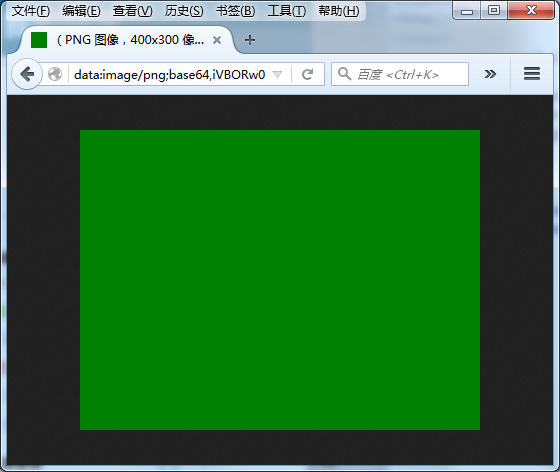





 扫一扫
扫一扫


 363
363

 被折叠的 条评论
为什么被折叠?
被折叠的 条评论
为什么被折叠?
 到【灌水乐园】发言





