


数据库
$ flutter pub add sqlite
$ flutter pub get
$ flutter run
运行失败,看是编译报错,打开Xcode工程 ⌘ + B 编译

对比 GSYGithubAppFlutter 的Xcode工程Build Phases > [CP] Embed Pods Frameworks 有sqfite.framework。本地默认的Flutter工程默认未生成Podfile

然后查看 GSYGithubAppFlutter
...
require File.expand_path(File.join('packages', 'flutter_tools', 'bin', 'podhelper'), flutter_root)

flutter_ios_podfile_setup

target 'Runner' do
  use_frameworks!
  use_modular_headers!

  flutter_install_all_ios_pods File.dirname(File.realpath(__FILE__))
end
...
看代码是引入了Flutter提供的工具的,从flutter的安装目录下找到podhelper.rb这个文件
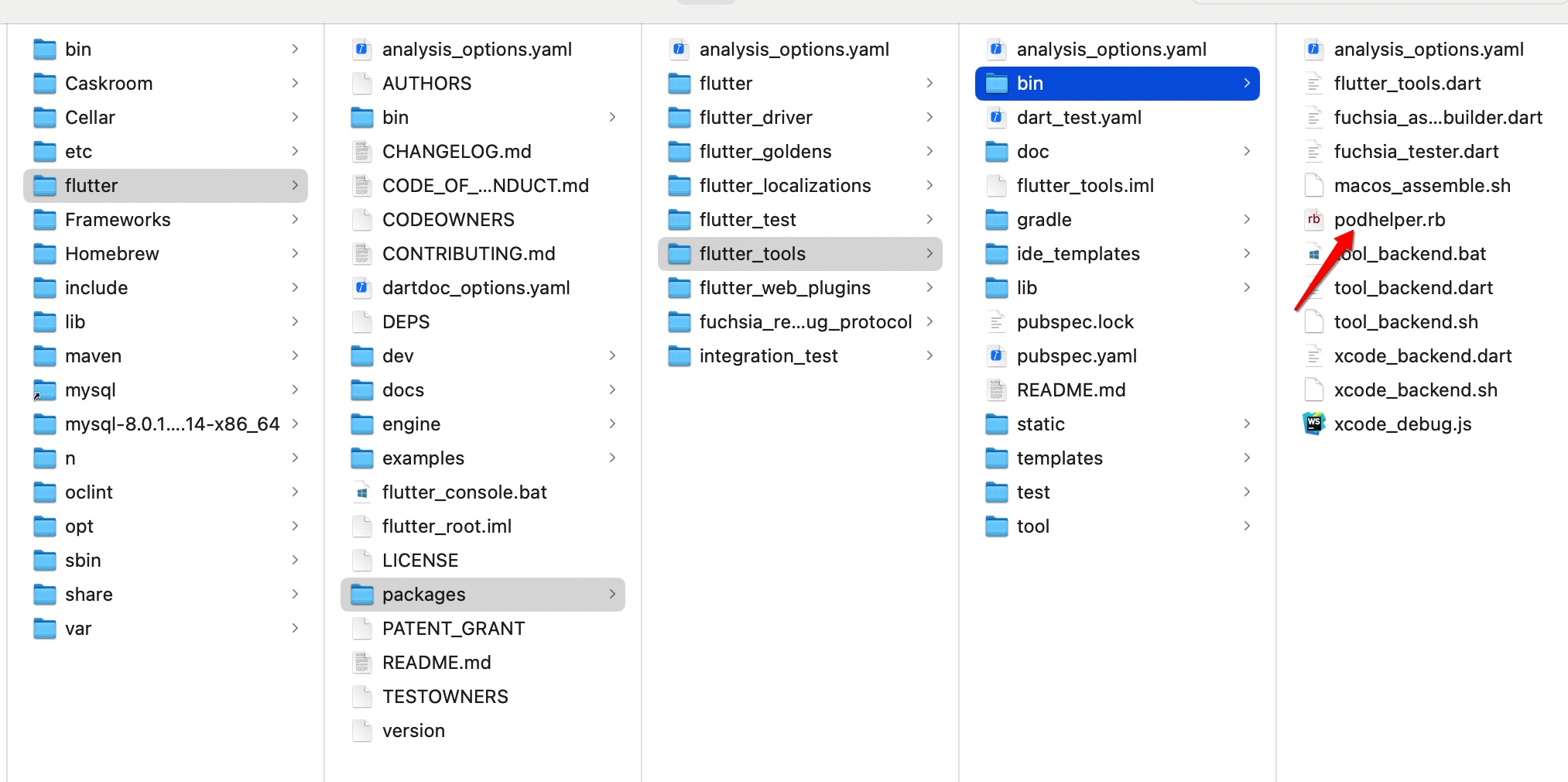
# 方法: flutter_install_all_ios_pods
# 安装Flutter在iOS平台上的引擎和插件
def flutter_install_all_ios_pods(ios_application_path = nil)
  # 创建Flutter引擎的.podspec文件
  flutter_install_ios_engine_pod(ios_application_path)
  flutter_install_plugin_pods(ios_application_path, '.symlinks', 'ios')
end
# 方法: flutter_install_plugin_pods
def flutter_install_plugin_pods(application_path = nil, relative_symlink_dir, platform)
  # CocoaPods定义了 defined_in_file,获取应用路径,未获取到就中断
  application_path ||= File.dirname(defined_in_file.realpath) if respond_to?(:defined_in_file)
  raise 'Could not find application path' unless application_path

  # Prepare symlinks folder. We use symlinks to avoid having Podfile.lock
  # referring to absolute paths on developers' machines.
  # 使用符号链接,避免使用Podfile.lock这个文件
  # Flutter是在ios目录下创建.symlinks目录,里面有软链接指向Flutter下载包的位置,这样只需要一份即可。
  # 先删除,再创建对应的目录
  symlink_dir = File.expand_path(relative_symlink_dir, application_path)
  system('rm', '-rf', symlink_dir)

  symlink_plugins_dir = File.expand_path('plugins', symlink_dir)
  system('mkdir', '-p', symlink_plugins_dir)

  plugins_file = File.join(application_path, '..', '.flutter-plugins-dependencies')
  dependencies_hash = flutter_parse_plugins_file(plugins_file)
  plugin_pods = flutter_get_plugins_list(dependencies_hash, platform)
  swift_package_manager_enabled = flutter_get_swift_package_manager_enabled(dependencies_hash, platform)

  plugin_pods.each do |plugin_hash|
    plugin_name = plugin_hash['name']
    plugin_path = plugin_hash['path']
    ...
    # 使用path: 的方式本地依赖需要的三方库
    # 手动添加打印确认下
    # print "plugin_name:#{plugin_name}\n"
    pod plugin_name, path: File.join(relative, platform_directory)
  end
end
$ pod update --verbose
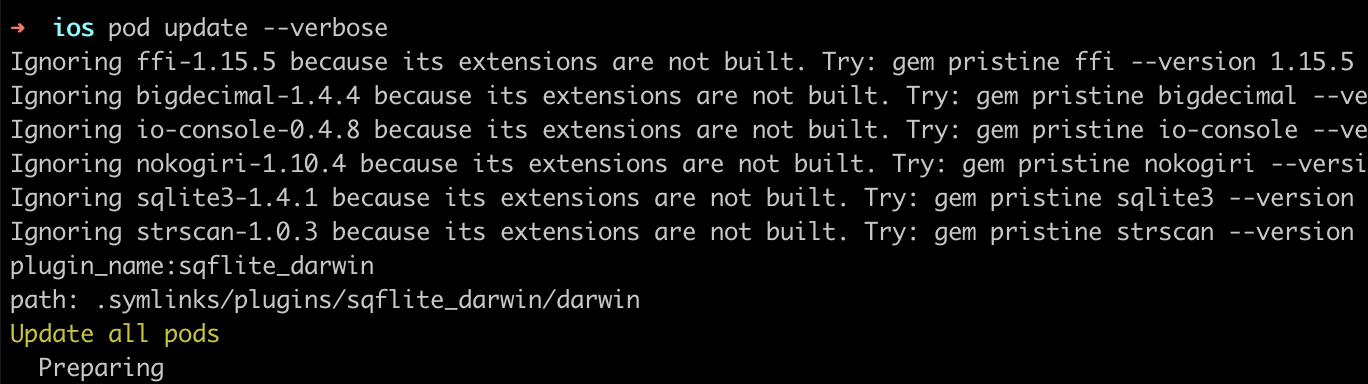
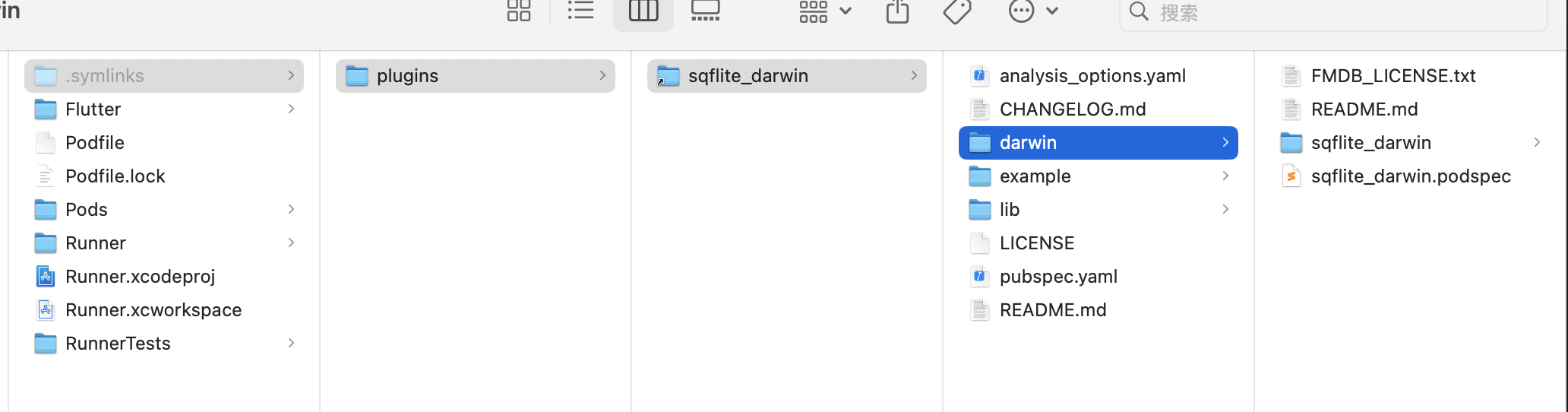
因此Podfile里的target部分就依赖了sqflite_darwin
target 'Runner' do
  use_frameworks!
  use_modular_headers!
  ...
  pod 'sqflite_darwin', path:.symlinks/plugins/sqflite_darwin/darwin
end
使用
打开/关闭/删除数据库
import 'package:sqflite/sqflite.dart';
import 'package:path/path.dart';
var databasesPath = await getDatabasesPath();
String path = join(databasesPath, 'finger.db');
/// 打开数据库
Database database = await openDatabase(path, version: 1,
onCreate: (Database db, int version)  最低0.47元/天 解锁文章






 扫一扫
扫一扫


 2171
2171

 被折叠的 条评论
为什么被折叠?
被折叠的 条评论
为什么被折叠?
 到【灌水乐园】发言





