


定位
01相对定位
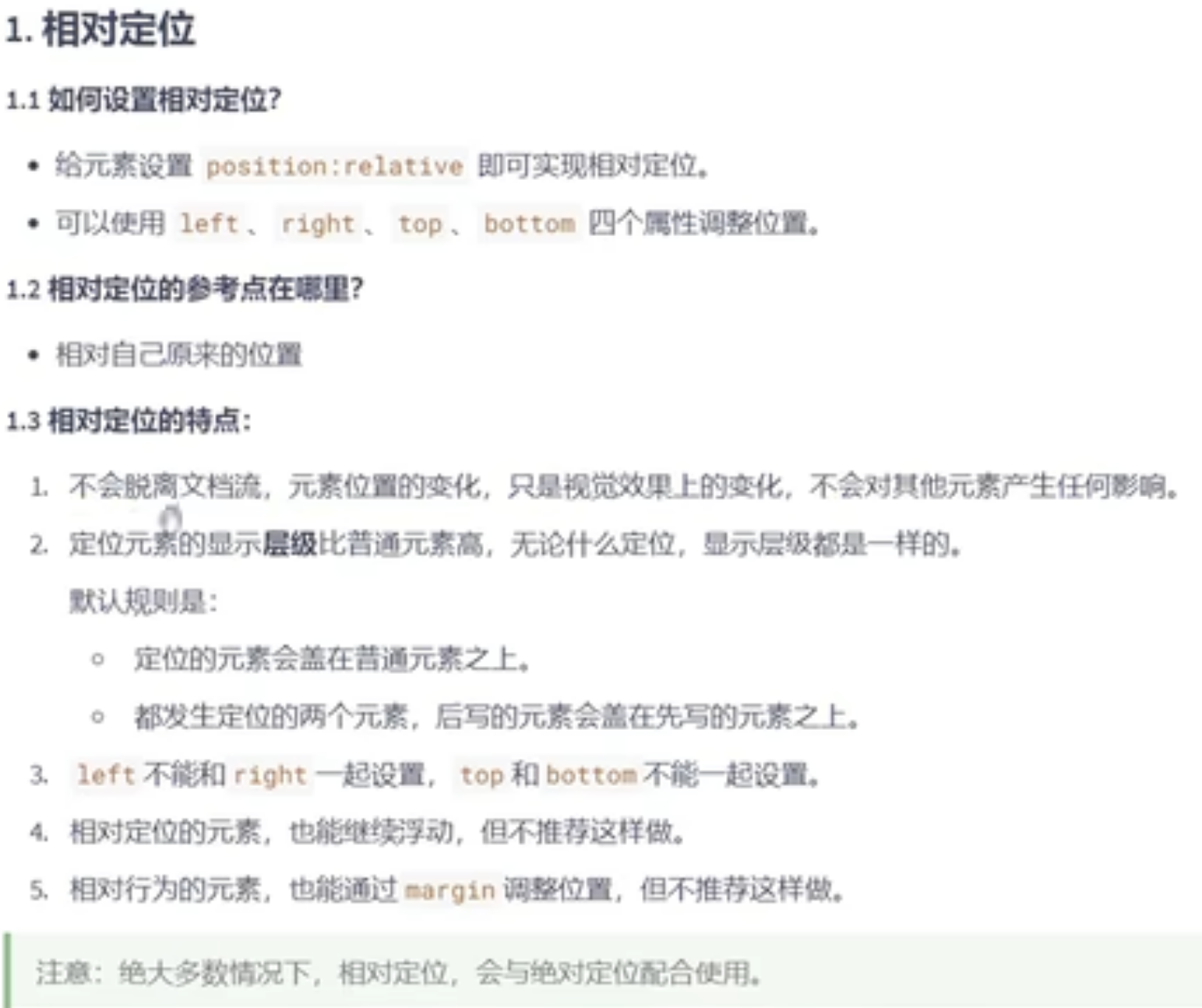
<style>
.one {
width: 50px;
height: 50px;
background-color: aqua;
position: relative;
left: 10px;
}
.continar {
width: 100px;
background-color: black;
}
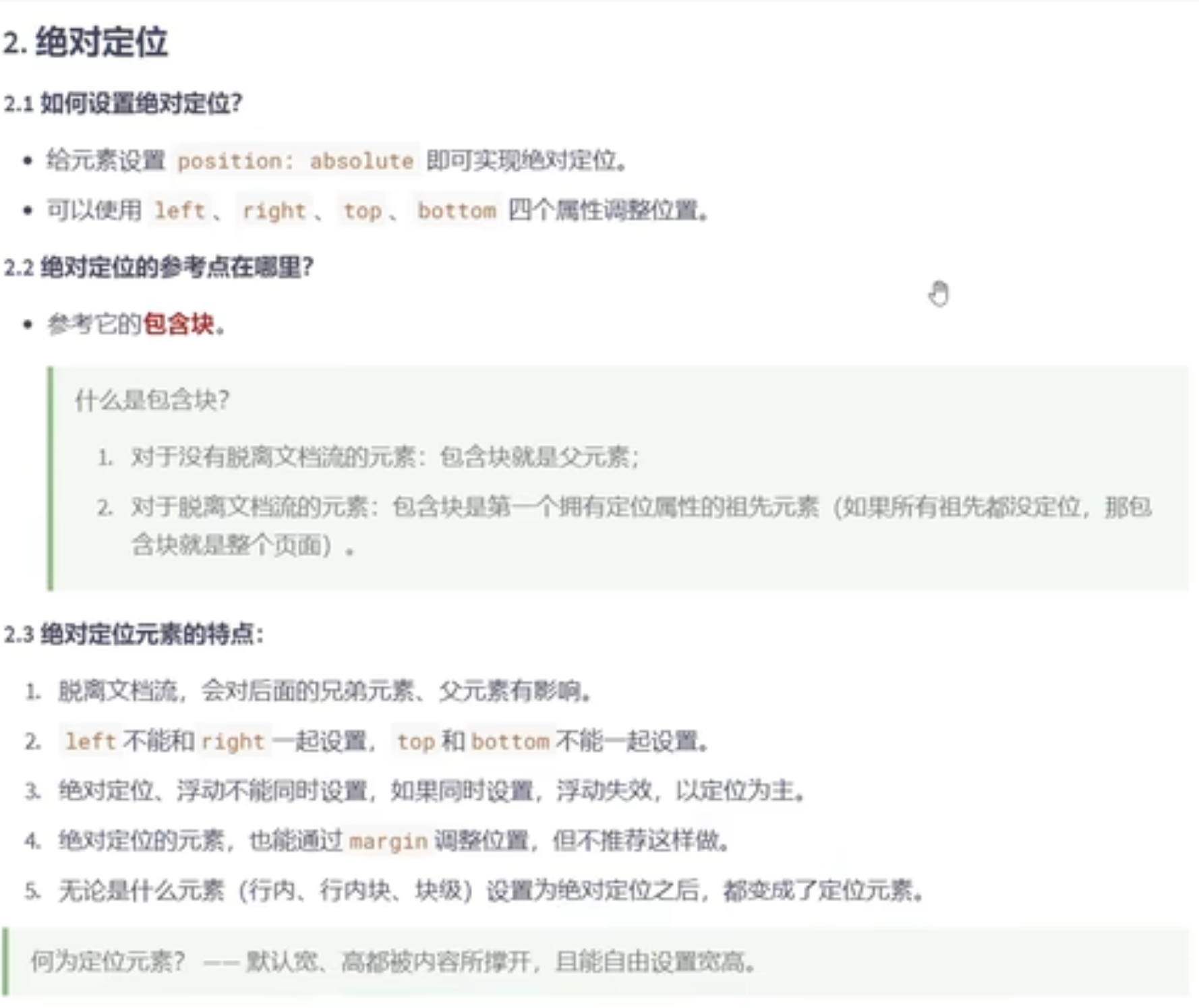
<style>
.one {
width: 50px;
height: 50px;
background-color: aqua;
position: absolute;
left: 10px;
}
.continar {
width: 100px;
background-color: black;
}
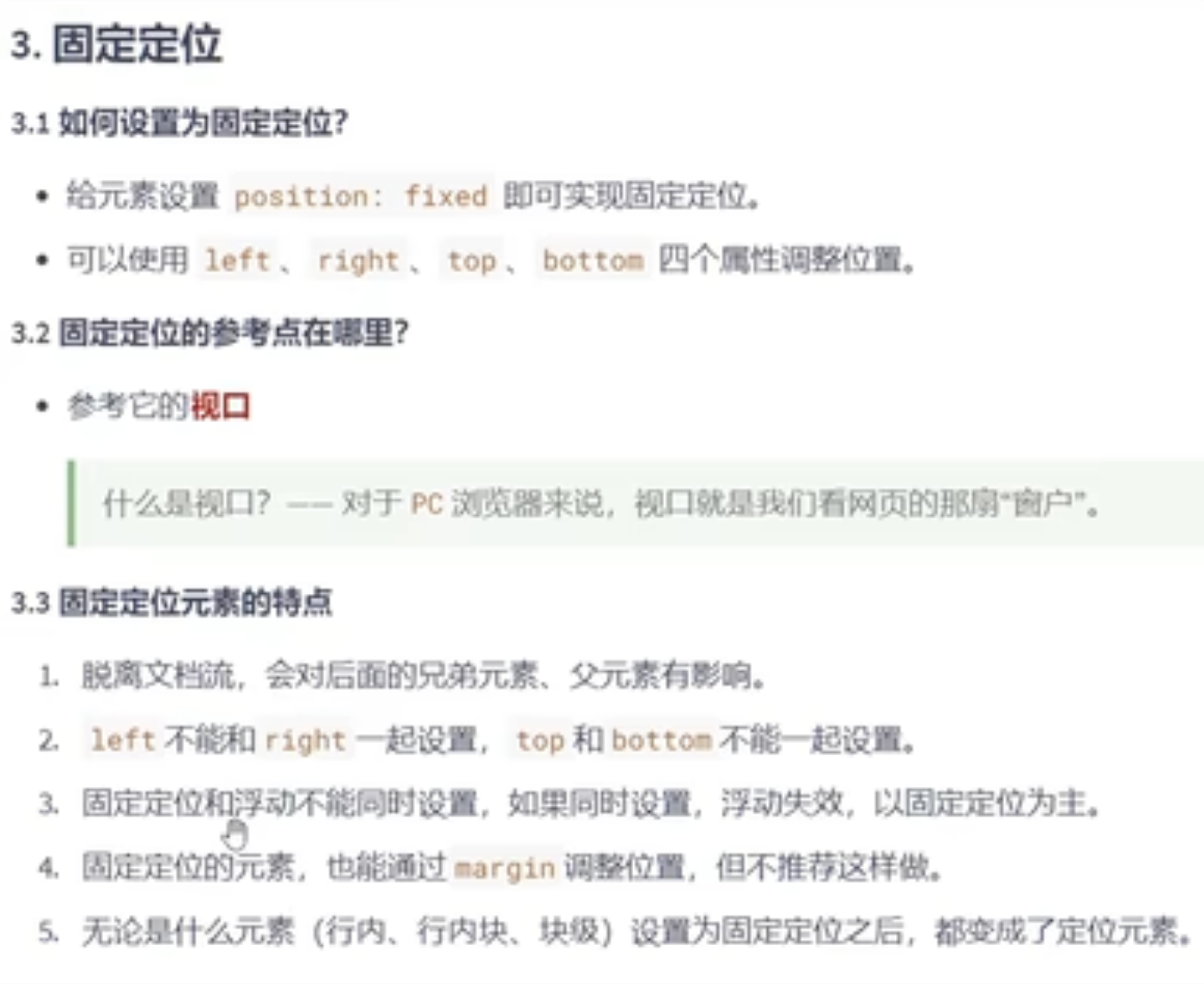
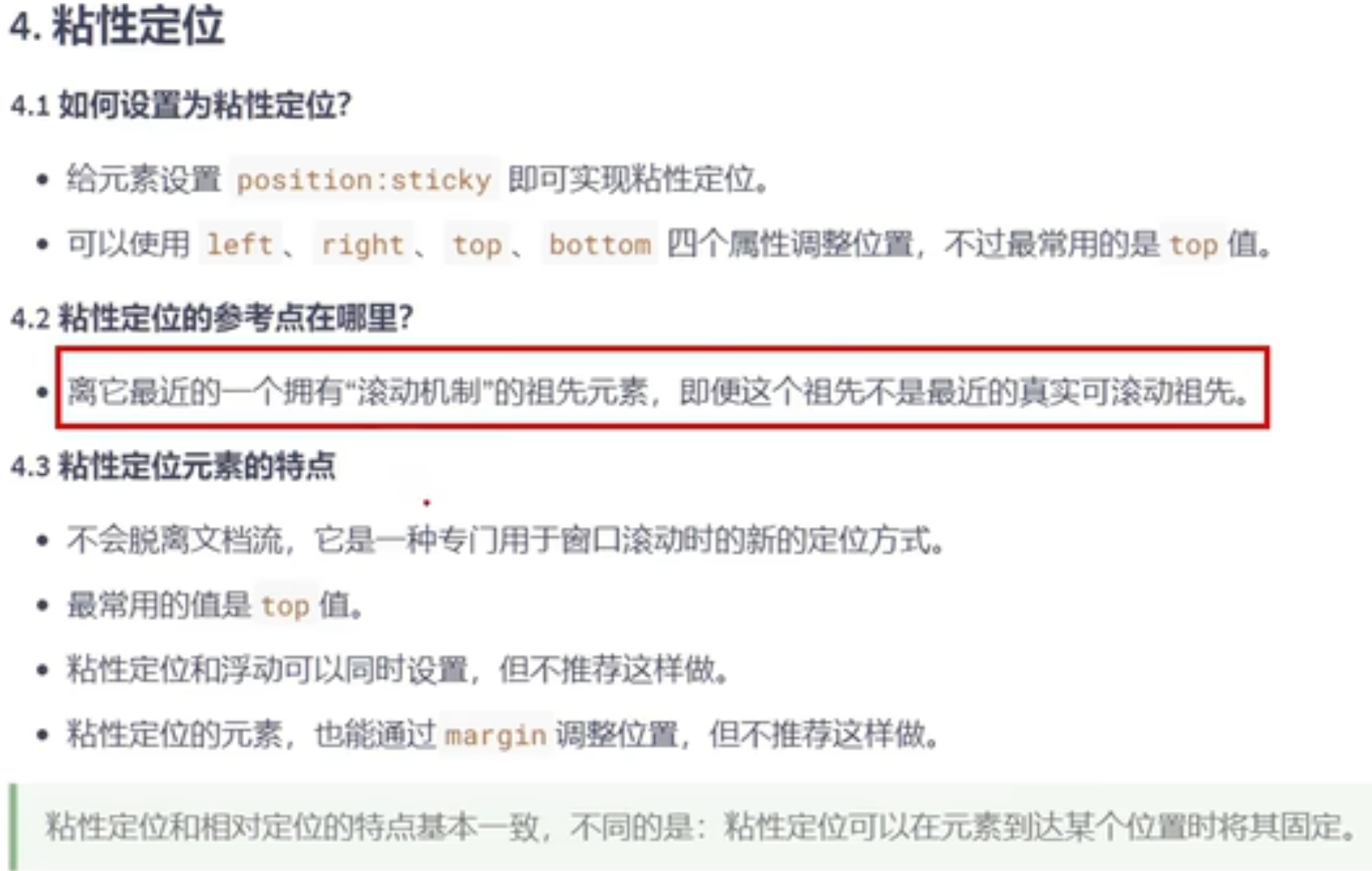
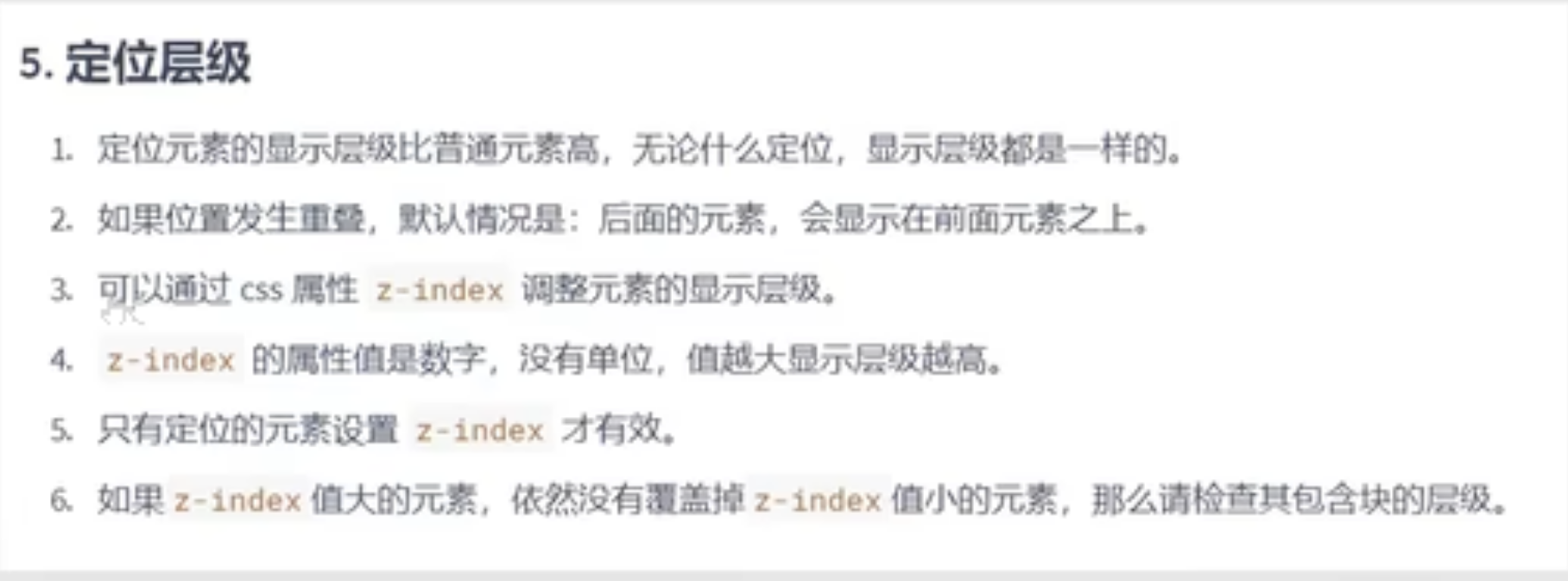
定位会越过padding
定位的特殊应用
以下所说的特殊应用只针对绝对定位和固定定位的元素,不包括相对定位的元素,
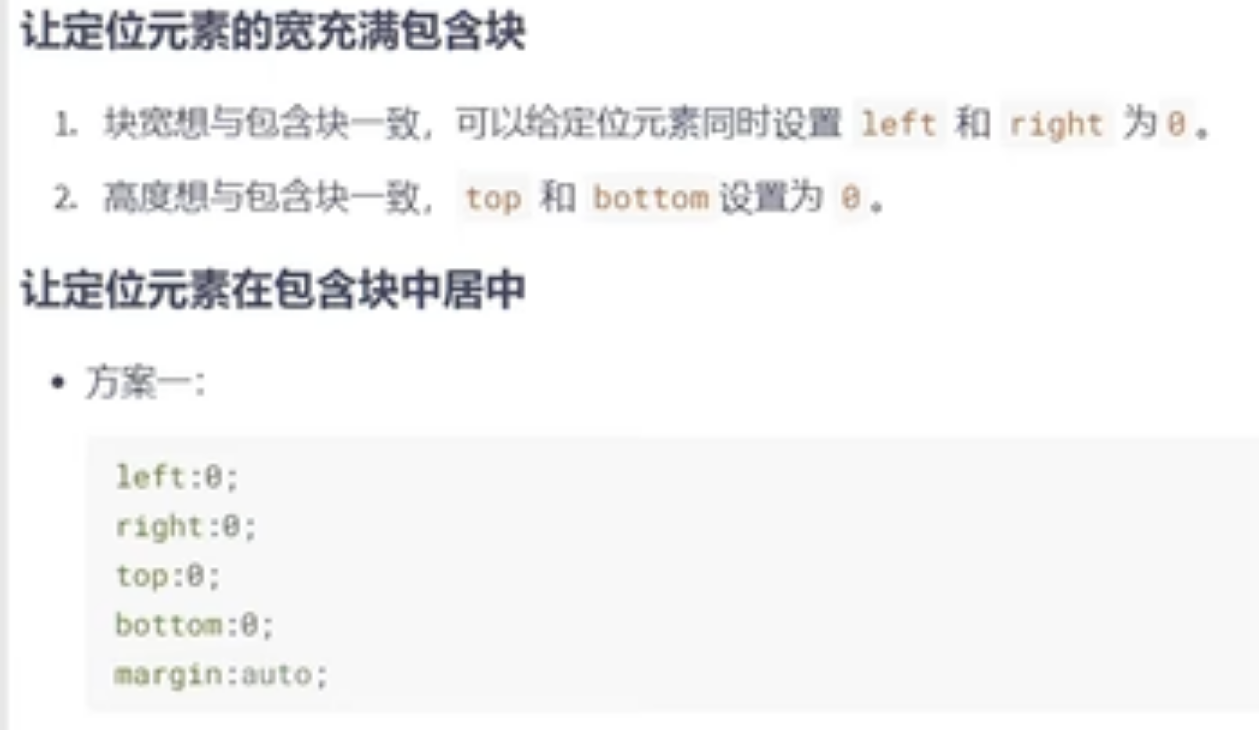


注意!!!!!一定有宽和高

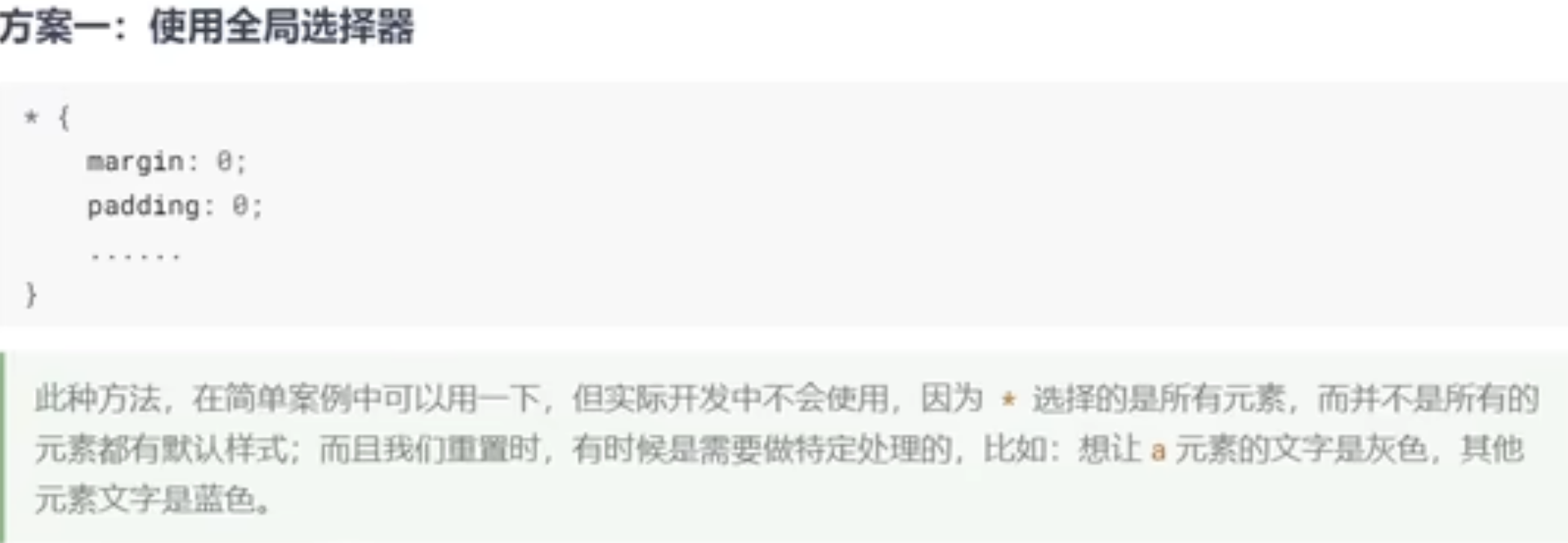
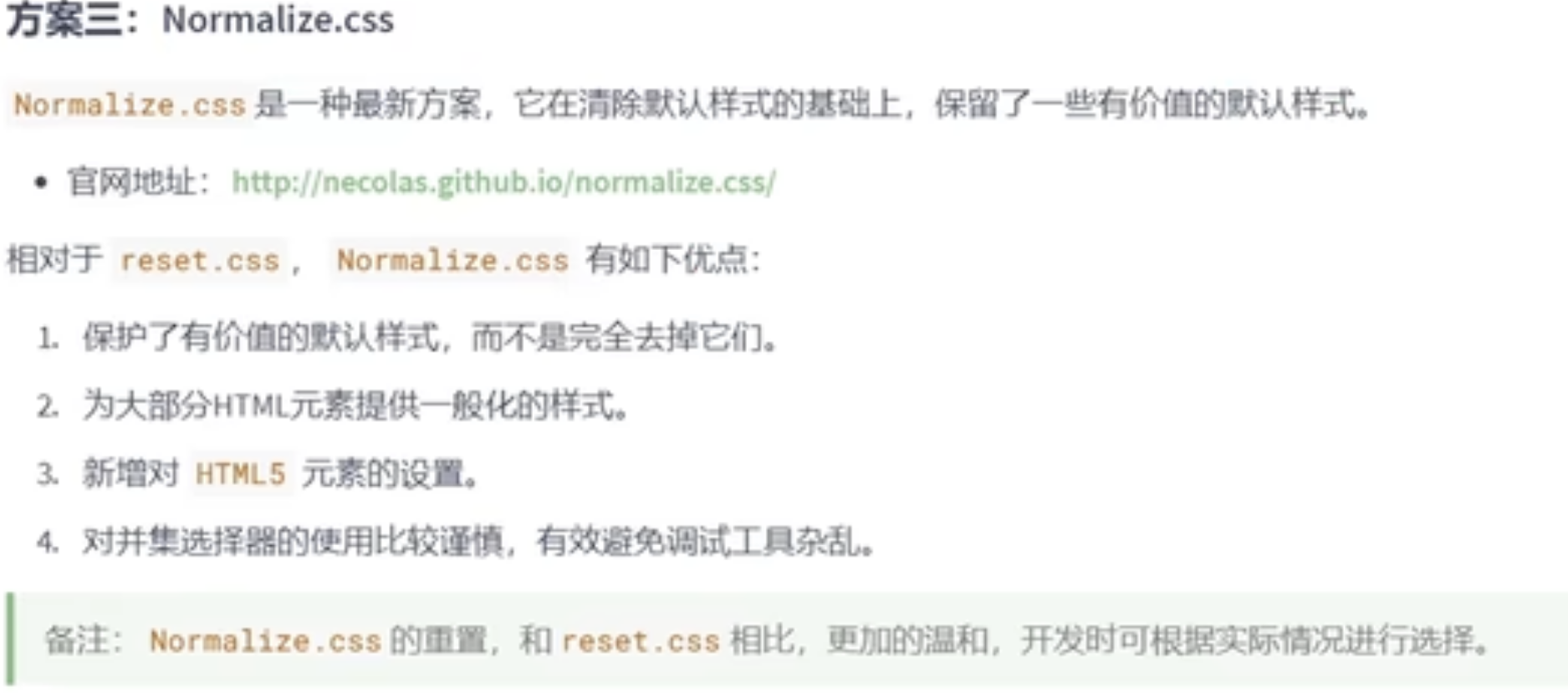
重置默认样式:

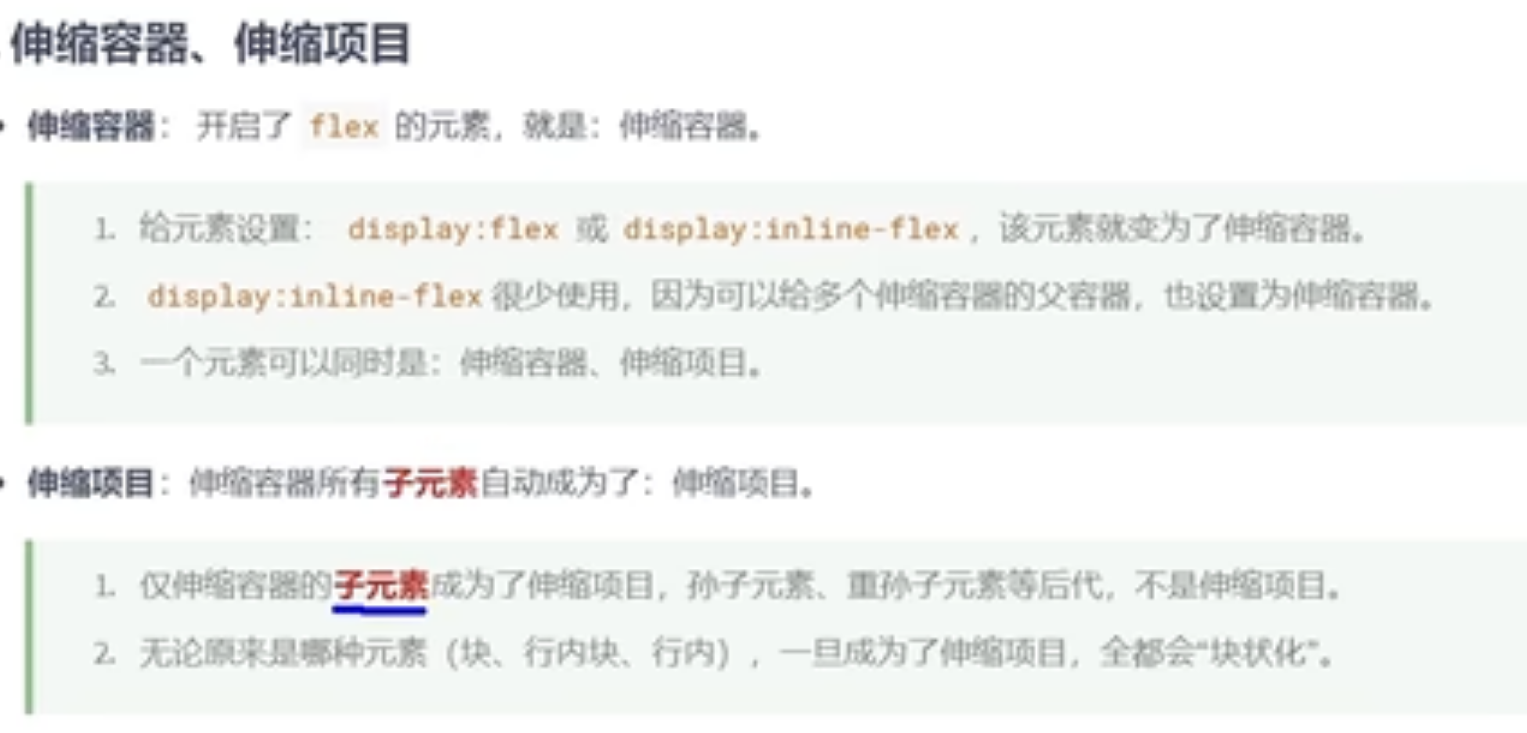
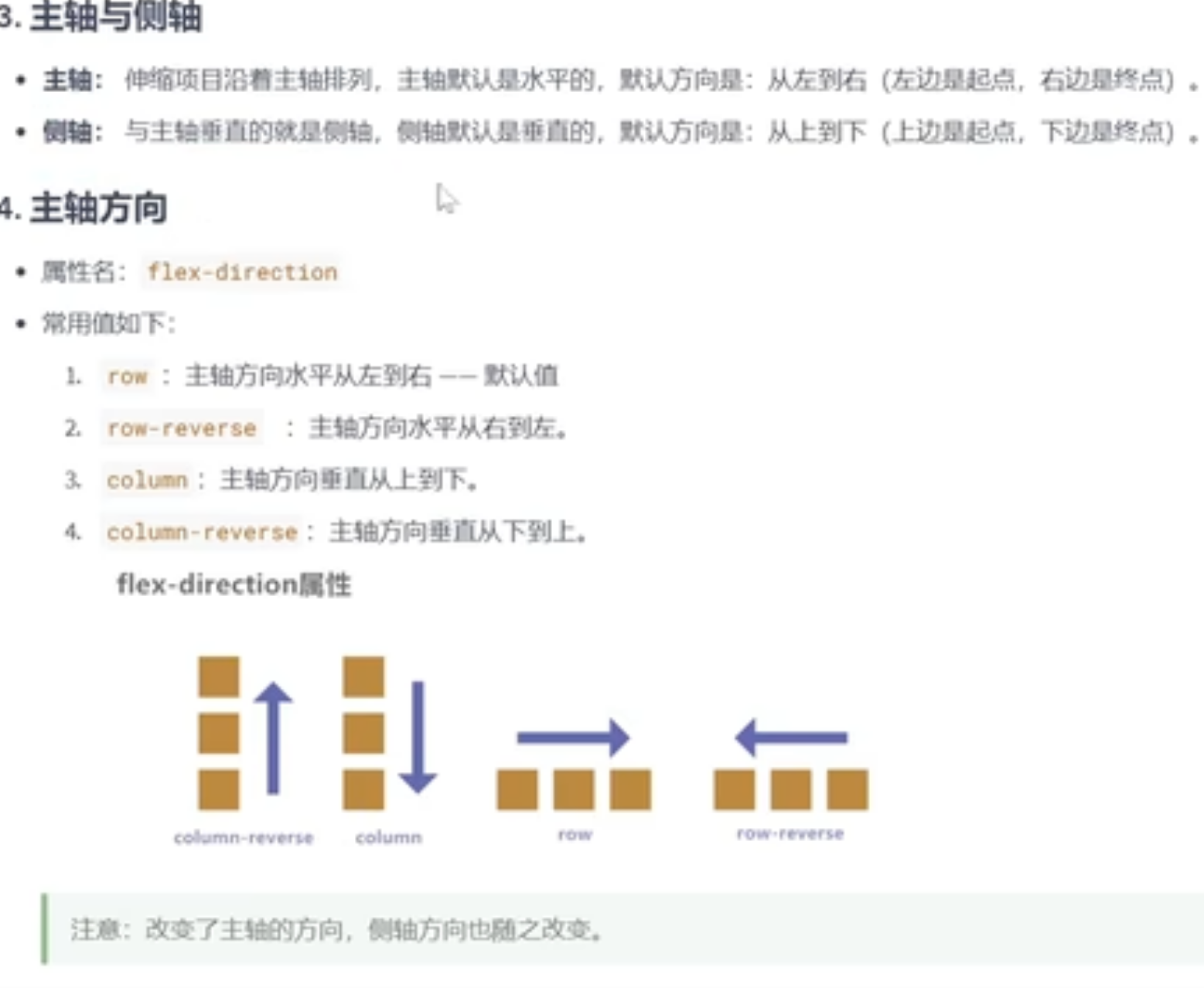
<style>
.outer {
width: 1000px;
height: 800px;
margin: 0 auto;
background-color: rgb(125, 153, 236);
display: flex;
/* 伸缩模型的属性 */
/* 水平改变主轴方向 */
flex-direction: row-reverse;
}
.inner {
width: 200px;
height: 200px;
background-color: rgb(197, 142, 252);
border: 1px solid black;
box-sizing: border-box;
}
</style>
<body>
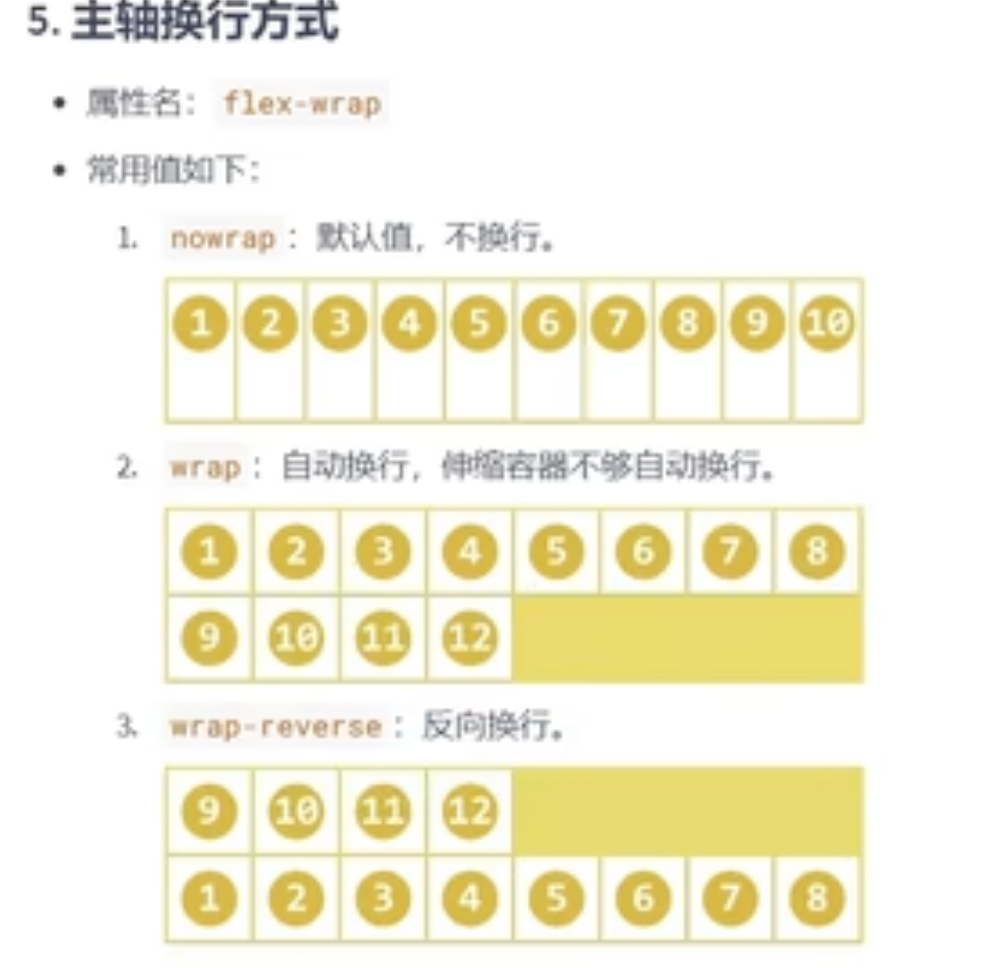
.outer {
width: 1000px;
height: 800px;
margin: 0 auto;
background-color: rgb(125, 153, 236);
display: flex;
flex-direction: row;
/* 主轴换行的方式 onwrap(默认值)不换行,wrap自动换行*/
flex-wrap: wrap;
}
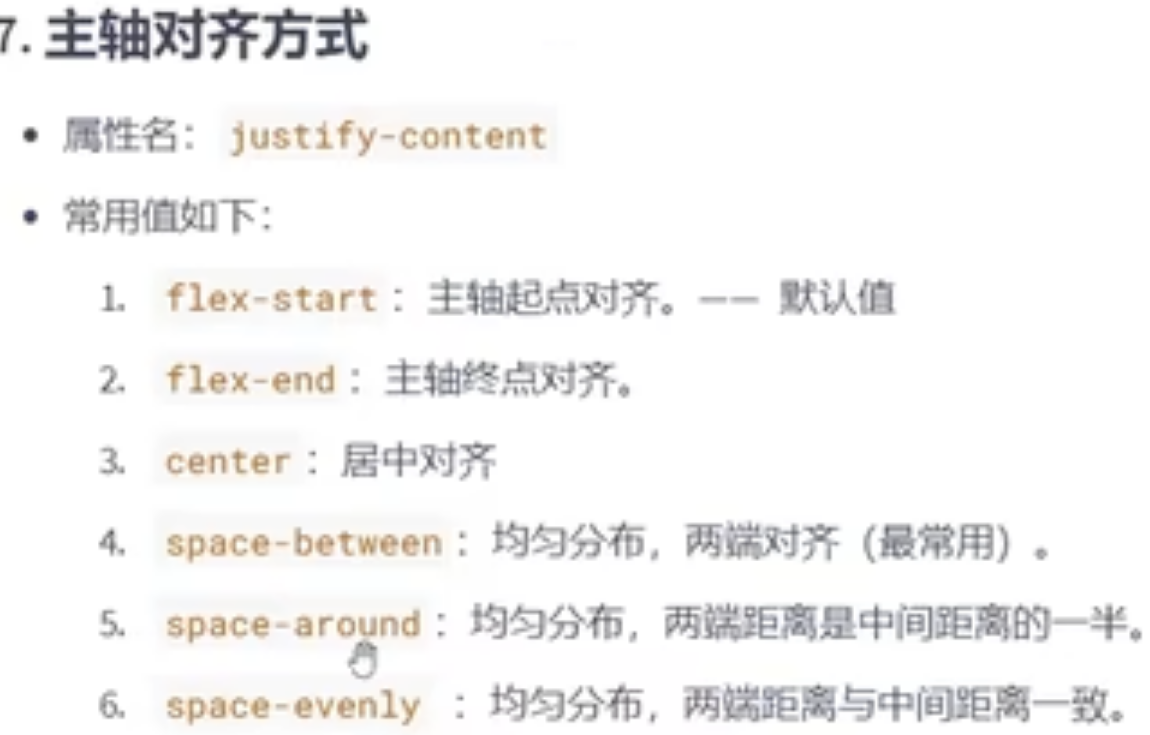
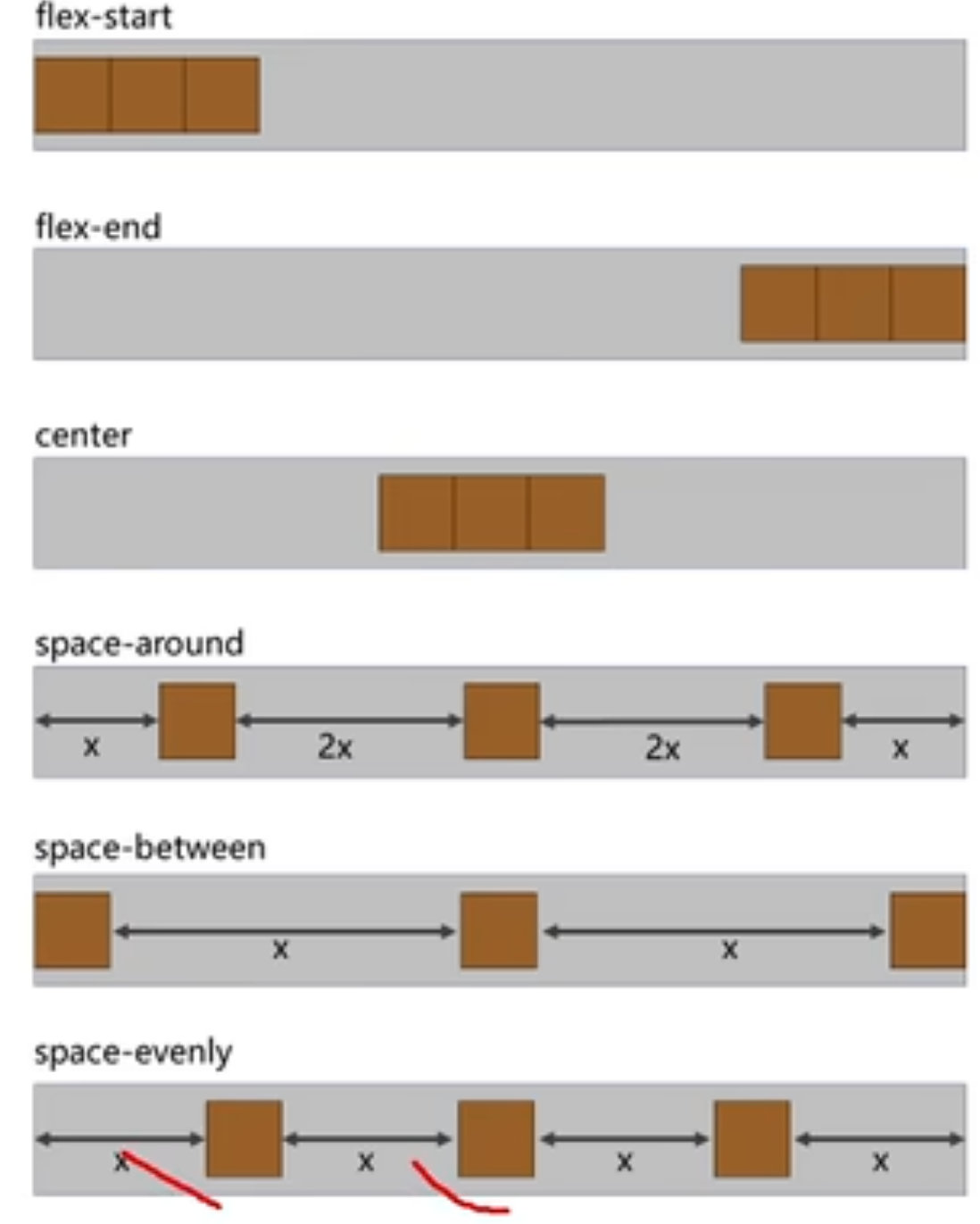
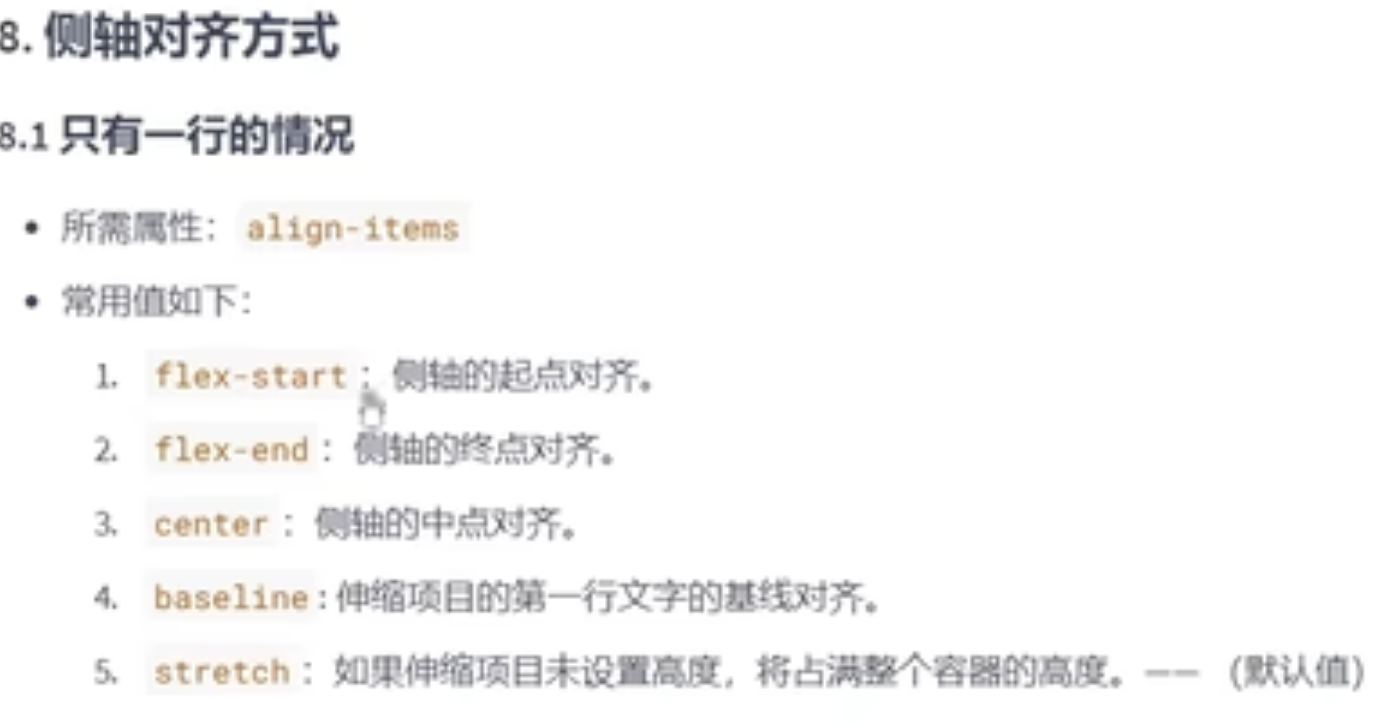
/* 侧轴的对齐方式:侧轴的起始位置对齐 */
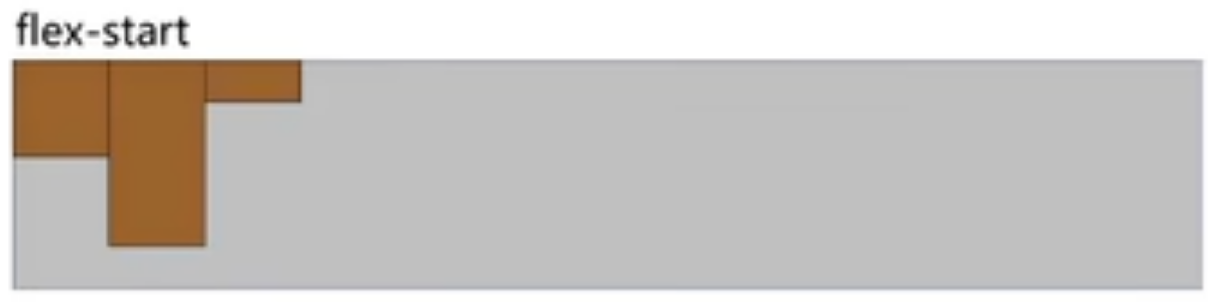
align-items: flex-start
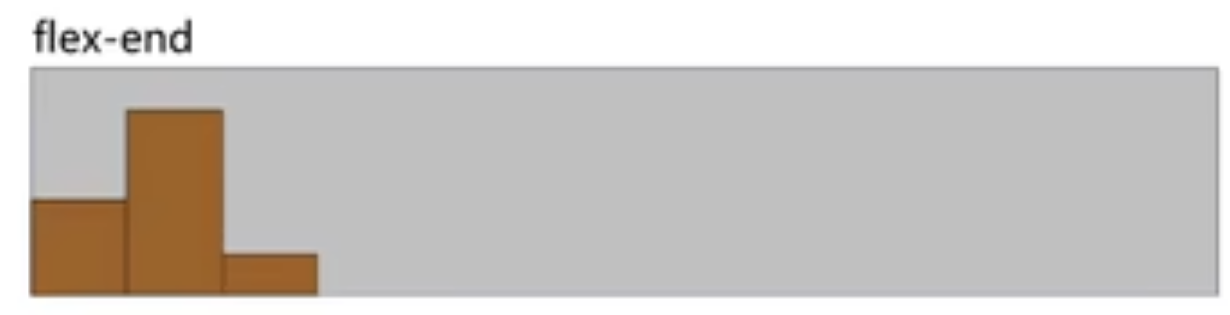
/* align-items:flex-end;
侧轴的对齐方式:侧轴的结束位置对齐 */
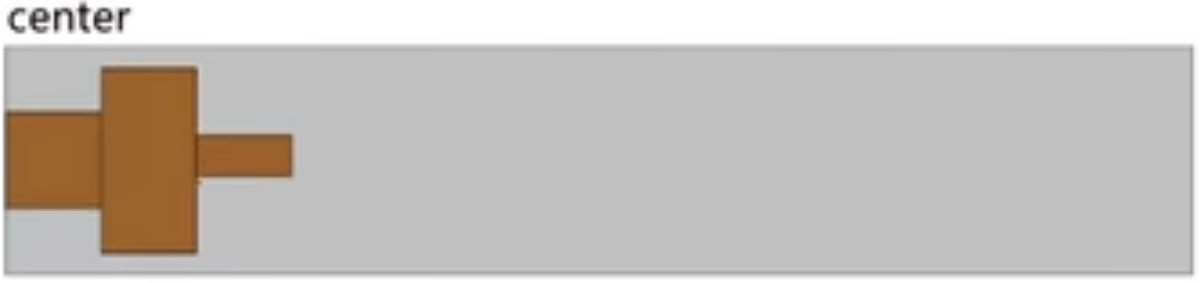
/* align-items:center;
侧轴的对齐方式:侧轴的中间位置对齐 */
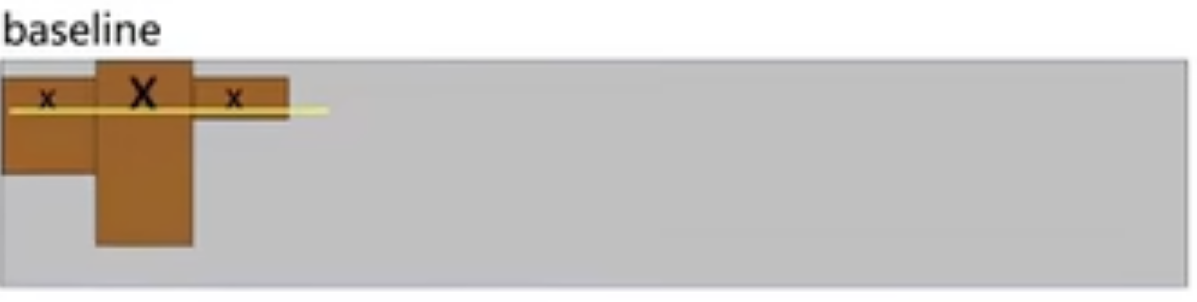
/* align-items:basline;
侧轴的对齐方式:侧轴的基线位置对齐 */
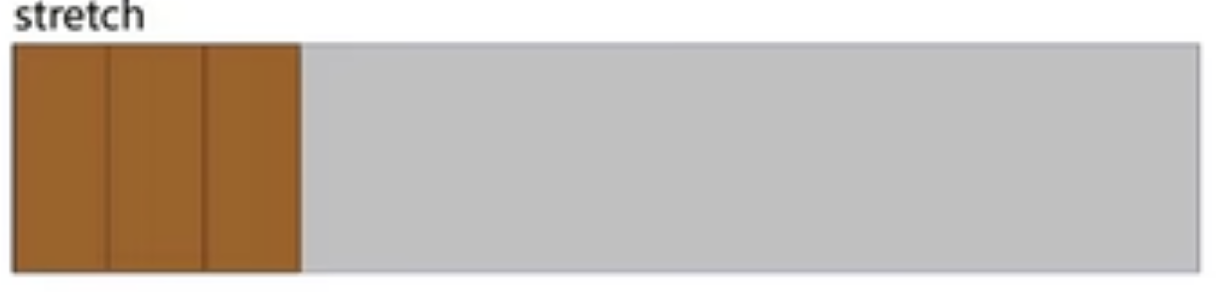
/* align-items:streth;
侧轴的对齐方式:拉伸到整个父容器(前提是伸缩项目不能给高度) */
侧轴对齐方式参考主轴仅仅将属性改为align-content即可
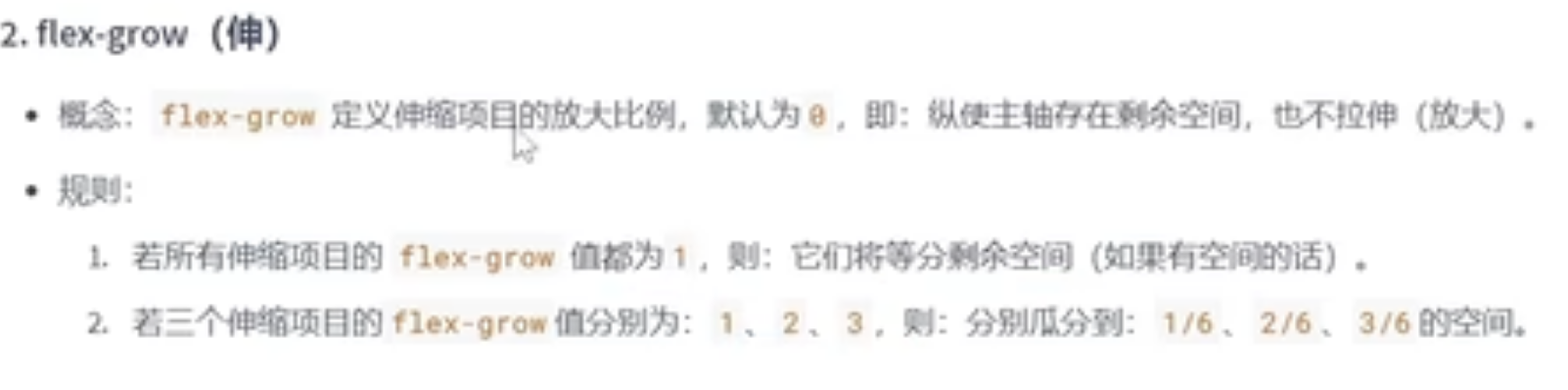
<style>
.outer {
width: 1000px;
height: 800px;
background-color: rgb(91, 128, 239);
display: flex;
justify-content: center;
margin: 0 auto;
}
.inner {
width: 200px;
height: 200px;
background-color: rgb(244, 96, 113);
border: 1px solid black;
box-sizing: border-box;
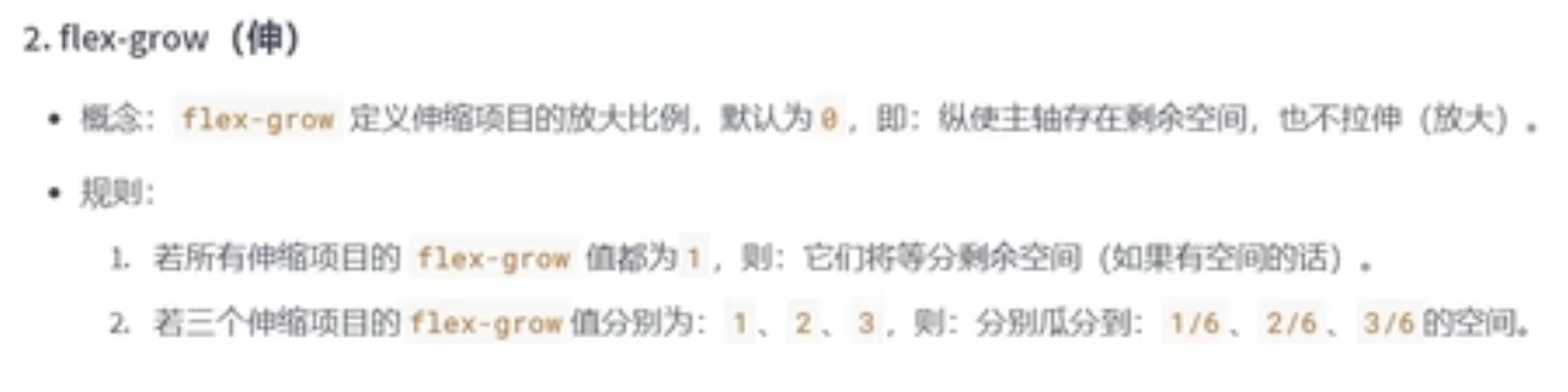
flex-grow: 1;(注意加在的位置)
}
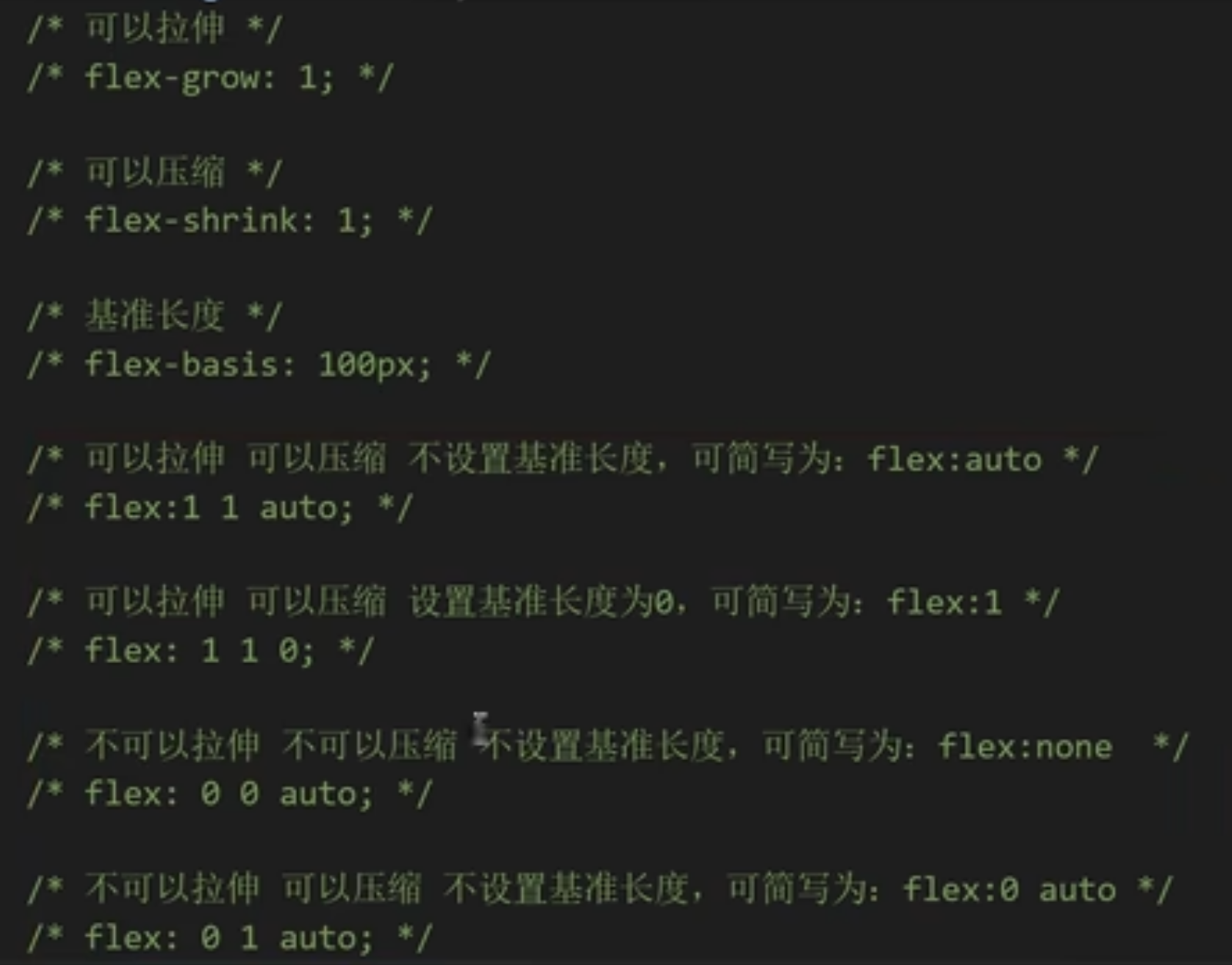
排序:某个元素选择器直接.属性 {
order:值”
}
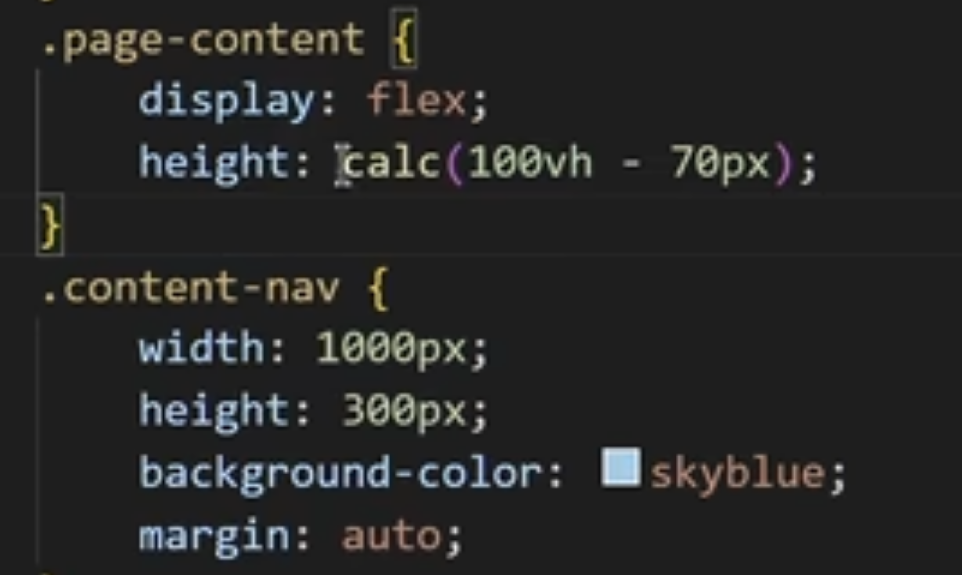
calc代表可以计算高度
100vh代表视口高度(他俩用于父元素没高度)





 扫一扫
扫一扫


 1万+
1万+

 被折叠的 条评论
为什么被折叠?
被折叠的 条评论
为什么被折叠?
 到【灌水乐园】发言





