 QT入门教程:配置与基础操作


 这篇博客介绍了QT入门的基础知识,包括如何设置编译器和调试器,选择QT库版本,使用QT Tool中的QT Assistant、Designer、Examples and Demos、Linguist等工具。此外,还讲解了QT项目的构建过程,如使用qmake创建项目文件,通过qmake生成Makefile,以及利用make进行编译。另外,提到了UI文件的编译方法和快捷键的使用,如使用uic命令转换ui文件并使用ctrl+space进行强制补全。
安装 http://www.qt.io/download/
然后设置编译器 调试器 QT库版本
QT-tool:
- QT Assistant
- QT Designer
- QT Examples and Demos
- QT Linguist


//hello.cpp#include "hello.h"
#include <QApplication>
#include <QLabel>
int main(int argc, char *argv[])
{QApplication a(argc, argv);
QLabel* label = new QLabel("<h2>hello</h2>");//simple html layout
label->show();
return a.exec();
}
//buildconn#include "buildconn.h"
#include <QApplication>
#include <QPushButton>
int main(int argc, char *argv[])
{QApplication a(argc, argv);
QPushButton* button = new QPushButton("quit");
QObject::connect(button, SIGNAL(clicked(bool)), &a, SLOT(quit()));
button->show();
return a.exec();
}
ctrl+space 强制补全
qmake -project (convert .pro to Makefile)
qmake
make (complier)
uic -o ui.h ui.ui //编译UI
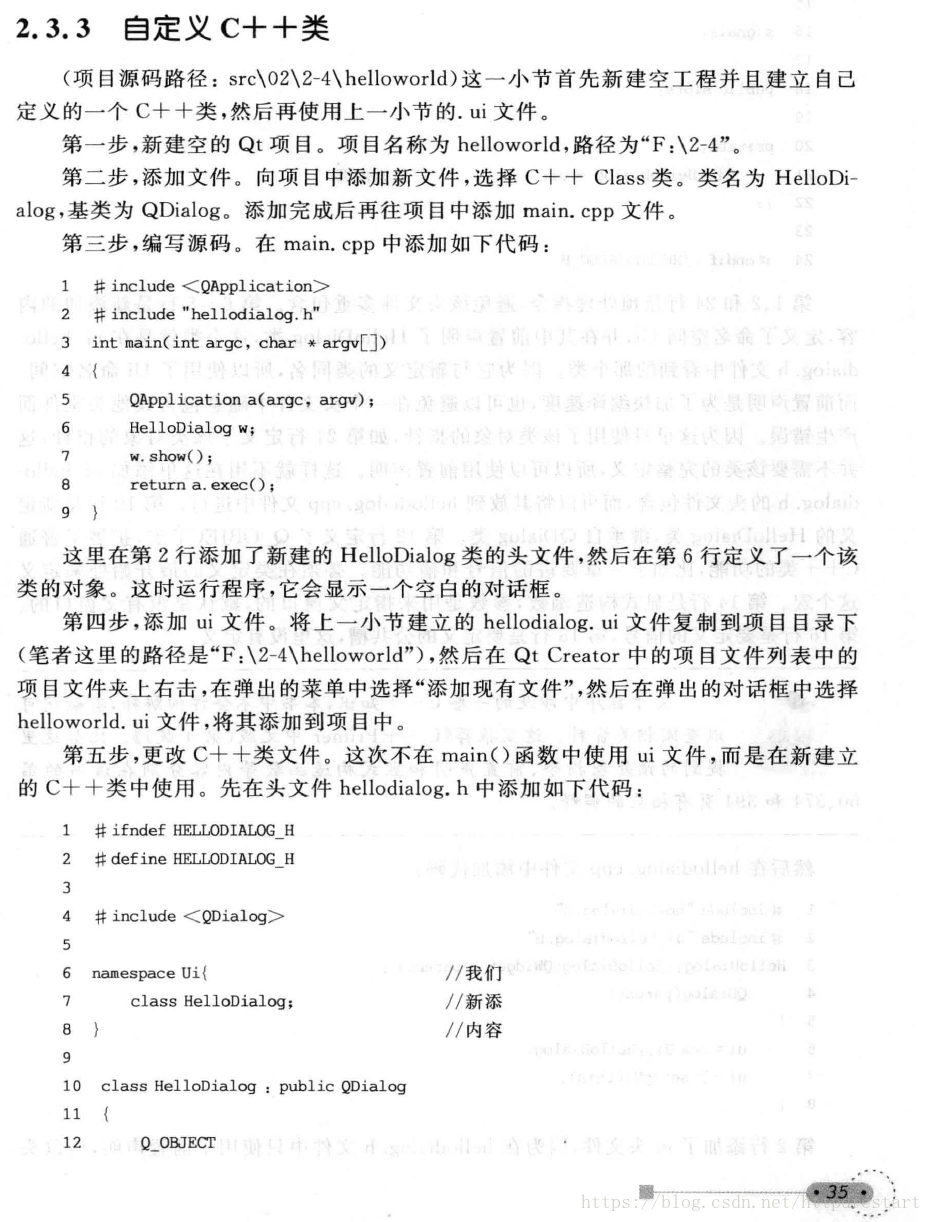
ctrl + num 快捷键
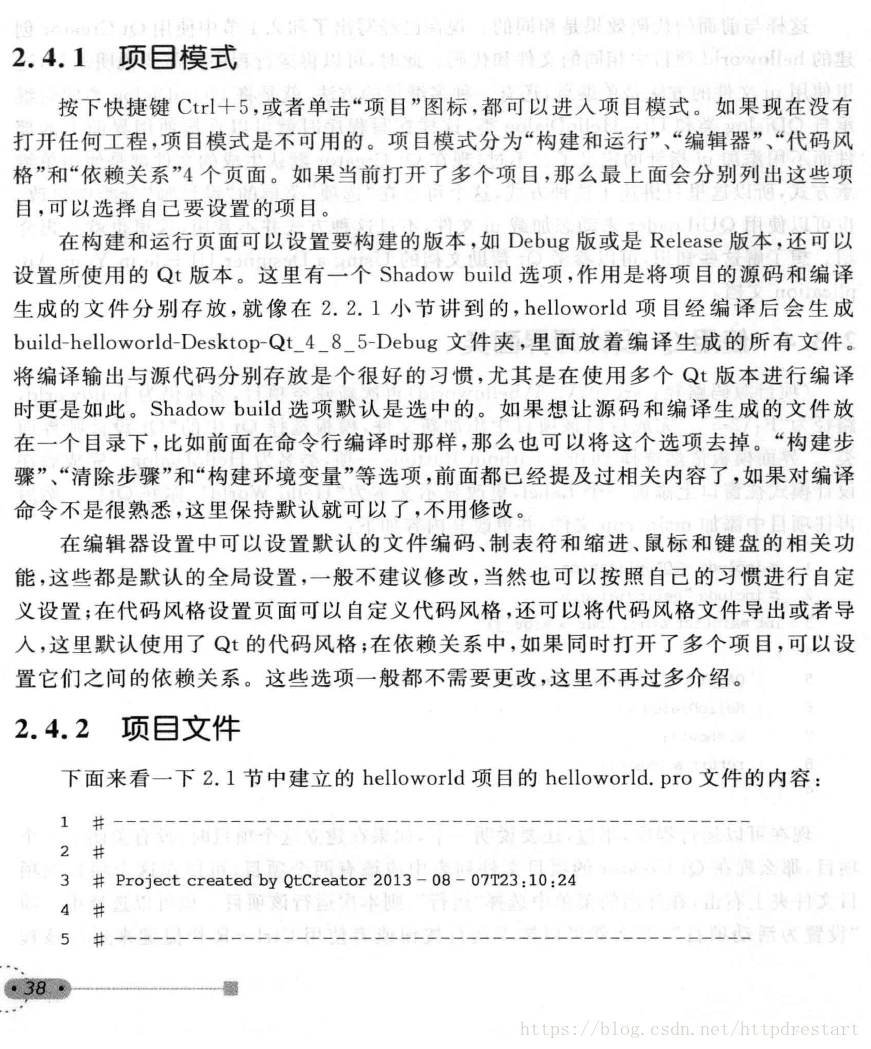
#-------------------------------------------------## Project created by QtCreator 2018-06-13T03:19:52
##-------------------------------------------------QT += core gui
greaterThan(QT_MAJOR_VERSION, 4): QT += widgets
TARGET = TopC
TEMPLATE = app
# The following define makes your compiler emit warnings if you use
# any feature of Qt which has been marked as deprecated (the exact warnings
# depend on your compiler). Please consult the documentation of the
# deprecated API in order to know how to port your code away from it.
DEFINES += QT_DEPRECATED_WARNINGS
# You can also make your code fail to compile if you use deprecated APIs.
# In order to do so, uncomment the following line.
# You can also select to disable deprecated APIs only up to a certain version of Qt.
#DEFINES += QT_DISABLE_DEPRECATED_BEFORE=0x060000 # disables all the APIs deprecated before Qt 6.0.0
SOURCES += \
main.cpp \
topc.cppHEADERS += \
topc.hFORMS += \
topc.ui





 扫一扫
扫一扫


 430
430

 被折叠的 条评论
为什么被折叠?
被折叠的 条评论
为什么被折叠?
 到【灌水乐园】发言





