1.创建canvas
<canvas canvas-id="canvas-id"></canvas>
2.定义宽高
canvas {
width: 600rpx;
height: 900rpx;
}
3.计算屏幕比例(以750为例)
const windowWidth = 750;
const x= wx.getSystemInfoSync().windowWidth / windowWidth;
const canvasWidth = 600 * x;
4. 封装获取图片方法
function getImageInfo(src) {
return new Promise(function(resolve, reject) {
wx.getImageInfo({
src,
success: resolve,
fail: reject
});
});
}
5.创建画布
onReady() {
const ctx = wx.createCanvasContext('canvas-id');
Promise.all([getImageInfo(imgUrl)]).then(res=> {
ctx.drawImage(
res[0],
20 * x,
20 * x,
560 * x,
560 * x
);
ctx.stroke();
ctx.fillText(
str,
20 * x,
640 * x
);
ctx.stroke();
ctx.draw();
})
}
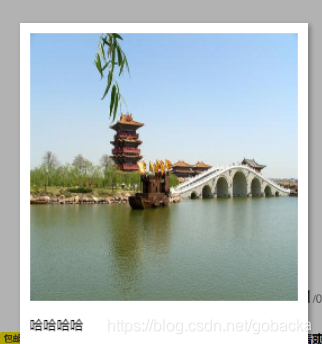
插入二维码
uniapp推荐
链接: [https://github.com/q310550690/uni-app-qrcode](https://github.com/q310550690/uni-app-qrcode)
可以生产带logo的二维码
import tkiQrcode from '../../components/qrcode.vue';
components: {
	tkiQrcode
},
<tki-qrcode
	cid="qrcode1" :showLoading='false' :icon="icon" ref="qrcode" :val="val" :size="size" :unit="unit"  :iconSize="iconsize" :lv="lv" :onval="onval" :loadMake="loadMake" :usingComponents="true" @result="qrR"
></tki-qrcode>










 扫一扫
扫一扫


 9182
9182

 被折叠的 条评论
为什么被折叠?
被折叠的 条评论
为什么被折叠?
 到【灌水乐园】发言





