


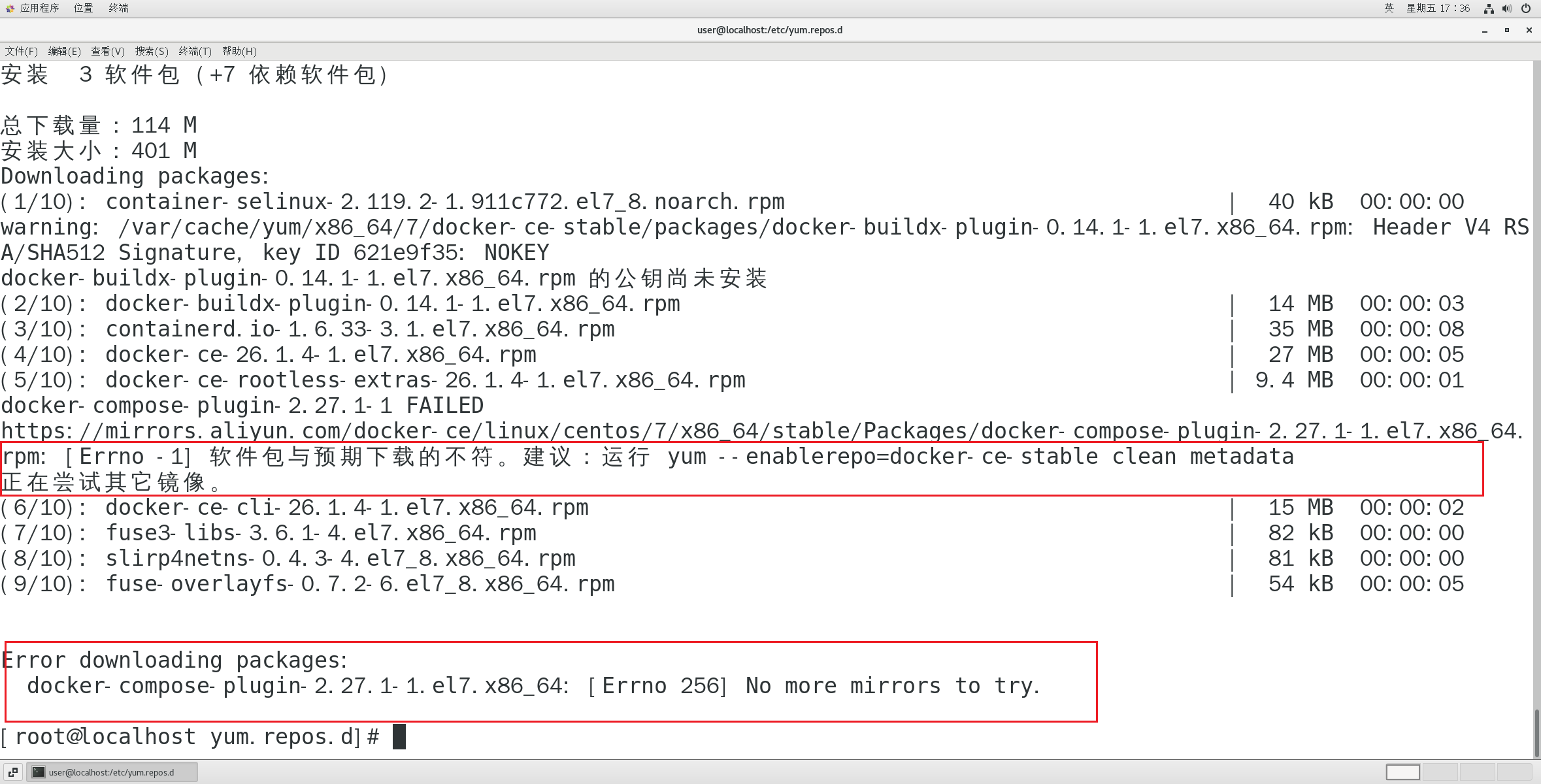
问题
[Errno -1] 软件包与预期下载的不符。建议:运行 yum --enablerepo=docker-ce-stable clean metadata
正在尝试其它镜像。
原因
这是阿里云镜像的问题,换一个其他的镜像源就可以了
解决方法
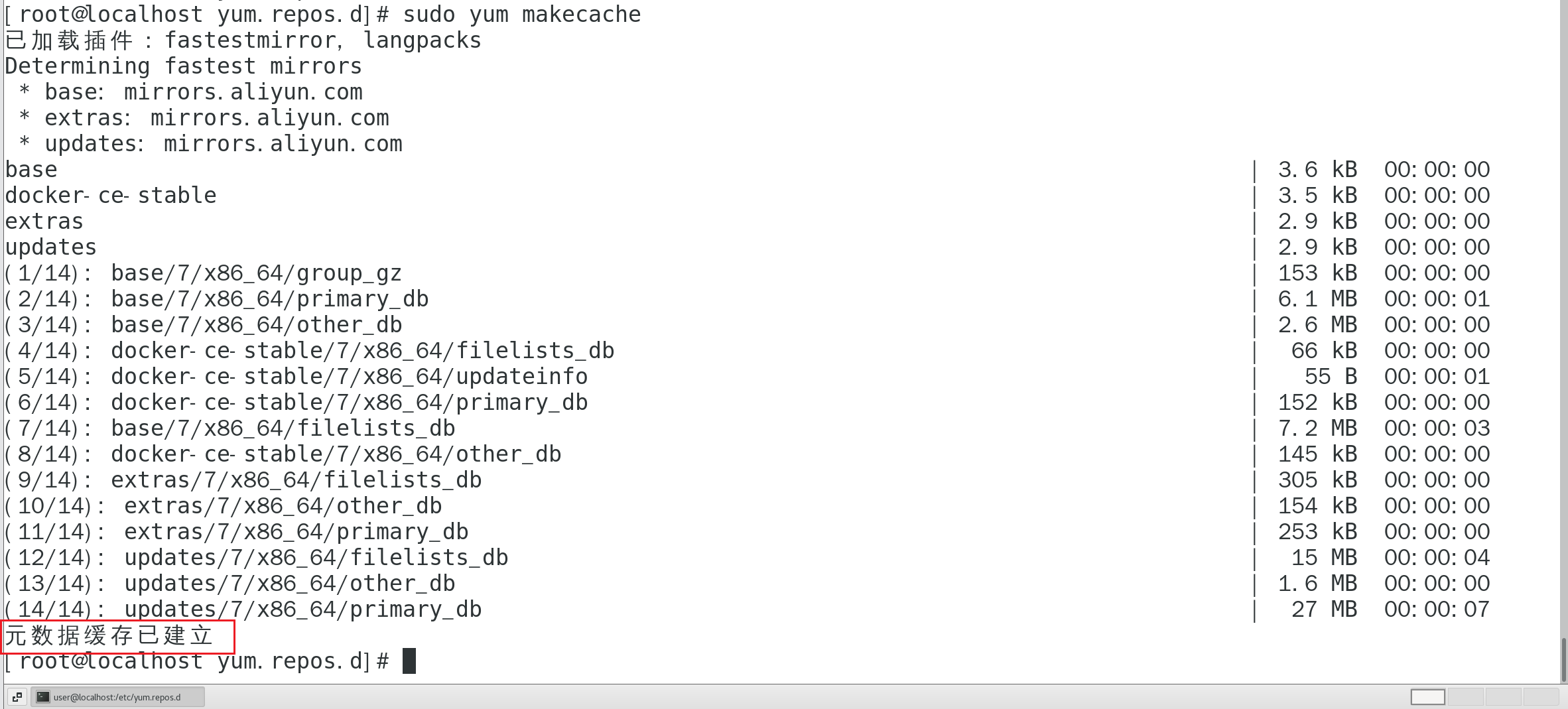
1.清除缓存,以便重新安装
# 清理所有缓存
yum clean all
# 清理 docker-ce-stable 仓库的元数据
yum --enablerepo=docker-ce-stable clean metadata
# 重新生成缓存
yum makecache
2.安装docker相关的yum工具包
sudo yum install -y yum-utils device-mapper-persistent-data lvm2
3.配置docker的yum软件包的清华国内源
使用清华大学镜像源来添加 Docker CE 的 yum 仓库
yum-config-manager \
        --add-repo \
        https://mirrors.tuna.tsinghua.edu.cn/docker-ce/linux/centos/docker-ce.repo
将 Docker 的 yum 软件源从官方地址切换到国内清华大学镜像站
sed -i 's|https://download.docker.com|https://mirrors.tuna.tsinghua.edu.cn/docker-ce|g' /etc/yum.repos.d/docker-ce.repo
缓存重构
yum makecache fast
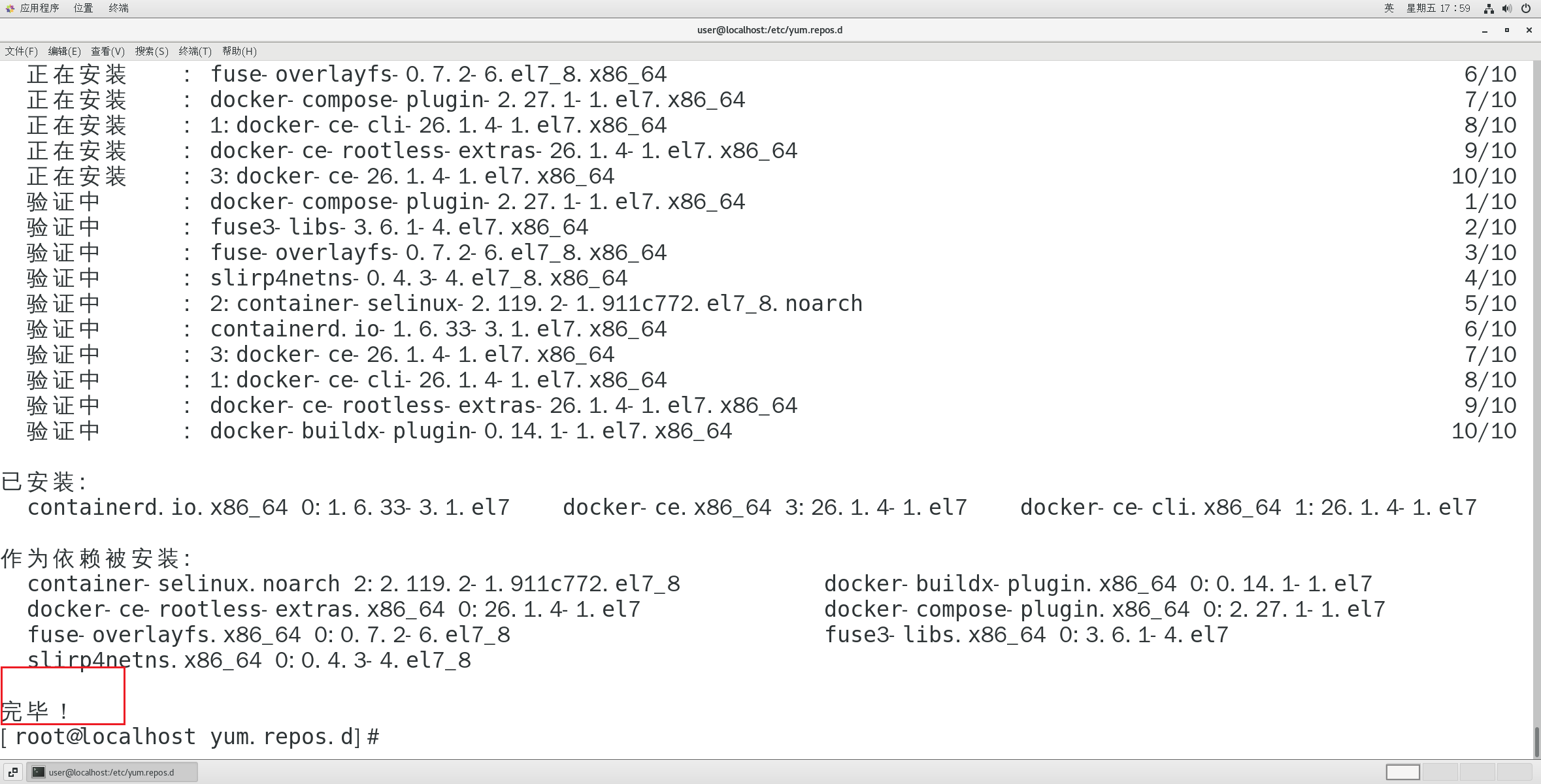
再次运行安装命令
yum install docker-ce docker-ce-cli containerd.io






 扫一扫
扫一扫


 被折叠的 条评论
为什么被折叠?
被折叠的 条评论
为什么被折叠?
 到【灌水乐园】发言





