





背景
本文简单记录LeCroy协议分析仪软件LeCroy PCIe Analysis软件的下载地址以及简单使用方法。包括如何抓包如何查看一些简单点。
软件下载链接
-
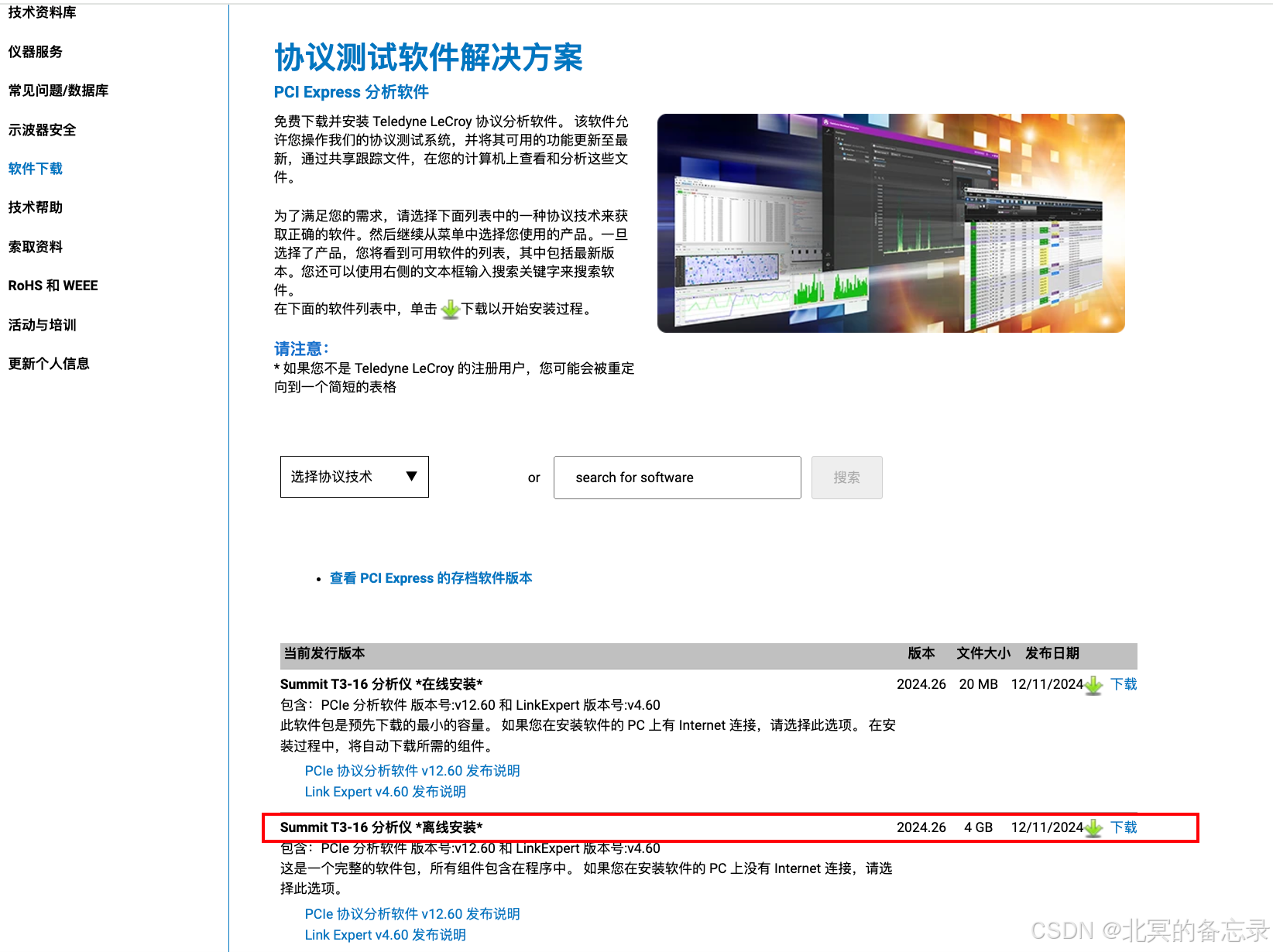
软件中心下载
https://zh-cn.teledynelecroy.com/support/softwaredownload/psgdocuments.aspx?standardid=3&mseries=219
-
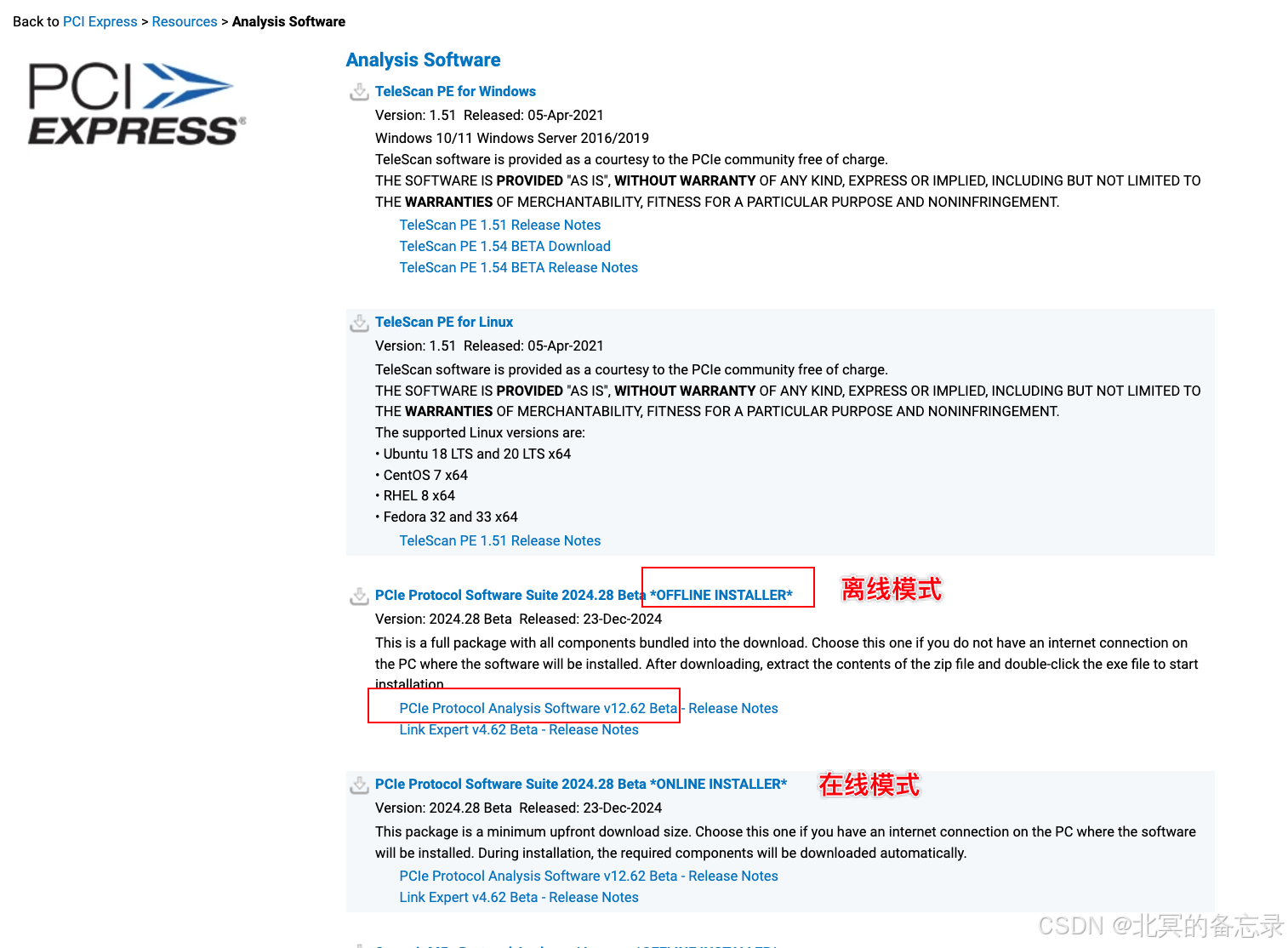
其他下载检索链接:
https://www.teledynelecroy.com/protocolanalyzer/pci-express/resources/analysis-software
其他链接
用户手册下载总览:https://zh-cn.teledynelecroy.com/support/techlib/productmanuals.aspx?type=2&cat=19&capid=106&mid=528&smid=657
T3-16用户手册 178页:https://cdn.teledynelecroy.com/files/manuals/pciesummitz3-16usermanual.pdf
T3-16quick start: https://cdn.teledynelecroy.com/files/manuals/pciesummitz3-16withclkreqquickstart.pdf
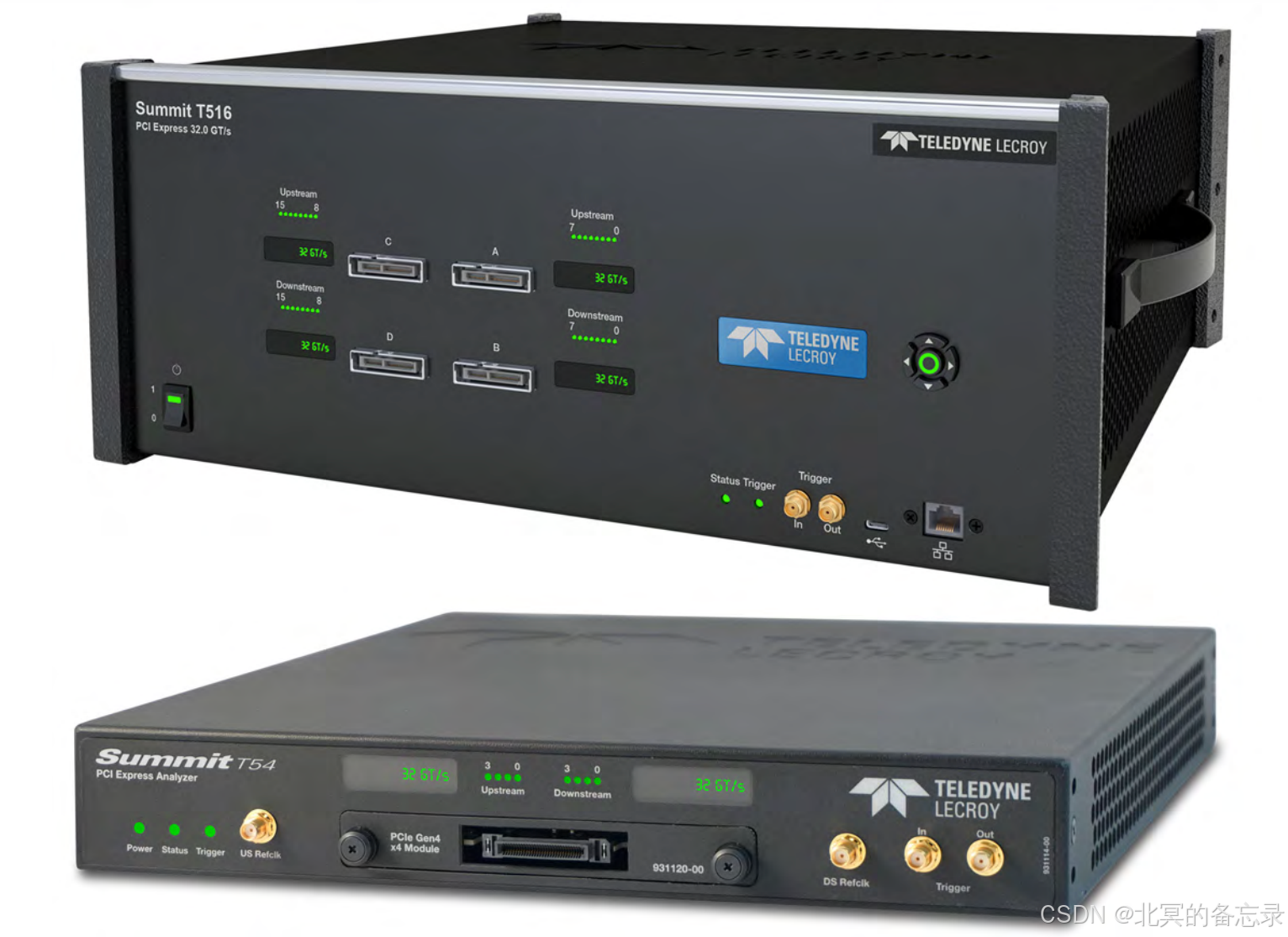
Z416用户手册 611页:https://cdn.teledynelecroy.com/files/manuals/pciegen4_summitz416_usermanual.pdf
PCIe Gen5用户手册 806页:https://cdn.teledynelecroy.com/files/manuals/pciegen5_protocolanalyzer_usermanual.pdf
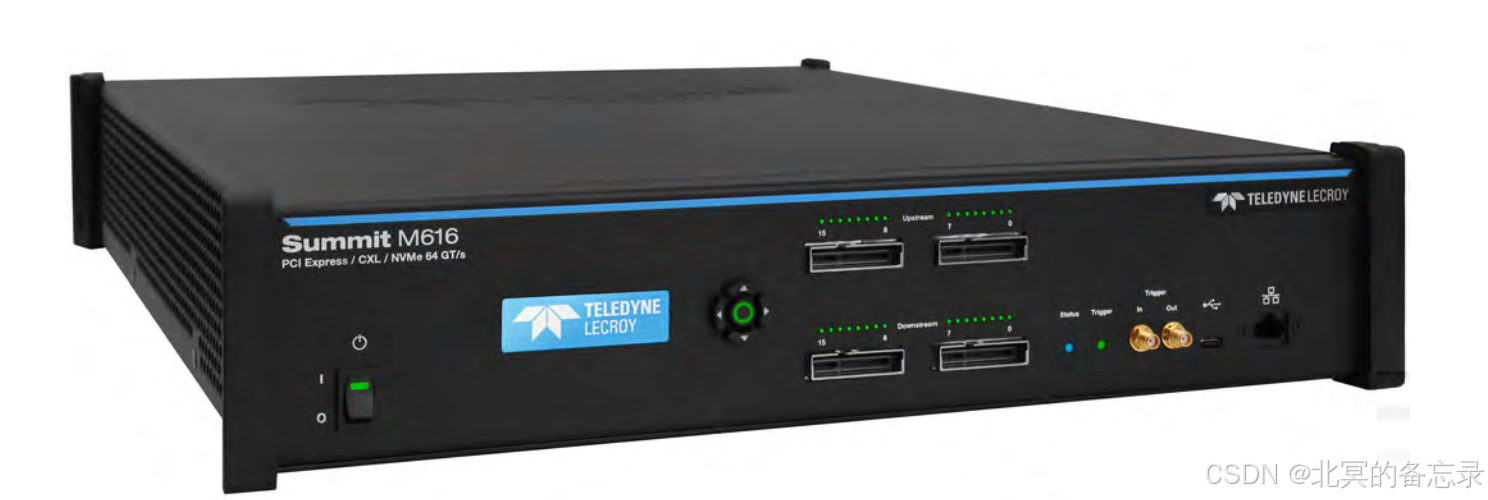
M616用户手册 675页: https://cdn.teledynelecroy.com/files/manuals/pciesummitm616analyzer_usermanual.pdf
license安装指导:
https://cdn.teledynelecroy.com/files/manuals/licenseinstallation.pdf
软件关键按钮说明
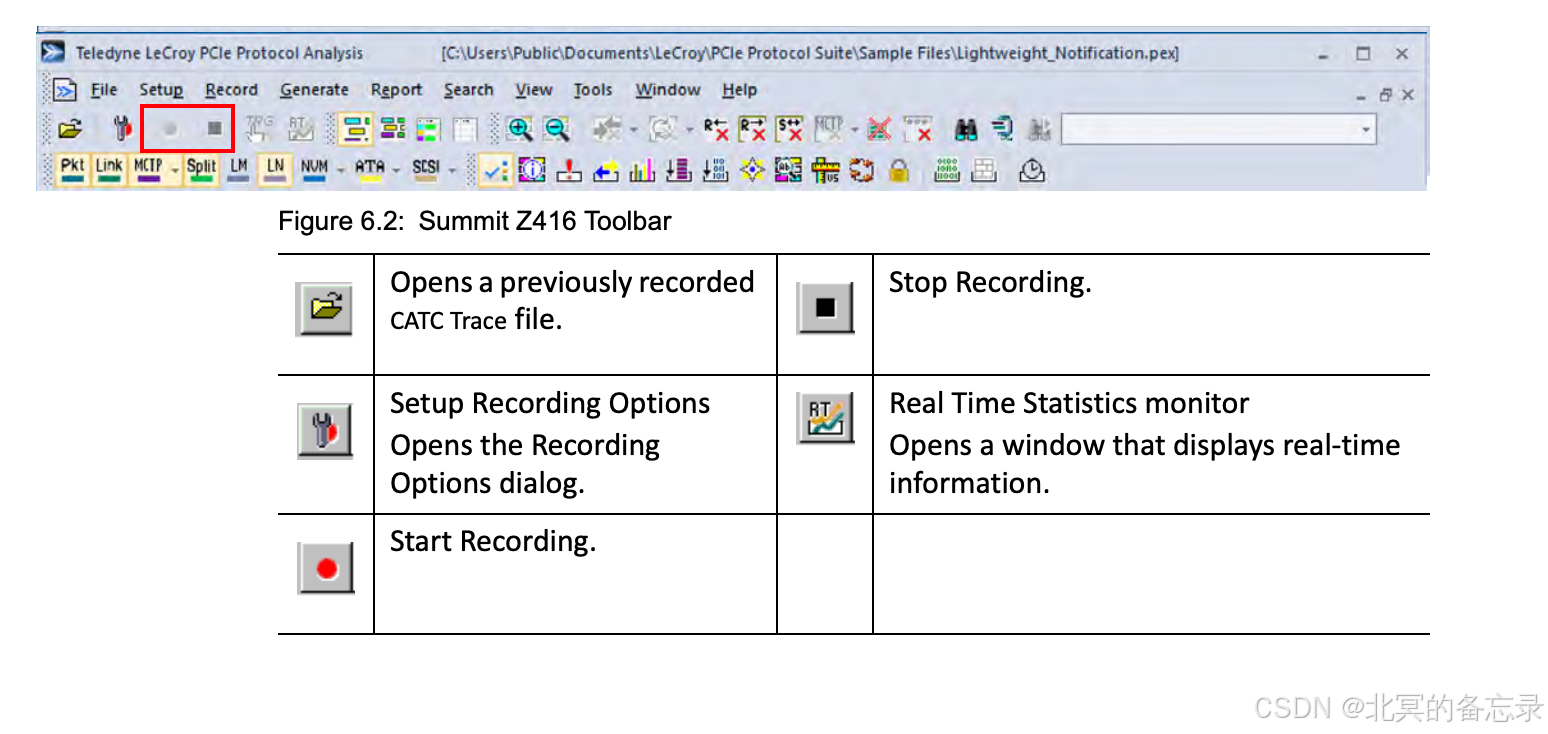
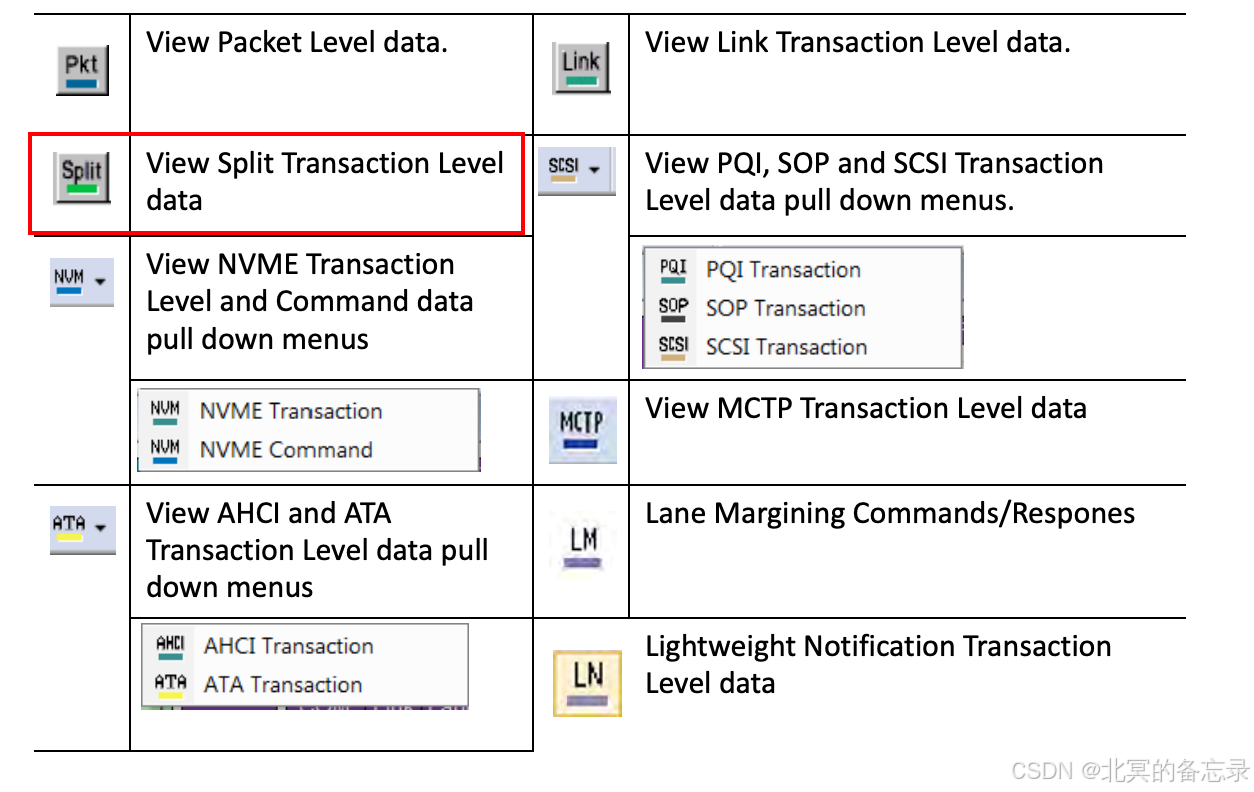
实操细节
设置与抓包方式
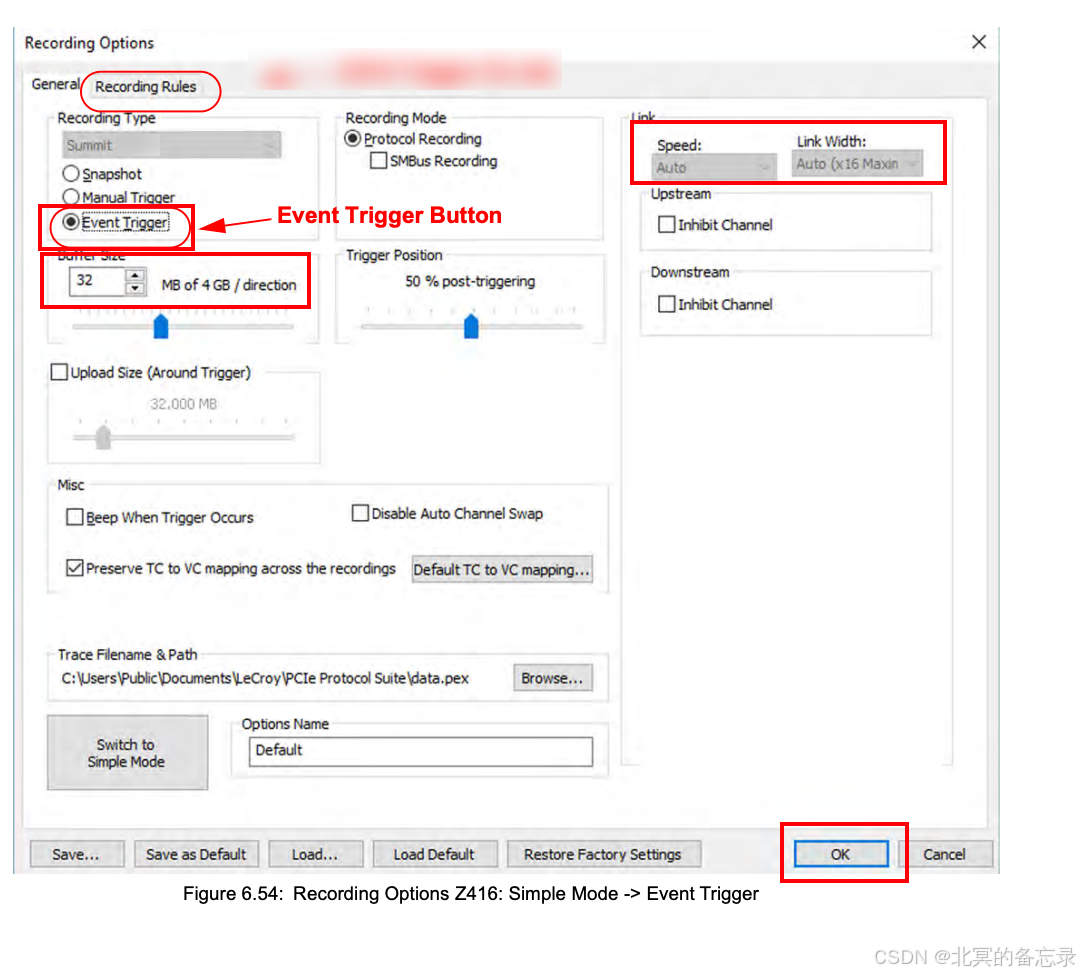
抓包参数配置:
setup recording options按钮
-> Event Trigger模式 -> Buffer Size设置(2G 如果开机扫描)-> Speed(8GT/s根据实际PCIe) -> Link Width(x8 比如x8的lan口)-> OK
效果:
抓包与停止与存储:
Start Recording按钮 -> 等待发包后trigger -> 完成抓包 -> 点击停止 -> 查看 -> 存储file -> save as
- 启动后等待包状态栏(如果是waiting for Trigger表示还没有包):

- 抓到包之后状态

抓包后效果
实际效果:
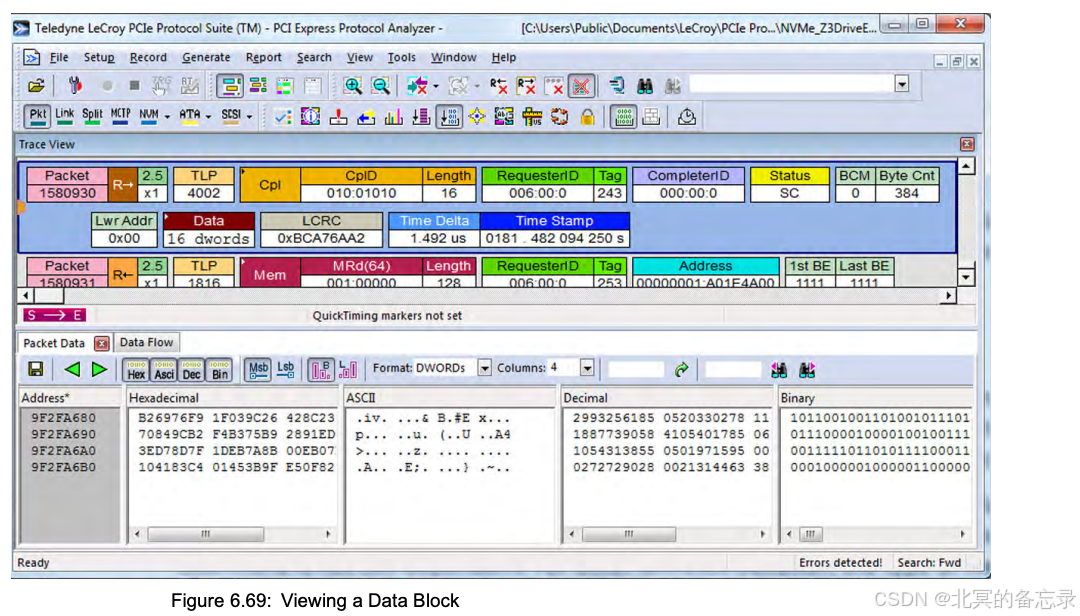
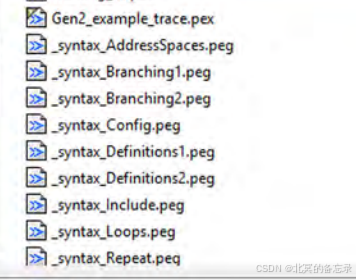
文件名:pex结尾
其他技巧
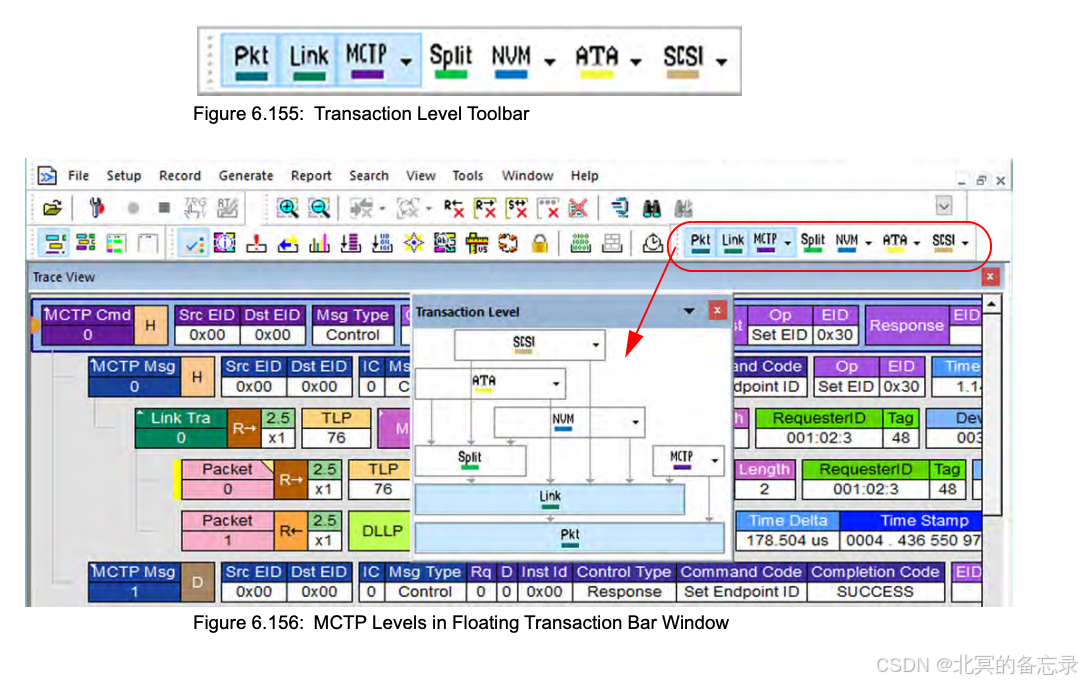
点击split将发送和响应的tlp组合在一起








 扫一扫
扫一扫


 1573
1573

 被折叠的 条评论
为什么被折叠?
被折叠的 条评论
为什么被折叠?
 到【灌水乐园】发言





