


 本文详细介绍了如何通过text-align、width:fit-content、定位、transform、margin以及flex和grid布局,实现行内元素和块级元素的水平垂直居中。掌握这些技巧,轻松应对网页布局挑战。
关于实现 水平垂直居中 的一些方法
文章目录
行内元素
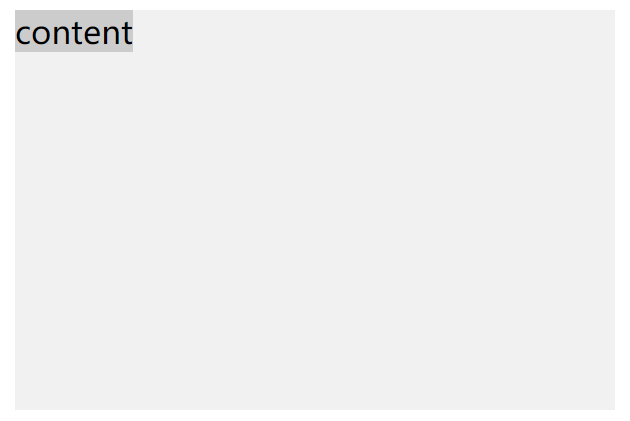
<body>
	<style>
		.box {
      		width: 300px;
      		height: 200px;
      		background: #F1F1F1;
    	}
    	.box1 {
      		background: #ccc;
    	}
	</style>

	<div class="box">
		<span class="box1">content</span>
	</div>
</body>
1. text-align
.box {
	text-align:center;		/* 父元素设置 text-align 实现水平居中*/
}
.box1 {
	line-height: 200px;		/* 设置行高与父元素宽度相同,只能针对单行文本垂直居中 */
}
2. width: fit-content
.box {
	width:fit-content;		/* 这种方式实际上是使父元素的宽度适应子元素 */
	margin: auto;			/* 使父元素相对窗口居中 */
}
.box1 {
	line-height: 200px;
}
块级元素

<body>
	<style>
		.box {
      		width: 800px;
      		height: 500px;
      		background: #F1F1F1;
    	}
    	.box1{
      		width: 300px;
      		height: 200px;
      		background: #ccc;
    	}
	</style>

	<div class="box">
		<div class="box1"></div>
	</div>
</body>
1. 定位
.box {
	position: relative;
}
.box1 {
	position: absolute;
	left: 50%;
	top: 50%;
	margin-left: -150px;
	margin-top: -100px;
}
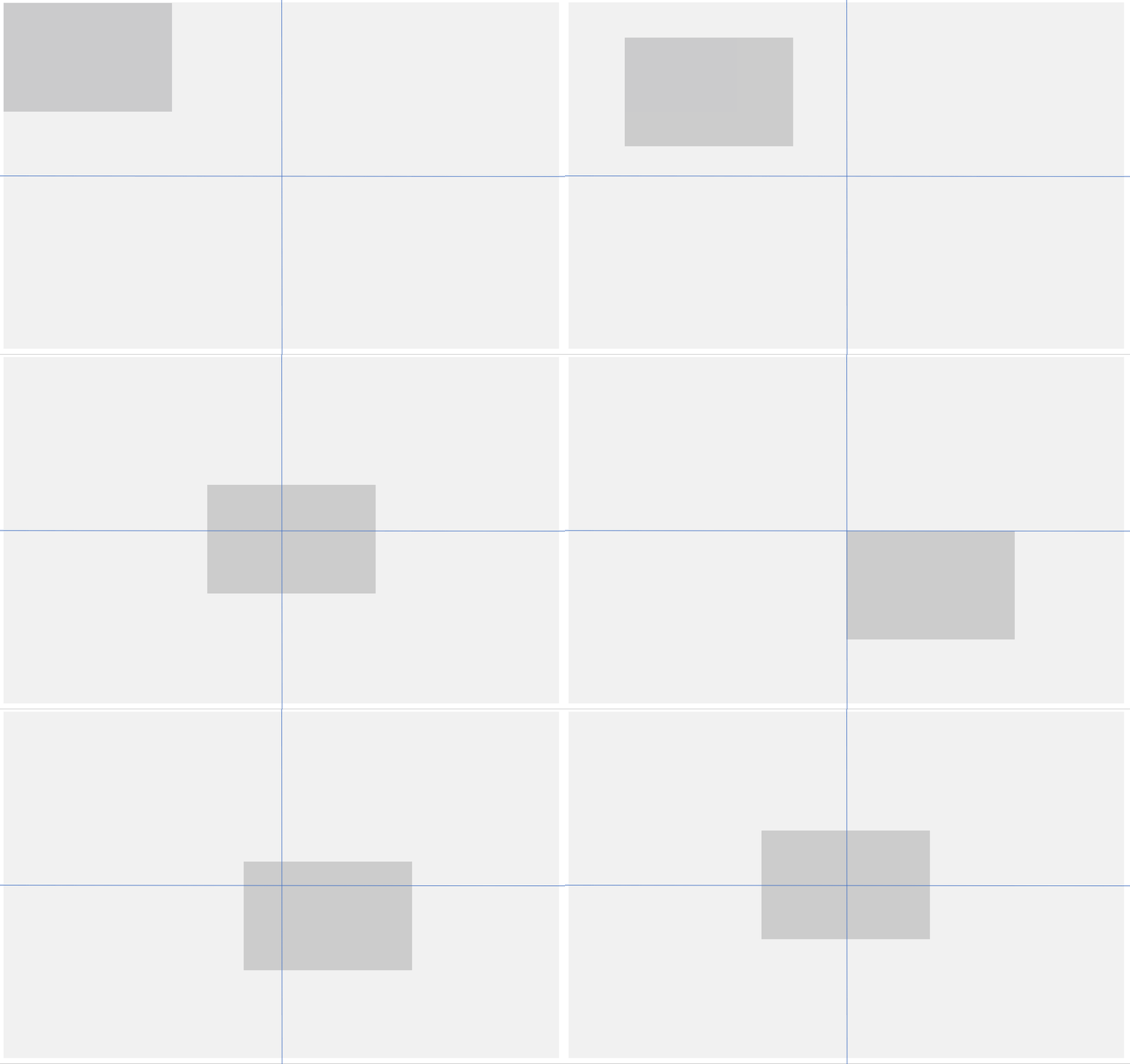
left: 50%; top: 50%; 将子元素的左上角定位到父元素中心点上,再使用margin-left: -150px; margin-top: -100px;将子元素偏移自身宽高的一半
2. 定位 + transform
.box {
	position: relative;
}
.box1 {
	position: absolute;
	left: 50%;
	top: 50%;
	transform: translate(-50%, -50%);
}
使用 transform: translate(-50%, -50%); 偏移子元素,不需要写具体数值。
3. 定位 + margin
.box {
	position: relative;
}
.box1 {
	position: absolute;
	left: 0;
	right: 0;
	top: 0;
	bottom: 0;
	margin: auto;
}
absolute 这种脱离正常文档流的定位方式,会把元素宽高设置成内容的宽高。
设置left: 0; right: 0;使子元素宽度占满父元素
设置top: 0; bottom: 0;使子元素高度占满父元素
然后设置 margin: auto; 就可以实现水平垂直居中
4. flex
.box {
	display: flex;
	justify-content: center;
	align-items: center;
}
flex布局: 容器默认存在两根轴,横轴和纵轴
justify-content: center; 控制水平居中
align-items: center; 控制垂直居中
5. table-cell
.box {
	display: table-cell;
    text-align: center;
    vertical-align: middle;
}
.box1 {
	display: inline-block;
}
table-cell布局:使元素表现的类似一个表格中的单元格td
text-align: center;水平居中
vertical-align: middle; 垂直居中
子元素改为 inline-block 元素
6. grid
.box {
	display: grid;
}
.box1 {
	align-self: center;
	justify-self: center;
}
grid布局:一种网格布局
justify-self: center; 水平居中
align-self: center;垂直居中





 扫一扫
扫一扫


 432
432

 被折叠的 条评论
为什么被折叠?
被折叠的 条评论
为什么被折叠?
 到【灌水乐园】发言





